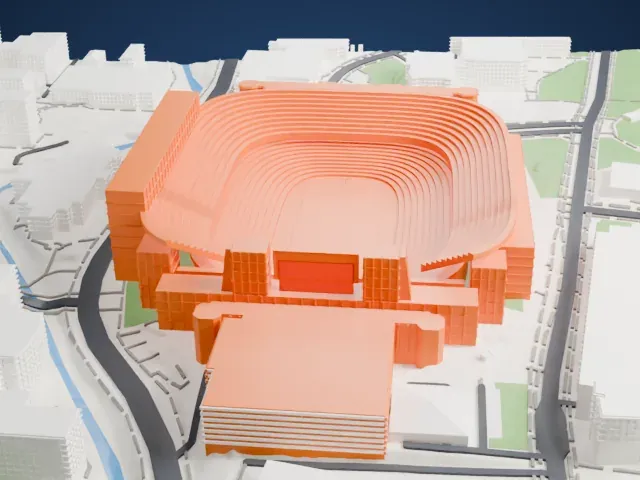
3D print Q2 Stadium
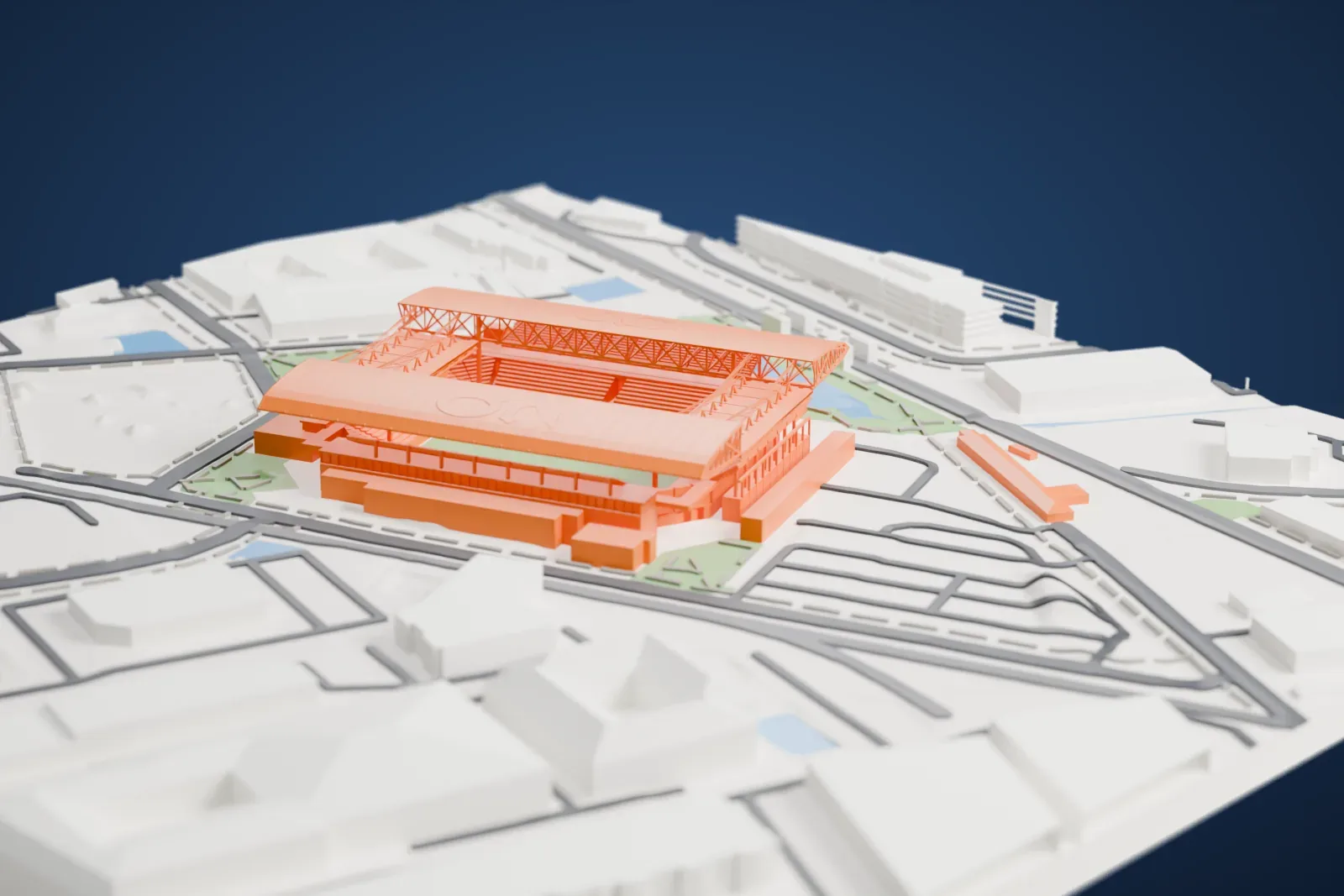
A free, printable model of Q2 Stadium, with its two long curved roofs, and the green areas, pond, roads and low buildings around it, generated from real map data in your browser.
Free, in your browser. Exports a slicer-ready 3MF.
About Q2 Stadium
Q2 Stadium is a venue built specifically for soccer in the North Burnet area of North Austin, Texas. Austin FC, which began play in 2021 as a team in Major League Soccer, calls it home. With approximately 20,500 seats, it has Gensler as lead architect and Austin Commercial as construction manager, both named in March 2019. Through a naming rights partnership between Austin FC and Q2 Holdings, an online banking provider from the area, it took the formal name Q2 Stadium on January 25, 2021.
The 24-acre site has an industrial past. A 23.5 acre chemical plant was established there in 1956, making chemicals, generally peroxides, for Reichhold Chemicals, and it closed in December 1985 after repeated safety incidents on the site. The City of Austin bought the land in 1995 for $1.4 million. An explosion occurred in 2003 during construction of a city facility, and workers found illegally stored chemical waste; the site was stripped down to bedrock during remediation. Private money paid for the stadium's financing and construction, but the city owns it. The site is under a 20-year lease, which the club can extend up to three times.
Q2 Stadium opened on June 16, 2021, with a women's international friendly pitting the United States against Nigeria, and Christen Press scored the first goal there. Austin FC played its first match there on June 19, 2021, a 0–0 draw with the San Jose Earthquakes before a sellout crowd of 20,738. Next to the stadium is McKalla station, on the Red Line of CapMetro, which opened in 2024 for the purpose of serving it. The stadium was chosen in December 2023 to stage two matches of the 2024 Copa América.
How it prints
Make this print opens the generator on a 600 m square around the landmark. Buildings print at close to true scale, so the landmark grows with the print size.
| Print size | Landmark height | Scale |
|---|---|---|
| 160 mm default | 11 mm | 1:3,750 |
| 200 mm | 13 mm | 1:3,000 |
| 256 mm | 17 mm | 1:2,344 |
-
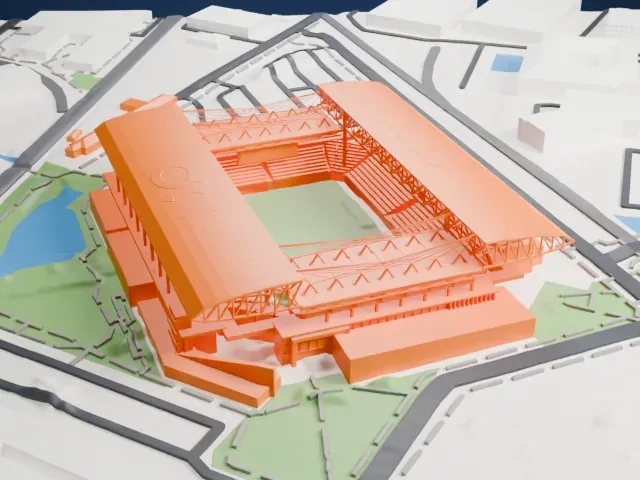 North
North
-
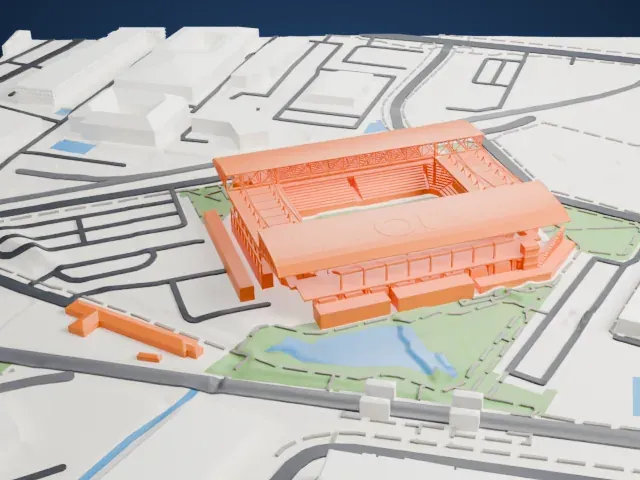 East
East
-
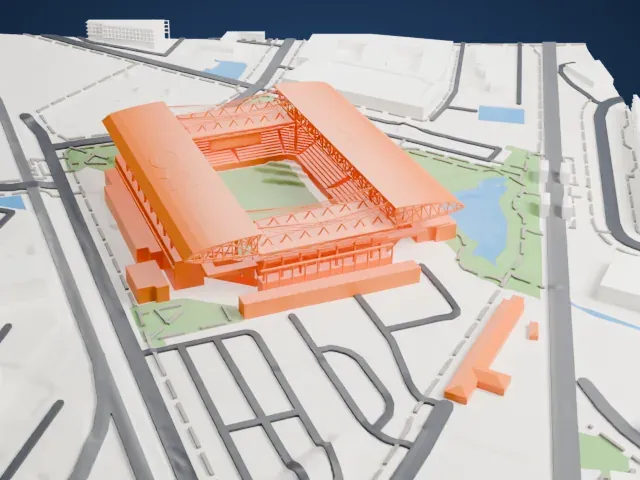 South
South
-
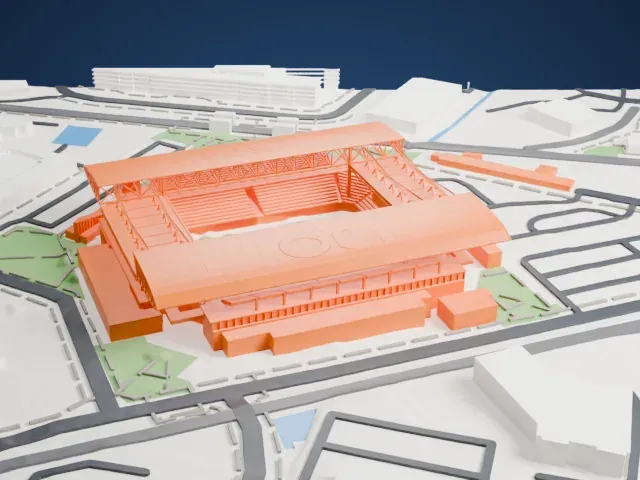 West
West
- Long curved roofs and trusses
- The two roofs reach out over the stands on a frame of thin trusses. Print friendly adapts the thin members to the print scale; Full detail keeps them, which suits a larger print or a fine nozzle.
- Lettering on the roof panels
- The roof surfaces carry fine lettering and small details. A larger print size keeps more of them, and layers of 0.12–0.16 mm help them stay crisp.
- One piece with the ground
- Q2 Stadium is joined to the ground in the exported file, and the four-side check found no floating parts, so nothing needs gluing.
- Pick the detail for your nozzle
- In the Buildings settings, set Landmark detail to Print friendly to adapt thin parts and small details to the print scale. Full detail keeps every modeled feature, for larger prints or a finer nozzle.
- Colors
- Buildings, roads, water and ground arrive as separate filament slots in the 3MF. Q2 Stadium takes the building color.
- File format
- You get a 3MF for Bambu Studio, OrcaSlicer or PrusaSlicer. Any of them can save it as STL if you need one.
About this model
Q2 Stadium is one of more than 2,300 landmark models in Mini Skyline. They are made with AI, and each one is checked from four sides in its real surroundings before release. Everything around it is built from OpenStreetMap and Overture map data. If you would rather print the shape from map data, turn off Landmark models in the Buildings settings.
Common questions
Is there a Q2 Stadium STL I can download?
Mini Skyline builds the file for you in your browser and exports 3MF, which every major slicer opens. If you need an STL, open the 3MF in your slicer and export it from there.
How big can I print it?
Any print size from 40 mm across. Q2 Stadium grows with the print: about 11 mm tall on the default 160 mm print. For a model larger than your printer bed, Project Mode splits the area into tiles.
Is it free?
Yes. Generation runs in your browser, with no account and nothing behind a paywall.