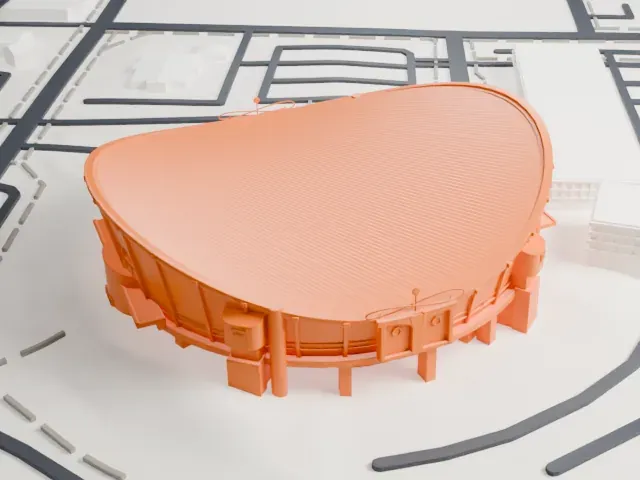
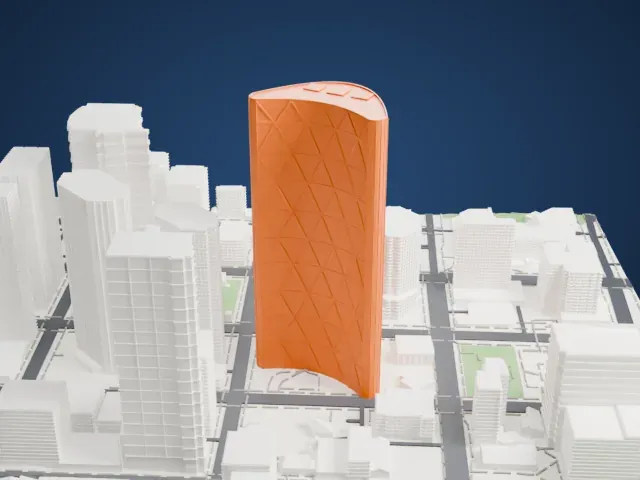
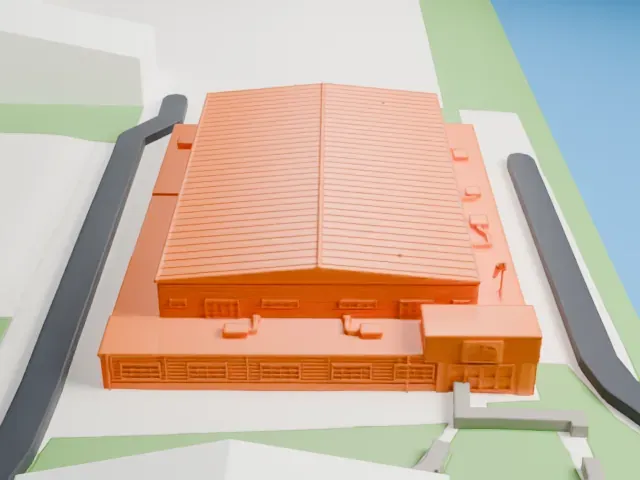
3D print the Calgary Tower
A free, printable model of the Calgary Tower and the downtown buildings and streets around it, generated from real map data in your browser.
Free, in your browser. Exports a slicer-ready 3MF.
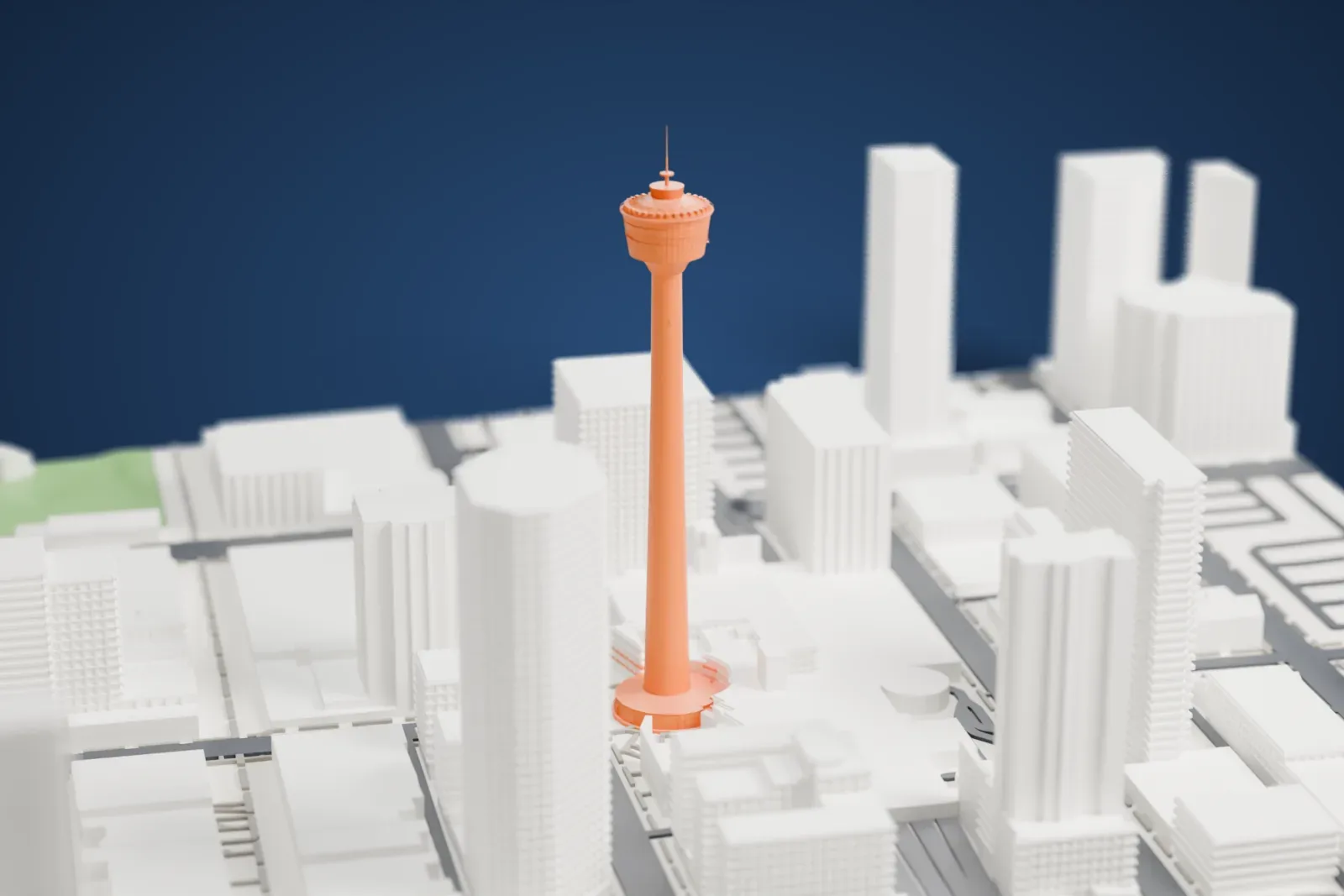
About the Calgary Tower
In downtown Calgary, Alberta, Canada, the Calgary Tower rises 190.8 meters (626 ft) as a free-standing observation tower. Marathon Realty and Husky Oil proposed it jointly, as one element of an urban renewal plan and a way to mark Canada's centennial of 1967. Its first name was the Husky Tower; it became the "Calgary Tower" in 1971.
Work started on February 19, 1967, and took 15 months. Builders formed the column with an unprecedented continual concrete pour, starting May 15, 1967 and finishing 24 days later. The public opening came on June 30, 1968. At that point the tower was Calgary's tallest structure, and Canada's tallest outside Toronto.
A. Dale and Associates designed the structure to resist earthquakes and winds reaching 160 km/h (100 mph). The weight comes to about 10,884 tonnes, with 60% of it below ground. Building it cost a total of $3.5 million. The tower belongs to the World Federation of Great Towers as a founding member.
How it prints
Make this print opens the generator on a 600 m square around the landmark. Buildings print at close to true scale, so the landmark grows with the print size.
| Print size | Landmark height | Scale |
|---|---|---|
| 160 mm default | 51 mm | 1:3,750 |
| 200 mm | 64 mm | 1:3,000 |
| 256 mm | 82 mm | 1:2,344 |
-
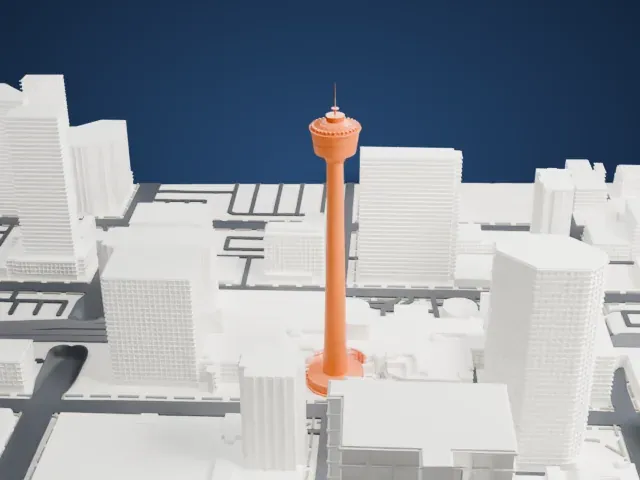 North
North
-
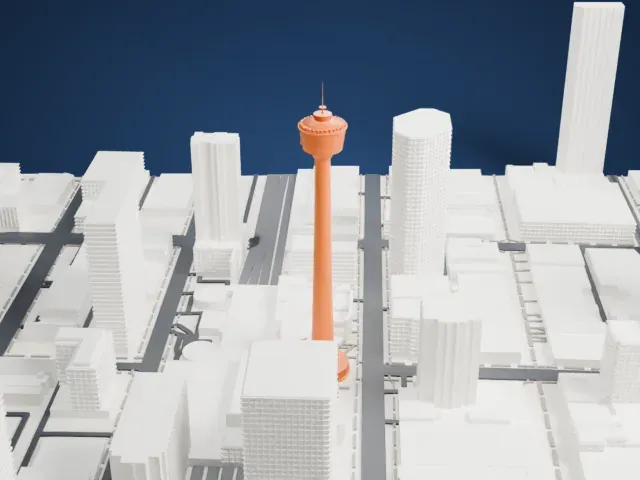 East
East
-
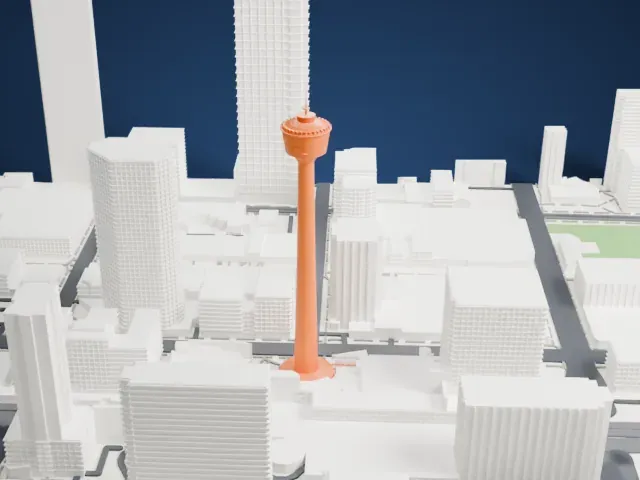 South
South
-
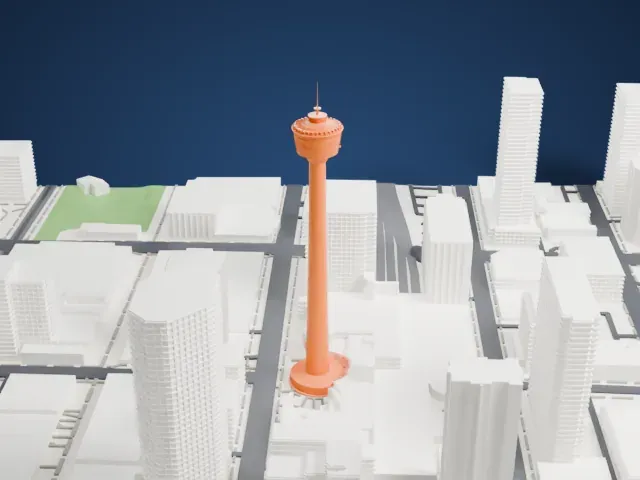 West
West
- Slender shaft and thin mast
- The long, thin shaft and the antenna above the observation pod are the delicate parts. Print slowly with good cooling, and use Full detail only at larger sizes where the mast stays thick enough.
- One piece with the ground
- The Calgary Tower is joined to the ground in the exported file, and the four-side check found no floating parts, so nothing needs gluing.
- Pick the detail for your nozzle
- In the Buildings settings, set Landmark detail to Print friendly to adapt thin parts and small details to the print scale. Full detail keeps every modeled feature, for larger prints or a finer nozzle.
- Colors
- Buildings, roads, water and ground arrive as separate filament slots in the 3MF. The Calgary Tower takes the building color.
- File format
- You get a 3MF for Bambu Studio, OrcaSlicer or PrusaSlicer. Any of them can save it as STL if you need one.
About this model
The Calgary Tower is one of more than 2,300 landmark models in Mini Skyline. They are made with AI, and each one is checked from four sides in its real surroundings before release. Everything around it is built from OpenStreetMap and Overture map data. If you would rather print the shape from map data, turn off Landmark models in the Buildings settings.
Common questions
Is there a Calgary Tower STL I can download?
Mini Skyline builds the file for you in your browser and exports 3MF, which every major slicer opens. If you need an STL, open the 3MF in your slicer and export it from there.
How big can I print it?
Any print size from 40 mm across. The Calgary Tower grows with the print: about 51 mm tall on the default 160 mm print. For a model larger than your printer bed, Project Mode splits the area into tiles.
Is it free?
Yes. Generation runs in your browser, with no account and nothing behind a paywall.