3D print Baiyoke Tower II
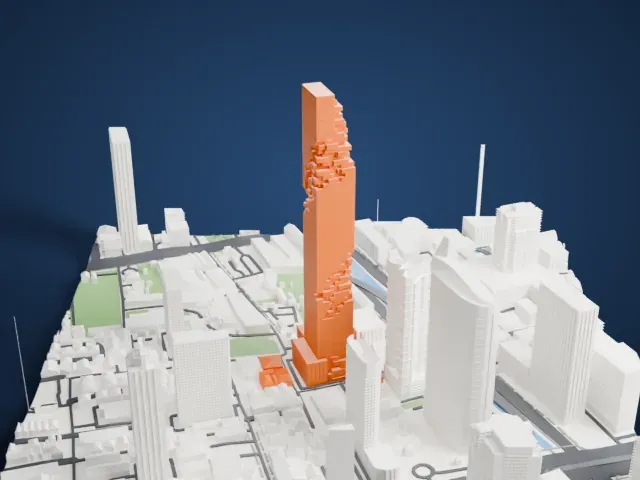
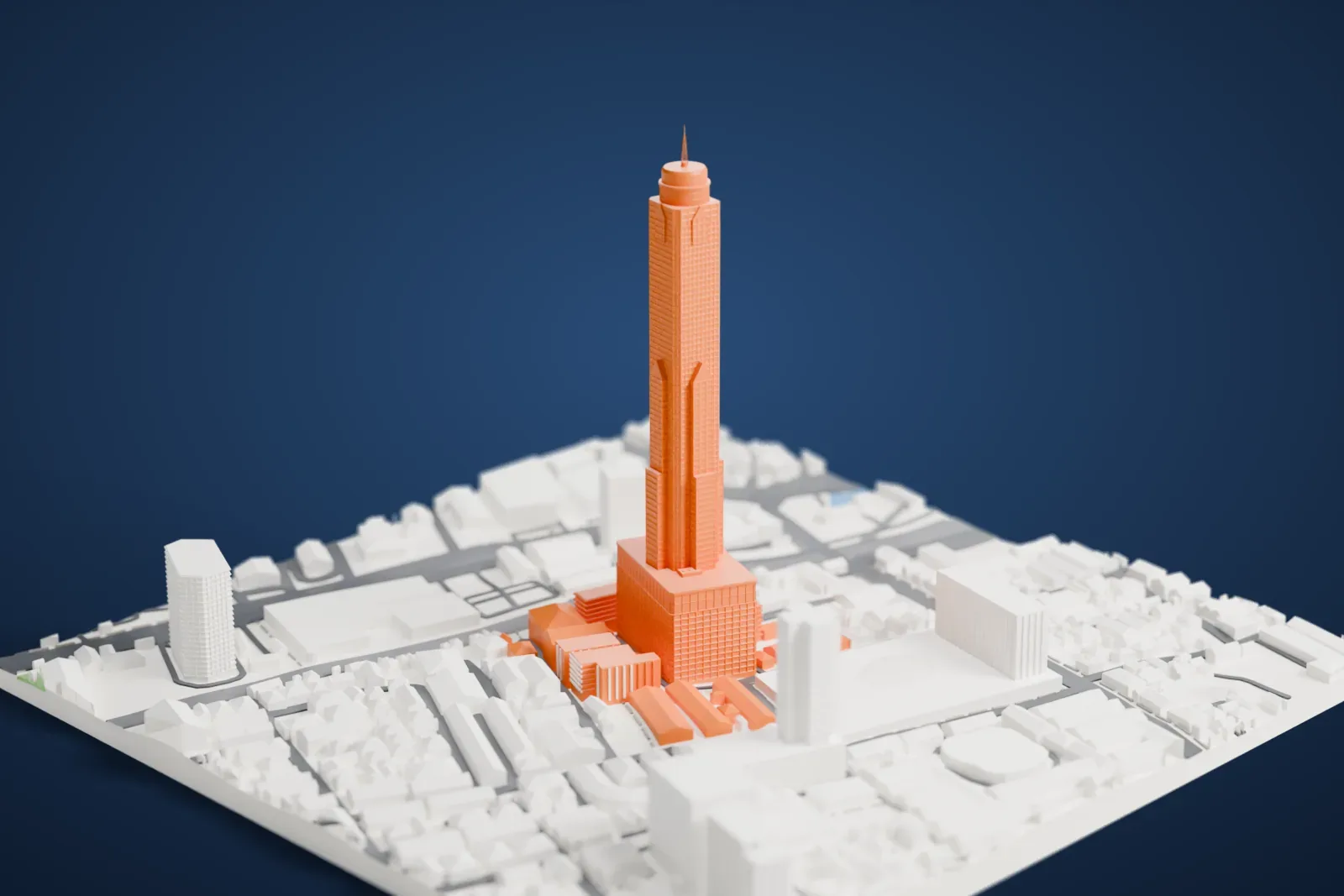
A free, printable model of Baiyoke Tower II, a tall stepped tower with a slim antenna on a wide base, and the low Bangkok buildings and roads around it, generated from real map data in your browser.
Free, in your browser. Exports a slicer-ready 3MF.
About Baiyoke Tower II
Baiyoke Tower II is a hotel skyscraper. Its address is 222 Ratchaprarop Road, in Bangkok's Ratchathewi District, Thailand. Its height is 309 meters (1,014 ft) without the antenna, and 328.4 meters (1,077 ft) with it. The hotel's own website gives the 309 m figure, while other sources put the height without the antenna at 304 m (997 ft).
The building contains the Baiyoke Sky Hotel, which is Southeast Asia's tallest hotel and offers 673 guest rooms. A public observatory occupies the 77th floor, a bar called the Roof Top Bar & Music Lounge sits on the 83rd floor, and a 360-degree revolving roof deck, at 309 m, is on the 84th floor. Construction ended in 1997, and the antenna followed two years later. Analog television broadcasting from the tower was switched off in stages, from June 16, 2018 to March 26, 2020.
How it prints
Make this print opens the generator on a 600 m square around the landmark. Buildings print at close to true scale, so the landmark grows with the print size.
| Print size | Landmark height | Scale |
|---|---|---|
| 160 mm default | 90 mm | 1:3,750 |
| 200 mm | 112 mm | 1:3,000 |
| 256 mm | 143 mm | 1:2,344 |
-
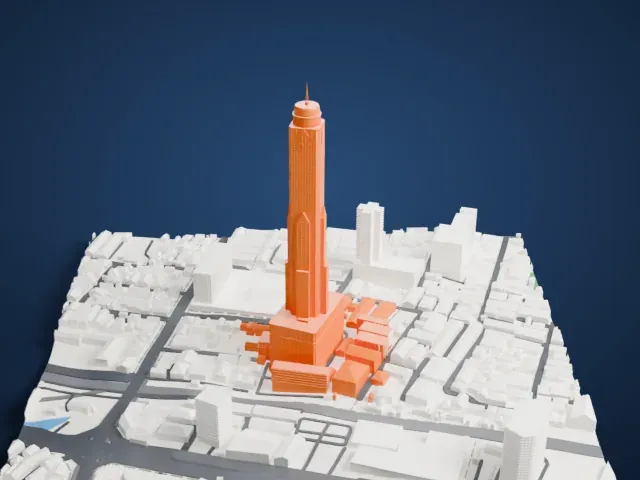 North
North
-
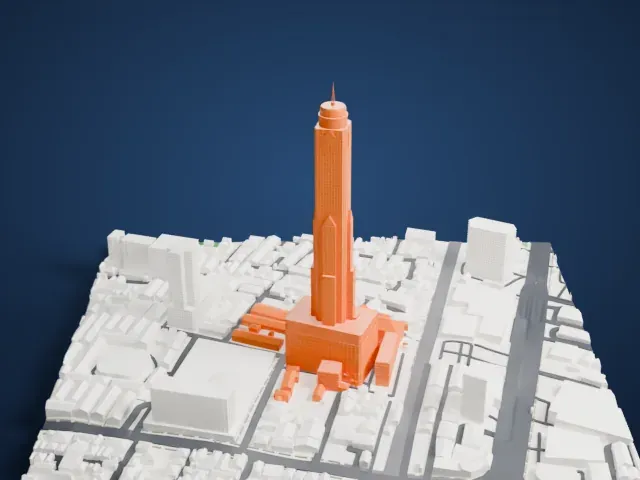 East
East
-
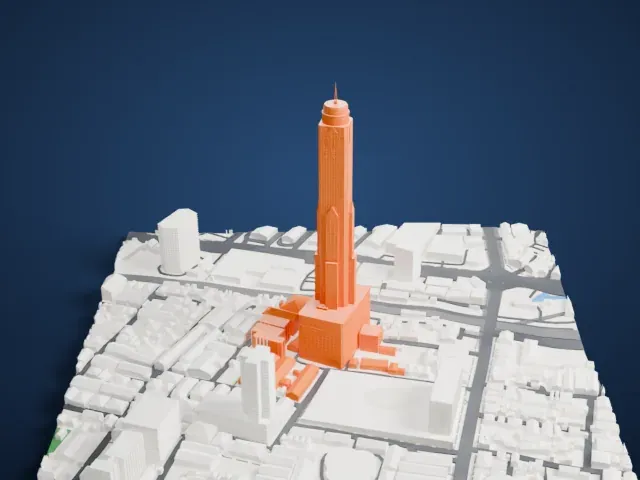 South
South
-
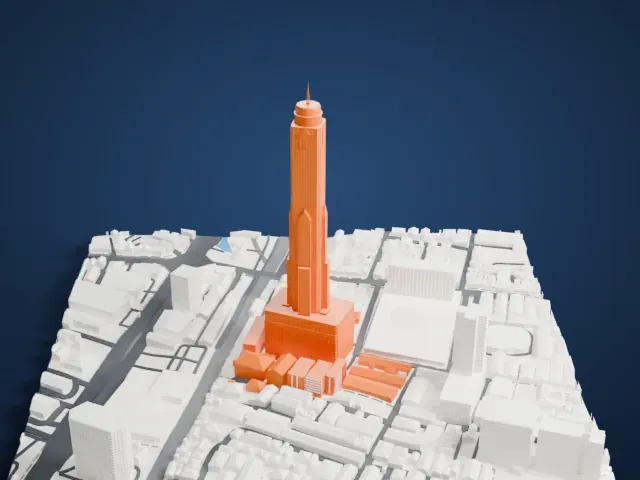 West
West
- Thin antenna on top
- A slim antenna rises from the crown. Print friendly adapts it to the print scale; Full detail keeps it on larger prints. Print slowly with good cooling so the thin tip forms cleanly.
- A very slender shaft
- The tower is tall and narrow above a wider base. A bigger print size gives it a sturdier shaft, and a layer height of 0.12–0.16 mm keeps the stepped, ribbed facade crisp.
- One piece with the ground
- Baiyoke Tower II is joined to the ground in the exported file, and the four-side check found no floating parts, so nothing needs gluing.
- Pick the detail for your nozzle
- In the Buildings settings, set Landmark detail to Print friendly to adapt thin parts and small details to the print scale. Full detail keeps every modeled feature, for larger prints or a finer nozzle.
- Colors
- Buildings, roads, water and ground arrive as separate filament slots in the 3MF. Baiyoke Tower II takes the building color.
- File format
- You get a 3MF for Bambu Studio, OrcaSlicer or PrusaSlicer. Any of them can save it as STL if you need one.
About this model
Baiyoke Tower II is one of more than 2,300 landmark models in Mini Skyline. They are made with AI, and each one is checked from four sides in its real surroundings before release. Everything around it is built from OpenStreetMap and Overture map data. If you would rather print the shape from map data, turn off Landmark models in the Buildings settings.
Common questions
Is there a Baiyoke Tower II STL I can download?
Mini Skyline builds the file for you in your browser and exports 3MF, which every major slicer opens. If you need an STL, open the 3MF in your slicer and export it from there.
How big can I print it?
Any print size from 40 mm across. Baiyoke Tower II grows with the print: about 90 mm tall on the default 160 mm print. For a model larger than your printer bed, Project Mode splits the area into tiles.
Is it free?
Yes. Generation runs in your browser, with no account and nothing behind a paywall.