3D print Bank of America Plaza
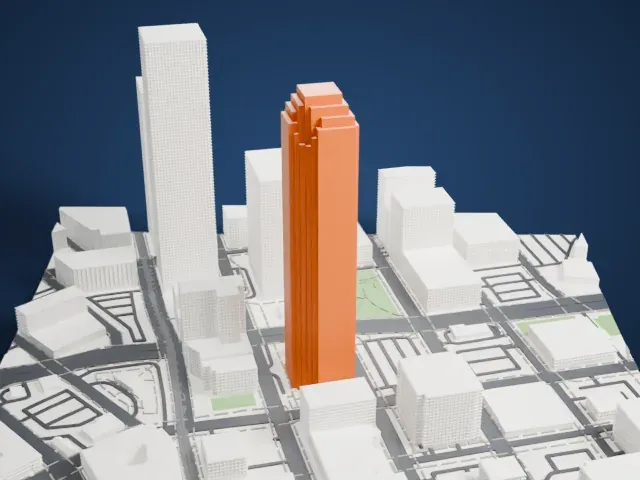
A free, printable model of Bank of America Plaza, a tall slender tower with a stepped top, and the buildings, streets and small parks around it, generated from real map data in your browser.
Free, in your browser. Exports a slicer-ready 3MF.
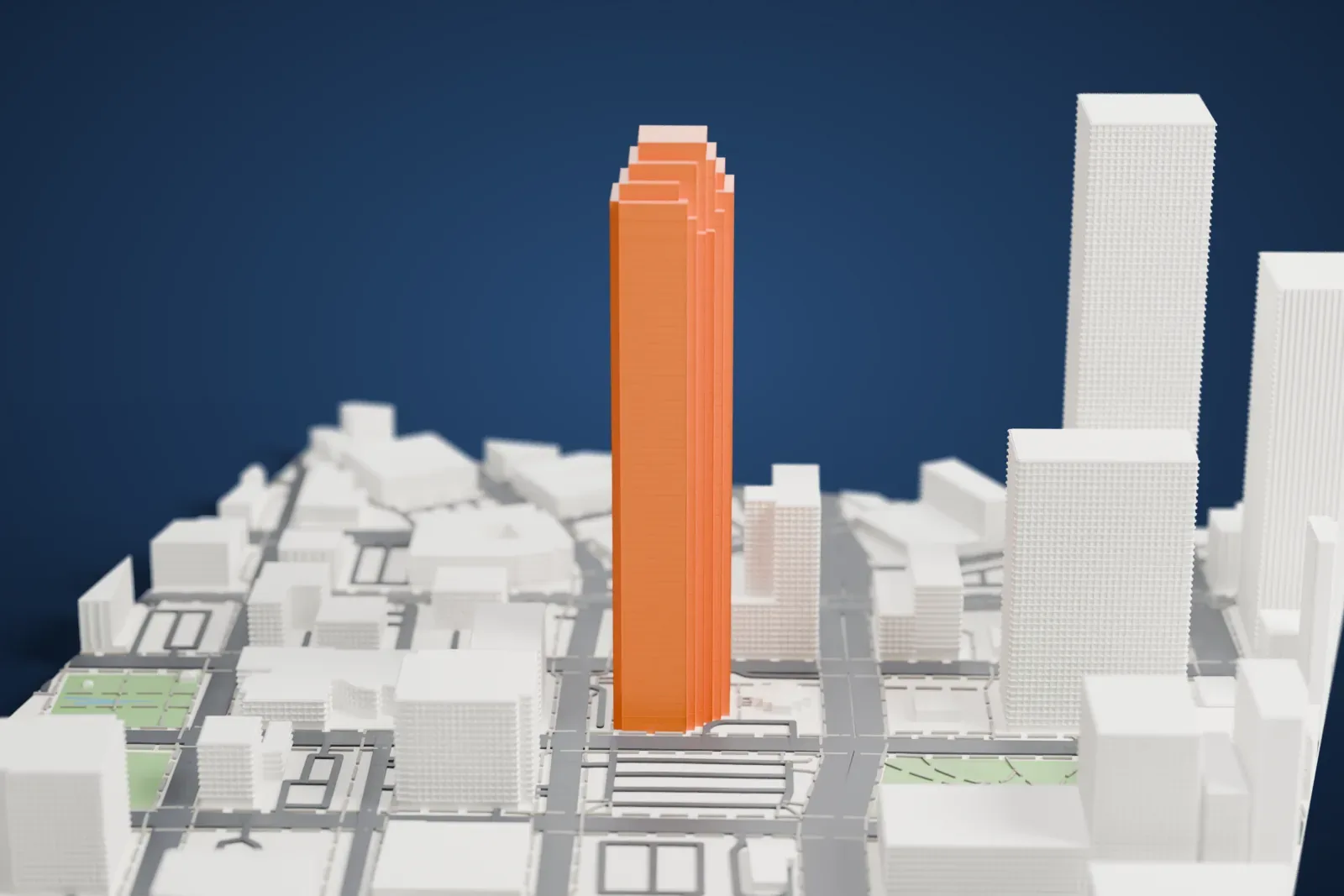
About Bank of America Plaza
Bank of America Plaza is a late-modernist skyscraper with 72 stories, in the Main Street District of downtown Dallas, Texas. It stands 280.7 m (921 ft) high and is the tallest skyscraper in Dallas. The tower holds 180,000 m2 (1,900,000 sq ft) of office space. JPJ Architects designed it, and Bramalea Limited of Brampton, Ontario, Canada developed it. Building started in 1983, and the tower was finished in 1985.
The project began as the Dallas Main Center, and the tower opened as InterFirst Bank Plaza. Bank mergers and acquisitions led to First Republic Bank Plaza in 1986, then NCNB Plaza, NationsBank Plaza in 1991 and Bank of America Plaza in 1998. The first plans included a parking garage, a hotel with 600 rooms and two towers of 72 stories each, but the collapse of oil, real estate and banking in Texas in the mid-eighties left the second tower and the hotel unbuilt. The pyramid crown of the original design was dropped to gain FAA approval, and the curtain wall uses blue glazing with gray marble accent bands.
At night, the faceted facade was first lit by nearly 3 km (2 miles) of green argon lighting along its edges and corners, which led to the nickname "The Pickle". In a renovation that began in May 2013, multi-colored LED tubes replaced the argon lighting. The two uppermost floors serve as a broadcast communications center, using the building itself as the broadcast tower structure.
How it prints
Make this print opens the generator on a 600 m square around the landmark. Buildings print at close to true scale, so the landmark grows with the print size.
| Print size | Landmark height | Scale |
|---|---|---|
| 160 mm default | 75 mm | 1:3,750 |
| 200 mm | 94 mm | 1:3,000 |
| 256 mm | 120 mm | 1:2,344 |
-
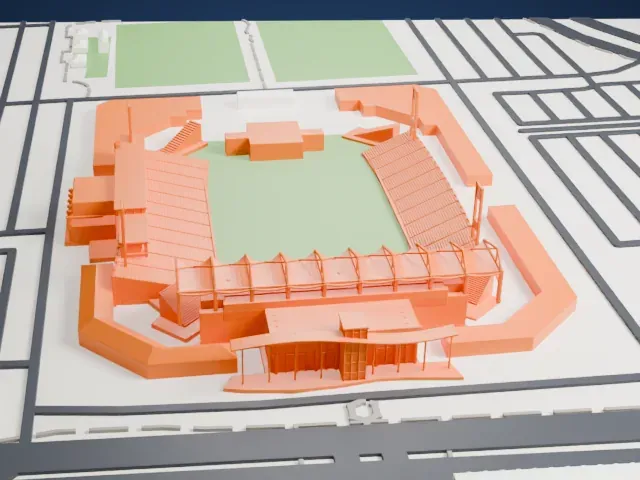
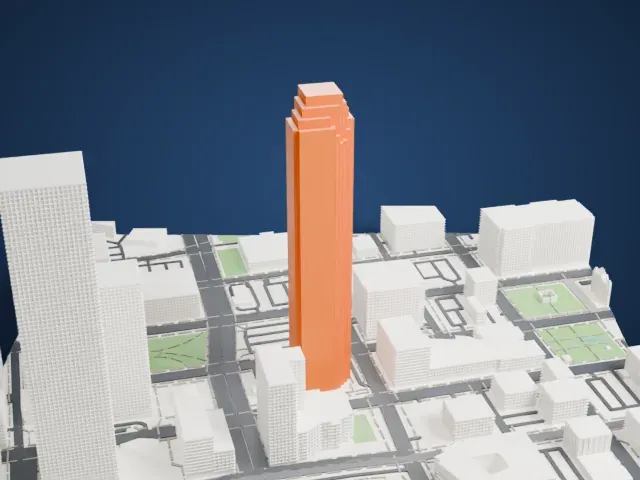 North
North
-
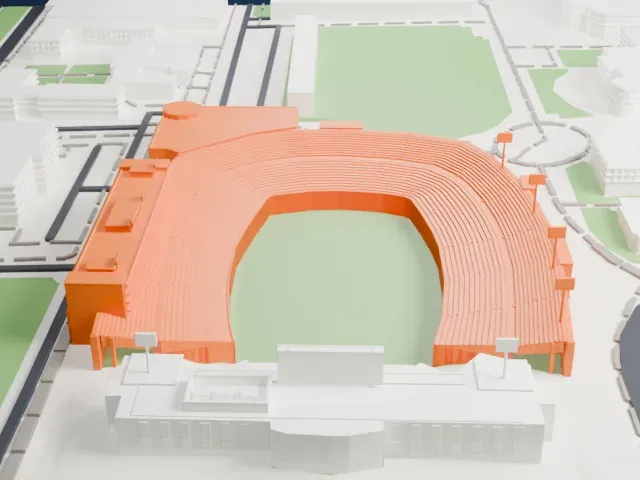
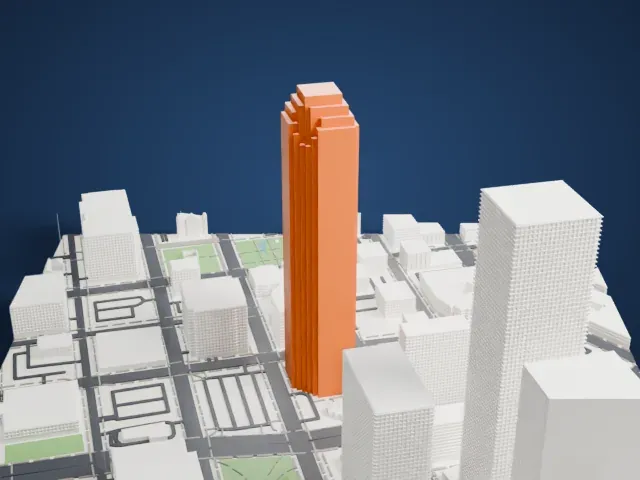 East
East
-
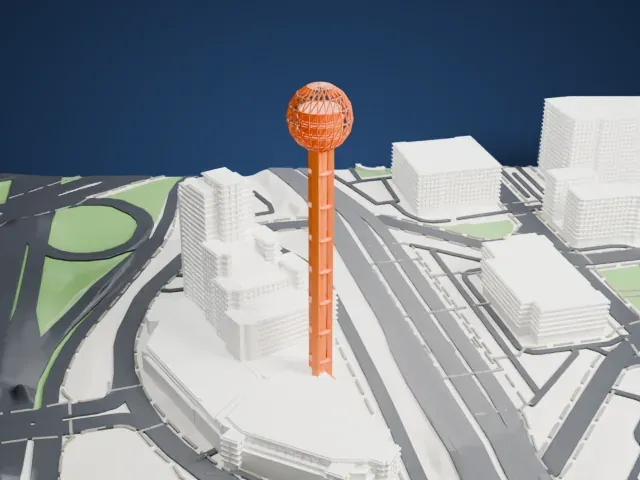
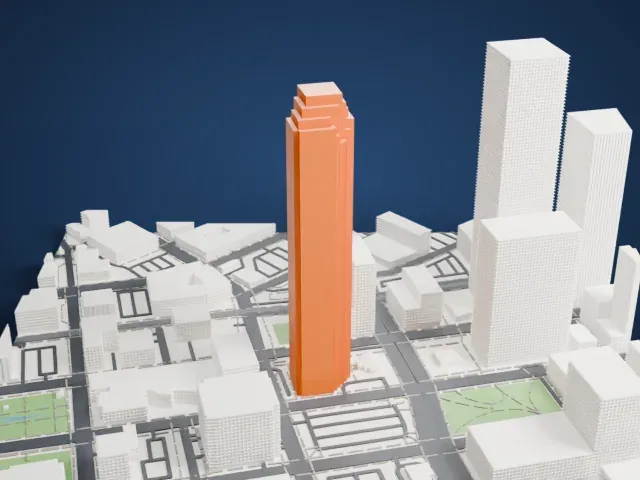 South
South
-
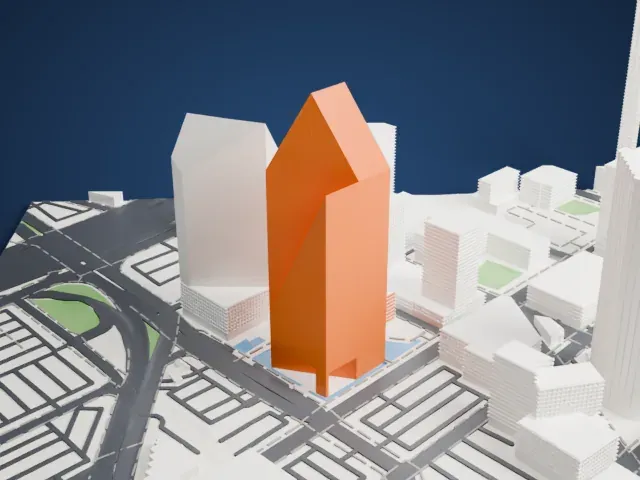
 West
West
- Tall slender shaft
- The tower is narrow compared with its height. Print slowly with good cooling so it stays straight, and choose a larger print size for a sturdier shaft.
- Stepped top with small setbacks
- The top of the tower steps in through several small setbacks. Layers of 0.12–0.16 mm keep the steps crisp, and Print friendly adapts them to the print scale.
- One piece with the ground
- Bank of America Plaza is joined to the ground in the exported file, and the four-side check found no floating parts, so nothing needs gluing.
- Pick the detail for your nozzle
- In the Buildings settings, set Landmark detail to Print friendly to adapt thin parts and small details to the print scale. Full detail keeps every modeled feature, for larger prints or a finer nozzle.
- Colors
- Buildings, roads, water and ground arrive as separate filament slots in the 3MF. Bank of America Plaza takes the building color.
- File format
- You get a 3MF for Bambu Studio, OrcaSlicer or PrusaSlicer. Any of them can save it as STL if you need one.
About this model
Bank of America Plaza is one of more than 2,300 landmark models in Mini Skyline. They are made with AI, and each one is checked from four sides in its real surroundings before release. Everything around it is built from OpenStreetMap and Overture map data. If you would rather print the shape from map data, turn off Landmark models in the Buildings settings.
Common questions
Is there a Bank of America Plaza STL I can download?
Mini Skyline builds the file for you in your browser and exports 3MF, which every major slicer opens. If you need an STL, open the 3MF in your slicer and export it from there.
How big can I print it?
Any print size from 40 mm across. Bank of America Plaza grows with the print: about 75 mm tall on the default 160 mm print. For a model larger than your printer bed, Project Mode splits the area into tiles.
Is it free?
Yes. Generation runs in your browser, with no account and nothing behind a paywall.