3D print Toyota Stadium
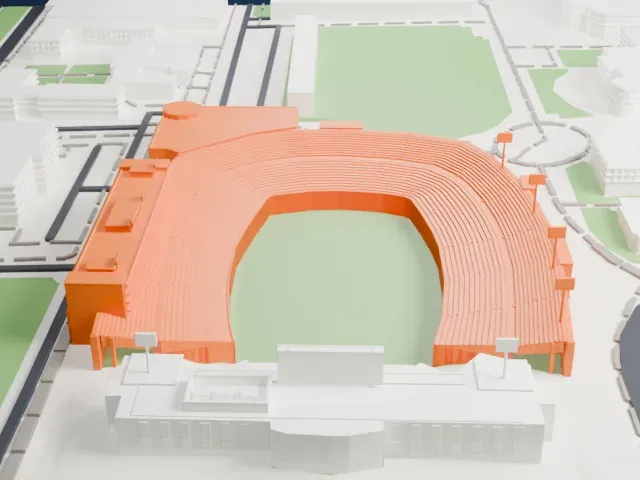
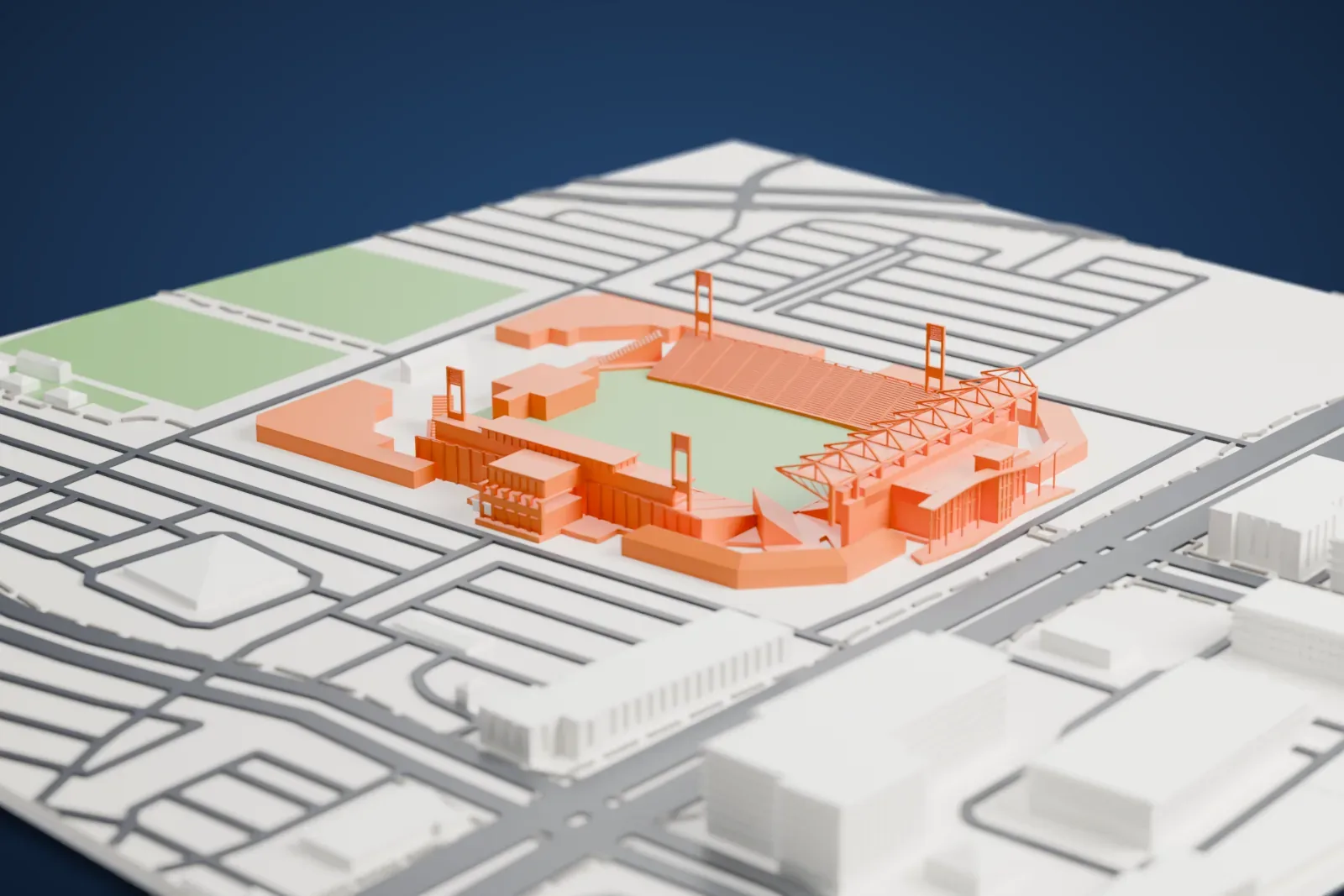
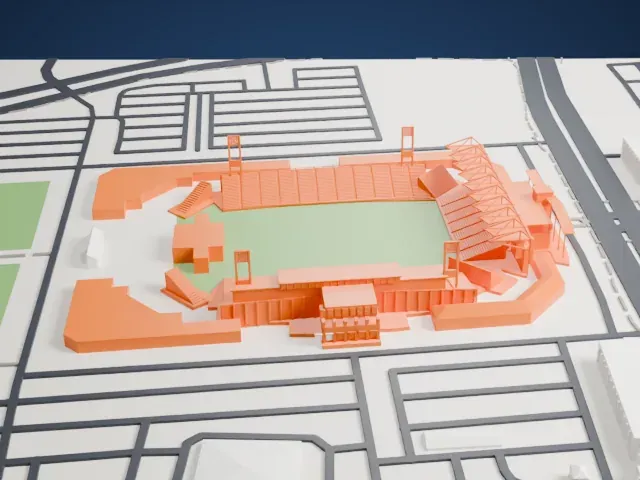
A free, printable model of the stadium's U-shaped seating and truss-framed roof, with the streets, open ground and low buildings around it, generated from real map data in your browser.
Free, in your browser. Exports a slicer-ready 3MF.
About Toyota Stadium
Toyota Stadium stands in Frisco, a suburb of Dallas in Texas. The city of Frisco built it and owns it. FC Dallas, a Major League Soccer club, is its main tenant. The Frisco Independent School District also uses it for high school football games, having supported its construction for that purpose. A National Soccer Hall of Fame opened in the stadium in 2018.
It was the third stadium in Major League Soccer built specifically for soccer. The first two were Historic Crew Stadium in Columbus, Ohio, from 1999, and Dignity Health Sports Park outside Los Angeles, from 2003. The New York Red Bulls and FC Dallas drew 2–2 in the opening match on August 6, 2005. Its original design was U-shaped, seating 20,500, with a permanent covered stage at the north end for concerts. A renovation of the south end, completed in 2018 at a cost of $55 million, added a European-style roof over that end.
In the 2005 MLS Cup final, hosted there, the LA Galaxy edged the New England Revolution 1–0 after extra time, and the stadium was chosen to host the 2006 MLS Cup too. From 2005 until January 2012 it was called Pizza Hut Park, and its nicknames included the Hut and The Oven. It became Toyota Stadium after an agreement in 2013, and the 17 practice fields around it are called Toyota Soccer Center.
How it prints
Make this print opens the generator on a 600 m square around the landmark. Buildings print at close to true scale, so the landmark grows with the print size.
| Print size | Landmark height | Scale |
|---|---|---|
| 160 mm default | 10 mm | 1:3,750 |
| 200 mm | 13 mm | 1:3,000 |
| 256 mm | 16 mm | 1:2,344 |
-
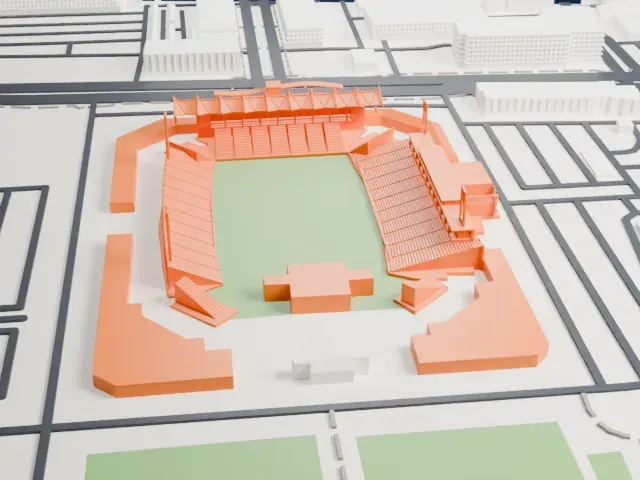 North
North
-
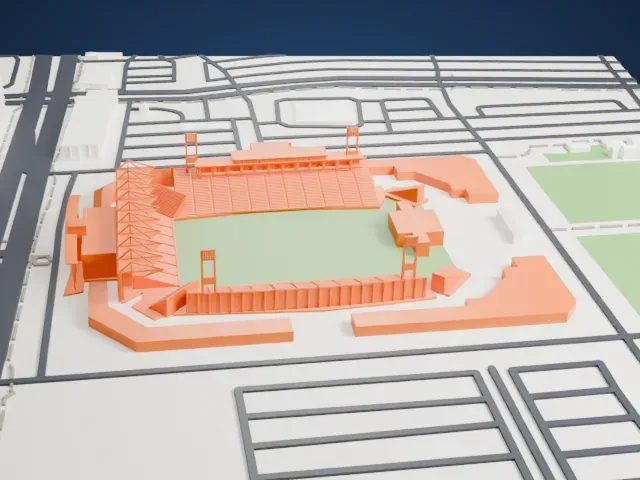 East
East
-
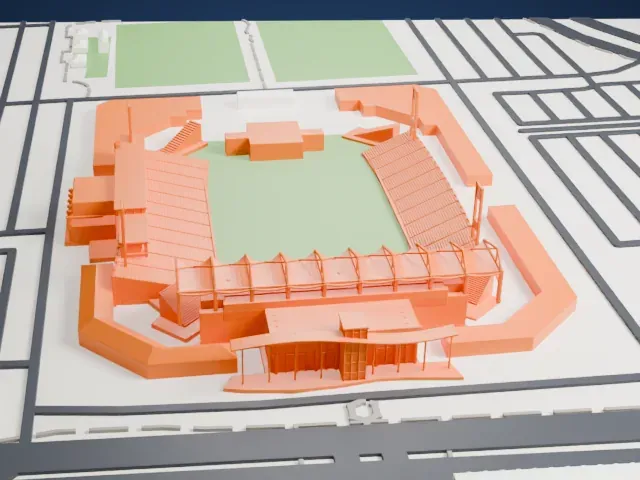 South
South
-
 West
West
- Slim towers at the corners
- Four slim towers rise around the pitch. Print friendly adapts these thin parts to your print scale; Full detail keeps them, so print slowly for the tall, narrow tips.
- Truss roof and raked seating
- A canopy of angled trusses covers one end, and the seating is drawn as many thin raked rows. A larger print keeps these readable, and layers of 0.12 to 0.16 mm keep them crisp.
- One piece with the ground
- Toyota Stadium is joined to the ground in the exported file, and the four-side check found no floating parts, so nothing needs gluing.
- Pick the detail for your nozzle
- In the Buildings settings, set Landmark detail to Print friendly to adapt thin parts and small details to the print scale. Full detail keeps every modeled feature, for larger prints or a finer nozzle.
- Colors
- Buildings, roads, water and ground arrive as separate filament slots in the 3MF. Toyota Stadium takes the building color.
- File format
- You get a 3MF for Bambu Studio, OrcaSlicer or PrusaSlicer. Any of them can save it as STL if you need one.
About this model
Toyota Stadium is one of more than 2,300 landmark models in Mini Skyline. They are made with AI, and each one is checked from four sides in its real surroundings before release. Everything around it is built from OpenStreetMap and Overture map data. If you would rather print the shape from map data, turn off Landmark models in the Buildings settings.
Common questions
Is there a Toyota Stadium STL I can download?
Mini Skyline builds the file for you in your browser and exports 3MF, which every major slicer opens. If you need an STL, open the 3MF in your slicer and export it from there.
How big can I print it?
Any print size from 40 mm across. Toyota Stadium grows with the print: about 10 mm tall on the default 160 mm print. For a model larger than your printer bed, Project Mode splits the area into tiles.
Is it free?
Yes. Generation runs in your browser, with no account and nothing behind a paywall.