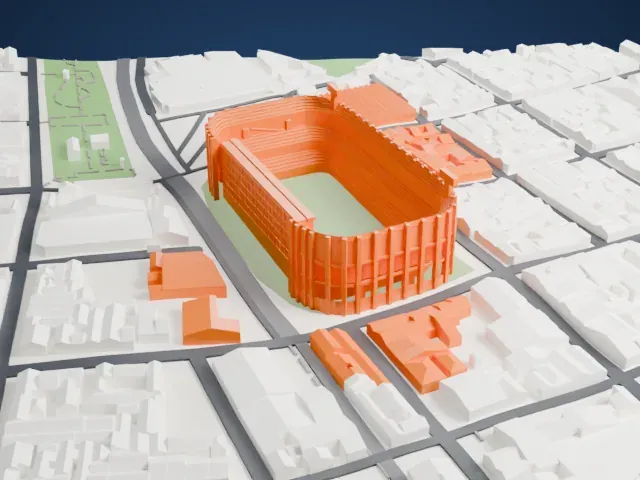
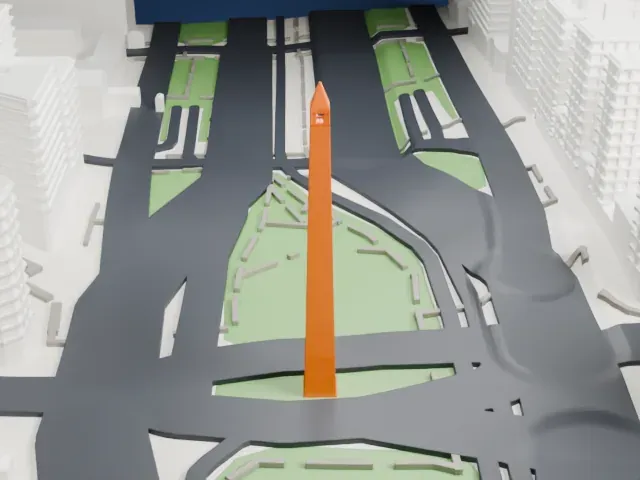
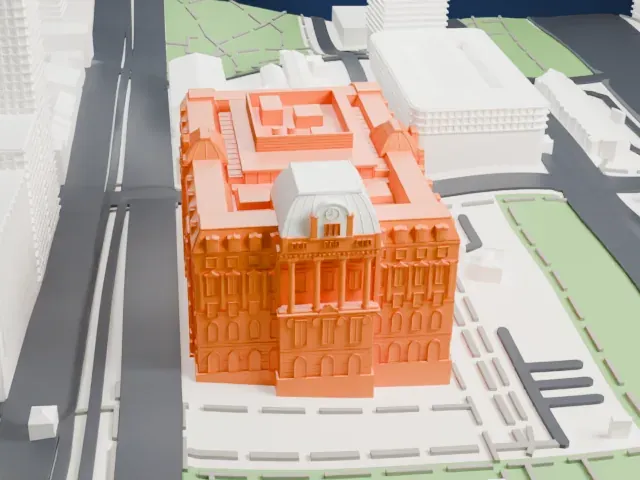
3D print the Casa Rosada
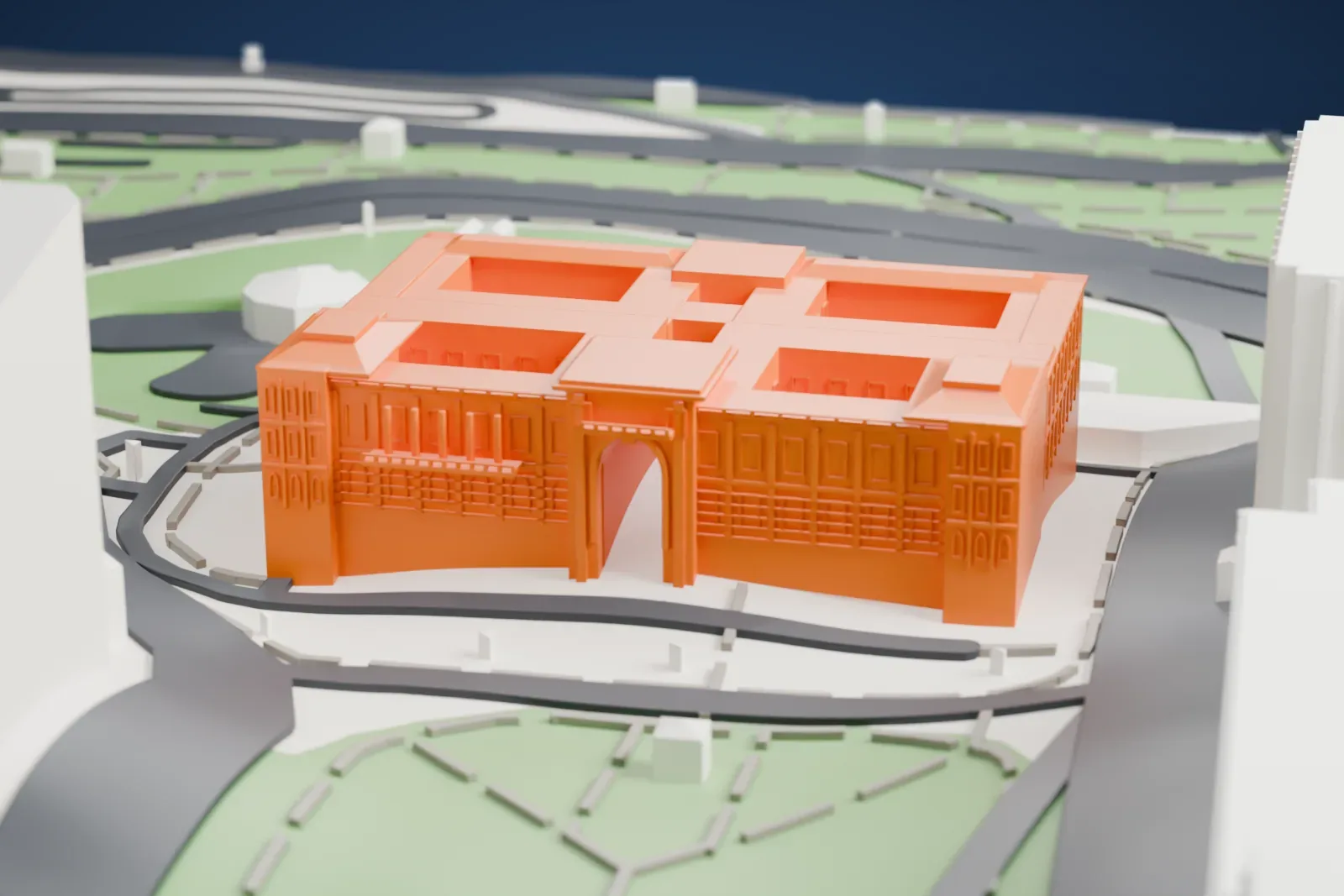
A free, printable model of the Casa Rosada, a long block with a central archway and recessed roof patios, beside green parkland and roads, generated from real map data in your browser.
Free, in your browser. Exports a slicer-ready 3MF.
About the Casa Rosada
The Casa Rosada ("the pink house") is where the president of Argentina works, in Buenos Aires. Officially it is called Casa de Gobierno, meaning "House of Government" or "Government House". Its signature color is baby pink, and it is regarded as among the most emblematic buildings in the city. A museum inside holds objects relating to former presidents, and the building has National Historic Monument status in Argentina.
The Plaza de Mayo ends at its east side with the Casa Rosada. The first structure on the spot, back when it lay on the Río de la Plata's shoreline, was a fort built in 1594 on the orders of Captain Juan de Garay. A masonry replacement, the "Castle of San Miguel", followed in 1713. A new customs building replaced the fort, which was demolished in 1857; Edward Taylor, a British Argentine architect, directed it.
The old fort's administrative annex became the presidential offices in the 1860s, under Bartolomé Mitre. His successor, Domingo Sarmiento, had the exterior painted pink, reportedly to ease political tensions by blending the red and white of the country's two opposing parties. In 1882 President Julio Roca had the architect Enrique Aberg design a successor to the cramped State House, resembling the neighboring Central Post Office, and in 1884 Francesco Tamburini built the Italianate archway between the two. The result was completed in 1898 after an eastward enlargement.
How it prints
Make this print opens the generator on a 600 m square around the landmark. Buildings print at close to true scale, so the landmark grows with the print size.
| Print size | Landmark height | Scale |
|---|---|---|
| 160 mm default | 11 mm | 1:3,750 |
| 200 mm | 14 mm | 1:3,000 |
| 256 mm | 17 mm | 1:2,344 |
-
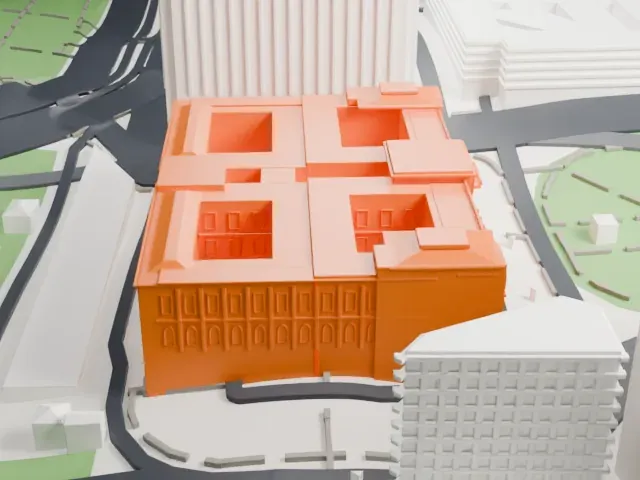 North
North
-
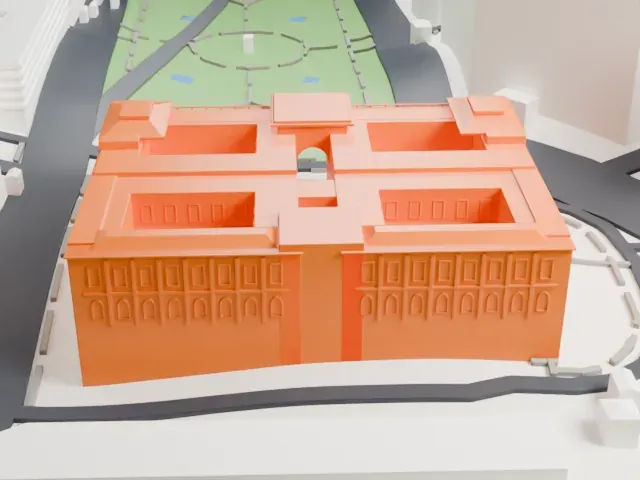 East
East
-
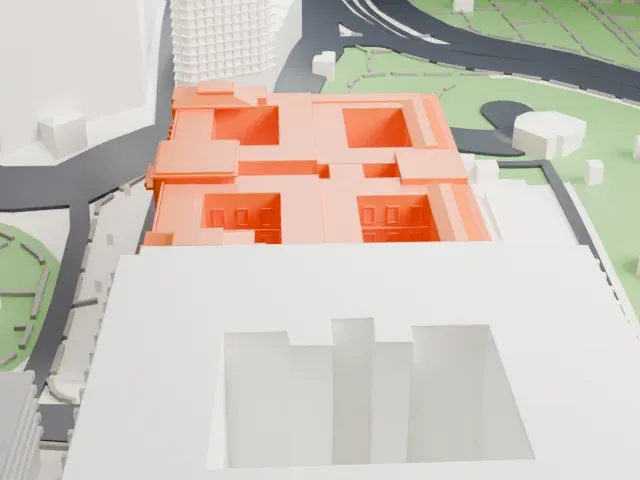 South
South
-
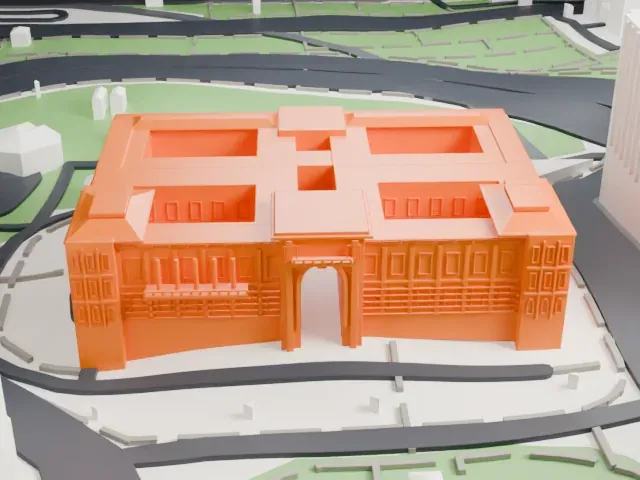 West
West
- Central archway with slim posts
- A tall central archway with slim posts joins the two halves of the building. Print friendly adapts these thin parts to the print scale; Full detail keeps them, which suits a larger print.
- Window rows and roof patios
- Rows of small arched window frames mark the facades, and recessed patios break up the roof. A bigger print size keeps more of them, and layers of 0.12 to 0.16 mm keep the edges crisp.
- One piece with the ground
- The Casa Rosada is joined to the ground in the exported file, and the four-side check found no floating parts, so nothing needs gluing.
- Pick the detail for your nozzle
- In the Buildings settings, set Landmark detail to Print friendly to adapt thin parts and small details to the print scale. Full detail keeps every modeled feature, for larger prints or a finer nozzle.
- Colors
- Buildings, roads, water and ground arrive as separate filament slots in the 3MF. The Casa Rosada takes the building color.
- File format
- You get a 3MF for Bambu Studio, OrcaSlicer or PrusaSlicer. Any of them can save it as STL if you need one.
About this model
The Casa Rosada is one of more than 2,300 landmark models in Mini Skyline. They are made with AI, and each one is checked from four sides in its real surroundings before release. Everything around it is built from OpenStreetMap and Overture map data. If you would rather print the shape from map data, turn off Landmark models in the Buildings settings.
Common questions
Is there a Casa Rosada STL I can download?
Mini Skyline builds the file for you in your browser and exports 3MF, which every major slicer opens. If you need an STL, open the 3MF in your slicer and export it from there.
How big can I print it?
Any print size from 40 mm across. The Casa Rosada grows with the print: about 11 mm tall on the default 160 mm print. For a model larger than your printer bed, Project Mode splits the area into tiles.
Is it free?
Yes. Generation runs in your browser, with no account and nothing behind a paywall.