3D print Four Queens
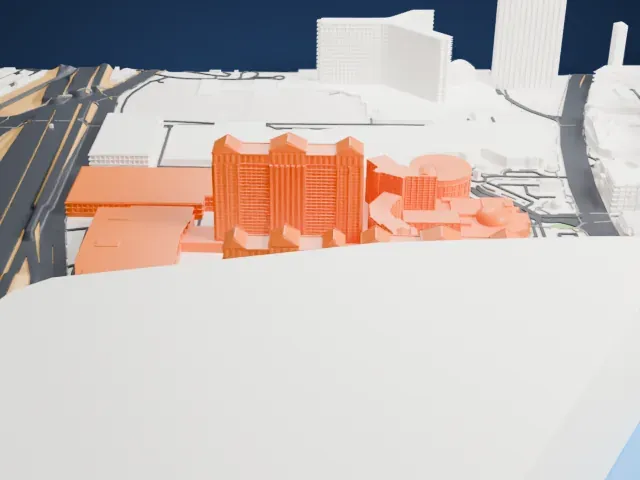
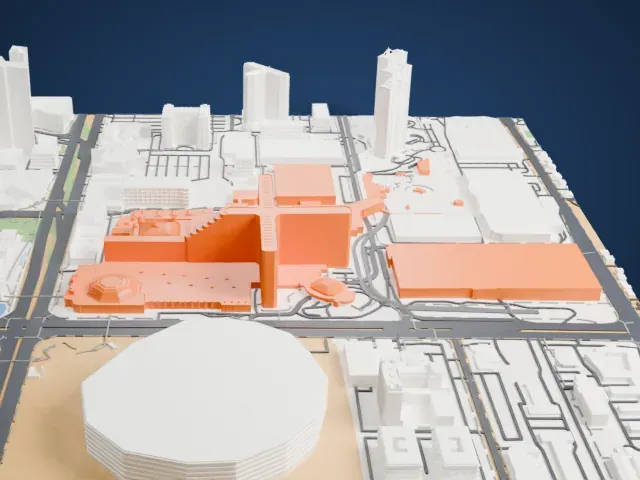
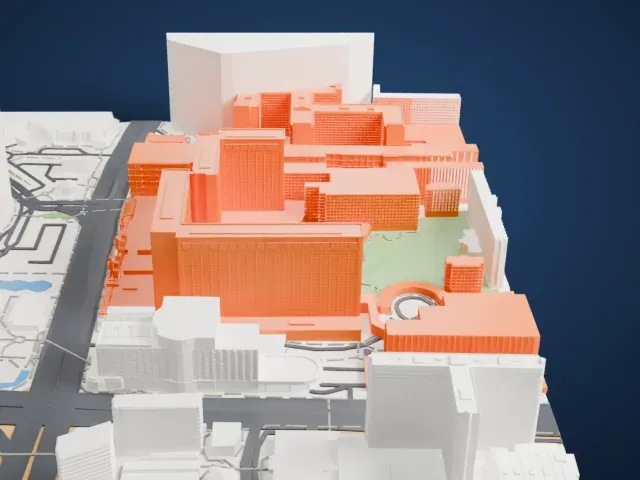
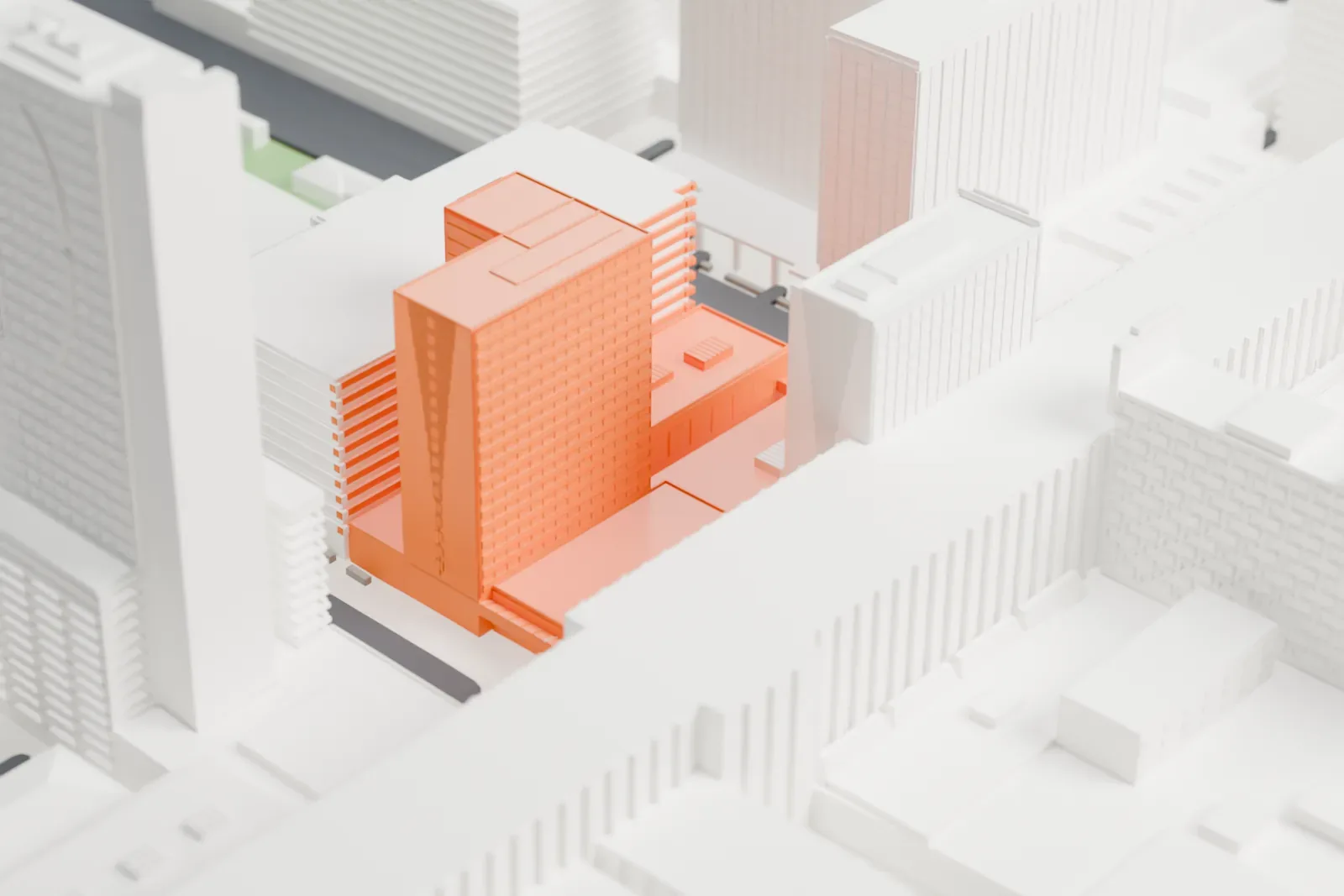
A free, printable model of the Four Queens, two boxy hotel towers joined by a low base, and the downtown Las Vegas buildings around them, generated from real map data in your browser.
Free, in your browser. Exports a slicer-ready 3MF.
About Four Queens
The Four Queens (sometimes written 4 Queens) combines a hotel and a casino in downtown Las Vegas, Nevada, where it stands on the Fremont Street Experience. Ben Goffstein, who had earlier been president of the Riviera hotel-casino, developed it and named it for his four daughters, Faith, Hope, Benita and Michele, each tied to a queen from a deck of cards. On June 2, 1966 the casino opened with a promotional giveaway of prizes worth $250,000, and the hotel followed on August 12, 1966.
The hotel started as an eight-story building with 115 rooms, designed by architect Julius Gabriele. A 10-story addition, completed in 1969, brought the count to 325, and a $26 million expansion in 1981 added a second tower of 18 stories, for 716 rooms. A 2007 renovation covered every hotel room, 690 at that time.
The casino has had some firsts and records. In 1985 it added the Queen's Machine, described as the world's largest slot machine, which was 9 feet tall, 18 feet in length and 8 feet in width, took up to six players at once and offered a $2 million jackpot. In 1996 it introduced the world's largest blackjack table, and in December 2003 it was the first in Las Vegas to offer Blackjack Switch.
How it prints
Make this print opens the generator on a 600 m square around the landmark. Buildings print at close to true scale, so the landmark grows with the print size.
| Print size | Landmark height | Scale |
|---|---|---|
| 160 mm default | 16 mm | 1:3,750 |
| 200 mm | 20 mm | 1:3,000 |
| 256 mm | 26 mm | 1:2,344 |
-
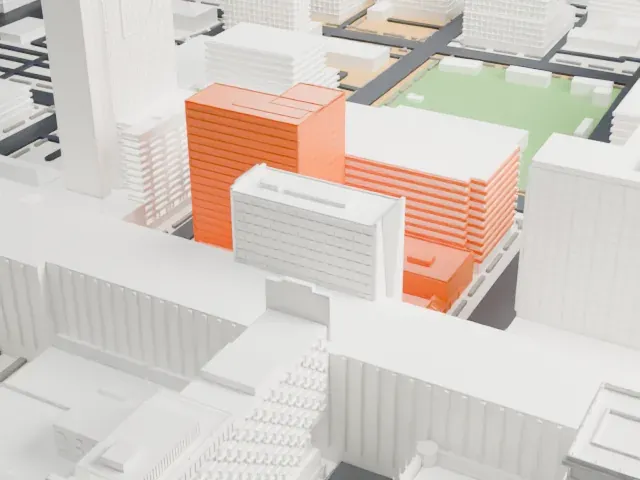 North
North
-
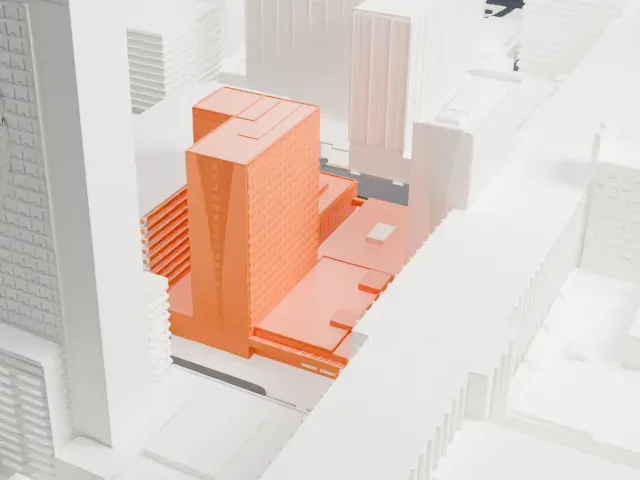 East
East
-
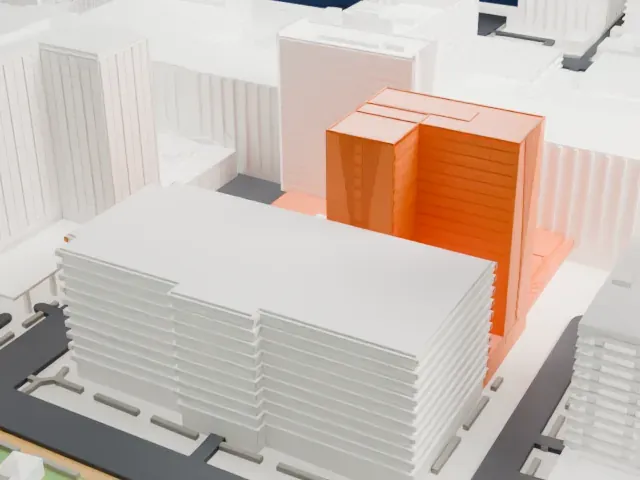 South
South
-
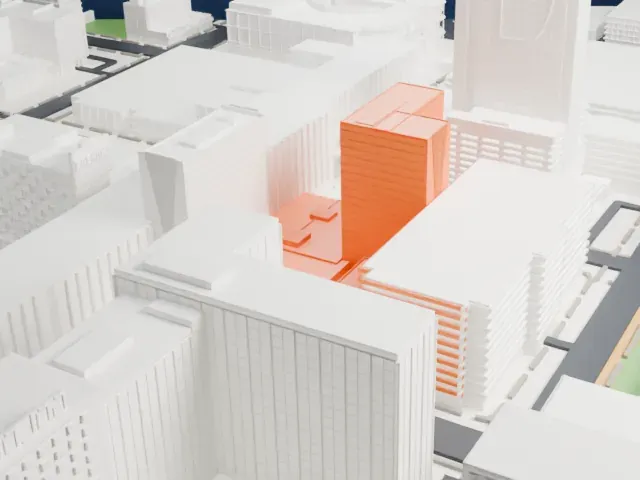 West
West
- Two towers, one base
- Two boxy towers of different heights rise from a low shared base with notched, angled edges. A bigger print size keeps the gap between them clear.
- Rows of floor lines
- Fine horizontal lines mark the floors on both towers. A layer height of 0.12–0.16 mm keeps them crisp, and Full detail keeps every modeled line on larger prints.
- One piece with the ground
- Four Queens is joined to the ground in the exported file, and the four-side check found no floating parts, so nothing needs gluing.
- Pick the detail for your nozzle
- In the Buildings settings, set Landmark detail to Print friendly to adapt thin parts and small details to the print scale. Full detail keeps every modeled feature, for larger prints or a finer nozzle.
- Colors
- Buildings, roads, water and ground arrive as separate filament slots in the 3MF. Four Queens takes the building color.
- File format
- You get a 3MF for Bambu Studio, OrcaSlicer or PrusaSlicer. Any of them can save it as STL if you need one.
About this model
Four Queens is one of more than 2,300 landmark models in Mini Skyline. They are made with AI, and each one is checked from four sides in its real surroundings before release. Everything around it is built from OpenStreetMap and Overture map data. If you would rather print the shape from map data, turn off Landmark models in the Buildings settings.
Common questions
Is there a Four Queens STL I can download?
Mini Skyline builds the file for you in your browser and exports 3MF, which every major slicer opens. If you need an STL, open the 3MF in your slicer and export it from there.
How big can I print it?
Any print size from 40 mm across. Four Queens grows with the print: about 16 mm tall on the default 160 mm print. For a model larger than your printer bed, Project Mode splits the area into tiles.
Is it free?
Yes. Generation runs in your browser, with no account and nothing behind a paywall.