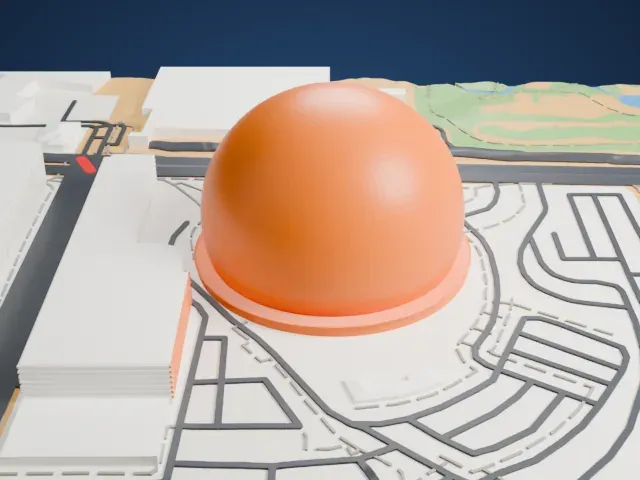
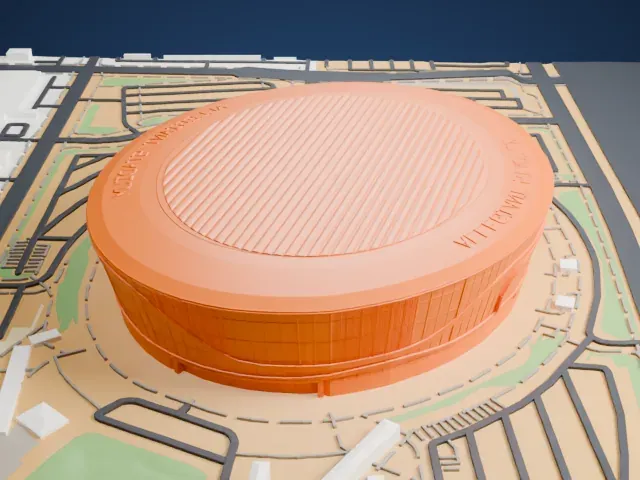
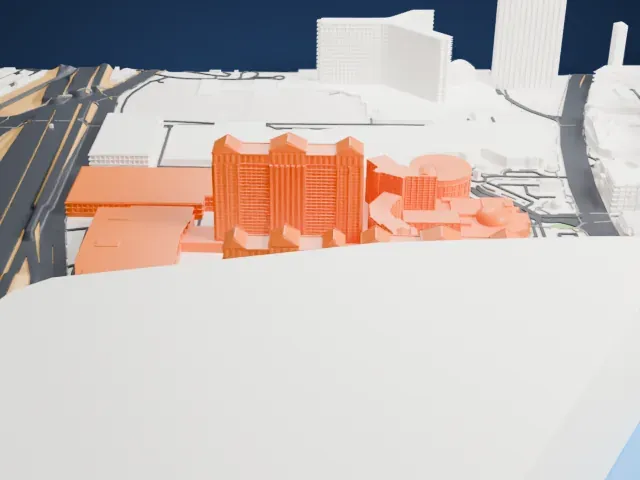
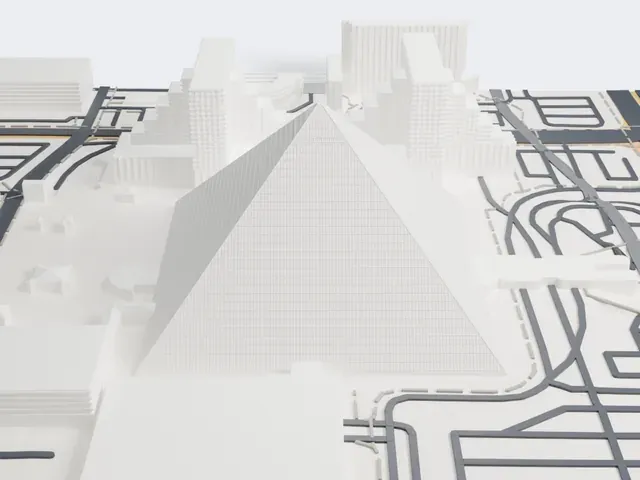
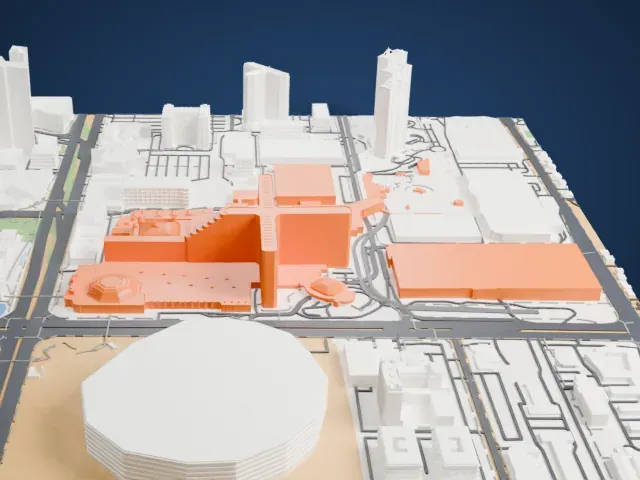
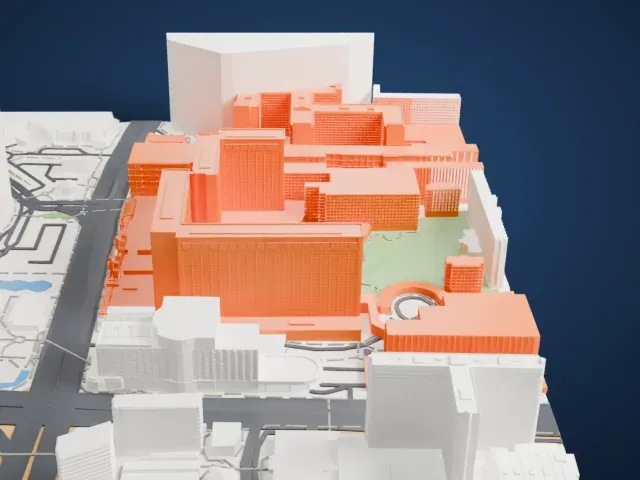
3D print Meadows Mall
A free, printable model of Meadows Mall and the large parking areas, roads and highway around it, generated from real map data in your browser.
Free, in your browser. Exports a slicer-ready 3MF.
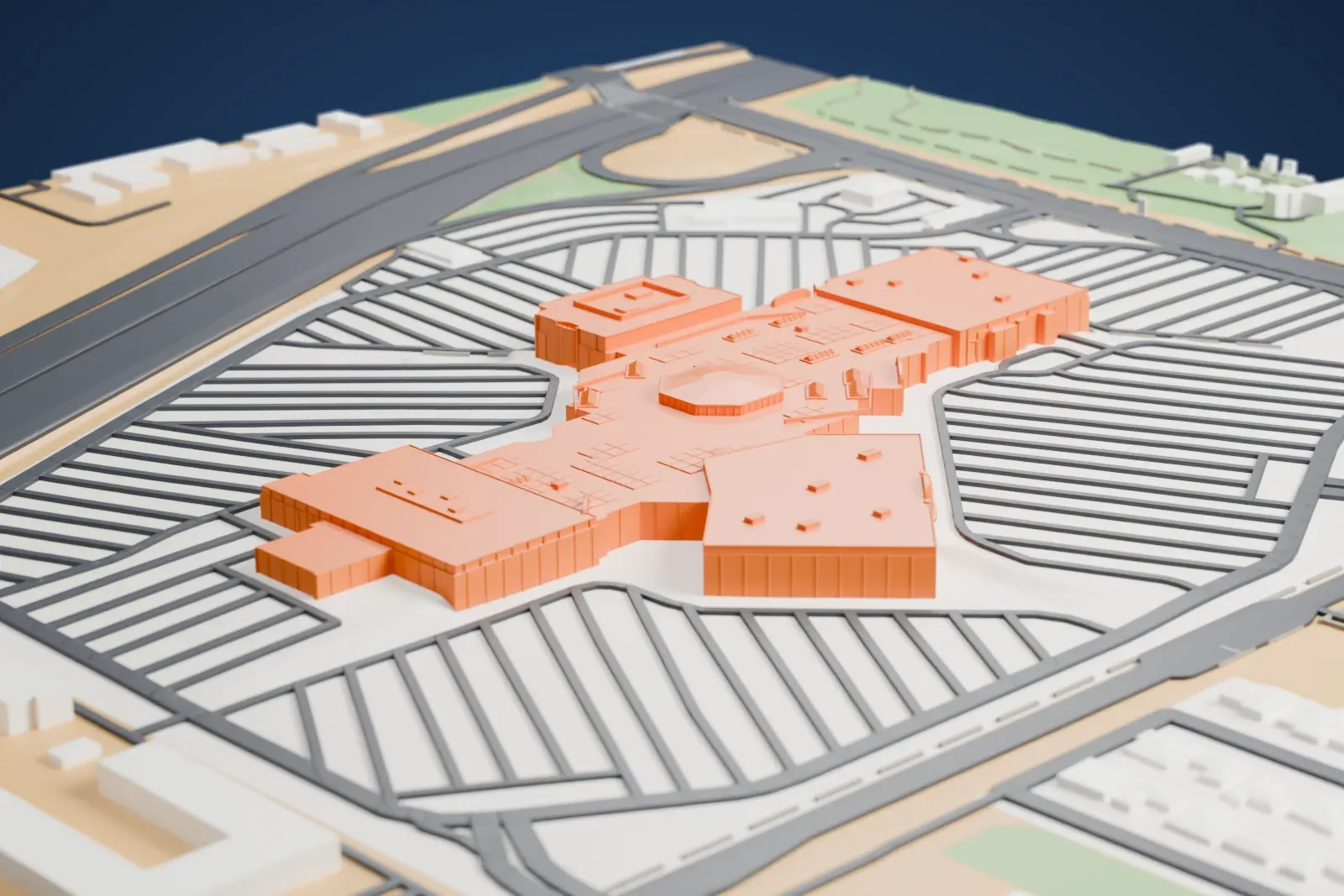
About Meadows Mall
The enclosed, two-story Meadows Mall stands on 84 acres (34 ha) in Las Vegas, Nevada, and has 945,000 square feet of space. Nearly 4,600 surface parking spaces surround it. Dayton-Hudson Corporation developed the mall, and Ernest W. Hahn Inc. built it. The mall's opening was on August 5, 1978; it was then the second major indoor mall in Las Vegas after The Boulevard Mall.
Dayton-Hudson began planning the mall in 1973. The city commission of Las Vegas voted against it that year and again in 1974, since some members wanted it relocated somewhere better. Early in 1974 a district court order, won by Dayton-Hudson, required the city to grant a zoning variance, and in 1975 the Nevada Supreme Court ruled that the city must do so.
Charles Kober & Associates designed the mall and chose desert colors and tones. Ground was broken in May 1976, and building lasted over two years. Over 1,200 workers helped build it, at a cost of $40 million. Its exterior used 156,000 bricks, and the project added a street, Meadows Lane. General Growth Properties bought the mall in 1998 and started a large renovation in 2003.
How it prints
Make this print opens the generator on a 950 m square around the landmark. Buildings print at close to true scale, so the landmark grows with the print size.
| Print size | Landmark height | Scale |
|---|---|---|
| 160 mm default | 5 mm | 1:5,938 |
| 200 mm | 6 mm | 1:4,750 |
| 256 mm | 7 mm | 1:3,711 |
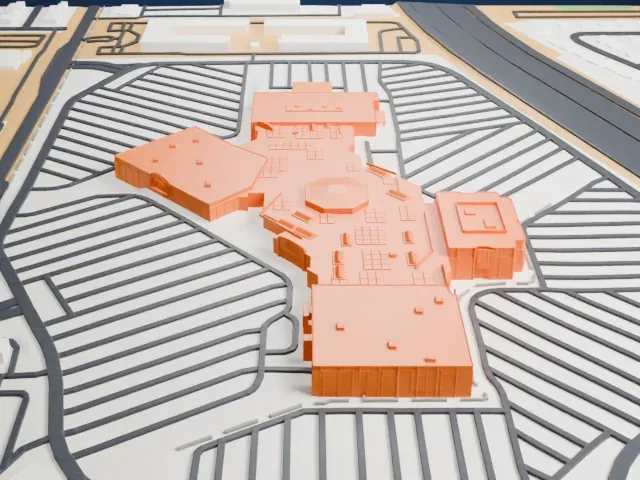
-
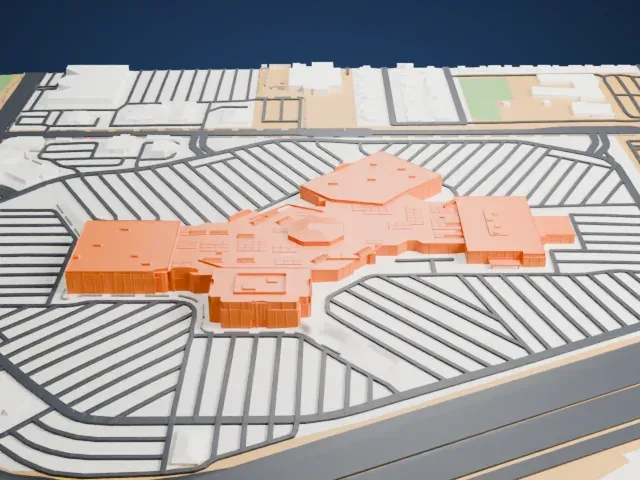 North
North
-
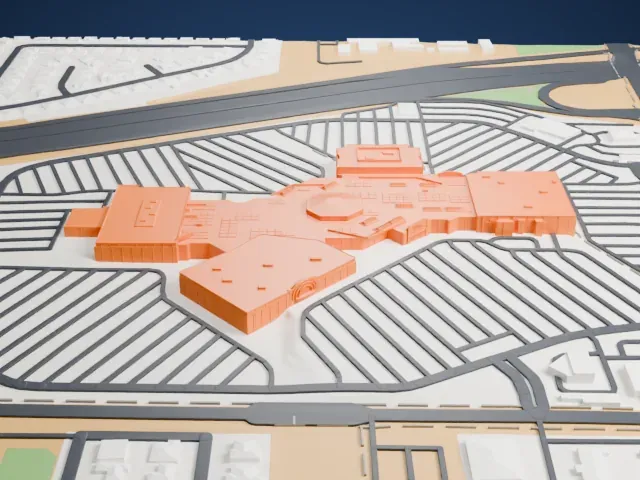
 East
East
-
 South
South
-
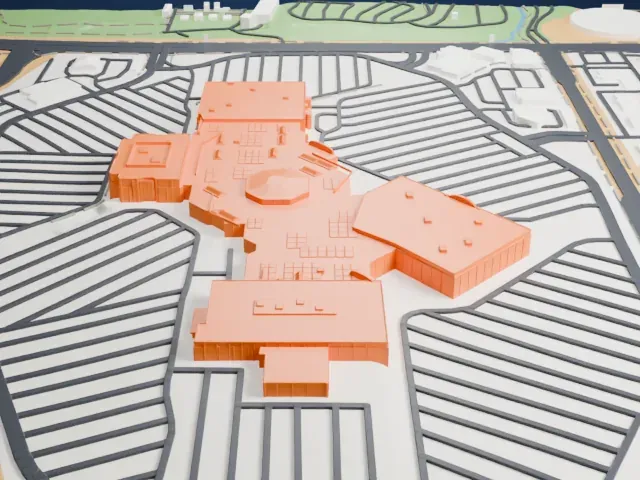 West
West
- Low roofs, small details
- The mall is a cluster of low roofs with many small rooftop boxes. Print friendly merges the smallest; Full detail keeps them at larger print sizes and a finer layer height.
- One piece with the ground
- Meadows Mall is joined to the ground in the exported file, and the four-side check found no floating parts, so nothing needs gluing.
- Pick the detail for your nozzle
- In the Buildings settings, set Landmark detail to Print friendly to adapt thin parts and small details to the print scale. Full detail keeps every modeled feature, for larger prints or a finer nozzle.
- Colors
- Buildings, roads, water and ground arrive as separate filament slots in the 3MF. Meadows Mall takes the building color.
- File format
- You get a 3MF for Bambu Studio, OrcaSlicer or PrusaSlicer. Any of them can save it as STL if you need one.
About this model
Meadows Mall is one of more than 2,300 landmark models in Mini Skyline. They are made with AI, and each one is checked from four sides in its real surroundings before release. Everything around it is built from OpenStreetMap and Overture map data. If you would rather print the shape from map data, turn off Landmark models in the Buildings settings.
Common questions
Is there a Meadows Mall STL I can download?
Mini Skyline builds the file for you in your browser and exports 3MF, which every major slicer opens. If you need an STL, open the 3MF in your slicer and export it from there.
How big can I print it?
Any print size from 40 mm across. Meadows Mall grows with the print: about 5 mm tall on the default 160 mm print. For a model larger than your printer bed, Project Mode splits the area into tiles.
Is it free?
Yes. Generation runs in your browser, with no account and nothing behind a paywall.