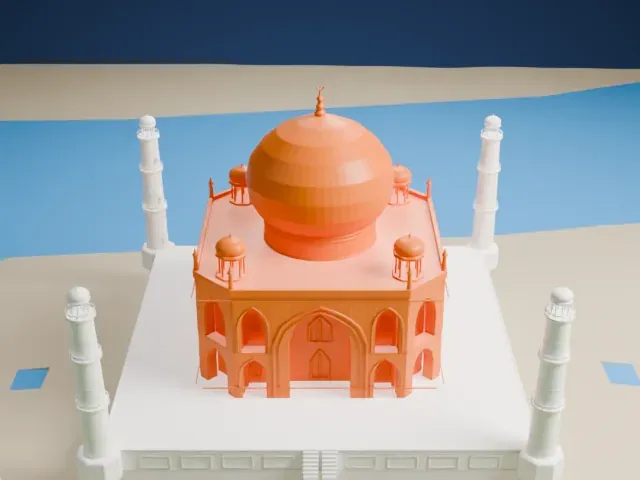
3D print the Milad Tower
A free, printable model of the tower with its pod and long antenna mast, and the park land, roads and buildings around its base, generated from real map data in your browser.
Free, in your browser. Exports a slicer-ready 3MF.
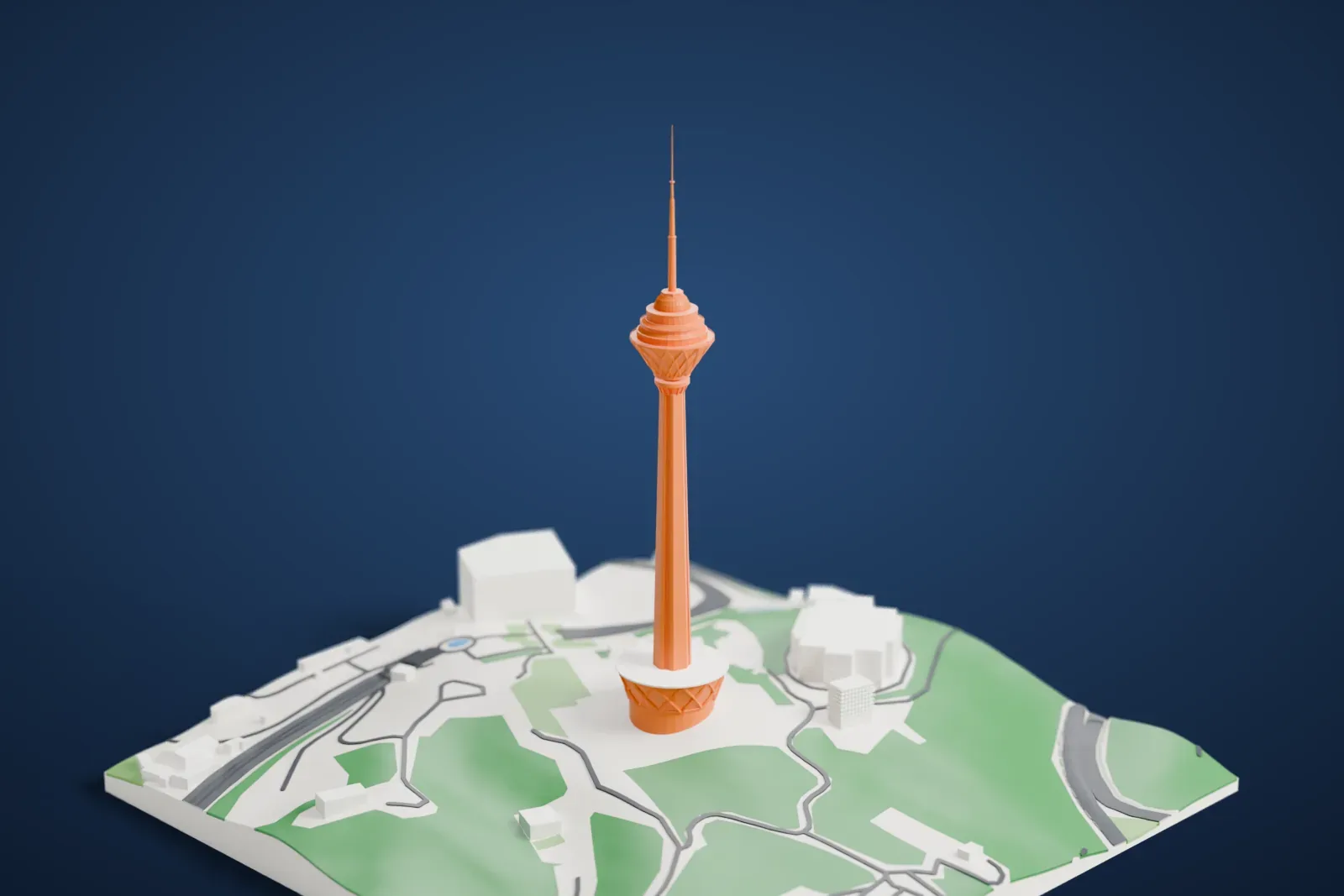
About the Milad Tower
In Tehran, Iran, the Milad Tower serves several purposes. Its Persian name, Borj-e Milād, means Birth Tower. Standing 435 m (1,427 ft) high, it is the tallest tower in Iran. It sits in the area between Gisha district and Shahrak-e Gharb and belongs to Tehran's International Trade and Convention Center, a complex that also holds an IT park, a world trade center, a convention center and a five-star hotel. The tower was inaugurated on October 7, 2008.
The tower has five main parts: the foundation, a transition structure that serves as the lobby, the shaft, the head and the antenna mast. The concrete shaft rises about 315 m (1,033 ft) above the ground floor, and six elevators on three sides of it carry visitors to the head, while an emergency staircase runs up the fourth side. The head is a steel structure of about 25,000 metric tons with 12 floors, and the four-stage antenna mast above it is about 120 m (390 ft) high.
Inside the head are a public art gallery, a cafeteria and two restaurants, one revolving and one for VIPs, along with telecommunication and mechanical floors, a sky dome, an open observation deck and a closed one. Iranian architect Mohammad Reza Hafezi headed the design. The tower's base is octagonal, a reference to traditional Iranian architecture.
How it prints
Make this print opens the generator on a 600 m square around the landmark. Buildings print at close to true scale, so the landmark grows with the print size.
| Print size | Landmark height | Scale |
|---|---|---|
| 160 mm default | 119 mm | 1:3,750 |
| 200 mm | 149 mm | 1:3,000 |
| 256 mm | 190 mm | 1:2,344 |
-
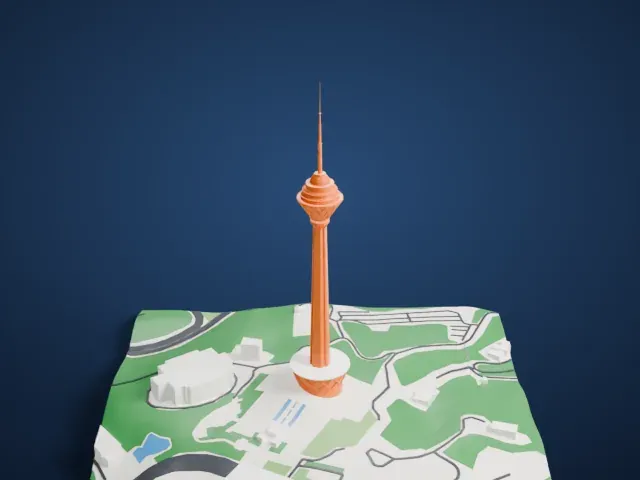 North
North
-
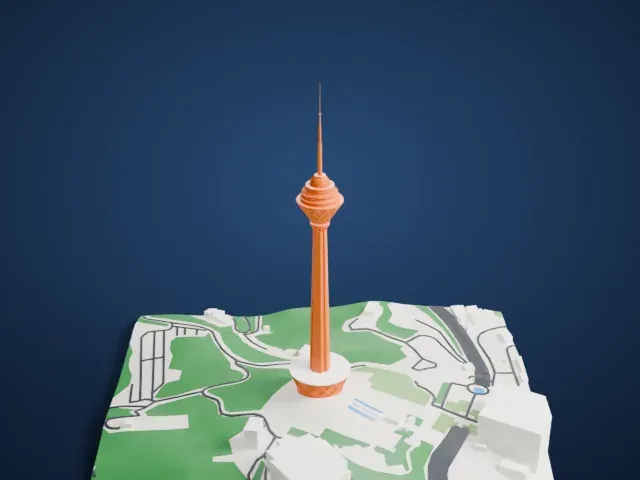 East
East
-
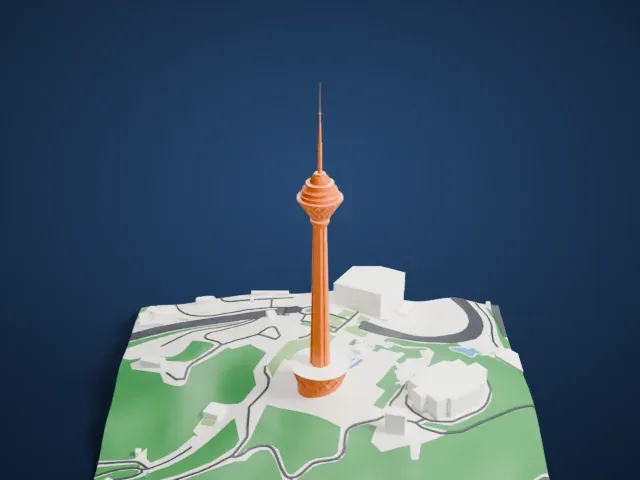 South
South
-
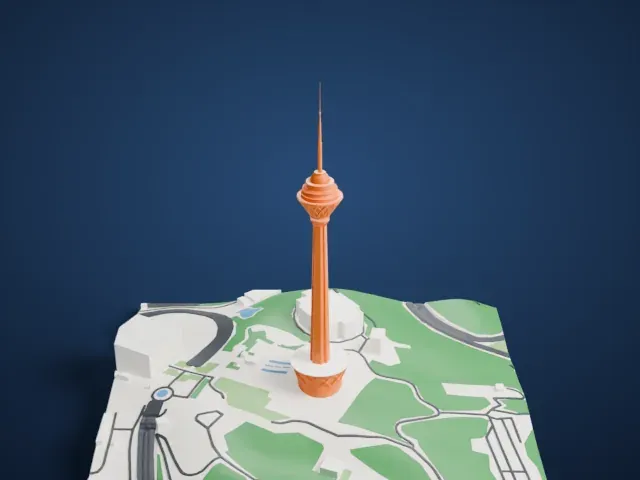 West
West
- A very tall, thin mast
- A slim shaft rises to a pod, and a needle-like antenna mast tops it. Printing slowly and using layers of 0.12 to 0.16 mm helps this tall thin part come out cleanly, and Print friendly adapts thin tips to the print scale.
- A stepped cap below the mast
- The shaft ends in a small stepped cap that carries the antenna mast. Print friendly adapts these small parts to the print scale; Full detail keeps more of them, which suits a larger print.
- One piece with the ground
- The Milad Tower is joined to the ground in the exported file, and the four-side check found no floating parts, so nothing needs gluing.
- Pick the detail for your nozzle
- In the Buildings settings, set Landmark detail to Print friendly to adapt thin parts and small details to the print scale. Full detail keeps every modeled feature, for larger prints or a finer nozzle.
- Colors
- Buildings, roads, water and ground arrive as separate filament slots in the 3MF. The Milad Tower takes the building color.
- File format
- You get a 3MF for Bambu Studio, OrcaSlicer or PrusaSlicer. Any of them can save it as STL if you need one.
About this model
The Milad Tower is one of more than 2,300 landmark models in Mini Skyline. They are made with AI, and each one is checked from four sides in its real surroundings before release. Everything around it is built from OpenStreetMap and Overture map data. If you would rather print the shape from map data, turn off Landmark models in the Buildings settings.
Common questions
Is there a Milad Tower STL I can download?
Mini Skyline builds the file for you in your browser and exports 3MF, which every major slicer opens. If you need an STL, open the 3MF in your slicer and export it from there.
How big can I print it?
Any print size from 40 mm across. The Milad Tower grows with the print: about 119 mm tall on the default 160 mm print. For a model larger than your printer bed, Project Mode splits the area into tiles.
Is it free?
Yes. Generation runs in your browser, with no account and nothing behind a paywall.