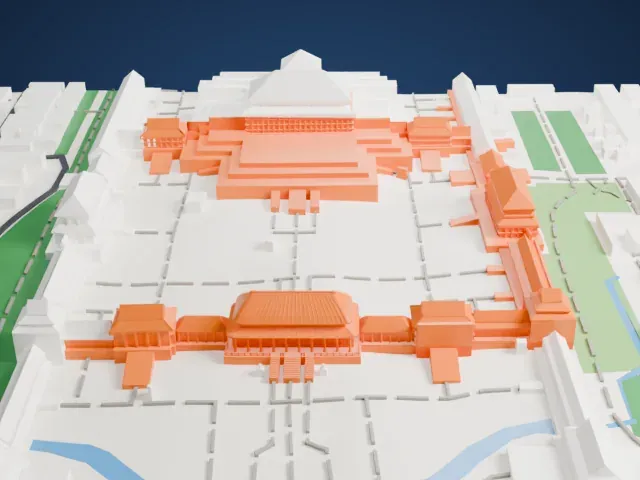
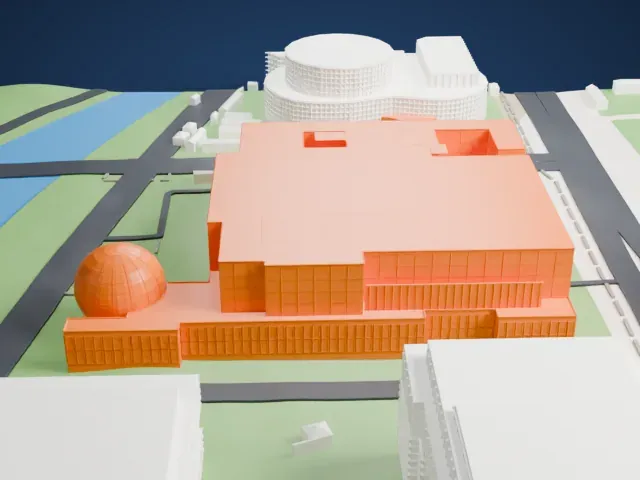
3D print the National Museum of China
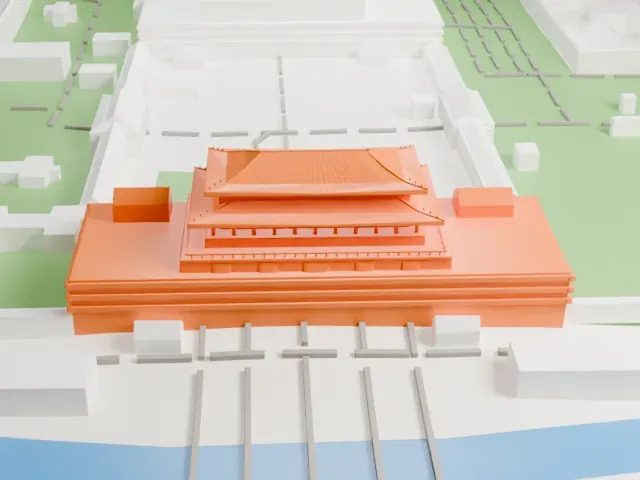
A free, printable model of the National Museum of China's wide block, stepped roofs and front pillars, with the broad roads and open ground around it, generated from real map data in your browser.
Free, in your browser. Exports a slicer-ready 3MF.
About the National Museum of China
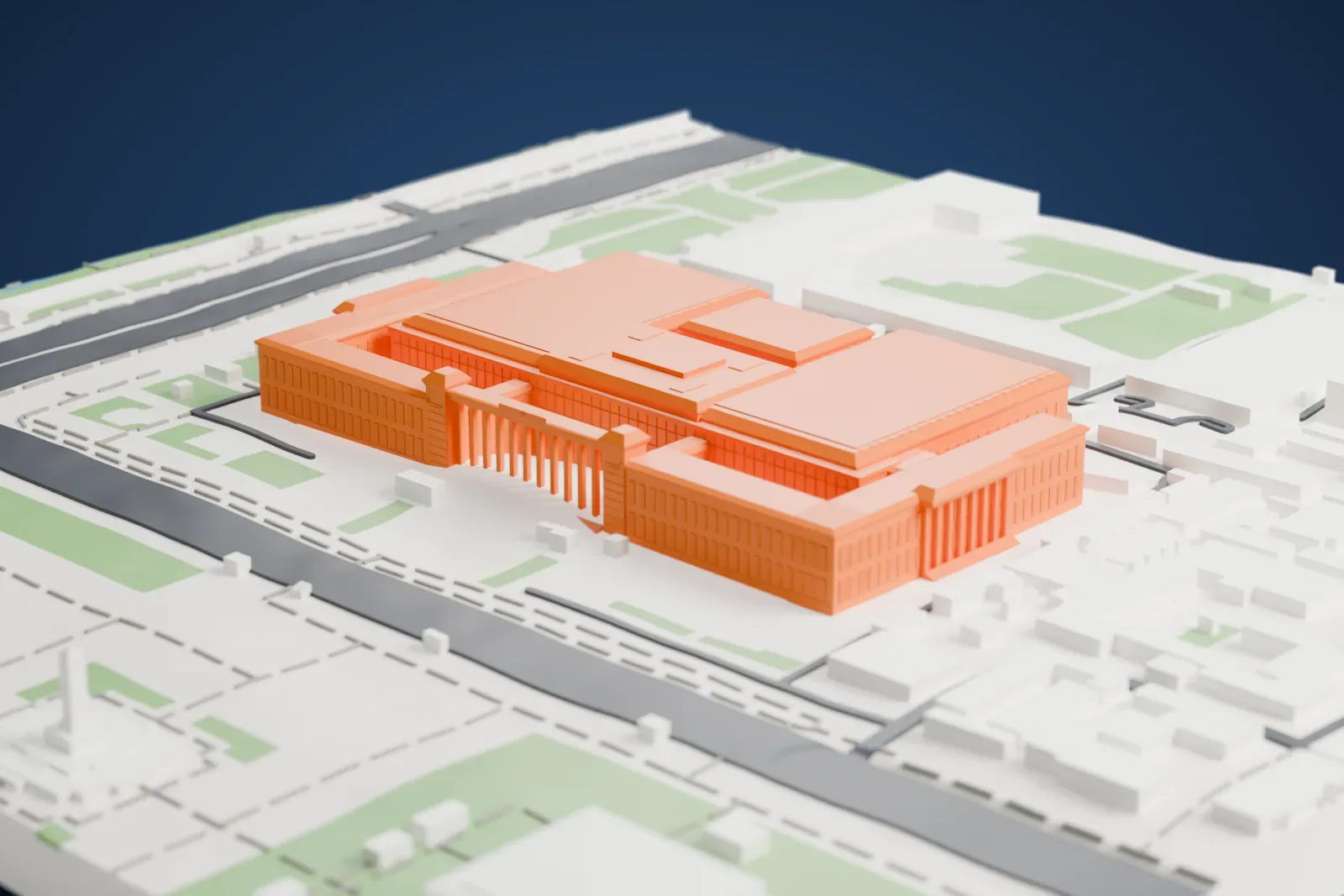
The National Museum of China sits along the east side of Tiananmen Square in Beijing and covers both art and history. It has about 200,000 square meters of construction area, 48 exhibition halls and over 1.4 million items, and it is described as having the largest single building area of any museum in the world. In 2003 the two museums that had shared the building since 1959 were merged, one in the northern wing devoted to the Chinese revolution and one in the southern wing devoted to Chinese history.
The building dates from 1959, when it was finished among the Ten Great Buildings marking ten years since the People's Republic of China was founded. It faces the Great Hall of the People, built at the same time. The site covers 6.5 hectares (16 acres), and the building has a frontal length of 313 m (1,027 ft), a width of 149 m (489 ft) and four stories reaching 40 m (130 ft). Ten square pillars stand at the center of the front. Gerkan, Marg and Partners, a German firm, designed the renovation, and its reopening on March 17, 2011, added 28 new exhibition halls.
The collection begins 1.7 million years ago with the Yuanmou Man and ends with the Qing dynasty, and its permanent collection has 1,050,000 items. Among the most important is the Houmuwu Ding, a Shang dynasty bronze weighing 832.84 kg, the world's heaviest piece of ancient bronzeware. Others include a Qin dynasty bronze tally shaped like a tiger, inlaid with gold, and jade burial suits from the Han dynasty stitched with gold thread. Luo Bozhao donated 15,000 coins to its numismatic collection.
How it prints
Make this print opens the generator on a 750 m square around the landmark. Buildings print at close to true scale, so the landmark grows with the print size.
| Print size | Landmark height | Scale |
|---|---|---|
| 160 mm default | 14 mm | 1:4,688 |
| 200 mm | 17 mm | 1:3,750 |
| 256 mm | 22 mm | 1:2,930 |
-
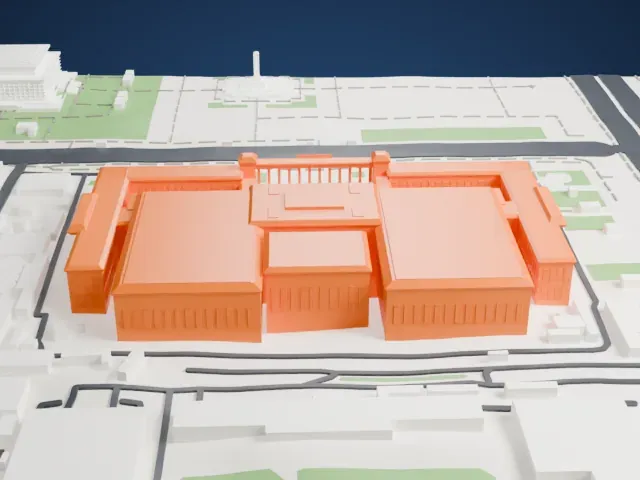
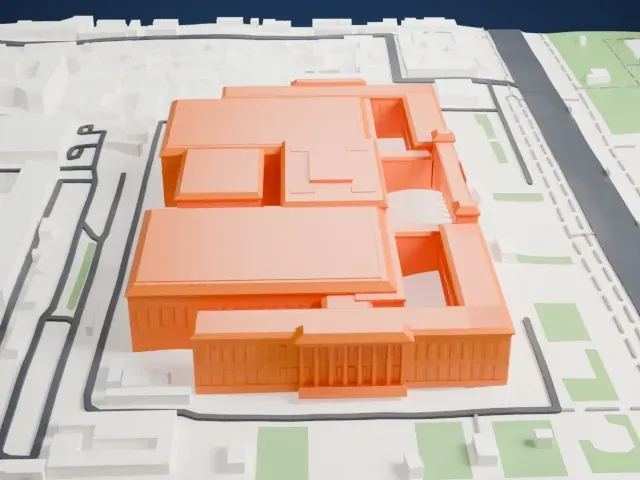 North
North
-
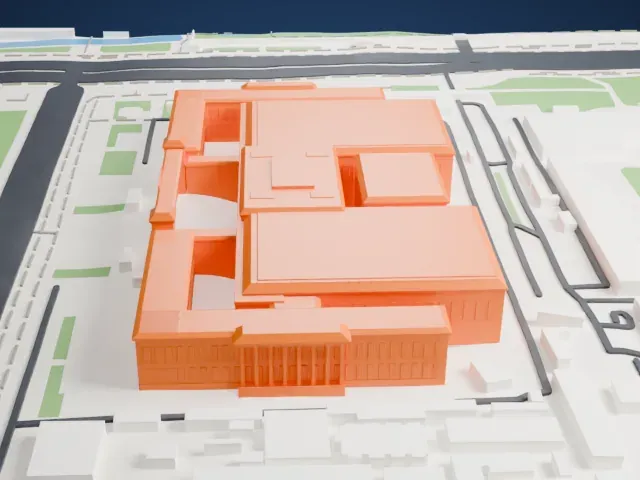
 East
East
-
 South
South
-
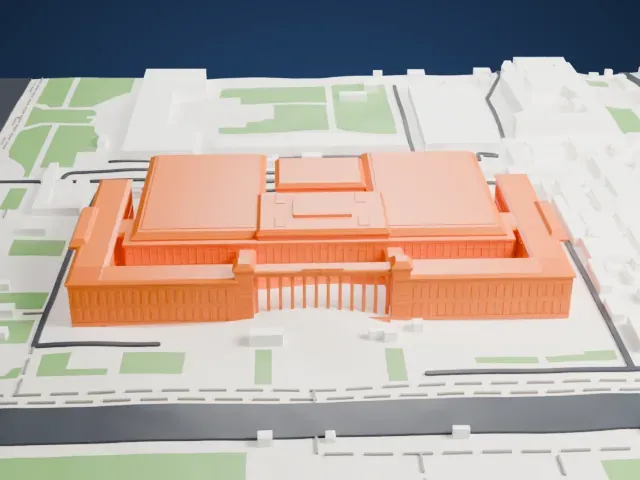 West
West
- Square pillars across the front
- A row of square pillars lines the center of the front. A larger print keeps the gaps between them open, and 0.12 to 0.16 mm layers keep the columns crisp.
- Wide stepped roofs
- The wide, flat roofs carry stepped blocks and small details. Print friendly adapts small roof details to the print scale; Full detail keeps them on larger prints.
- Pick the detail for your nozzle
- In the Buildings settings, set Landmark detail to Print friendly to adapt thin parts and small details to the print scale. Full detail keeps every modeled feature, for larger prints or a finer nozzle.
- Colors
- Buildings, roads, water and ground arrive as separate filament slots in the 3MF. The National Museum of China takes the building color.
- File format
- You get a 3MF for Bambu Studio, OrcaSlicer or PrusaSlicer. Any of them can save it as STL if you need one.
About this model
The National Museum of China is one of more than 2,300 landmark models in Mini Skyline. They are made with AI, and each one is checked from four sides in its real surroundings before release. Everything around it is built from OpenStreetMap and Overture map data. If you would rather print the shape from map data, turn off Landmark models in the Buildings settings.
Common questions
Is there a National Museum of China STL I can download?
Mini Skyline builds the file for you in your browser and exports 3MF, which every major slicer opens. If you need an STL, open the 3MF in your slicer and export it from there.
How big can I print it?
Any print size from 40 mm across. The National Museum of China grows with the print: about 14 mm tall on the default 160 mm print. For a model larger than your printer bed, Project Mode splits the area into tiles.
Is it free?
Yes. Generation runs in your browser, with no account and nothing behind a paywall.