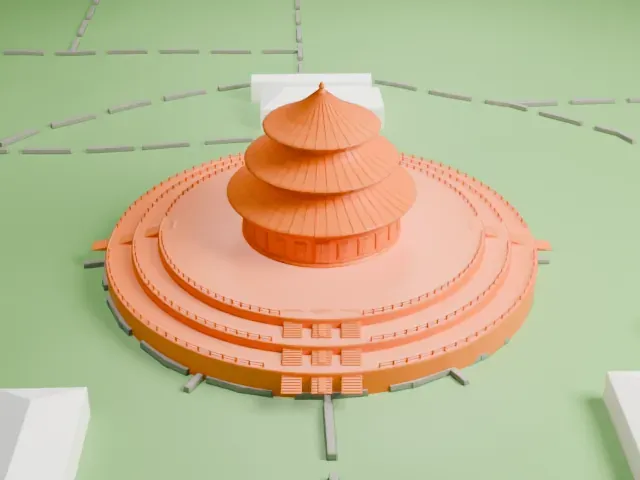
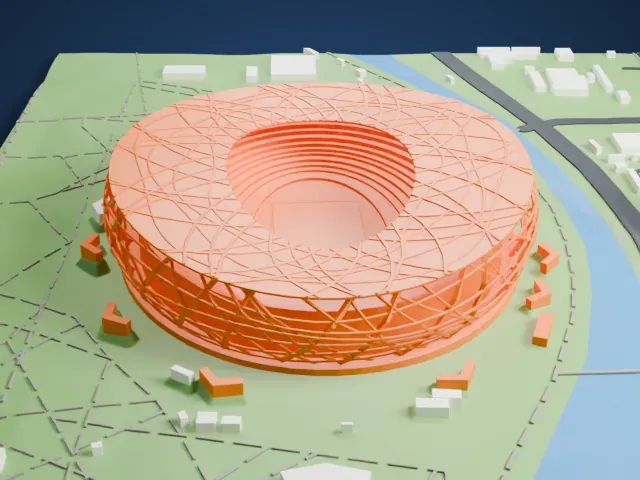
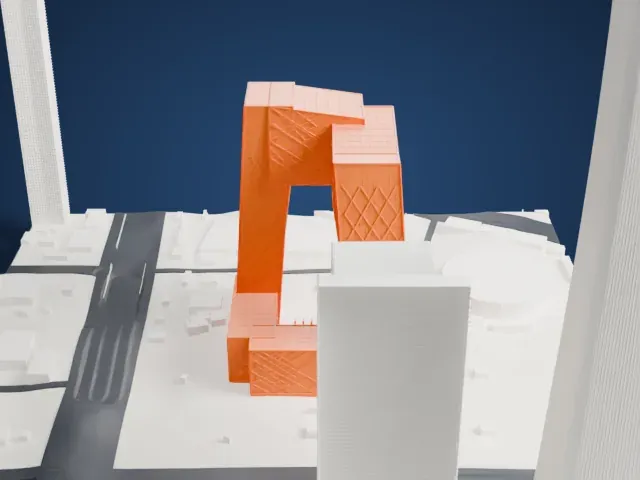
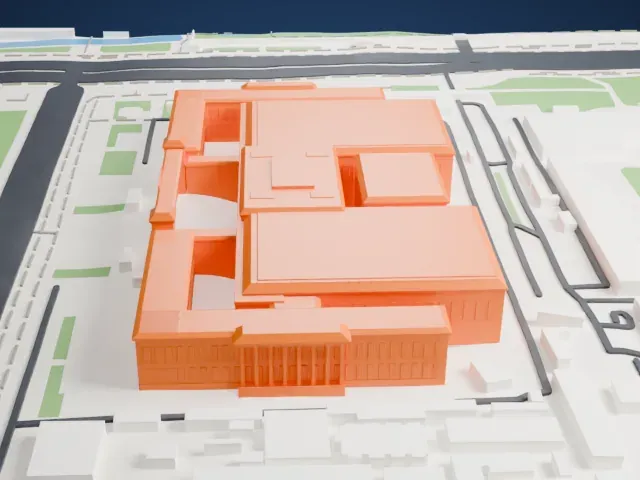
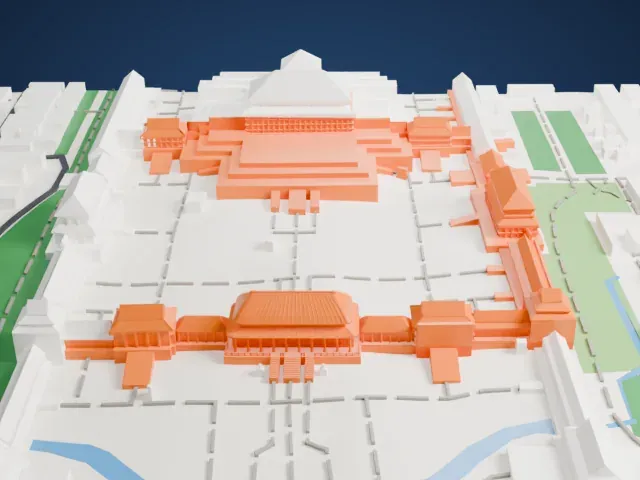
3D print Tiananmen Gate
A free, printable model of Tiananmen Gate, with its two-tier tiled roof, and the water, walls and low buildings around it, generated from real map data in your browser.
Free, in your browser. Exports a slicer-ready 3MF.
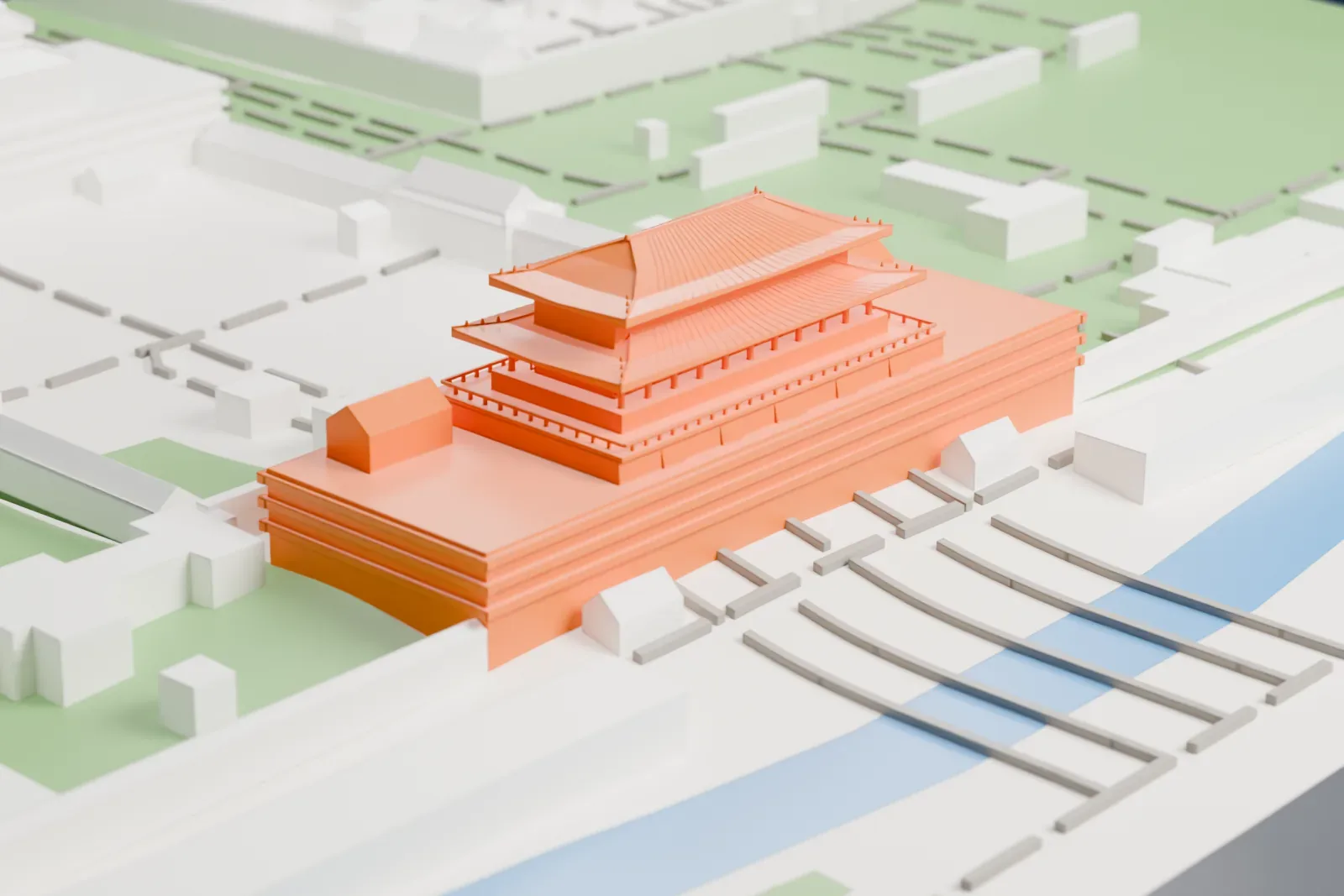
About Tiananmen Gate
Tiananmen is the gate through which visitors enter the Forbidden City palace complex and the Imperial City at the heart of Beijing, China, and it is a widely used national symbol. It lies north of Tiananmen Square, with Chang'an Avenue running between the two. The gatehouse measures 66 m (217 ft) by 37 m (121 ft) and is 32 m (105 ft) high. Two lions stand in front of it and two more guard the bridges; two stone columns called huabiao also stand before the gate.
Builders first raised the gate in 1420, under the Ming dynasty, as Chengtianmen, a name meaning "Gate of Accepting Heavenly Mandate". Fire from a lightning strike destroyed it in July 1457. The Chenghua Emperor had Minister of Works Zigui rebuild it in 1465, changing the design from a paifang form to a gatehouse. Rebels led by Li Zicheng burned it down in 1644. Reconstruction started in 1645 and ended in 1651, when the gate got its present name.
A further reconstruction took place from 1969 to 1970. Its goals were to leave the exterior as it was, strengthen the gate against earthquakes and add modern facilities, including an elevator, water supply and heating. In 1949, Mao Zedong proclaimed the new People's Republic of China from its balcony. Tiananmen appears on the national emblem of China and has been used in stamp and coin designs.
How it prints
Make this print opens the generator on a 600 m square around the landmark. Buildings print at close to true scale, so the landmark grows with the print size.
| Print size | Landmark height | Scale |
|---|---|---|
| 160 mm default | 10 mm | 1:3,750 |
| 200 mm | 13 mm | 1:3,000 |
| 256 mm | 16 mm | 1:2,344 |
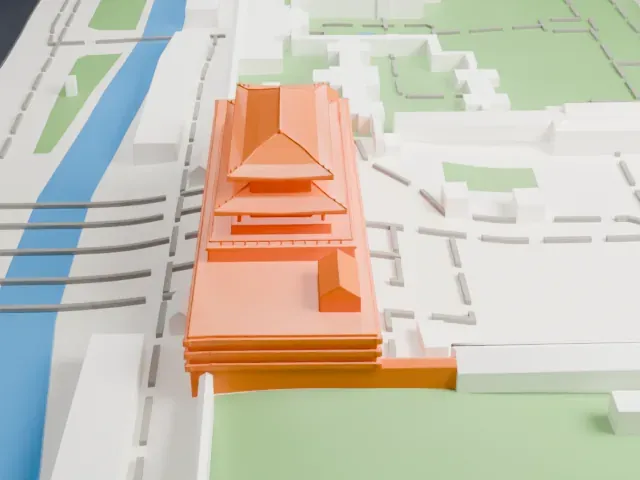
-
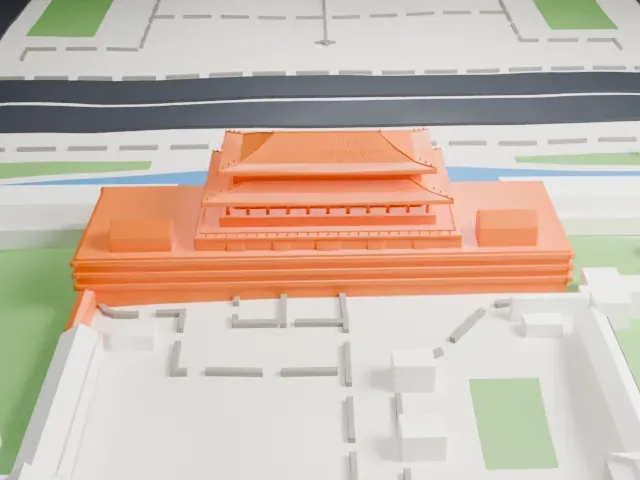 North
North
-
 East
East
-
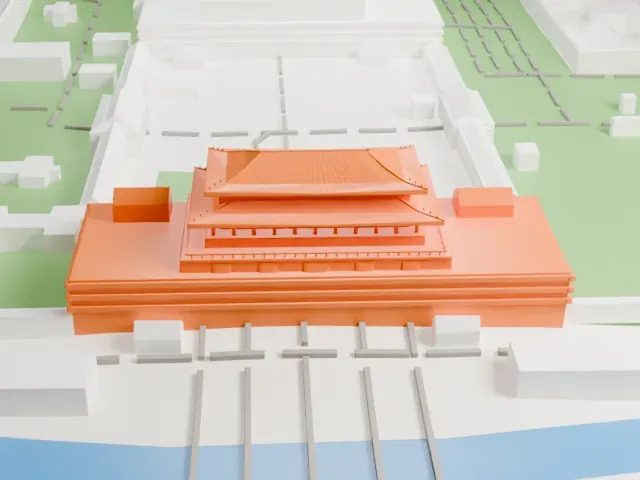 South
South
-
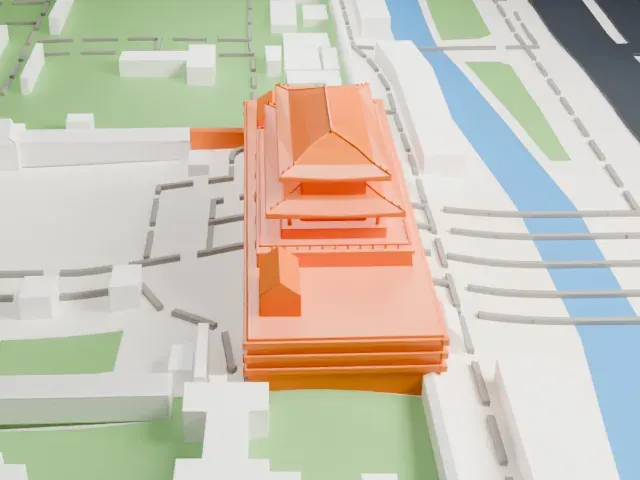 West
West
- Wide, upswept eaves
- Two tiers of roofs spread out over the walls with upswept corners. Print friendly adapts the thin overhangs to the print scale; a larger print size keeps them sturdy.
- Fine tile lines on the roofs
- Both roofs carry rows of fine tile lines. Full detail keeps them on a larger print, ideally with 0.12–0.16 mm layers.
- Pick the detail for your nozzle
- In the Buildings settings, set Landmark detail to Print friendly to adapt thin parts and small details to the print scale. Full detail keeps every modeled feature, for larger prints or a finer nozzle.
- Colors
- Buildings, roads, water and ground arrive as separate filament slots in the 3MF. Tiananmen Gate takes the building color.
- File format
- You get a 3MF for Bambu Studio, OrcaSlicer or PrusaSlicer. Any of them can save it as STL if you need one.
About this model
Tiananmen Gate is one of more than 2,300 landmark models in Mini Skyline. They are made with AI, and each one is checked from four sides in its real surroundings before release. Everything around it is built from OpenStreetMap and Overture map data. If you would rather print the shape from map data, turn off Landmark models in the Buildings settings.
Common questions
Is there a Tiananmen Gate STL I can download?
Mini Skyline builds the file for you in your browser and exports 3MF, which every major slicer opens. If you need an STL, open the 3MF in your slicer and export it from there.
How big can I print it?
Any print size from 40 mm across. Tiananmen Gate grows with the print: about 10 mm tall on the default 160 mm print. For a model larger than your printer bed, Project Mode splits the area into tiles.
Is it free?
Yes. Generation runs in your browser, with no account and nothing behind a paywall.