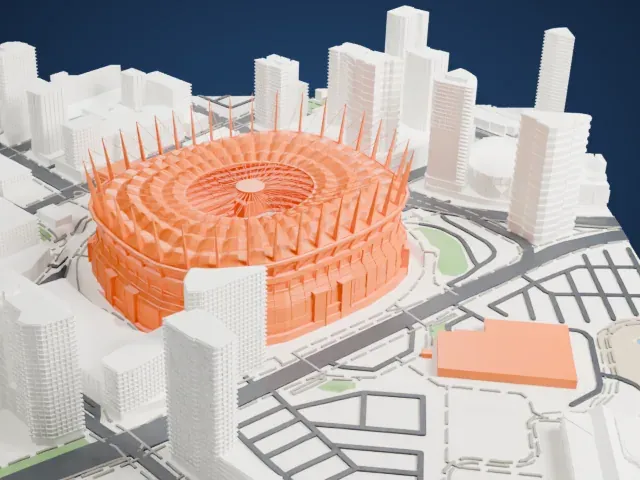
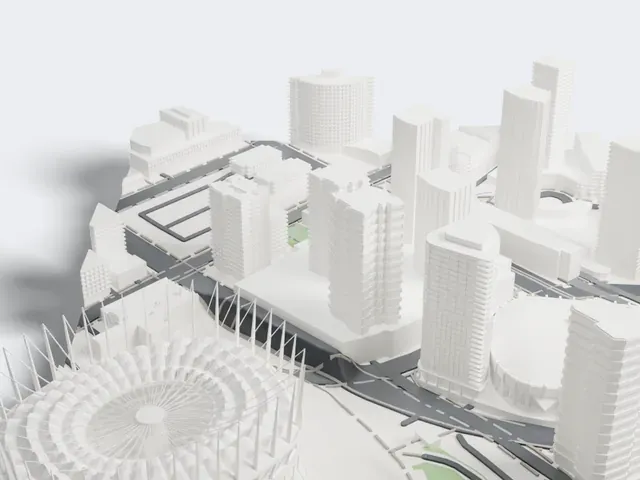
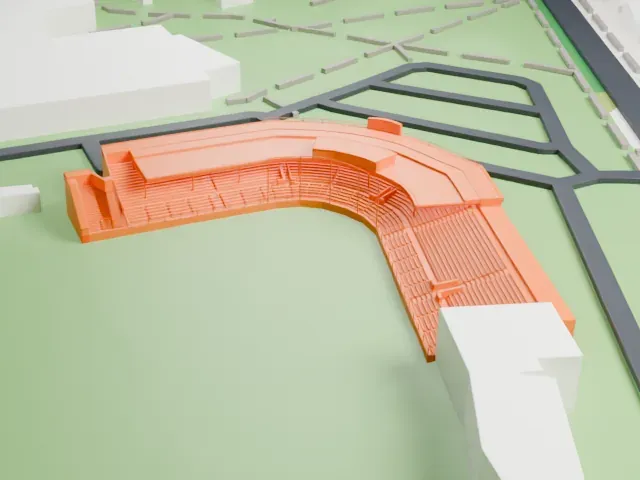
3D print the Pacific Coliseum
A free, printable model of Pacific Coliseum, a round arena ringed by vertical panels, with a low wing on one side, set among lawns and roads, generated from real map data in your browser.
Free, in your browser. Exports a slicer-ready 3MF.
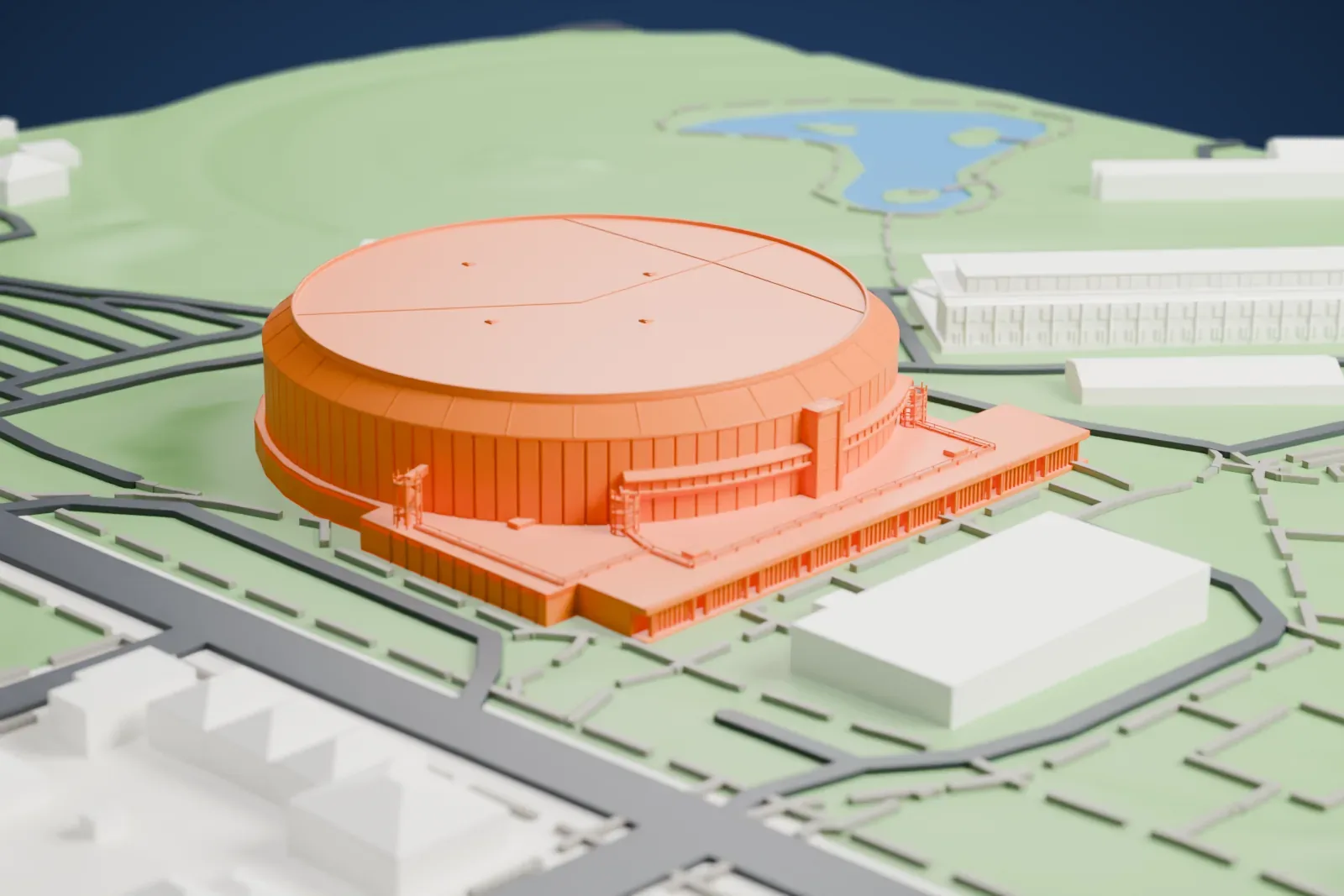
About the Pacific Coliseum
Pacific Coliseum is an indoor arena in Vancouver, British Columbia, Canada, at Hastings Park, known locally as the Coliseum, and as the Rink on Renfrew. Built on the Pacific National Exhibition's site, it was completed in 1968. Ice hockey has been its main use, and several teams of that sport have been based there. Architect W. K. Noppe designed the arena in 1966–67; its plain geometric form and a distinctive ring of white panels place it in the formalist architecture category. The same architect and plans were used again for Edmonton's Northlands Coliseum.
For 25 years, from 1970 to 1995, the Vancouver Canucks of the NHL played there. The first NHL game there came on October 9, 1970, a 3–1 win for the Los Angeles Kings in the Canucks' NHL debut. The last NHL game there, on May 27, 1995, saw the Chicago Blackhawks beat the Canucks 4–3. The Stanley Cup Final visited the Coliseum twice during that stretch, in 1982 and 1994.
At the 2010 Olympic Winter Games, events in figure skating and in short track speed skating were held there. The Soviet Union beat Canada 5–3 there in the 1972 Summit Series' fourth game, on September 8, and Muhammad Ali met George Chuvalo for the second time on May 1, 1972. Jimi Hendrix performed there on September 7, 1968, and Led Zeppelin played the first of several concerts there on December 28, 1968, opening for Vanilla Fudge.
How it prints
Make this print opens the generator on a 600 m square around the landmark. Buildings print at close to true scale, so the landmark grows with the print size.
| Print size | Landmark height | Scale |
|---|---|---|
| 160 mm default | 9 mm | 1:3,750 |
| 200 mm | 11 mm | 1:3,000 |
| 256 mm | 14 mm | 1:2,344 |
-
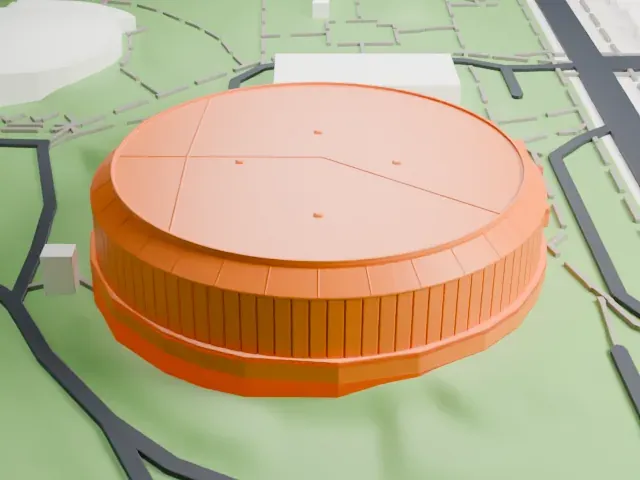 North
North
-
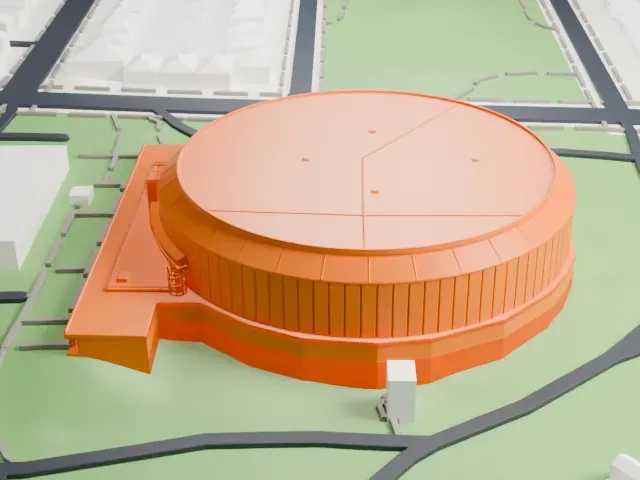 East
East
-
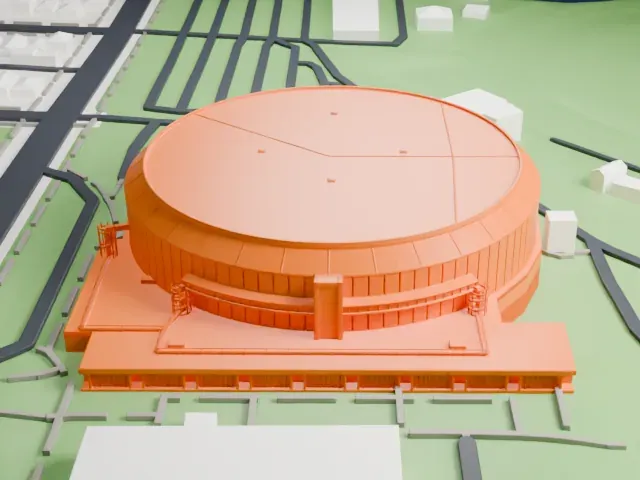 South
South
-
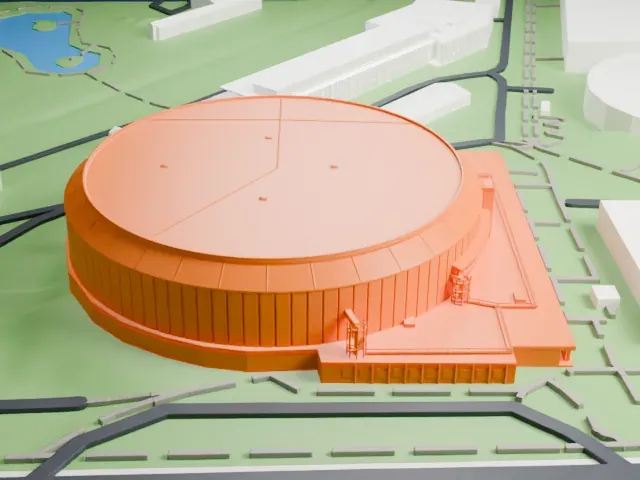 West
West
- Ring of fine vertical panels
- A ring of narrow vertical panels wraps the round walls. Layers of 0.12 to 0.16 mm keep the fine lines crisp, and a larger print makes them easier to read.
- Thin rails on the low wing
- The low wing on one side has thin railings and steps. Print friendly adapts these small details to your print scale; Full detail keeps them, best on a larger print.
- One piece with the ground
- The Pacific Coliseum is joined to the ground in the exported file, and the four-side check found no floating parts, so nothing needs gluing.
- Pick the detail for your nozzle
- In the Buildings settings, set Landmark detail to Print friendly to adapt thin parts and small details to the print scale. Full detail keeps every modeled feature, for larger prints or a finer nozzle.
- Colors
- Buildings, roads, water and ground arrive as separate filament slots in the 3MF. The Pacific Coliseum takes the building color.
- File format
- You get a 3MF for Bambu Studio, OrcaSlicer or PrusaSlicer. Any of them can save it as STL if you need one.
About this model
The Pacific Coliseum is one of more than 2,300 landmark models in Mini Skyline. They are made with AI, and each one is checked from four sides in its real surroundings before release. Everything around it is built from OpenStreetMap and Overture map data. If you would rather print the shape from map data, turn off Landmark models in the Buildings settings.
Common questions
Is there a Pacific Coliseum STL I can download?
Mini Skyline builds the file for you in your browser and exports 3MF, which every major slicer opens. If you need an STL, open the 3MF in your slicer and export it from there.
How big can I print it?
Any print size from 40 mm across. The Pacific Coliseum grows with the print: about 9 mm tall on the default 160 mm print. For a model larger than your printer bed, Project Mode splits the area into tiles.
Is it free?
Yes. Generation runs in your browser, with no account and nothing behind a paywall.