3D print the Semperoper
A free, printable model of the opera house's curved, arcaded front, portal and roof, set among gardens, plazas and roads near the water, generated from real map data in your browser.
Free, in your browser. Exports a slicer-ready 3MF.
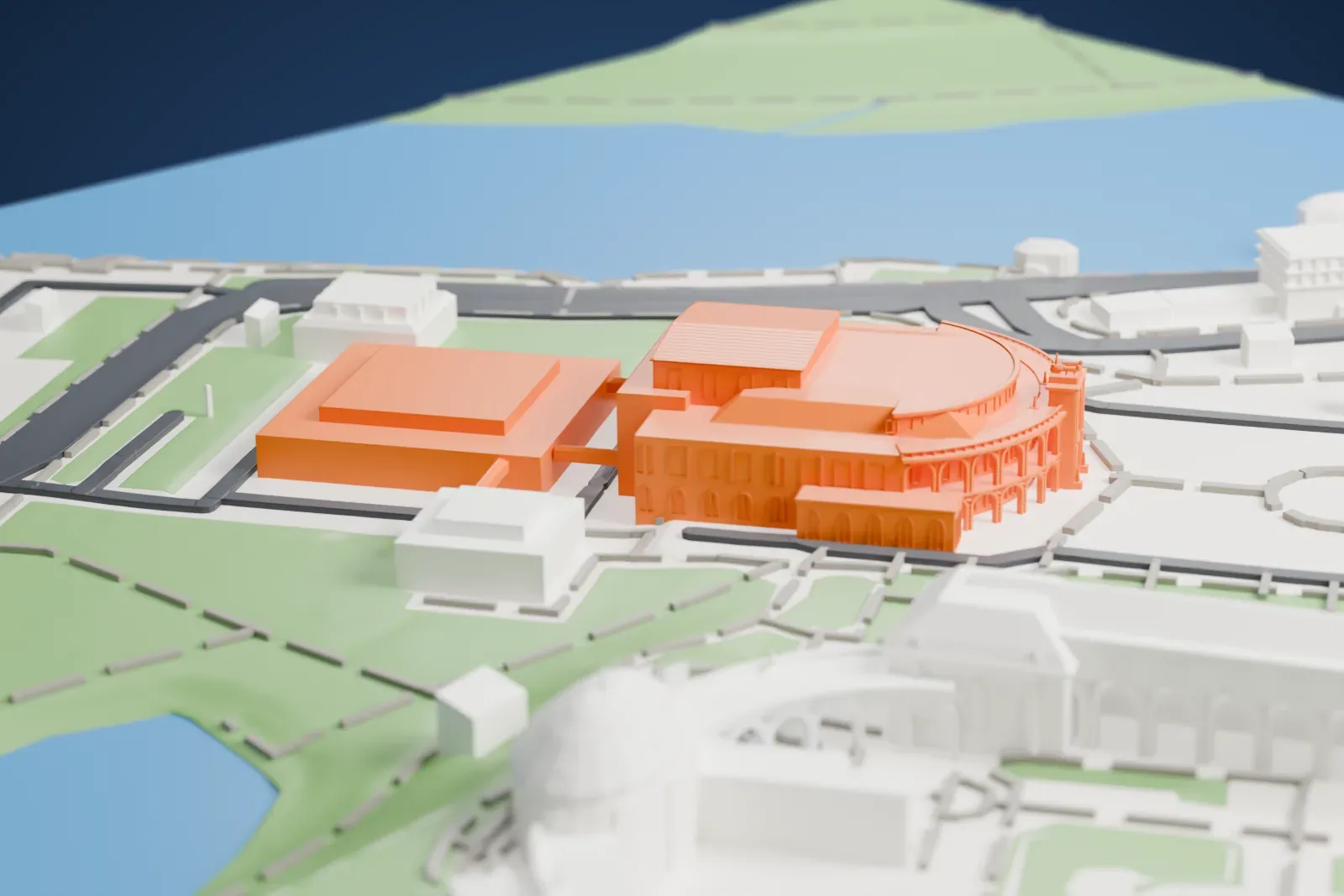
About the Semperoper
The Semperoper serves as opera house for the Saxon State Opera (Sächsische Staatsoper Dresden) and as concert hall for the Saxon State Orchestra (Staatskapelle Dresden). The Semperoper Ballett is based there too. It stands in the historic center of Dresden, Germany, on Theaterplatz close to the Elbe. Richard Wagner and Richard Strauss both saw major works premiere there, and premieres have long been part of its story.
Gottfried Semper designed the first opera house on this site, which opened on April 13, 1841 with a Carl Maria von Weber opera. Its style is debated, since it mixes early Renaissance, Baroque and the Corinthian pillars of Greek classical revival, and eclecticism may be the best label. A fire in 1869 devastated it, and Dresden's citizens at once set about rebuilding, demanding that Semper do the work, although he was in exile because of his part in Dresden's May 1849 uprising. His son Manfred Semper built the second opera house to those plans, and it was completed in 1878.
Atop the portal is a quadriga drawn by panthers, carrying a statue of Dionysos, and monuments on the portal show artists such as Goethe, Schiller, Shakespeare, Sophocles, Molière and Euripides. In 1945 the bombing of Dresden and the firestorm that followed largely destroyed the building, leaving only the exterior shell. Exactly 40 years later, on February 13, 1985, its reconstruction was finished. The new building copied the prewar one almost exactly, but with new stage machinery and a modern service building at the rear. Heavy water damage followed the Elbe's flood of 2002; help came from around the world, and it reopened that December.
How it prints
Make this print opens the generator on a 600 m square around the landmark. Buildings print at close to true scale, so the landmark grows with the print size.
| Print size | Landmark height | Scale |
|---|---|---|
| 160 mm default | 7 mm | 1:3,750 |
| 200 mm | 9 mm | 1:3,000 |
| 256 mm | 12 mm | 1:2,344 |
-
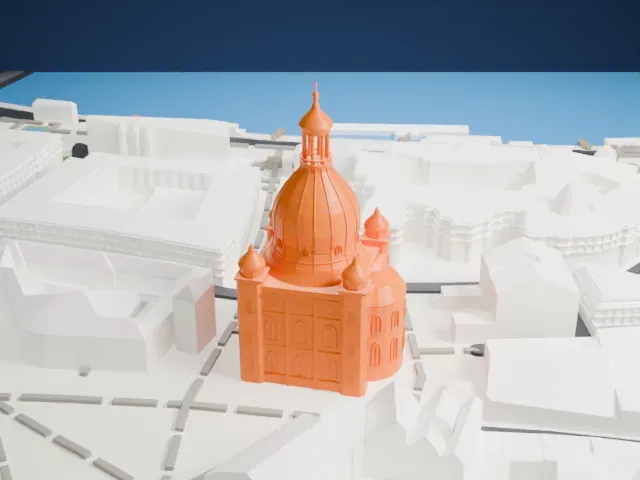
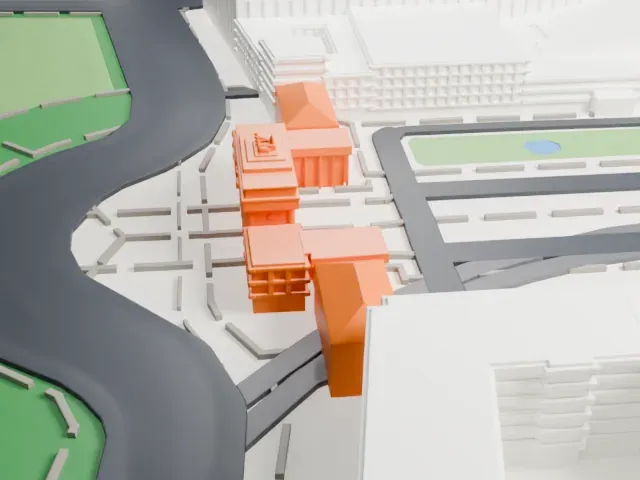
 North
North
-
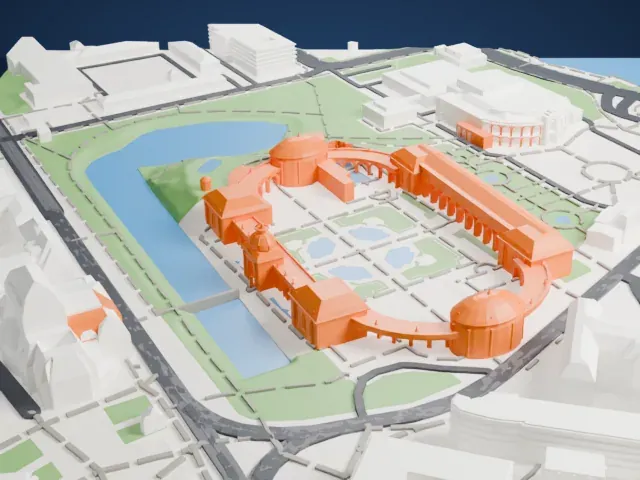
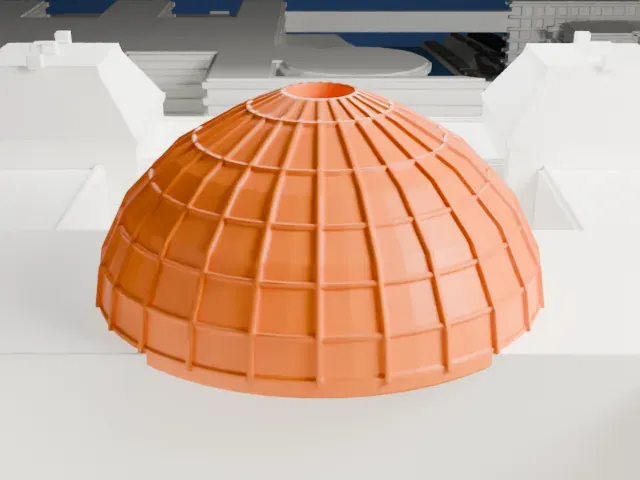
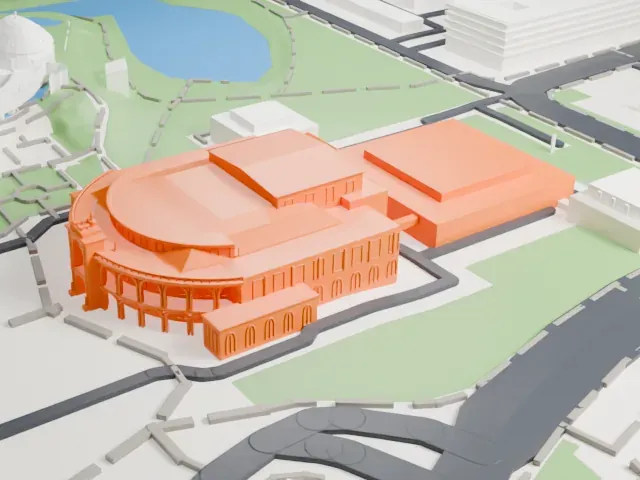 East
East
-
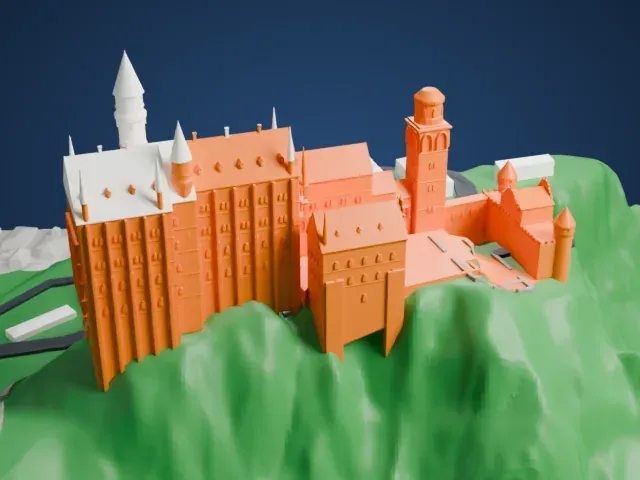
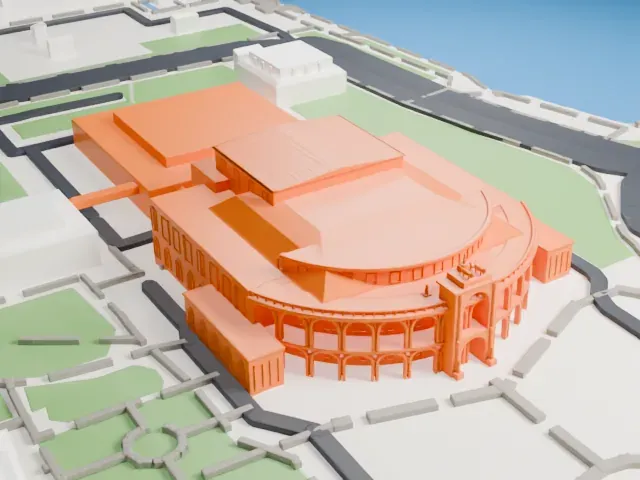 South
South
-
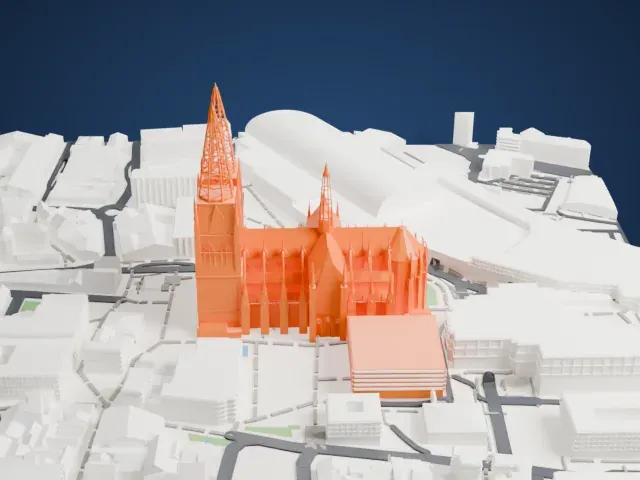
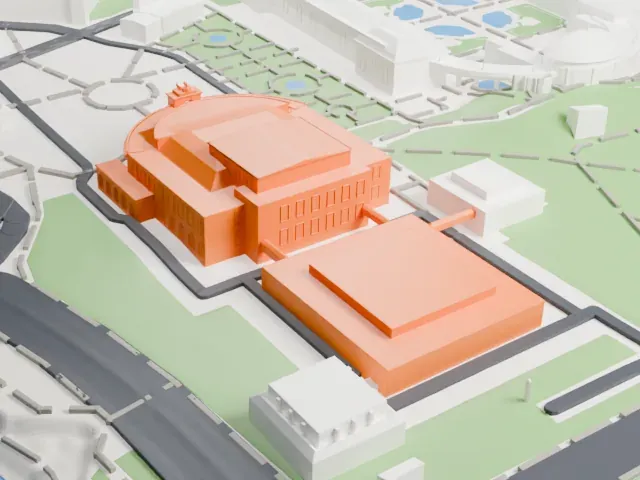
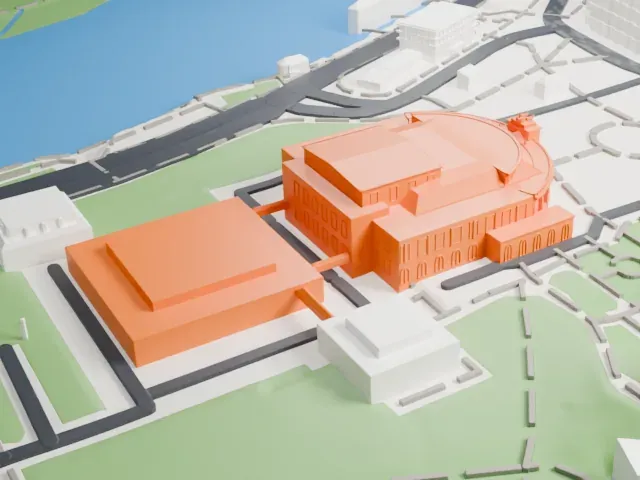 West
West
- Slim arches on the curved front
- The curved front has tiers of slim arches and columns. Print friendly adapts the thinnest parts to your print scale; Full detail keeps them. A larger print and layers of 0.12 to 0.16 mm keep the arches open.
- Tiny sculpture on the portal
- A small sculpture group sits on top of the portal. A larger print and the Full detail setting help it stay recognizable.
- One piece with the ground
- The Semperoper is joined to the ground in the exported file, and the four-side check found no floating parts, so nothing needs gluing.
- Pick the detail for your nozzle
- In the Buildings settings, set Landmark detail to Print friendly to adapt thin parts and small details to the print scale. Full detail keeps every modeled feature, for larger prints or a finer nozzle.
- Colors
- Buildings, roads, water and ground arrive as separate filament slots in the 3MF. The Semperoper takes the building color.
- File format
- You get a 3MF for Bambu Studio, OrcaSlicer or PrusaSlicer. Any of them can save it as STL if you need one.
About this model
The Semperoper is one of more than 2,300 landmark models in Mini Skyline. They are made with AI, and each one is checked from four sides in its real surroundings before release. Everything around it is built from OpenStreetMap and Overture map data. If you would rather print the shape from map data, turn off Landmark models in the Buildings settings.
Common questions
Is there a Semperoper STL I can download?
Mini Skyline builds the file for you in your browser and exports 3MF, which every major slicer opens. If you need an STL, open the 3MF in your slicer and export it from there.
How big can I print it?
Any print size from 40 mm across. The Semperoper grows with the print: about 7 mm tall on the default 160 mm print. For a model larger than your printer bed, Project Mode splits the area into tiles.
Is it free?
Yes. Generation runs in your browser, with no account and nothing behind a paywall.