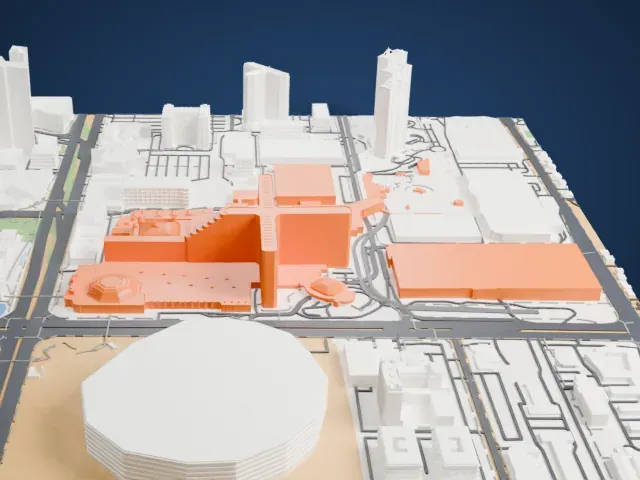
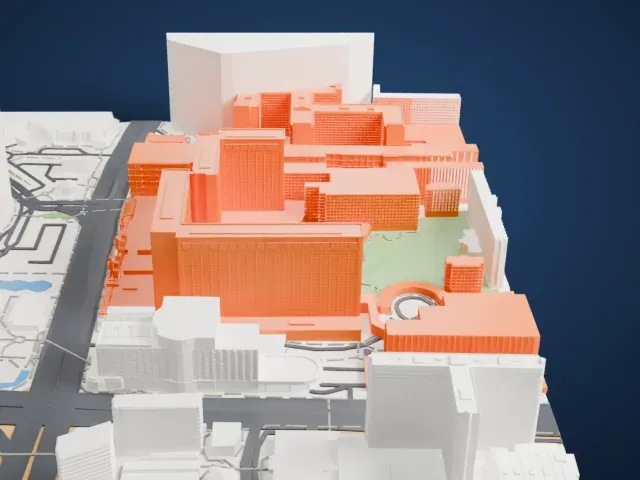
3D print The Boulevard Mall
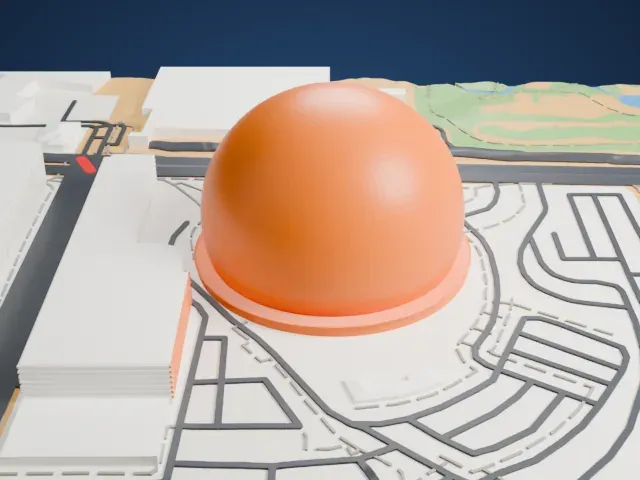
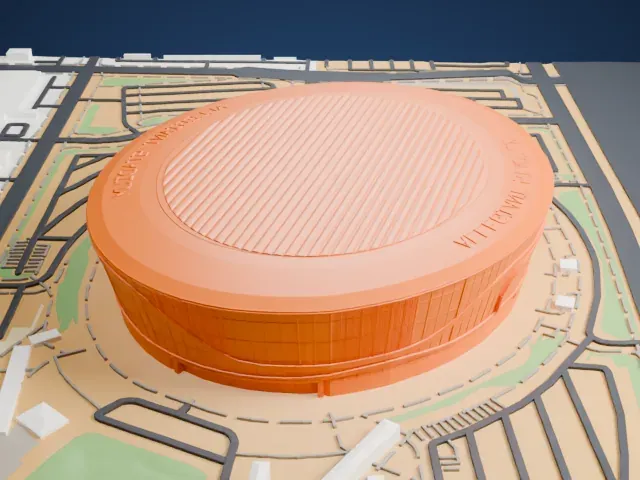
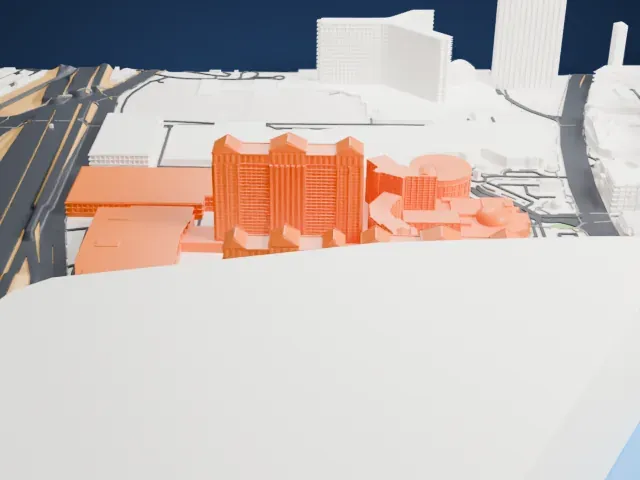
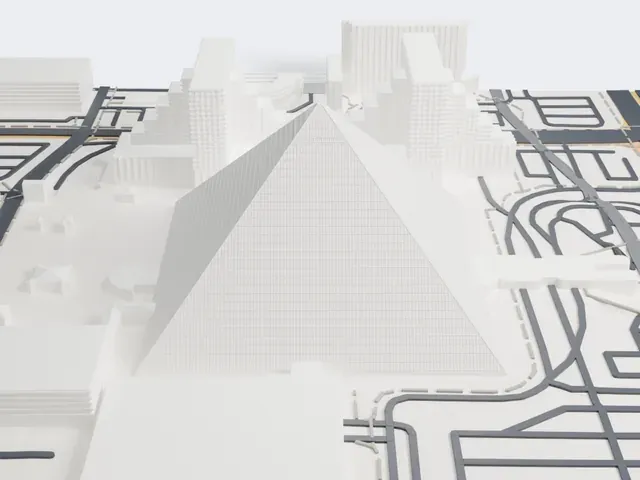
A free, printable model of The Boulevard Mall, a long, low shopping complex, and the parking lots, roads and neighborhood blocks around it, generated from real map data in your browser.
Free, in your browser. Exports a slicer-ready 3MF.
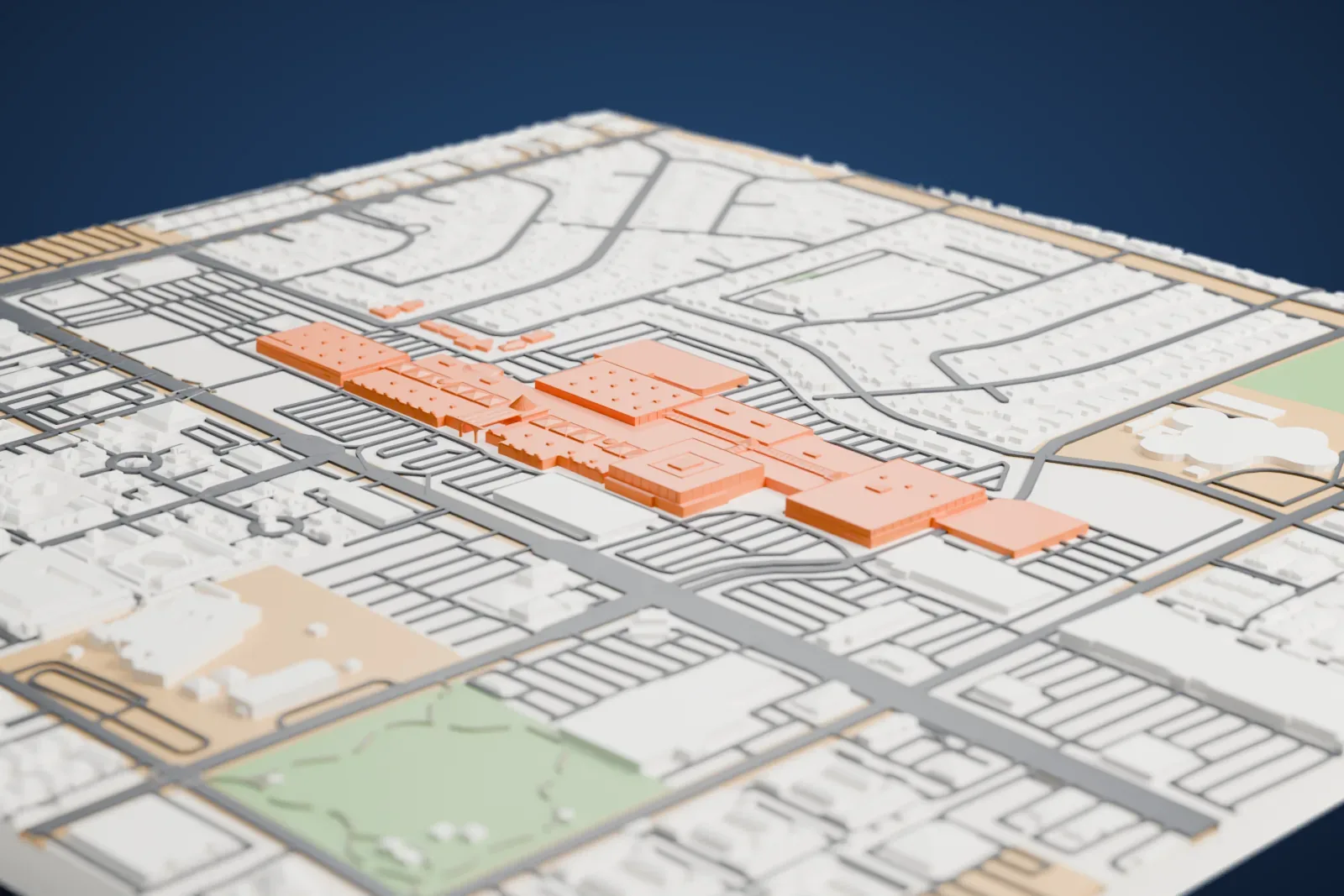
About The Boulevard Mall
The Boulevard Mall, in Paradise, Nevada, is a super-regional shopping mall with a single story. Its 75 acres (30 ha) hold 110,000 m2 (1,180,000 sq ft) of leasable retail space, and no mall in the Las Vegas Valley is older. The project was first announced in September 1963 under the name Parkway Mall. It opened on March 6, 1968, as The Boulevard Mall, with 26 stores and four department stores.
The firm Robert R. Weber and Associates, from Texas, designed the mall to resemble a European village, and John Graham Jr., who also designed the Space Needle in Seattle, Washington, did its signature entrance. Building the mall cost $12.5 million. It was the second indoor mall to open in Las Vegas, and tourists liked it for its closeness to the Las Vegas Strip, about a mile and a half to the west. Its success helped make Maryland Parkway a popular retail corridor.
A remodel followed in 1984. Then, from October 1990 to August 1992, an expansion and renovation costing $60 million took place. The expansion brought roughly 14,000 m2 (150,000 sq ft) of additional retail space, a food court of 2,200 m2 (24,000 sq ft), and three parking decks with several levels. Until 2002, no mall in Las Vegas was larger.
How it prints
Make this print opens the generator on a 1400 m square around the landmark. Buildings print at close to true scale, so the landmark grows with the print size.
| Print size | Landmark height | Scale |
|---|---|---|
| 160 mm default | 3 mm | 1:8,750 |
| 200 mm | 4 mm | 1:7,000 |
| 256 mm | 4 mm | 1:5,469 |
-
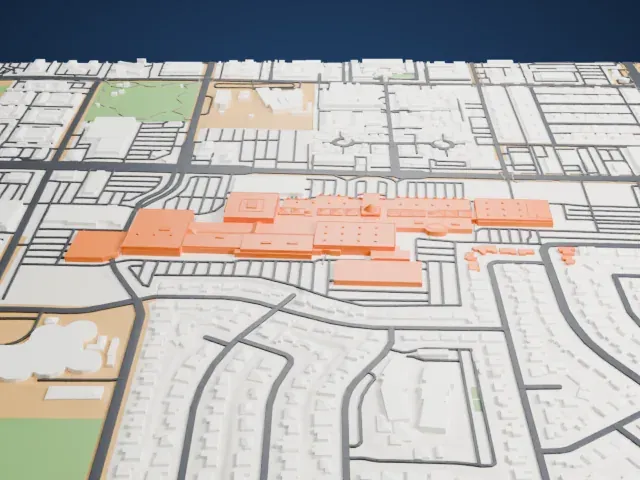
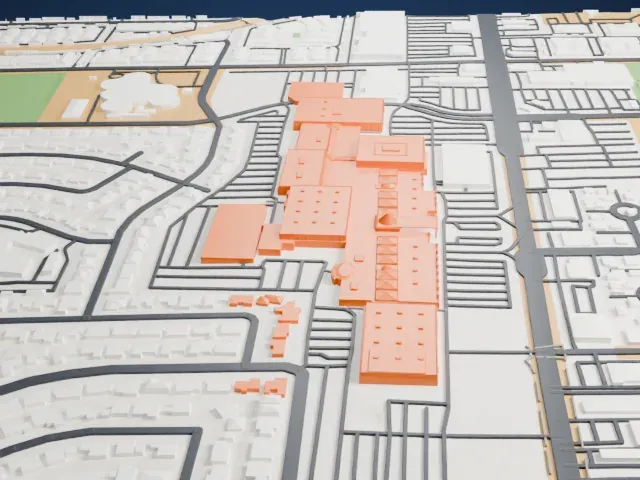 North
North
-
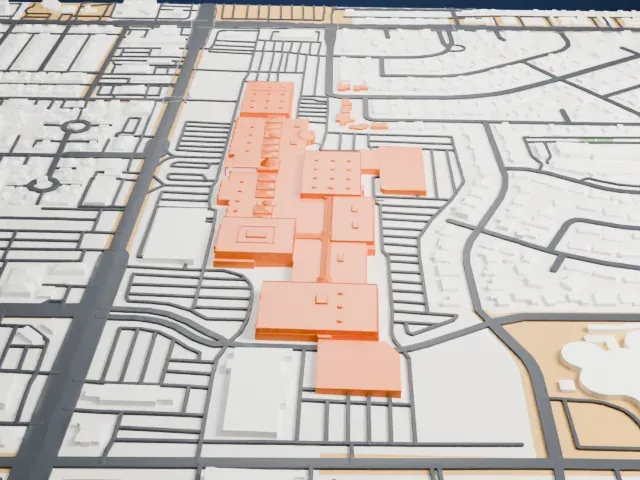
 East
East
-
 South
South
-
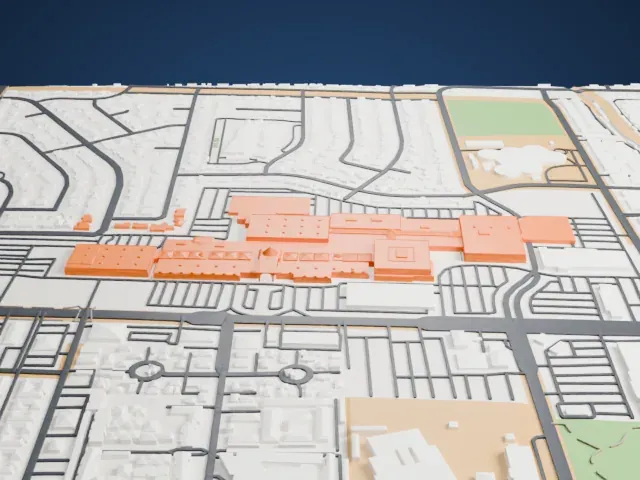 West
West
- Long, low sprawling footprint
- The mall is wide and low. A larger print size keeps its rooflines and small rooftop details, and layers of 0.12–0.16 mm keep the edges crisp.
- Thin lattice near the center
- A slim crossed-lattice structure rises near the middle of the building. Print friendly adapts thin parts to the print scale; Full detail keeps every strut on a larger print.
- One piece with the ground
- The Boulevard Mall is joined to the ground in the exported file, and the four-side check found no floating parts, so nothing needs gluing.
- Pick the detail for your nozzle
- In the Buildings settings, set Landmark detail to Print friendly to adapt thin parts and small details to the print scale. Full detail keeps every modeled feature, for larger prints or a finer nozzle.
- Colors
- Buildings, roads, water and ground arrive as separate filament slots in the 3MF. The Boulevard Mall takes the building color.
- File format
- You get a 3MF for Bambu Studio, OrcaSlicer or PrusaSlicer. Any of them can save it as STL if you need one.
About this model
The Boulevard Mall is one of more than 2,300 landmark models in Mini Skyline. They are made with AI, and each one is checked from four sides in its real surroundings before release. Everything around it is built from OpenStreetMap and Overture map data. If you would rather print the shape from map data, turn off Landmark models in the Buildings settings.
Common questions
Is there a The Boulevard Mall STL I can download?
Mini Skyline builds the file for you in your browser and exports 3MF, which every major slicer opens. If you need an STL, open the 3MF in your slicer and export it from there.
How big can I print it?
Any print size from 40 mm across. The Boulevard Mall grows with the print: about 3 mm tall on the default 160 mm print. For a model larger than your printer bed, Project Mode splits the area into tiles.
Is it free?
Yes. Generation runs in your browser, with no account and nothing behind a paywall.