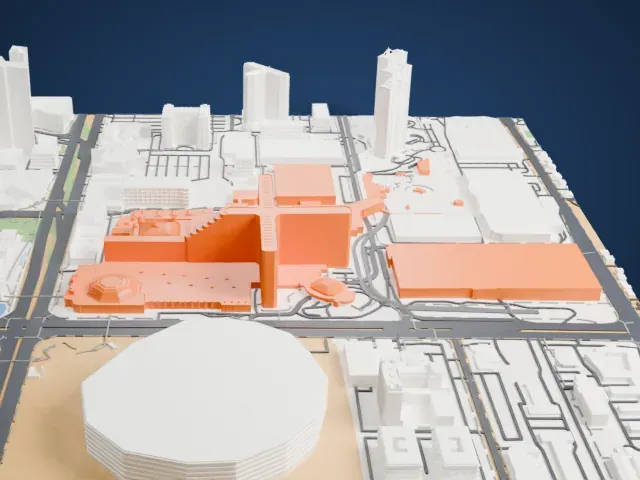
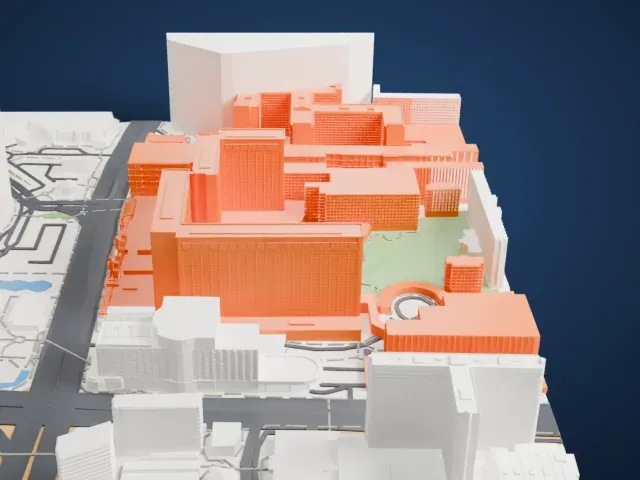
3D print the The Linq
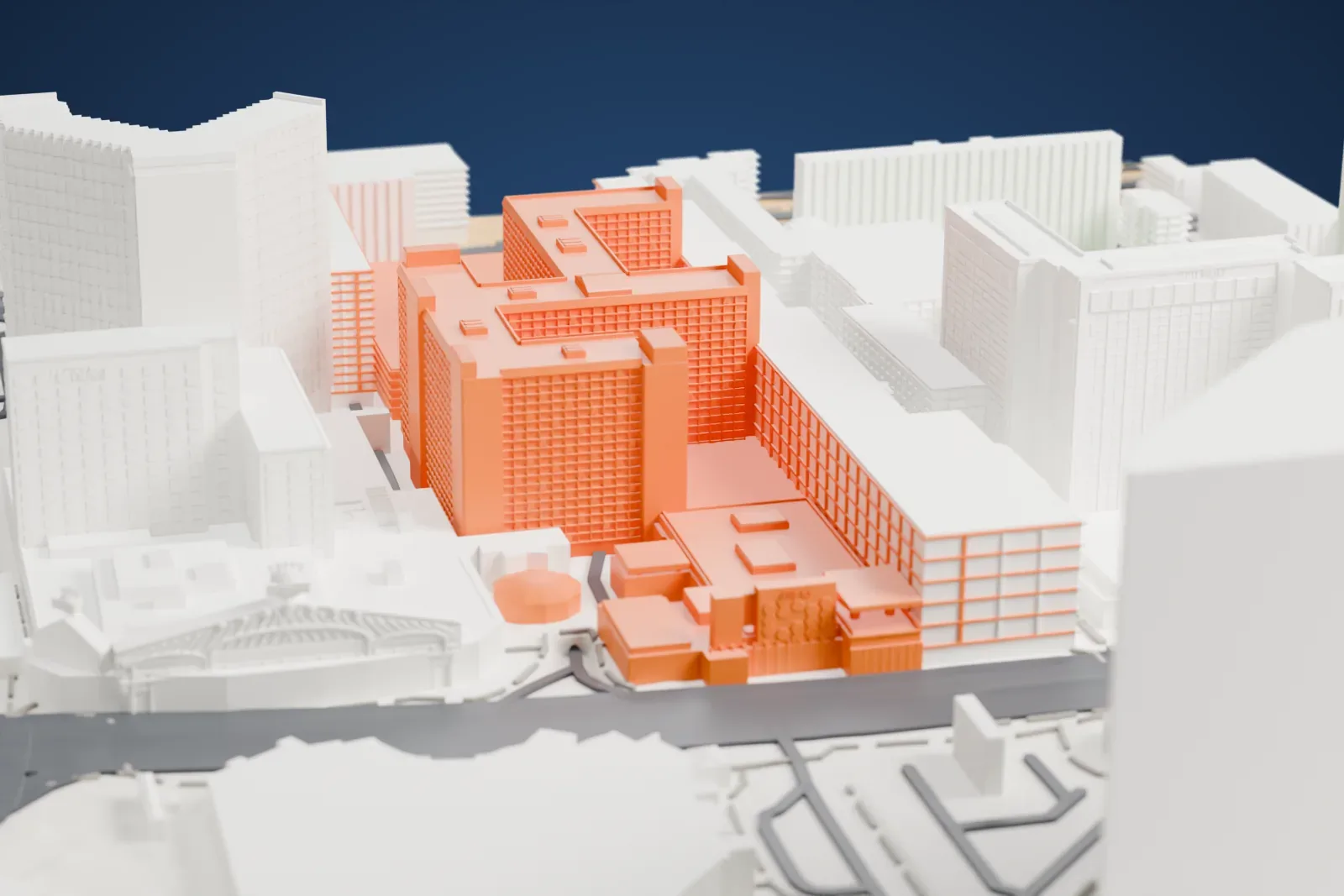
A free, printable model of The Linq with the neighboring buildings and roads around it, generated from real map data in your browser.
Free, in your browser. Exports a slicer-ready 3MF.
About the The Linq
In Paradise, Nevada, The Linq is a casino hotel that stands on the Las Vegas Strip. It has gone by several names, including the Flamingo Capri, the Imperial Palace and The Quad. It began as the Flamingo Capri, a 180-room motel that opened on October 30, 1959, just north of the original Flamingo. The motel's architects were Douglas Honnold and John Rex, both from Beverly Hills, California.
Ralph Engelstad bought the motel in 1971 and put a casino into it a year later. On November 1, 1979, the day a new casino building opened, he changed the name of the whole property to the Imperial Palace. The resort was themed after an Asian palace and was the first one on the Strip with an Asian theme. Architect Merlin J. Barth chose blue roof tile imported from Japan, drawing on Japanese temples. Hotel towers added between 1982 and 1987 brought the room count to 2,637.
Harrah's Entertainment, which became Caesars Entertainment, bought the Imperial Palace for $370 million in 2005 and renamed it The Quad on December 21, 2012. In 2013 Caesars opened the Linq Promenade, a strip of outdoor bars, restaurants and shops along the south edge of the property, with the High Roller Ferris wheel as its signature feature. The resort became The Linq on October 30, 2014, alongside a $223 million renovation. Its casino covers 3,148 m2 (33,890 sq ft) and it has 2,250 rooms.
How it prints
Make this print opens the generator on a 650 m square around the landmark. Buildings print at close to true scale, so the landmark grows with the print size.
| Print size | Landmark height | Scale |
|---|---|---|
| 160 mm default | 17 mm | 1:4,063 |
| 200 mm | 21 mm | 1:3,250 |
| 256 mm | 27 mm | 1:2,539 |
-
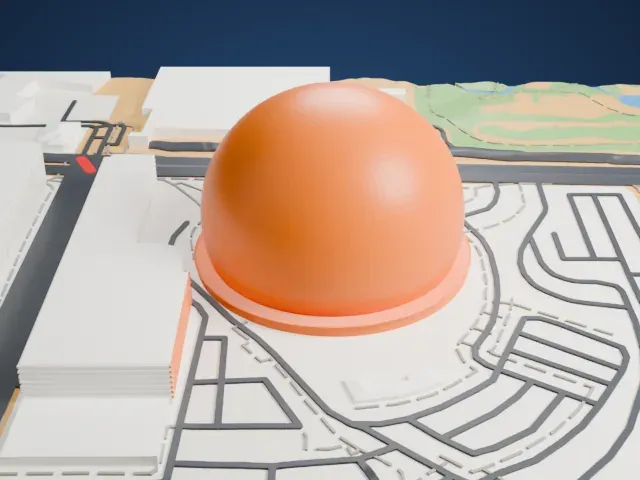
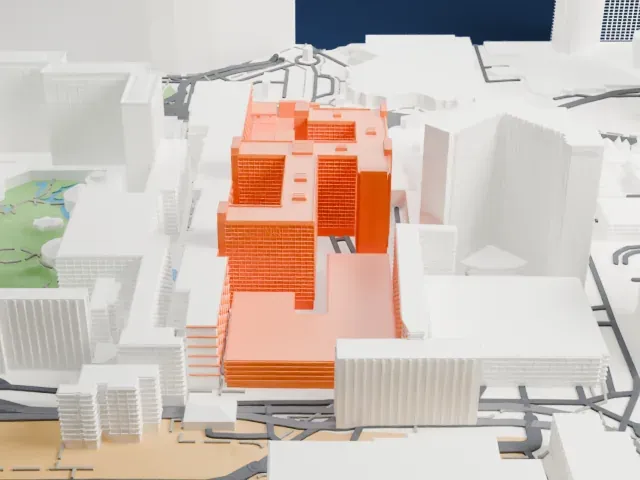
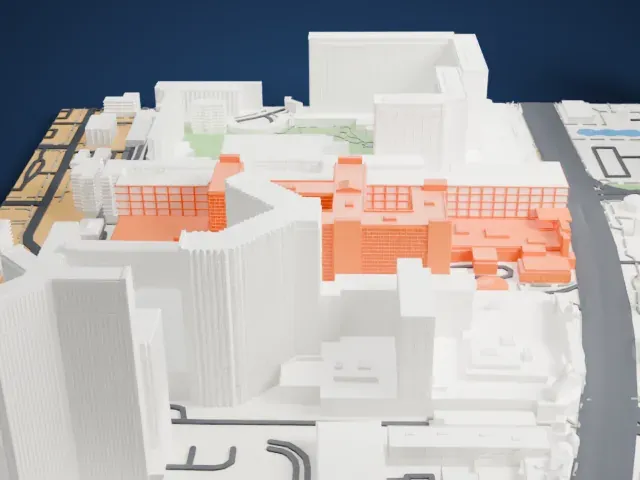 North
North
-
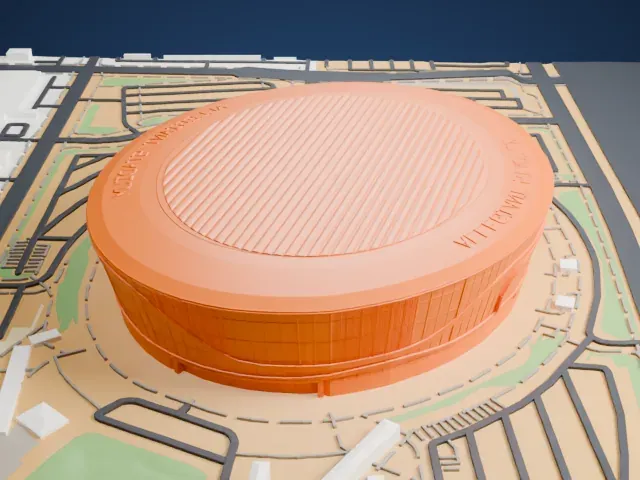
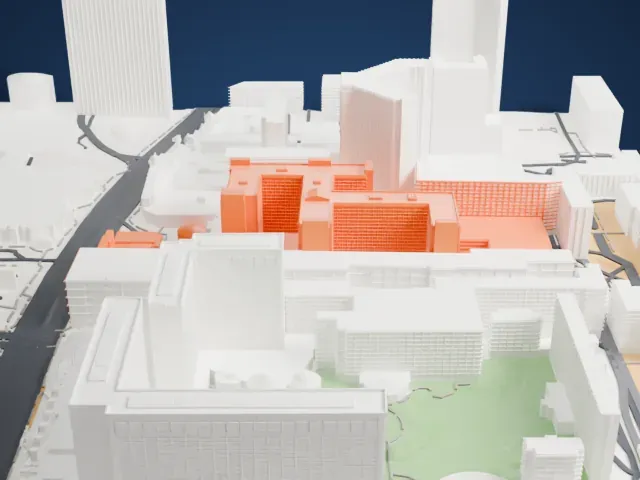
 East
East
-
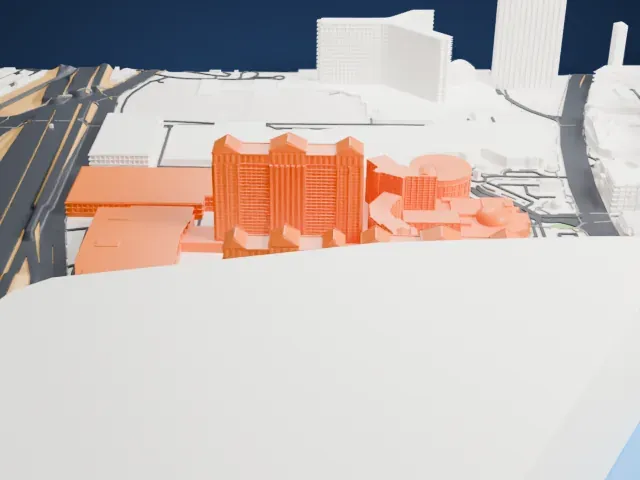
 South
South
-
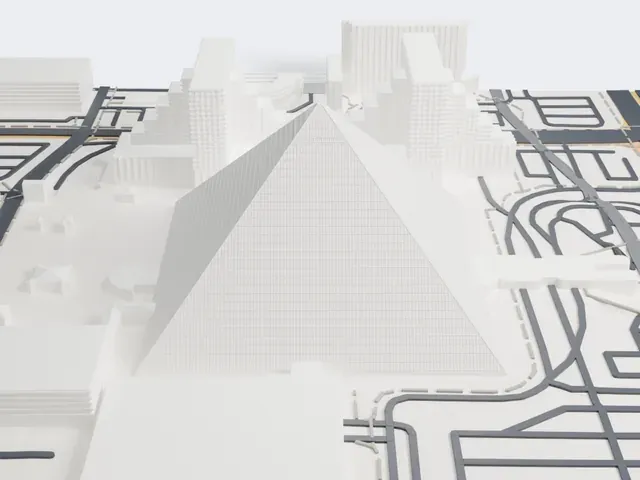
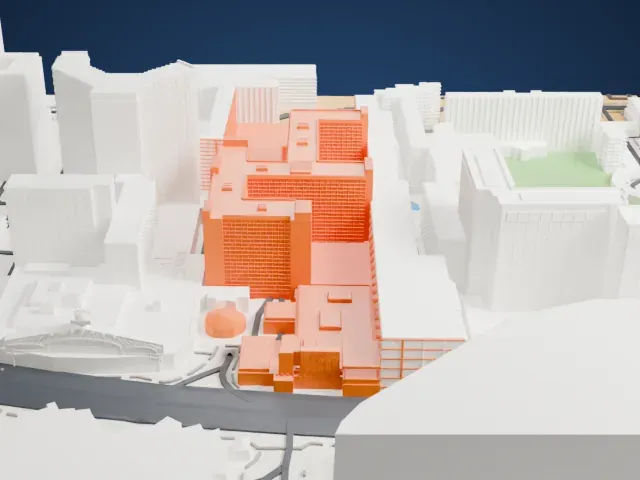 West
West
- Fine banding on the hotel walls
- The tower walls carry fine horizontal banding. Print friendly adapts it to the print scale; Full detail keeps it on a larger print, ideally with 0.12–0.16 mm layers.
- Small boxes on stepped roofs
- The stepped roofs carry many small rooftop boxes. A larger print size keeps more of them crisp.
- One piece with the ground
- The The Linq is joined to the ground in the exported file, and the four-side check found no floating parts, so nothing needs gluing.
- Pick the detail for your nozzle
- In the Buildings settings, set Landmark detail to Print friendly to adapt thin parts and small details to the print scale. Full detail keeps every modeled feature, for larger prints or a finer nozzle.
- Colors
- Buildings, roads, water and ground arrive as separate filament slots in the 3MF. The The Linq takes the building color.
- File format
- You get a 3MF for Bambu Studio, OrcaSlicer or PrusaSlicer. Any of them can save it as STL if you need one.
About this model
The The Linq is one of more than 2,300 landmark models in Mini Skyline. They are made with AI, and each one is checked from four sides in its real surroundings before release. Everything around it is built from OpenStreetMap and Overture map data. If you would rather print the shape from map data, turn off Landmark models in the Buildings settings.
Common questions
Is there a The Linq STL I can download?
Mini Skyline builds the file for you in your browser and exports 3MF, which every major slicer opens. If you need an STL, open the 3MF in your slicer and export it from there.
How big can I print it?
Any print size from 40 mm across. The The Linq grows with the print: about 17 mm tall on the default 160 mm print. For a model larger than your printer bed, Project Mode splits the area into tiles.
Is it free?
Yes. Generation runs in your browser, with no account and nothing behind a paywall.