3D print the Al-Zaytuna Mosque
A free, printable model of the mosque, its courtyard and minaret, and the dense low buildings of the surrounding medina, generated from real map data in your browser.
Free, in your browser. Exports a slicer-ready 3MF.
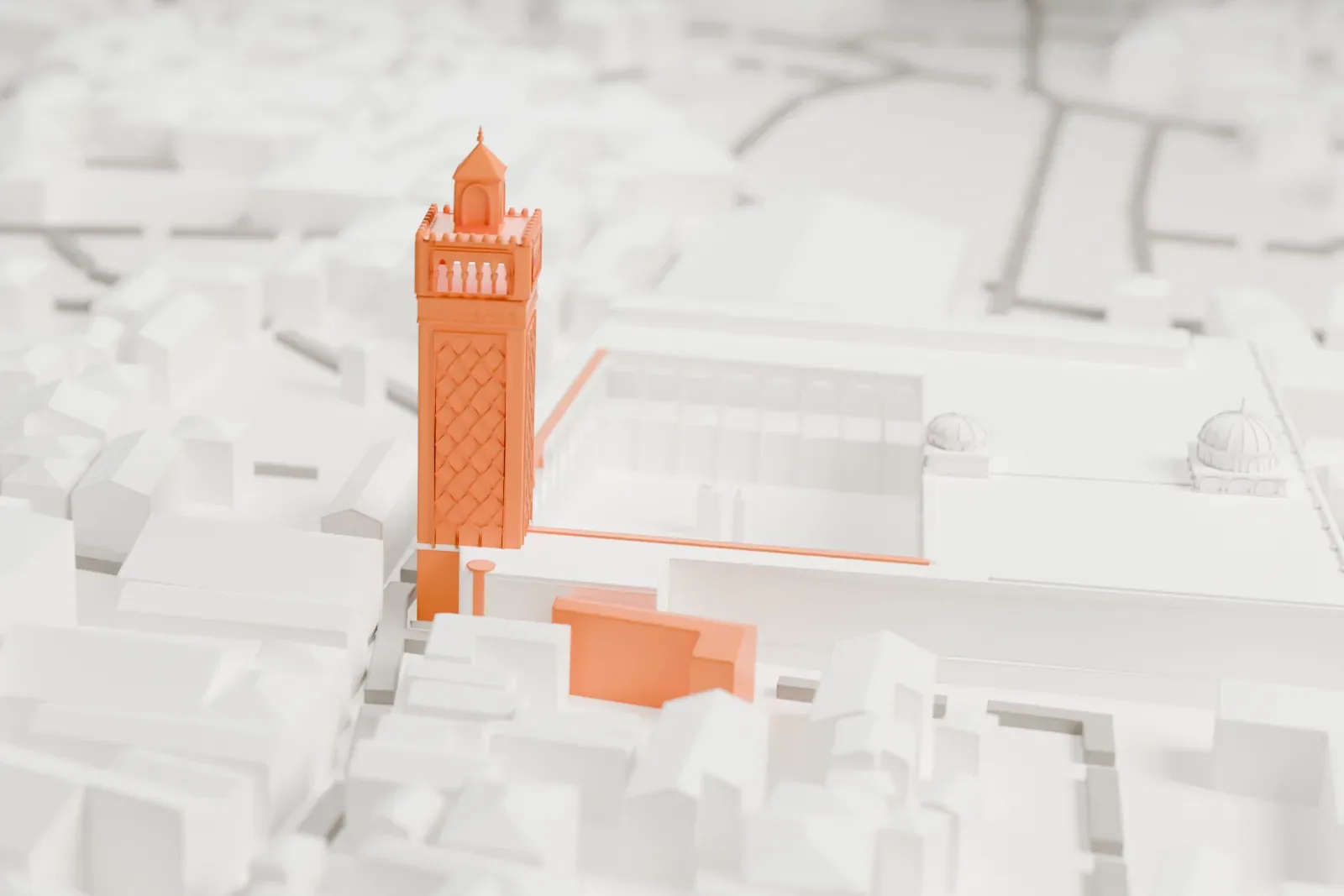
About the Al-Zaytuna Mosque
The name Al-Zaytuna Mosque is Arabic for "Mosque of the olive". The building is a major place of worship at the heart of Tunis's historic medina, in Tunisia, and the city's oldest mosque. Its foundation dates either to the close of the 7th century or to the early 8th.
Its overall shape comes from a 9th-century reconstruction under the Aghlabids, completed in 864–865, and many antique columns from Carthage were reused in it. Later periods brought more additions and restorations: between 990 and 995 the Zirids added galleries around the courtyard and a dome at the prayer hall's entrance. A complete rebuild of the minaret took place in 1894, modeled on the Almohad style seen in the minaret of the Kasbah Mosque.
The mosque also grew into a center of higher education, the University of Ez-Zitouna. From around the 13th century on, it was Tunisia's most important educational institution. Among those who taught there were the Maliki scholar Ibn 'Arafa, the jurist al-Maziri and the poet Aboul-Qacem Echebbi.
How it prints
Make this print opens the generator on a 600 m square around the landmark. Buildings print at close to true scale, so the landmark grows with the print size.
| Print size | Landmark height | Scale |
|---|---|---|
| 160 mm default | 13 mm | 1:3,750 |
| 200 mm | 16 mm | 1:3,000 |
| 256 mm | 21 mm | 1:2,344 |
-
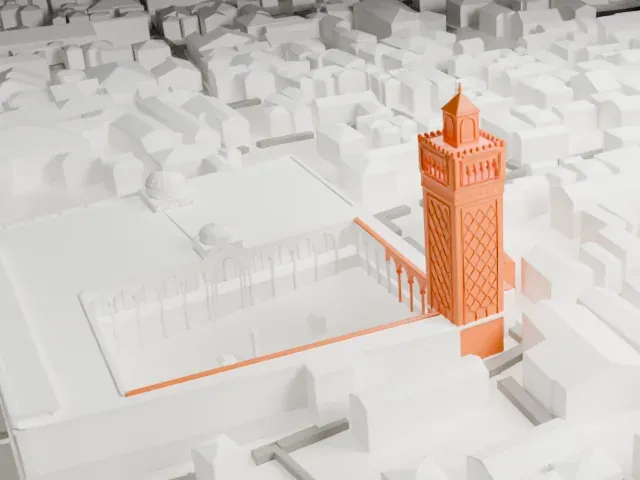 North
North
-
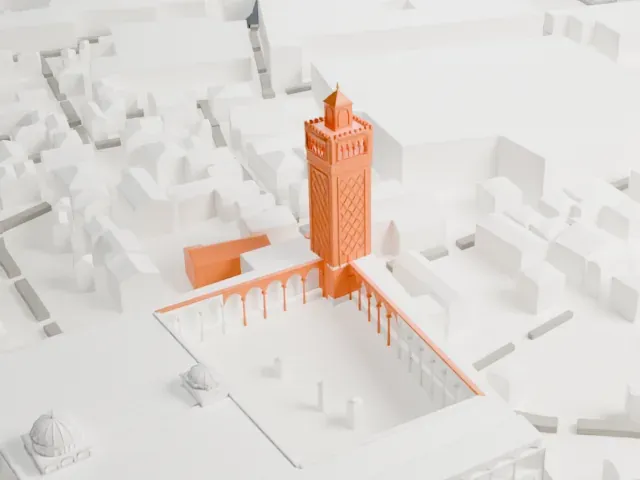 East
East
-
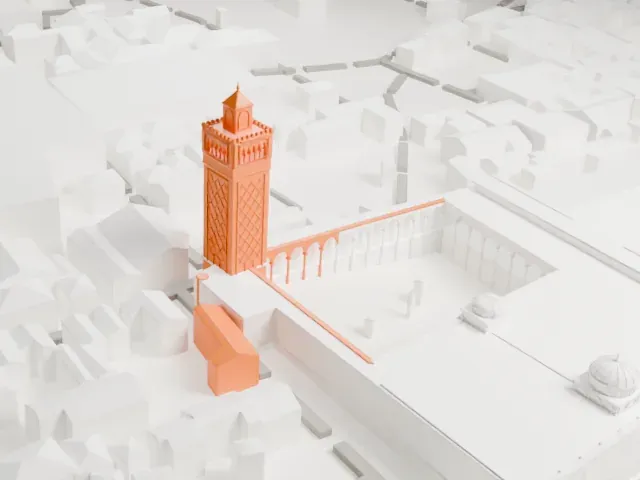 South
South
-
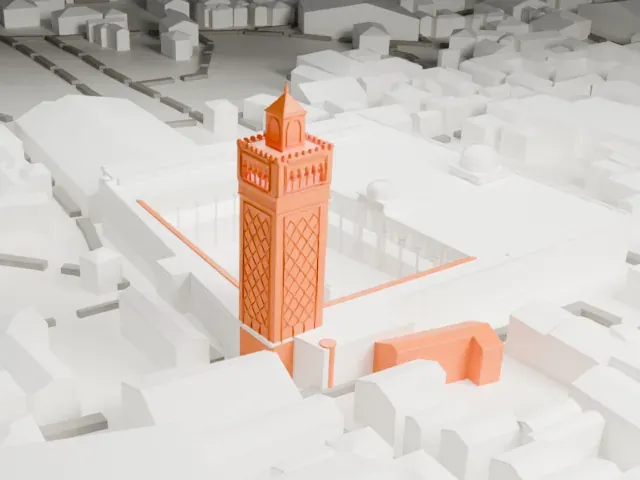 West
West
- Slender patterned minaret
- The minaret is the tallest, thinnest part and carries a patterned shaft. Print friendly adapts it to the print scale; Full detail keeps the pattern on a larger print. Print slowly so the top stays clean.
- Arcades around the courtyard
- Rows of small arches line the open courtyard. Larger prints and 0.12-0.16 mm layers keep them crisp.
- One piece with the ground
- The Al-Zaytuna Mosque is joined to the ground in the exported file, and the four-side check found no floating parts, so nothing needs gluing.
- Pick the detail for your nozzle
- In the Buildings settings, set Landmark detail to Print friendly to adapt thin parts and small details to the print scale. Full detail keeps every modeled feature, for larger prints or a finer nozzle.
- Colors
- Buildings, roads, water and ground arrive as separate filament slots in the 3MF. The Al-Zaytuna Mosque takes the building color.
- File format
- You get a 3MF for Bambu Studio, OrcaSlicer or PrusaSlicer. Any of them can save it as STL if you need one.
About this model
The Al-Zaytuna Mosque is one of more than 2,300 landmark models in Mini Skyline. They are made with AI, and each one is checked from four sides in its real surroundings before release. Everything around it is built from OpenStreetMap and Overture map data. If you would rather print the shape from map data, turn off Landmark models in the Buildings settings.
Common questions
Is there an Al-Zaytuna Mosque STL I can download?
Mini Skyline builds the file for you in your browser and exports 3MF, which every major slicer opens. If you need an STL, open the 3MF in your slicer and export it from there.
How big can I print it?
Any print size from 40 mm across. The Al-Zaytuna Mosque grows with the print: about 13 mm tall on the default 160 mm print. For a model larger than your printer bed, Project Mode splits the area into tiles.
Is it free?
Yes. Generation runs in your browser, with no account and nothing behind a paywall.