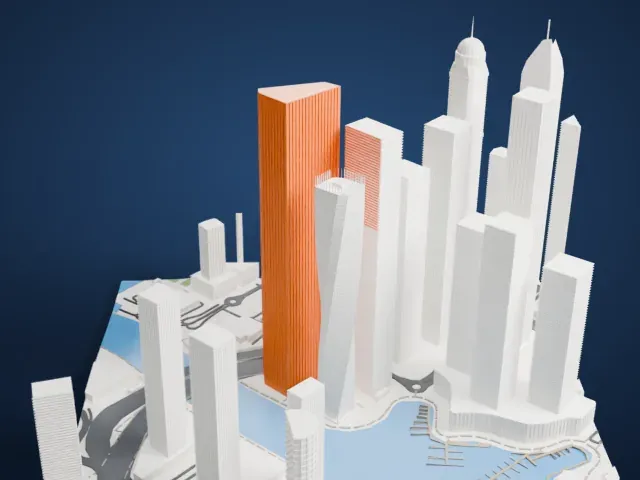
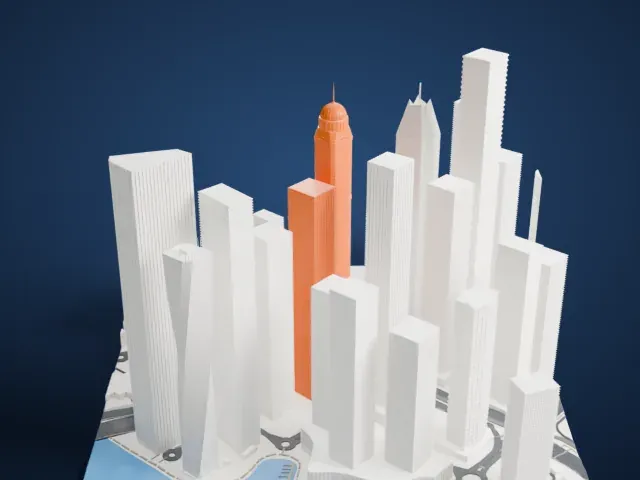
3D print the Burj Khalifa
A free, printable model of the Burj Khalifa with the lake, parkland, roads and neighboring towers of Downtown Dubai around it, generated from real map data in your browser.
Free, in your browser. Exports a slicer-ready 3MF.
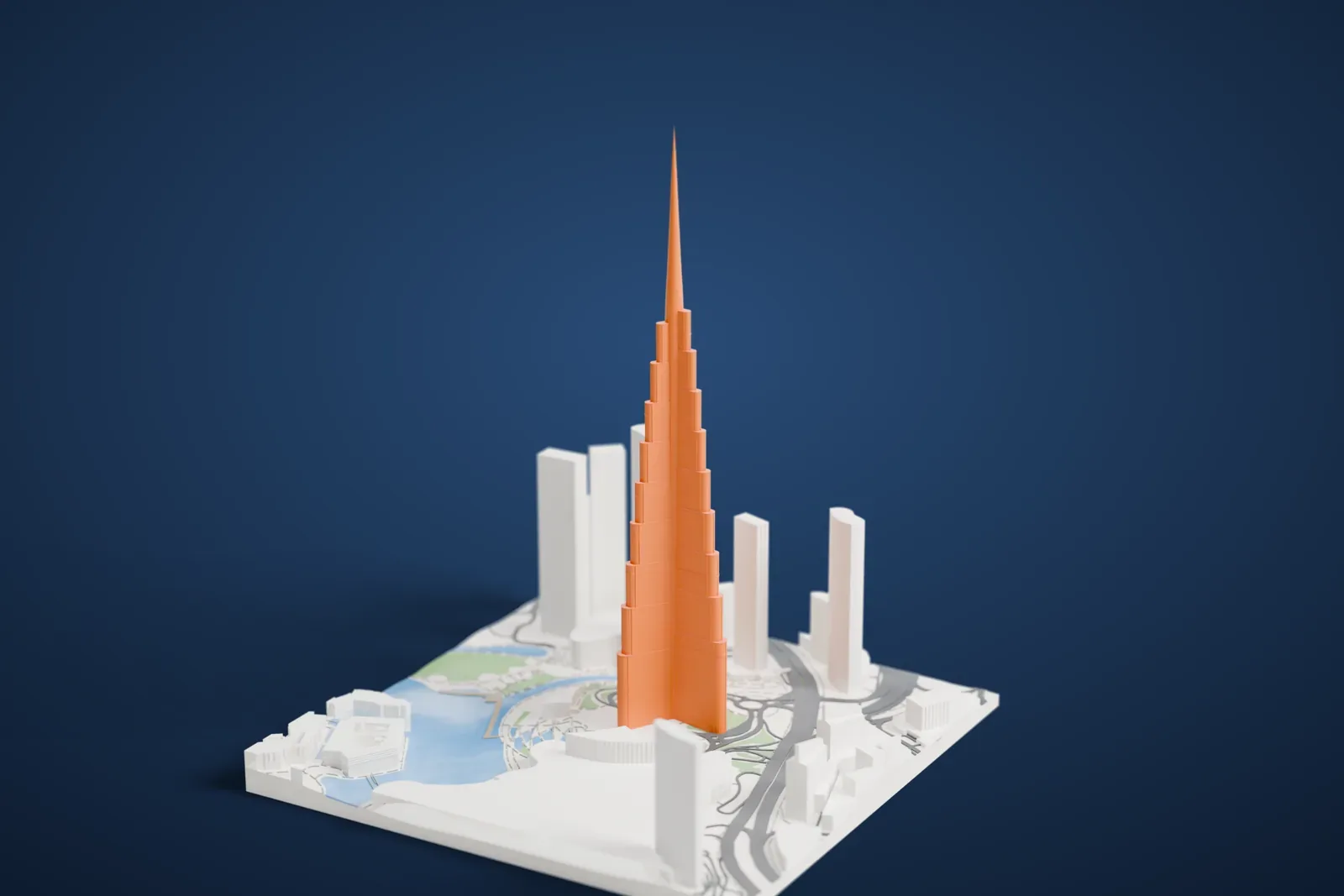
About the Burj Khalifa
The Burj Khalifa is a megatall skyscraper in Downtown Dubai, in the United Arab Emirates. Skidmore, Owings & Merrill of Chicago designed it, and Adrian Smith served as its chief architect while Bill Baker was a chief structural engineer. Its total height is 829.8 m (2,722 ft), which makes it the tallest structure of any kind, and it has held the title of tallest building since its full inauguration in 2011, taking the record from Taipei 101.
Construction began in 2004 and the exterior was finished five years later. The tower opened in 2010 as part of Downtown Dubai, a new development it was meant to anchor. At first it was called Burj Dubai. The name changed at the inauguration, in honor of the country's president at the time, Sheikh Khalifa bin Zayed Al Nahyan, whose federal government supported Dubai financially when the developer, Emaar Properties, ran into trouble during the Great Recession.
The design draws on the Islamic architecture of the region. The floor plan is a Y with three wings around a buttressed central core, laid out to suit residential and hotel space. As the tower climbs it narrows through 27 setbacks arranged in a spiral, and at the top the core is sculpted into a spire. The building has 57 elevators and 8 escalators.
How it prints
Make this print opens the generator on a 750 m square around the landmark. Buildings print at close to true scale, so the landmark grows with the print size.
| Print size | Landmark height | Scale |
|---|---|---|
| 160 mm default | 179 mm | 1:4,688 |
| 200 mm | 223 mm | 1:3,750 |
| 256 mm | 286 mm | 1:2,930 |
-
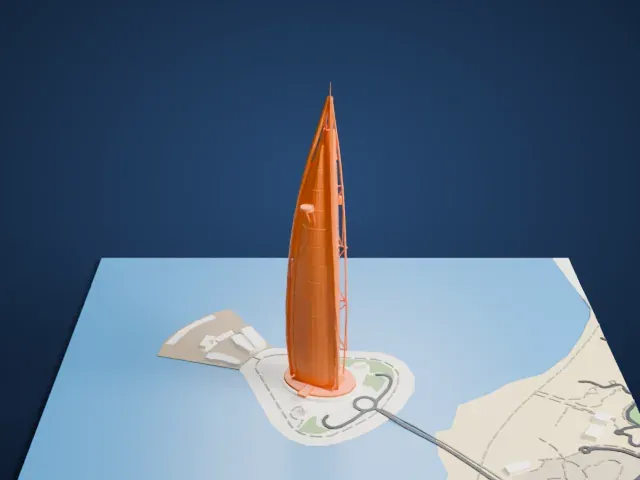
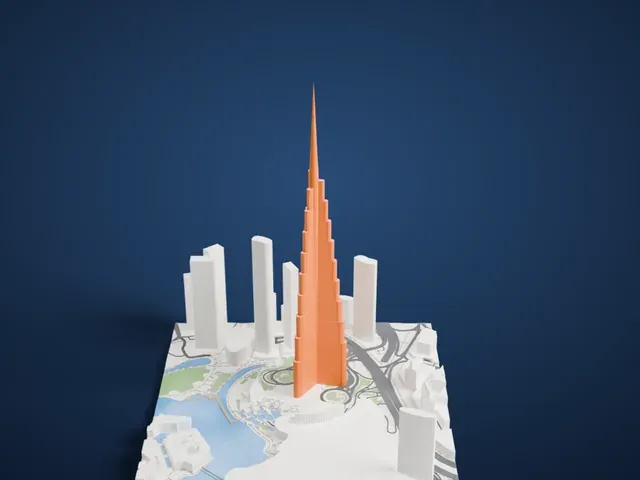
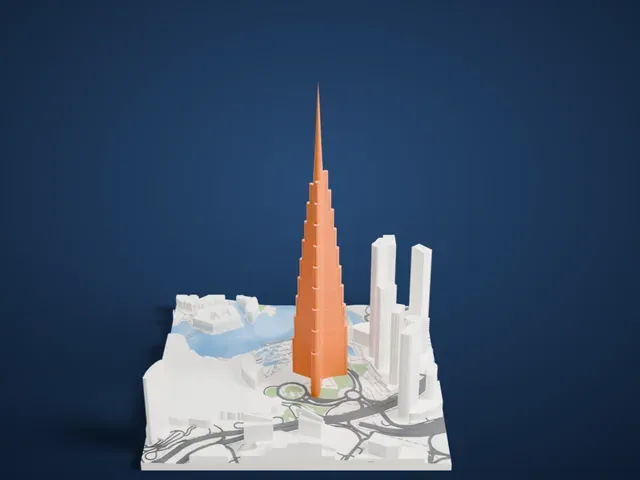 North
North
-
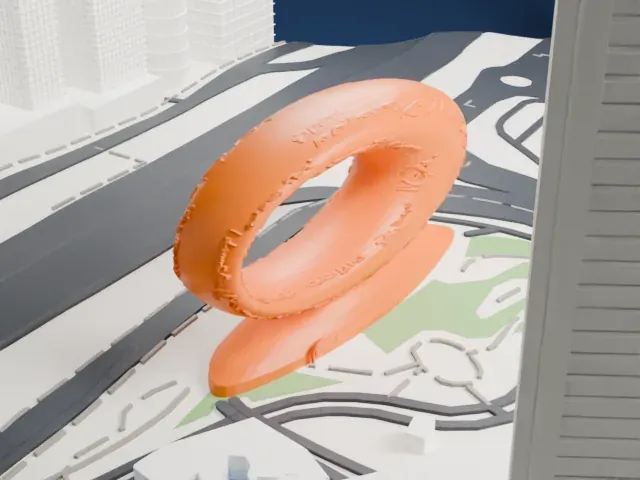
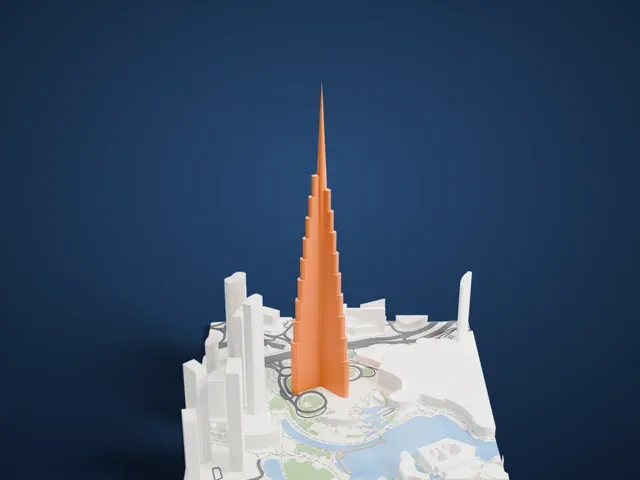
 East
East
-
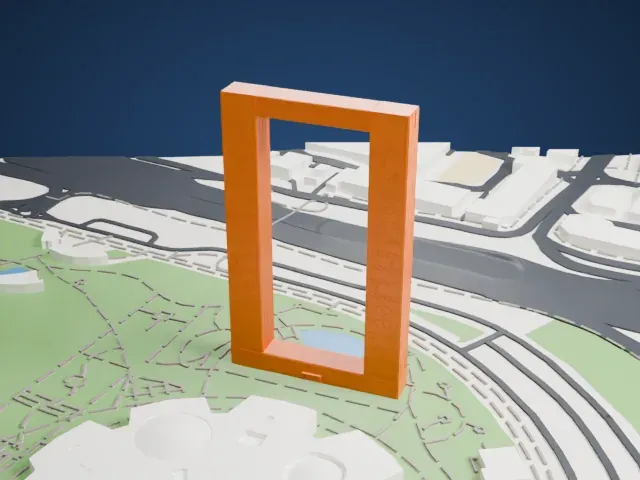
 South
South
-
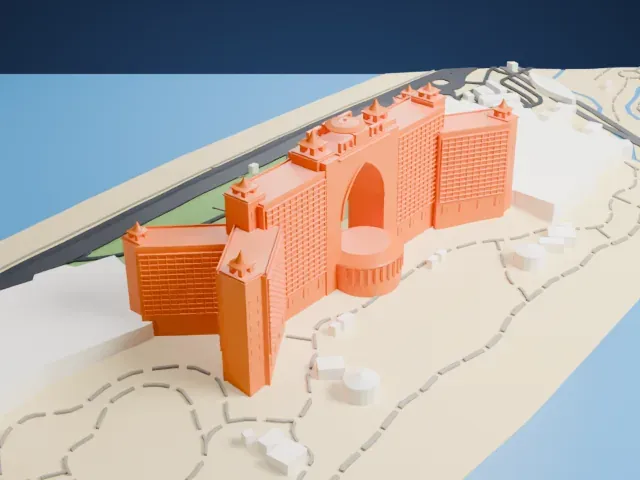
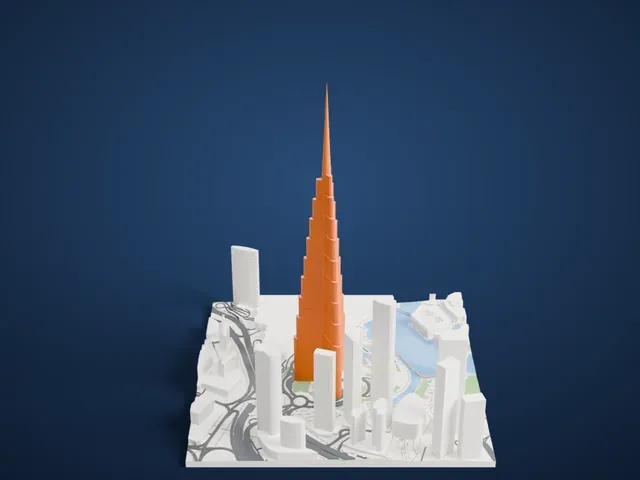 West
West
- A very slender spire
- The tower tapers to a thin needle at the top. Print it slowly with good part cooling, and use 0.12–0.16 mm layers so the tip stays crisp.
- Stepped tiers up the shaft
- The shaft steps back in tiers as it rises. Print friendly adapts these steps to your print scale; Full detail keeps every one on a larger print or with a fine nozzle.
- One piece with the ground
- The Burj Khalifa is joined to the ground in the exported file, and the four-side check found no floating parts, so nothing needs gluing.
- Pick the detail for your nozzle
- In the Buildings settings, set Landmark detail to Print friendly to adapt thin parts and small details to the print scale. Full detail keeps every modeled feature, for larger prints or a finer nozzle.
- Colors
- Buildings, roads, water and ground arrive as separate filament slots in the 3MF. The Burj Khalifa takes the building color.
- File format
- You get a 3MF for Bambu Studio, OrcaSlicer or PrusaSlicer. Any of them can save it as STL if you need one.
About this model
The Burj Khalifa is one of more than 2,300 landmark models in Mini Skyline. They are made with AI, and each one is checked from four sides in its real surroundings before release. Everything around it is built from OpenStreetMap and Overture map data. If you would rather print the shape from map data, turn off Landmark models in the Buildings settings.
Common questions
Is there a Burj Khalifa STL I can download?
Mini Skyline builds the file for you in your browser and exports 3MF, which every major slicer opens. If you need an STL, open the 3MF in your slicer and export it from there.
How big can I print it?
Any print size from 40 mm across. The Burj Khalifa grows with the print: about 179 mm tall on the default 160 mm print. For a model larger than your printer bed, Project Mode splits the area into tiles.
Is it free?
Yes. Generation runs in your browser, with no account and nothing behind a paywall.