3D print Arizona Stadium
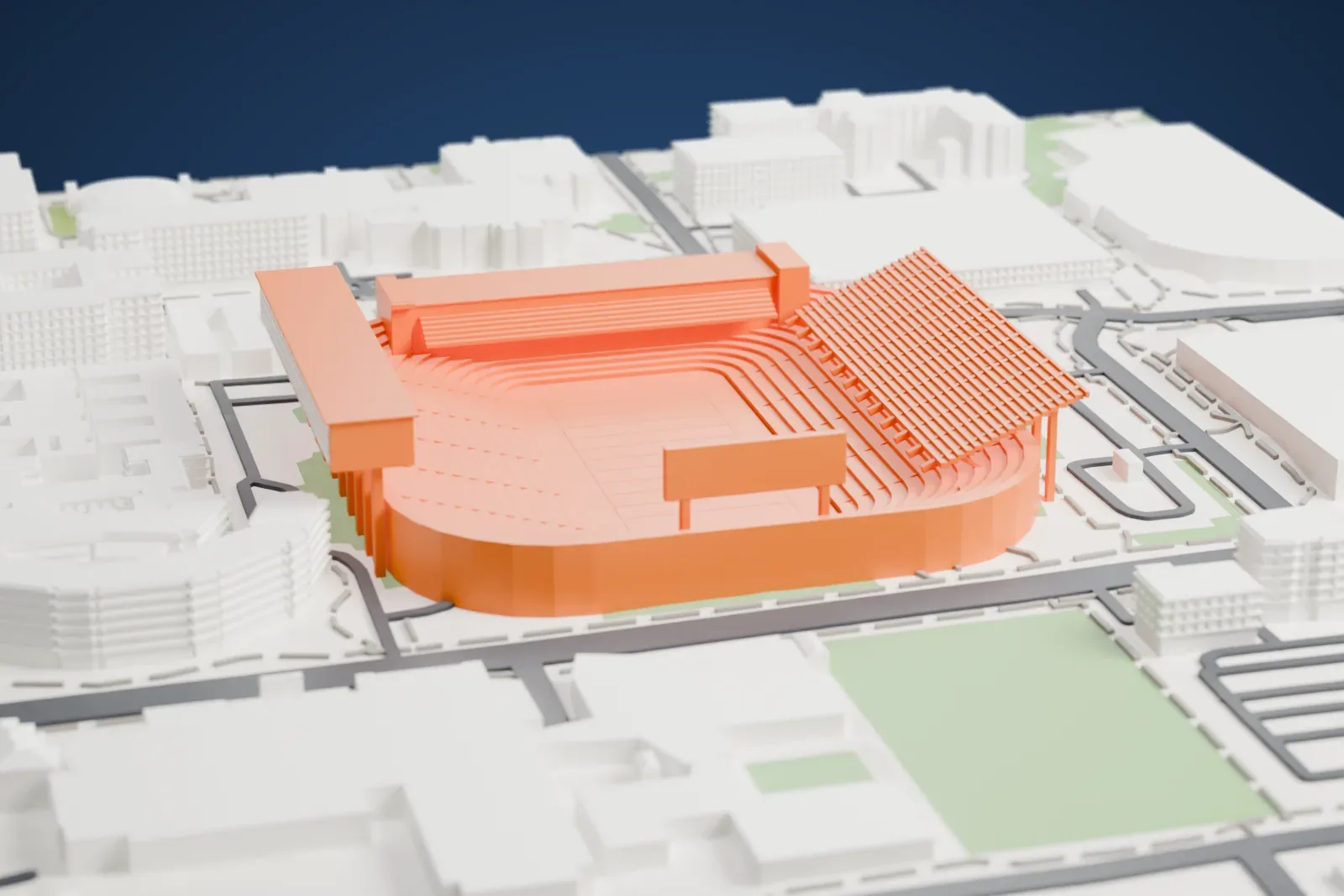
A free, printable model of Arizona Stadium, with its curved tiers of seating and tall press box, and the large buildings, streets and lawns around it, generated from real map data in your browser.
Free, in your browser. Exports a slicer-ready 3MF.
About Arizona Stadium
The football stadium that debuted as Arizona Stadium on October 12, 1929, is an outdoor college venue in central Tucson, Arizona, on the University of Arizona campus, and the Arizona Wildcats play their home games there. Construction cost $166,888. In its opener, Arizona shut out Caltech 35–0. Seating at first held 7,000, all of it on the west side, and it has grown many times since. It was renamed Casino Del Sol Stadium in November 2025.
Growth came in stages. East-side seating in 1938 raised capacity to 10,000, and end-zone seats followed in 1947. In 1950, a horseshoe of seating wrapped the south end zone, adding almost 8,700 seats. The west grandstand received a press box of several levels, plus 10,000 seats, in 1965, and the east side gained a second tier of 17,000 seats in 1976. The track team left in 1981 and the track was taken out. After the 1988 season came a new press box that includes luxury sky boxes, its structure jutting out above the stands on the western side without touching the stadium.
The field runs north to south, 740 m (2,430 ft) above sea level. FieldTurf, a synthetic surface, replaced natural Bermuda grass, and the athletic department chose a version designed to keep temperatures cooler in Tucson's extreme sun. Beneath the south stands are two dormitories, Pinal and Navajo, and under the east wing is the Steward Observatory Mirror Lab, where large telescope mirrors are made.
How it prints
Make this print opens the generator on a 600 m square around the landmark. Buildings print at close to true scale, so the landmark grows with the print size.
| Print size | Landmark height | Scale |
|---|---|---|
| 160 mm default | 13 mm | 1:3,750 |
| 200 mm | 16 mm | 1:3,000 |
| 256 mm | 20 mm | 1:2,344 |
-
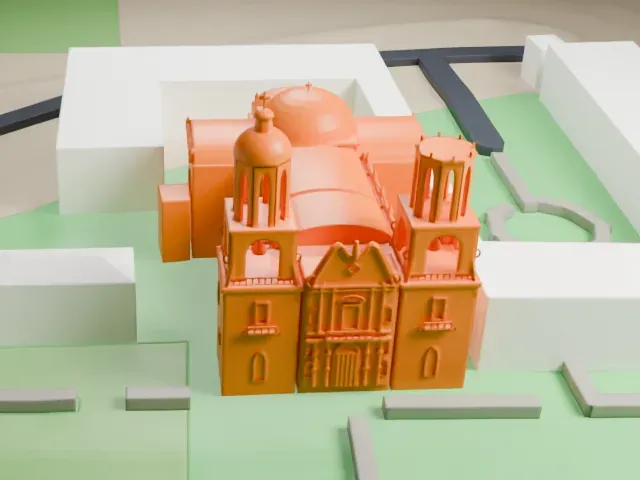
 North
North
-
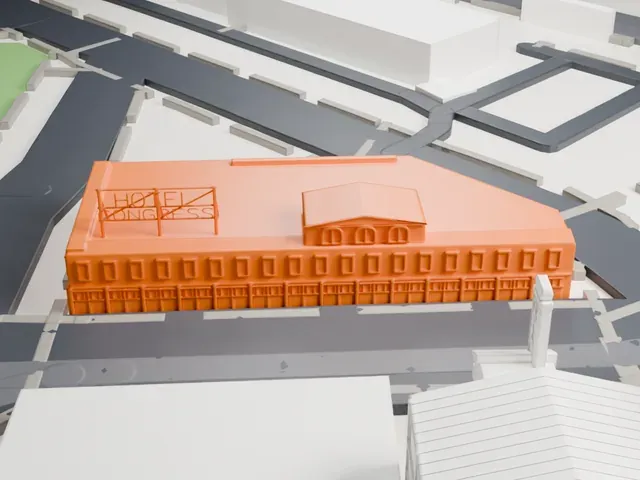
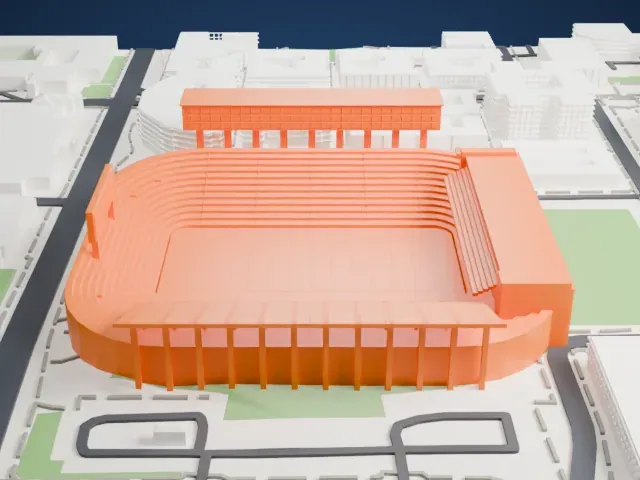 East
East
-
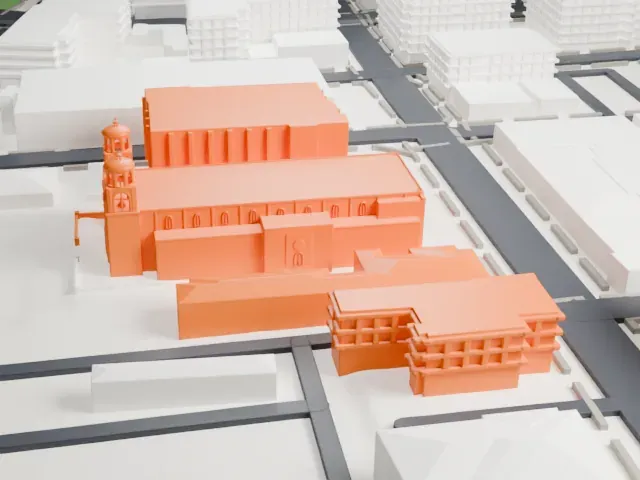
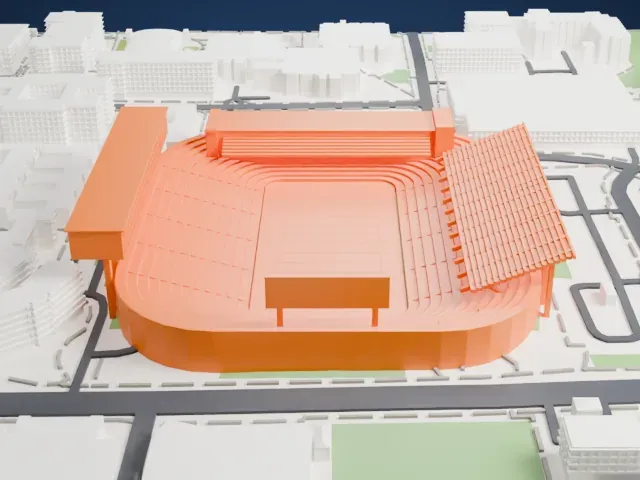 South
South
-
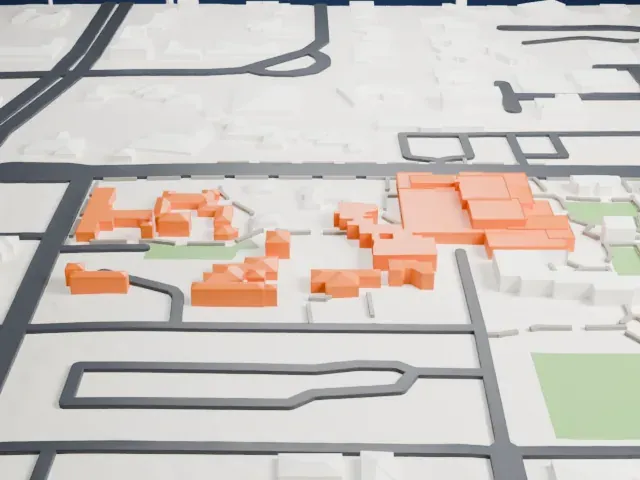
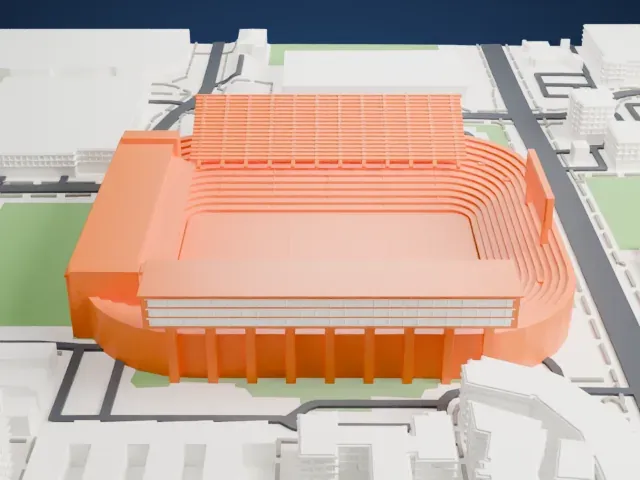 West
West
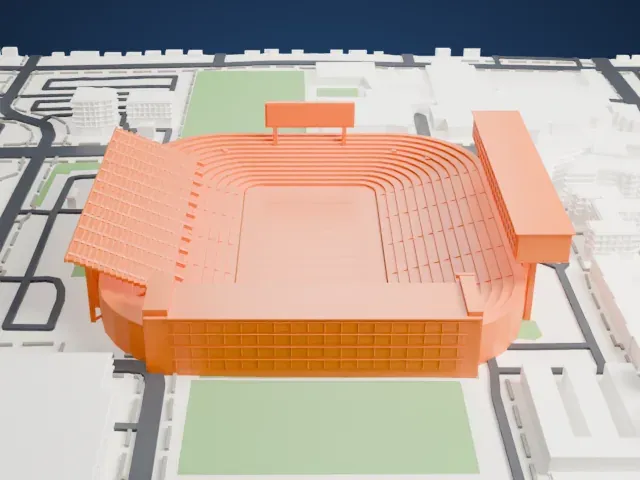
- Many thin curved tiers
- The seating bowl is built from many thin, curved tiers. Print friendly adapts them to the print scale; Full detail keeps them on a larger print, ideally with 0.12–0.16 mm layers.
- Press box on slim columns
- A tall press-box block on one side rests on a row of thin columns. Print slowly with good cooling, and pick a larger print size to keep the columns sturdy.
- Pick the detail for your nozzle
- In the Buildings settings, set Landmark detail to Print friendly to adapt thin parts and small details to the print scale. Full detail keeps every modeled feature, for larger prints or a finer nozzle.
- Colors
- Buildings, roads, water and ground arrive as separate filament slots in the 3MF. Arizona Stadium takes the building color.
- File format
- You get a 3MF for Bambu Studio, OrcaSlicer or PrusaSlicer. Any of them can save it as STL if you need one.
About this model
Arizona Stadium is one of more than 2,300 landmark models in Mini Skyline. They are made with AI, and each one is checked from four sides in its real surroundings before release. Everything around it is built from OpenStreetMap and Overture map data. If you would rather print the shape from map data, turn off Landmark models in the Buildings settings.
Common questions
Is there an Arizona Stadium STL I can download?
Mini Skyline builds the file for you in your browser and exports 3MF, which every major slicer opens. If you need an STL, open the 3MF in your slicer and export it from there.
How big can I print it?
Any print size from 40 mm across. Arizona Stadium grows with the print: about 13 mm tall on the default 160 mm print. For a model larger than your printer bed, Project Mode splits the area into tiles.
Is it free?
Yes. Generation runs in your browser, with no account and nothing behind a paywall.