3D print Axiata Arena
A free, printable model of Axiata Arena and the low buildings, roads and open ground around it, generated from real map data in your browser.
Free, in your browser. Exports a slicer-ready 3MF.
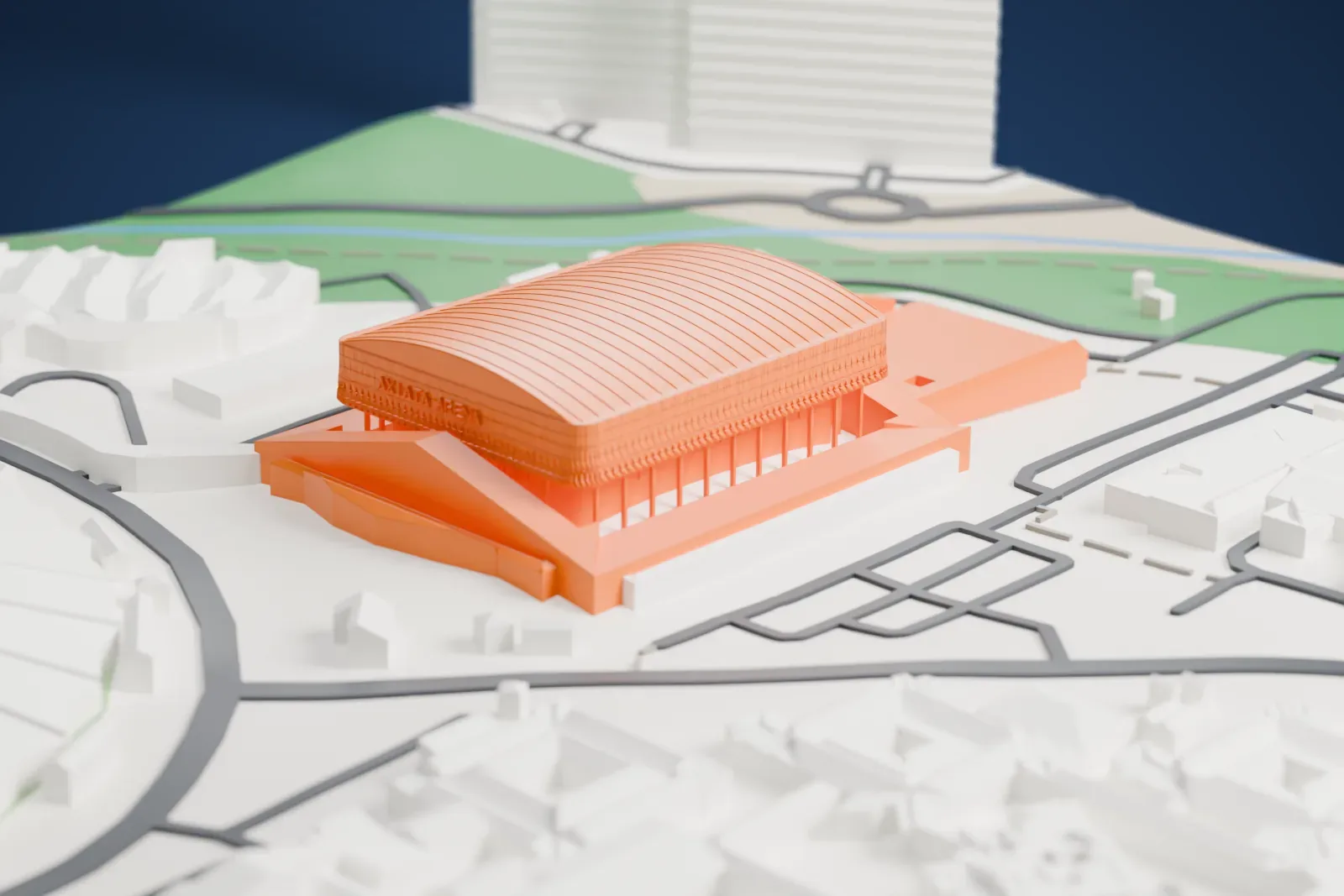
About Axiata Arena
Axiata Arena, a multi-purpose indoor arena, is in Kuala Lumpur, Malaysia, and is also called Putra Indoor Stadium (Stadium Putra in Malay). It sits within Bukit Jalil's National Sports Complex, whose other facilities include the Bukit Jalil National Stadium and the National Aquatic Centre. Putra Stadium was rebranded as Axiata Arena on January 16, 2017, through a partnership of Perbadanan Stadium Malaysia and Axiata Group Berhad. It was Malaysia's first stadium with a corporate name, and it was later renamed Unifi Arena through a naming-rights deal with Telekom Malaysia Berhad.
No other indoor venue in Malaysia has more seats: the maximum capacity is 16,000. Three main doors lead to a rectangular arena floor measuring 69 × 25 meters, which can be adapted for sports including boxing, badminton, basketball, table tennis, judo and gymnastics. The complex has several other sports facilities.
The arena was the main venue for gymnastics at the 1998 Commonwealth Games in Kuala Lumpur, and it has hosted entertainment events such as Disney on Ice. The 2009 ASEAN Para Games were opened there by Tun Abdullah Ahmad Badawi on August 15, 2009. The Independence Day Parade was held in the arena on August 31, 2010, the first time that parade took place indoors. Another event listed for the arena is the 2007 BWF World Championships.
How it prints
Make this print opens the generator on a 600 m square around the landmark. Buildings print at close to true scale, so the landmark grows with the print size.
| Print size | Landmark height | Scale |
|---|---|---|
| 160 mm default | 8 mm | 1:3,750 |
| 200 mm | 11 mm | 1:3,000 |
| 256 mm | 13 mm | 1:2,344 |
-
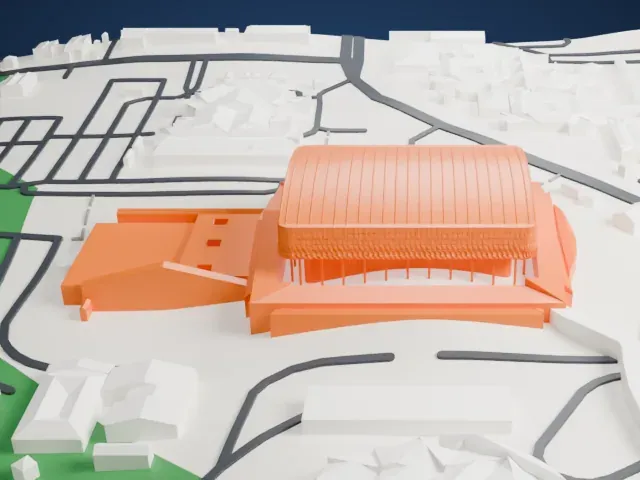 North
North
-
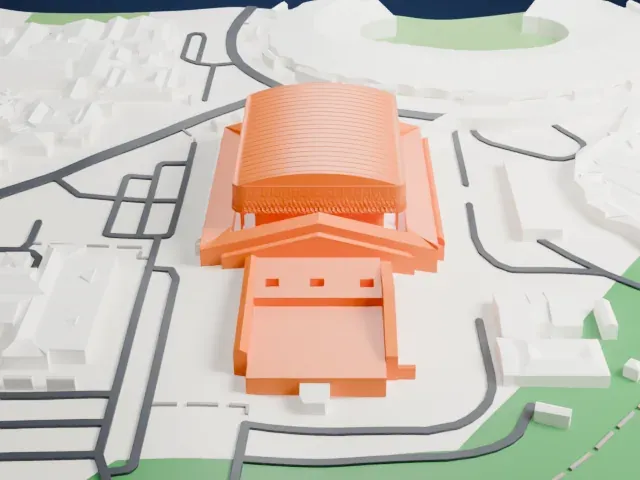 East
East
-
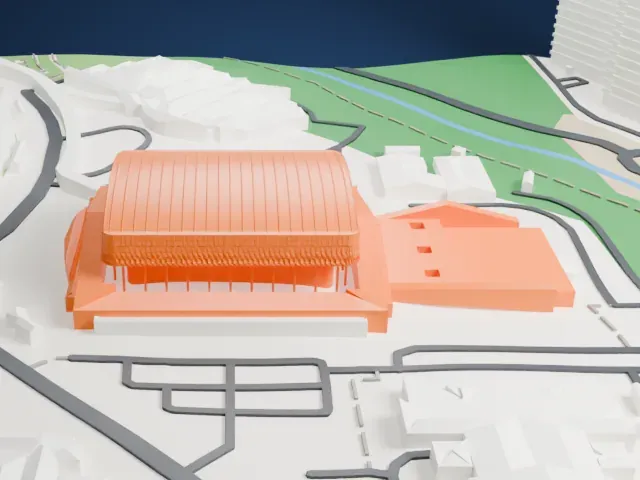 South
South
-
 West
West
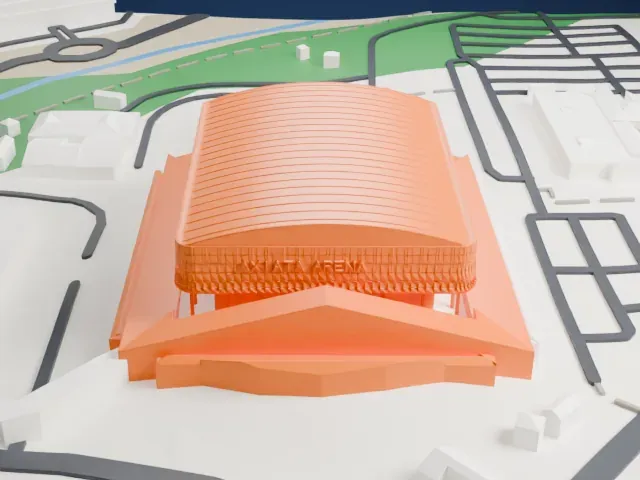
- Fine ribs on the curved roof
- The wide, curved roof is marked with many fine ribs. Print friendly adapts them to the print scale; Full detail keeps them, which suits a larger print. Layers of 0.12 to 0.16 mm keep them crisp.
- Thin columns and lattice band
- Slender columns line the lower edge, under a band of small diamond-shaped details. A bigger print size keeps more of them.
- One piece with the ground
- Axiata Arena is joined to the ground in the exported file, and the four-side check found no floating parts, so nothing needs gluing.
- Pick the detail for your nozzle
- In the Buildings settings, set Landmark detail to Print friendly to adapt thin parts and small details to the print scale. Full detail keeps every modeled feature, for larger prints or a finer nozzle.
- Colors
- Buildings, roads, water and ground arrive as separate filament slots in the 3MF. Axiata Arena takes the building color.
- File format
- You get a 3MF for Bambu Studio, OrcaSlicer or PrusaSlicer. Any of them can save it as STL if you need one.
About this model
Axiata Arena is one of more than 2,300 landmark models in Mini Skyline. They are made with AI, and each one is checked from four sides in its real surroundings before release. Everything around it is built from OpenStreetMap and Overture map data. If you would rather print the shape from map data, turn off Landmark models in the Buildings settings.
Common questions
Is there an Axiata Arena STL I can download?
Mini Skyline builds the file for you in your browser and exports 3MF, which every major slicer opens. If you need an STL, open the 3MF in your slicer and export it from there.
How big can I print it?
Any print size from 40 mm across. Axiata Arena grows with the print: about 8 mm tall on the default 160 mm print. For a model larger than your printer bed, Project Mode splits the area into tiles.
Is it free?
Yes. Generation runs in your browser, with no account and nothing behind a paywall.