3D print the Petronas Towers
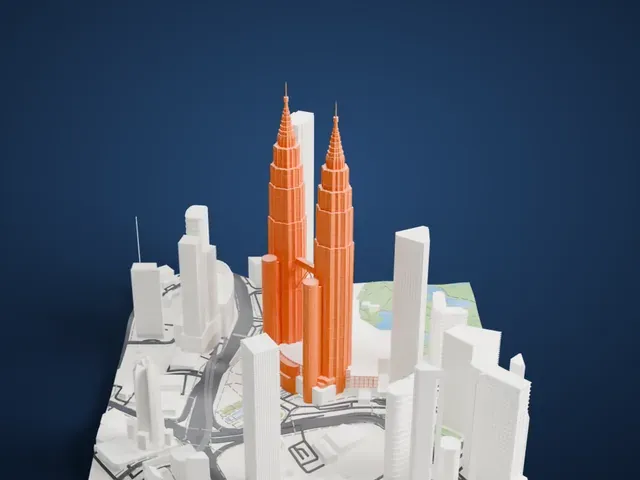
A free, printable model of the Petronas Towers and the Kuala Lumpur towers, roads and park around them, generated from real map data in your browser.
Free, in your browser. Exports a slicer-ready 3MF.
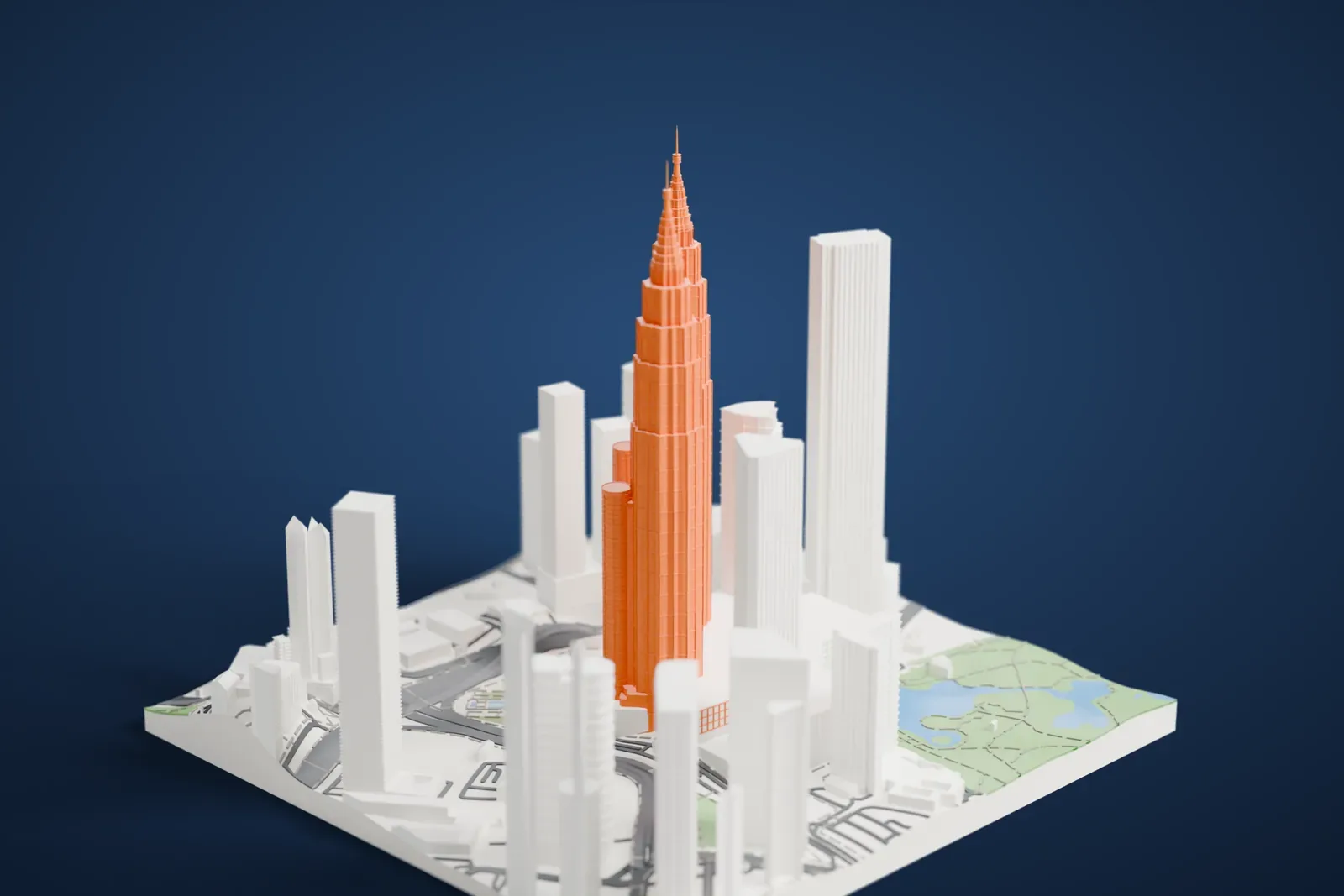
About the Petronas Towers
The Petronas Towers, also called the Petronas Twin Towers or the KLCC Twin Towers, are a linked pair of 88-story skyscrapers in Kuala Lumpur, Malaysia, standing 451.9 m (1,483 ft) tall. They were the world's tallest buildings from 1998 to 2004, until Taipei 101 overtook them. They are still the tallest twin skyscrapers in the world, and they stood as Malaysia's tallest buildings until The Exchange 106 passed them in 2019.
The Argentine-American architect César Pelli designed the towers in a postmodern style. Planning began on January 1, 1992, and construction started on March 1, 1993, on the former site of the Selangor Turf Club, with the excavation digging 30 m (98 ft) deep. Tests showed that the site was effectively perched at a cliff's edge, so it was shifted 61 m (200 ft) onto soft rock. Their foundations are the deepest in the world: 104 concrete piles ranging from 60 m (197 ft) to 114 m (374 ft). The towers were officially opened on August 31, 1999.
Reinforced concrete forms most of the structure, which uses a tube in tube design, with a steel and glass facade meant to resemble motifs from Islamic art. A double-decker skybridge links the towers at the 41st and 42nd floors and is 170 m (558 ft) high. Below them are the Suria KLCC shopping mall, the Petronas Philharmonic Hall, home of the Malaysian Philharmonic Orchestra, and the 6.9 ha (17 acres) of KLCC Park.
How it prints
Make this print opens the generator on a 600 m square around the landmark. Buildings print at close to true scale, so the landmark grows with the print size.
| Print size | Landmark height | Scale |
|---|---|---|
| 160 mm default | 128 mm | 1:3,750 |
| 200 mm | 160 mm | 1:3,000 |
| 256 mm | 205 mm | 1:2,344 |
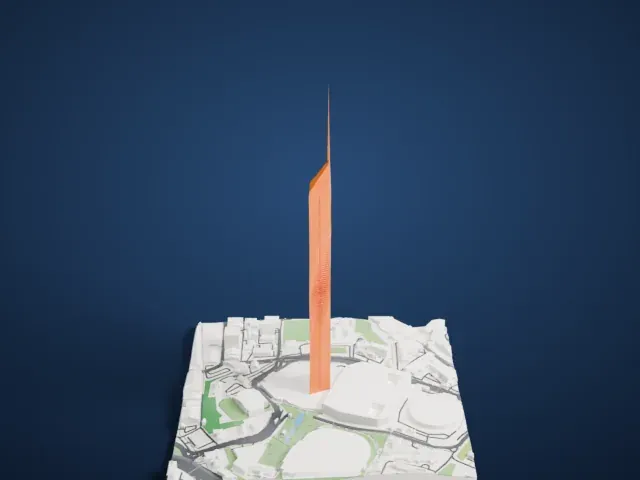
-
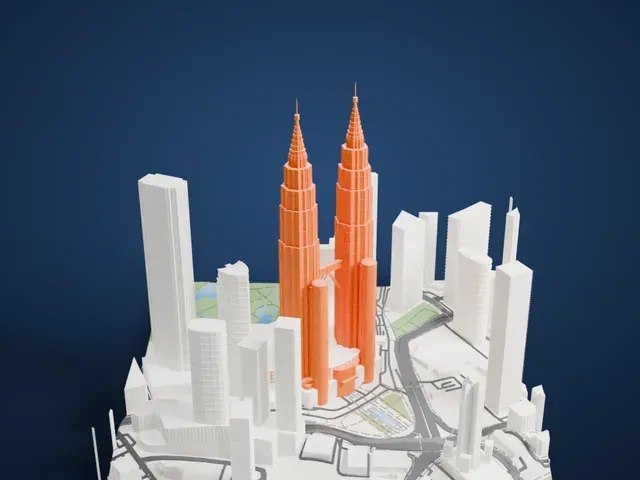 North
North
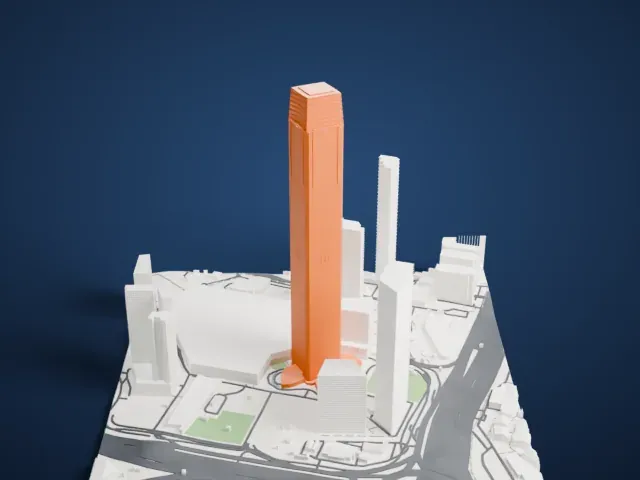
-
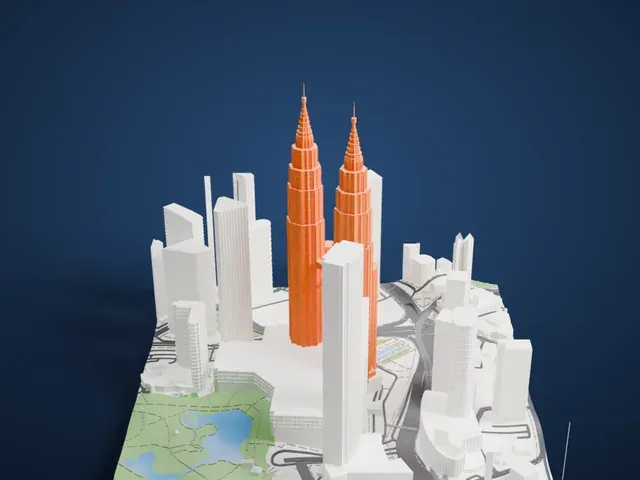 East
East
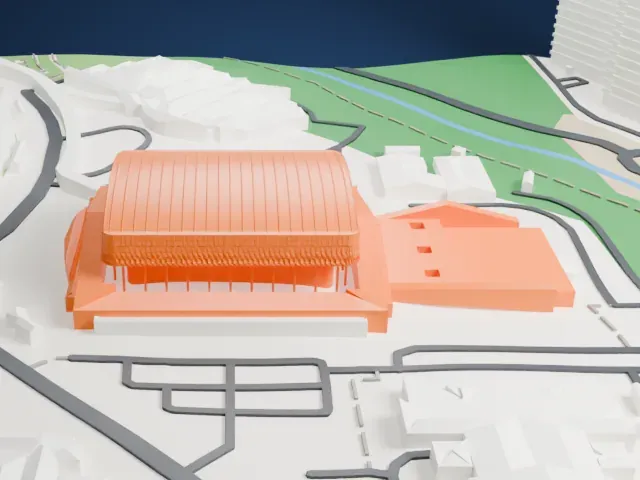
-
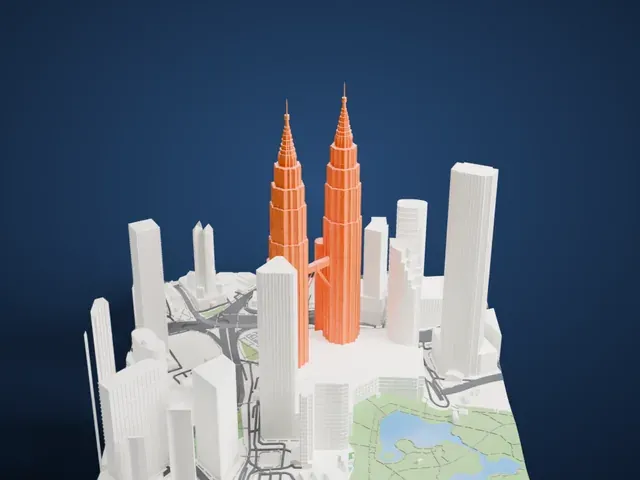 South
South
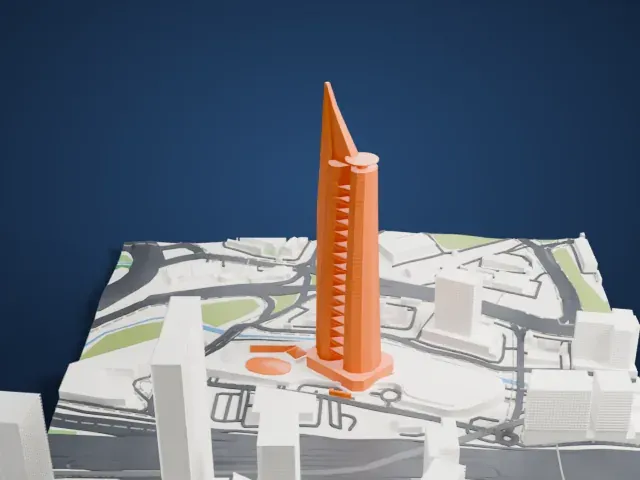
-
 West
West
- Two stepped crowns and spires
- Each tower ends in a stepped crown and a thin spire, the most delicate parts of the model. Print slowly with good cooling, use 0.12 to 0.16 mm layers, and try Print friendly if the tips are too fine for your nozzle.
- A slim skybridge between towers
- The bridge joining the towers is a narrow span with angled struts. Full detail keeps it on larger prints; at small sizes, Print friendly adapts it to the print scale.
- Pick the detail for your nozzle
- In the Buildings settings, set Landmark detail to Print friendly to adapt thin parts and small details to the print scale. Full detail keeps every modeled feature, for larger prints or a finer nozzle.
- Colors
- Buildings, roads, water and ground arrive as separate filament slots in the 3MF. The Petronas Towers takes the building color.
- File format
- You get a 3MF for Bambu Studio, OrcaSlicer or PrusaSlicer. Any of them can save it as STL if you need one.
About this model
The Petronas Towers is one of more than 2,300 landmark models in Mini Skyline. They are made with AI, and each one is checked from four sides in its real surroundings before release. Everything around it is built from OpenStreetMap and Overture map data. If you would rather print the shape from map data, turn off Landmark models in the Buildings settings.
Common questions
Is there a Petronas Towers STL I can download?
Mini Skyline builds the file for you in your browser and exports 3MF, which every major slicer opens. If you need an STL, open the 3MF in your slicer and export it from there.
How big can I print it?
Any print size from 40 mm across. The Petronas Towers grows with the print: about 128 mm tall on the default 160 mm print. For a model larger than your printer bed, Project Mode splits the area into tiles.
Is it free?
Yes. Generation runs in your browser, with no account and nothing behind a paywall.