3D print Cameron Indoor Stadium
A free, printable model of Cameron Indoor Stadium and the campus buildings, paths and lawns around it, generated from real map data in your browser.
Free, in your browser. Exports a slicer-ready 3MF.
About Cameron Indoor Stadium
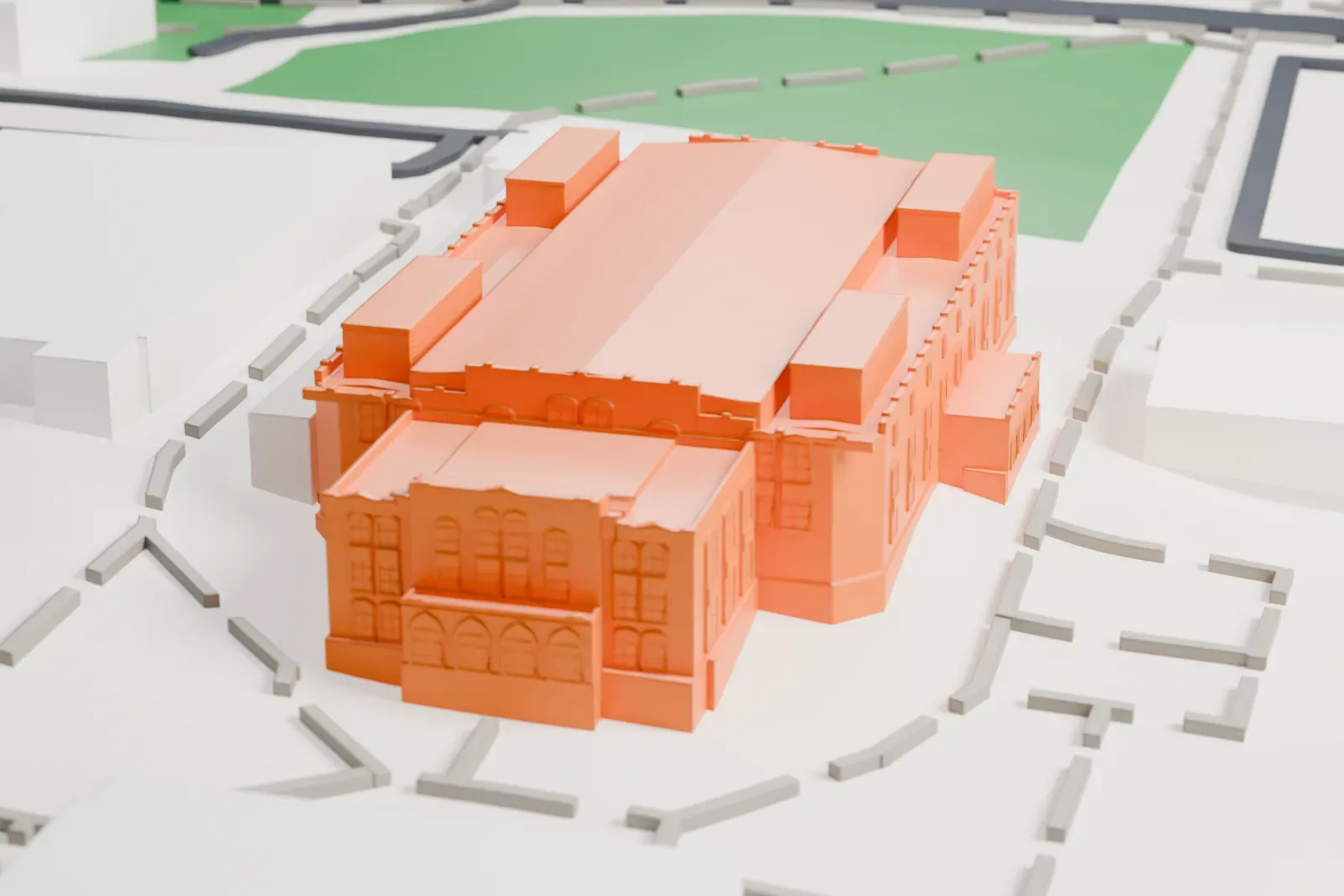
Cameron Indoor Stadium is an arena on the Duke University campus in Durham, North Carolina. It is the home court of the Duke Blue Devils: the men's and women's basketball teams and the women's volleyball team. It opened in January 1940 as Duke Indoor Stadium and took its present name in 1972, honoring Eddie Cameron, a longtime Duke coach and athletic director. It stands next to Card Gymnasium, the arena's predecessor, which opened in 1930.
Eddie Cameron drew up the plans in 1935, and Julian Abele designed the building. The firm behind the Palestra was hired to build it. It was dedicated on January 6, 1940, at a cost of $400,000. Then, it was the biggest gymnasium in the country located south of the University of Pennsylvania's Palestra.
Renovations in 1987–1988 brought capacity to 9,314. The arena is one of two major arenas where the backboards hang from the ceiling instead of being anchored on the floor; the other, the CU Events Center, is in Boulder, Colorado. Fans are known as the "Cameron Crazies", and students camp in tents outside in an area called "Krzyzewskiville".
How it prints
Make this print opens the generator on a 600 m square around the landmark. Buildings print at close to true scale, so the landmark grows with the print size.
| Print size | Landmark height | Scale |
|---|---|---|
| 160 mm default | 6 mm | 1:3,750 |
| 200 mm | 8 mm | 1:3,000 |
| 256 mm | 10 mm | 1:2,344 |
-
 North
North
-
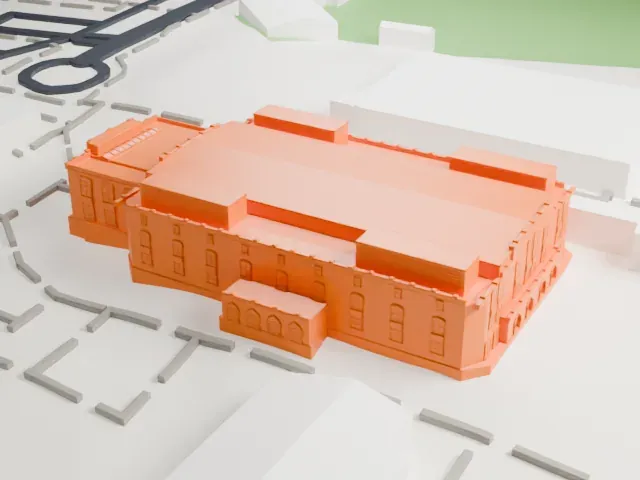 East
East
-
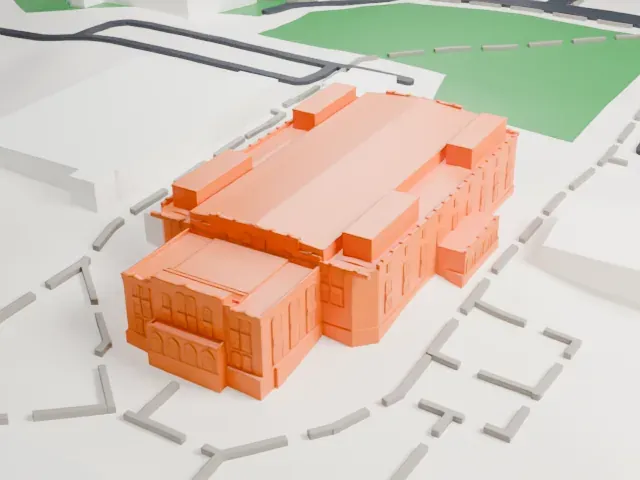 South
South
-
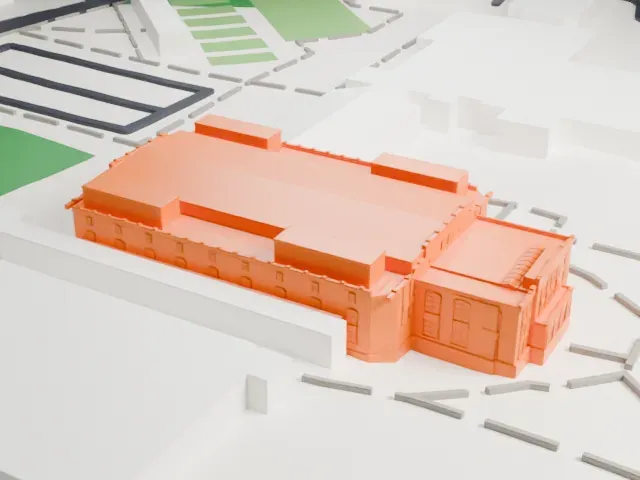 West
West
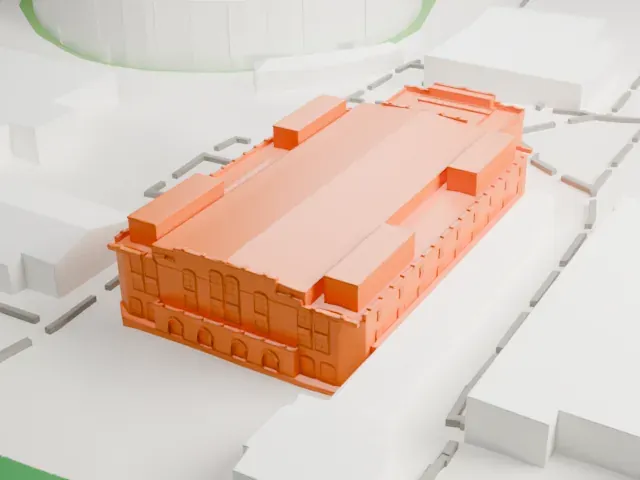
- Arched windows and facade detail
- The walls carry rows of arched windows and trim. They are fine details on a small building, so a larger print size or Full detail keeps them, and 0.12–0.16 mm layers keep them crisp.
- Rooftop boxes
- The long roof has several small raised blocks. Print friendly adapts them to your print scale; Full detail suits a fine nozzle.
- One piece with the ground
- Cameron Indoor Stadium is joined to the ground in the exported file, and the four-side check found no floating parts, so nothing needs gluing.
- Pick the detail for your nozzle
- In the Buildings settings, set Landmark detail to Print friendly to adapt thin parts and small details to the print scale. Full detail keeps every modeled feature, for larger prints or a finer nozzle.
- Colors
- Buildings, roads, water and ground arrive as separate filament slots in the 3MF. Cameron Indoor Stadium takes the building color.
- File format
- You get a 3MF for Bambu Studio, OrcaSlicer or PrusaSlicer. Any of them can save it as STL if you need one.
About this model
Cameron Indoor Stadium is one of more than 2,300 landmark models in Mini Skyline. They are made with AI, and each one is checked from four sides in its real surroundings before release. Everything around it is built from OpenStreetMap and Overture map data. If you would rather print the shape from map data, turn off Landmark models in the Buildings settings.
Common questions
Is there a Cameron Indoor Stadium STL I can download?
Mini Skyline builds the file for you in your browser and exports 3MF, which every major slicer opens. If you need an STL, open the 3MF in your slicer and export it from there.
How big can I print it?
Any print size from 40 mm across. Cameron Indoor Stadium grows with the print: about 6 mm tall on the default 160 mm print. For a model larger than your printer bed, Project Mode splits the area into tiles.
Is it free?
Yes. Generation runs in your browser, with no account and nothing behind a paywall.