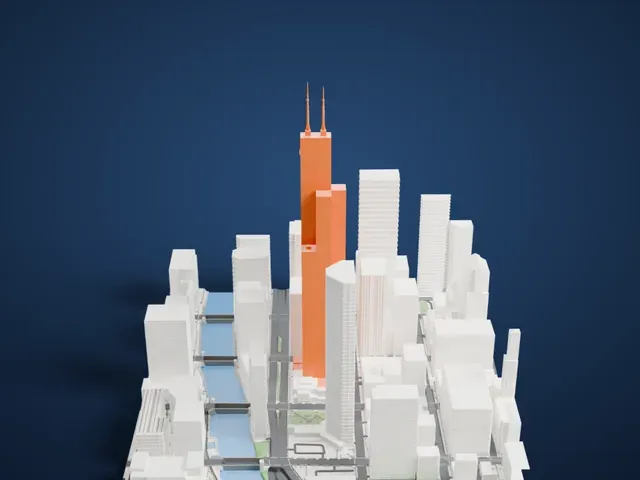
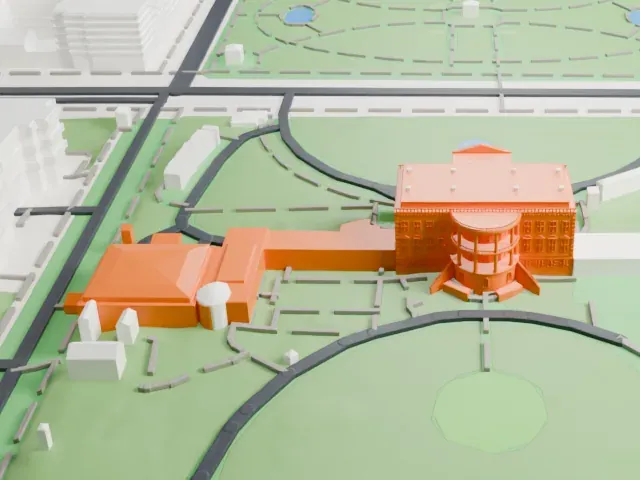
3D print The Pentagon
A free, printable model of The Pentagon and the parking lots, roads and lawns around it in Arlington, generated from real map data in your browser.
Free, in your browser. Exports a slicer-ready 3MF.
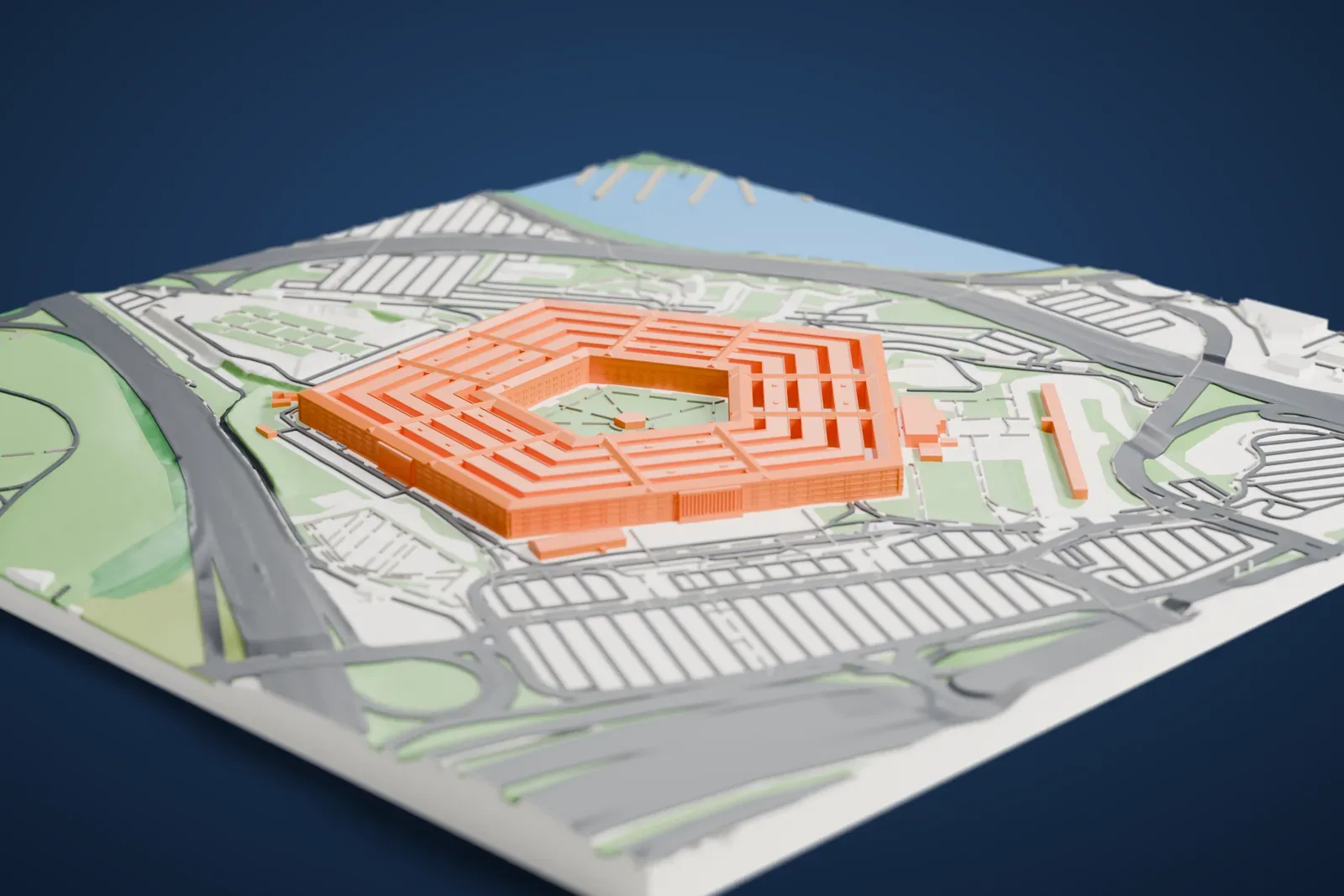
About The Pentagon
The Pentagon serves as the headquarters of the U.S. Department of Defense. It stands in Arlington County, Virginia, while Washington, D.C. lies on the other side of the Potomac River. Its name has also become shorthand for the department and its leadership. The building went up on a compressed schedule while World War II was under way. George Bergstrom designed it, John McShain built it, ground-breaking took place on September 11, 1941, and it was dedicated on January 15, 1943.
With 600,000 square meters (about 6.5 million square feet) of floor space, it ranks as the third-largest office building in the world. The plan is a regular pentagon with five sides and five floors above ground, plus two basement levels and a central pentagonal plaza. Planners first fitted an irregular pentagon to an earlier site. When the project moved to the Hoover Airport site the shape stayed, because President Roosevelt liked it and a redesign would have been costly.
In 2001 the building was damaged in the 11 September attacks. The western side was repaired afterward, a small indoor memorial and chapel was added at the point of impact, and in 2008 an outdoor memorial to the victims at the Pentagon opened southwest of the building. Its workforce numbers about 23,000 military and civilian staff.
How it prints
Make this print opens the generator on a 1050 m square around the landmark. Buildings print at close to true scale, so the landmark grows with the print size.
| Print size | Landmark height | Scale |
|---|---|---|
| 160 mm default | 5 mm | 1:6,563 |
| 200 mm | 6 mm | 1:5,250 |
| 256 mm | 8 mm | 1:4,102 |
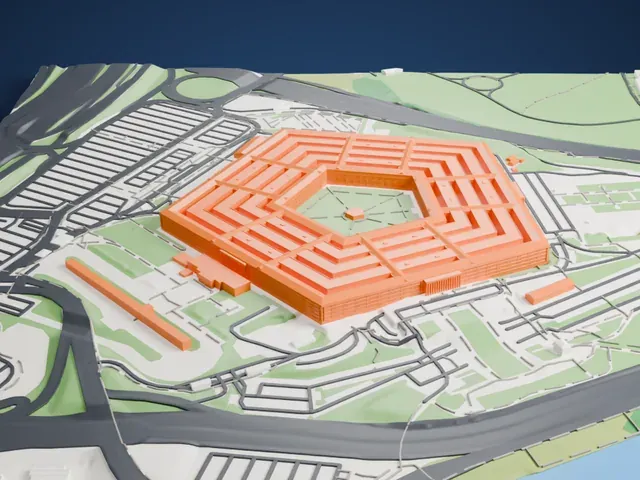
-
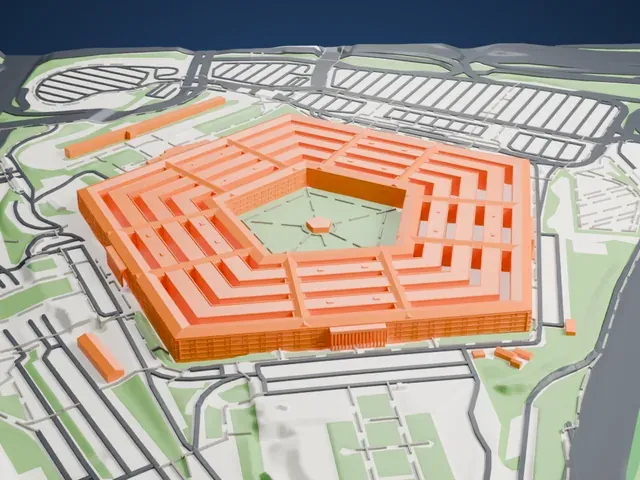 North
North
-
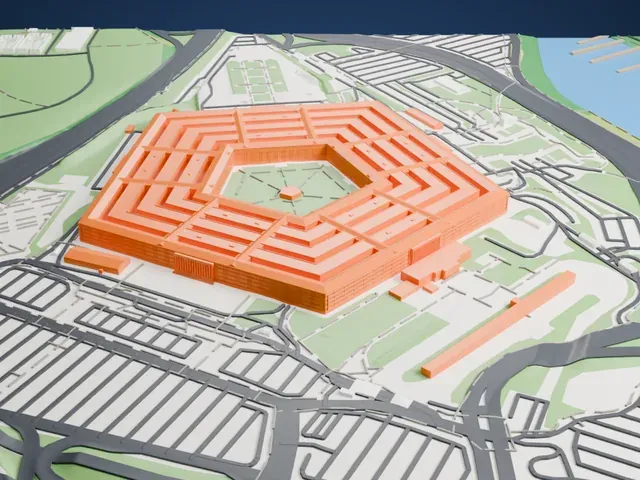
 East
East
-
 South
South
-
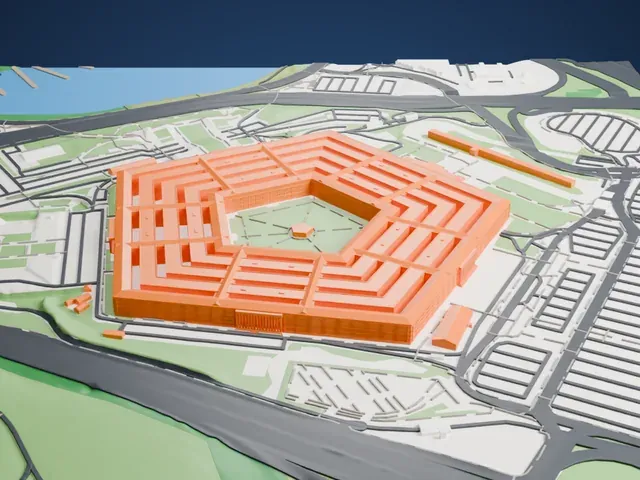 West
West
- Narrow gaps between the rings
- The concentric rings of the building sit close together around the open courtyard. Print friendly adapts narrow gaps to the print scale, while Full detail keeps them for a larger print or a fine nozzle.
- A low, wide slab
- Seen from the side the building is a long, low block with a flat roof, so print size matters more than height. A larger print keeps the five façade edges and the courtyard crisp.
- One piece with the ground
- The Pentagon is joined to the ground in the exported file, and the four-side check found no floating parts, so nothing needs gluing.
- Pick the detail for your nozzle
- In the Buildings settings, set Landmark detail to Print friendly to adapt thin parts and small details to the print scale. Full detail keeps every modeled feature, for larger prints or a finer nozzle.
- Colors
- Buildings, roads, water and ground arrive as separate filament slots in the 3MF. The Pentagon takes the building color.
- File format
- You get a 3MF for Bambu Studio, OrcaSlicer or PrusaSlicer. Any of them can save it as STL if you need one.
About this model
The Pentagon is one of more than 2,300 landmark models in Mini Skyline. They are made with AI, and each one is checked from four sides in its real surroundings before release. Everything around it is built from OpenStreetMap and Overture map data. If you would rather print the shape from map data, turn off Landmark models in the Buildings settings.
Common questions
Is there a The Pentagon STL I can download?
Mini Skyline builds the file for you in your browser and exports 3MF, which every major slicer opens. If you need an STL, open the 3MF in your slicer and export it from there.
How big can I print it?
Any print size from 40 mm across. The Pentagon grows with the print: about 5 mm tall on the default 160 mm print. For a model larger than your printer bed, Project Mode splits the area into tiles.
Is it free?
Yes. Generation runs in your browser, with no account and nothing behind a paywall.