3D print the Empire State Building
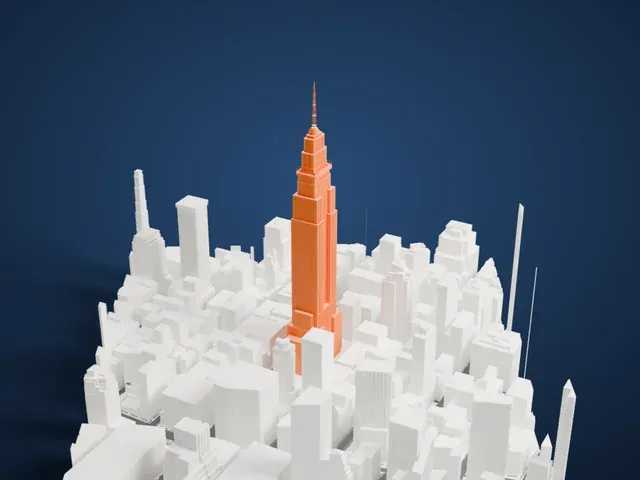
A free, printable model of the Empire State Building and the dense Midtown Manhattan blocks around it, generated from real map data in your browser.
Free, in your browser. Exports a slicer-ready 3MF.
About the Empire State Building
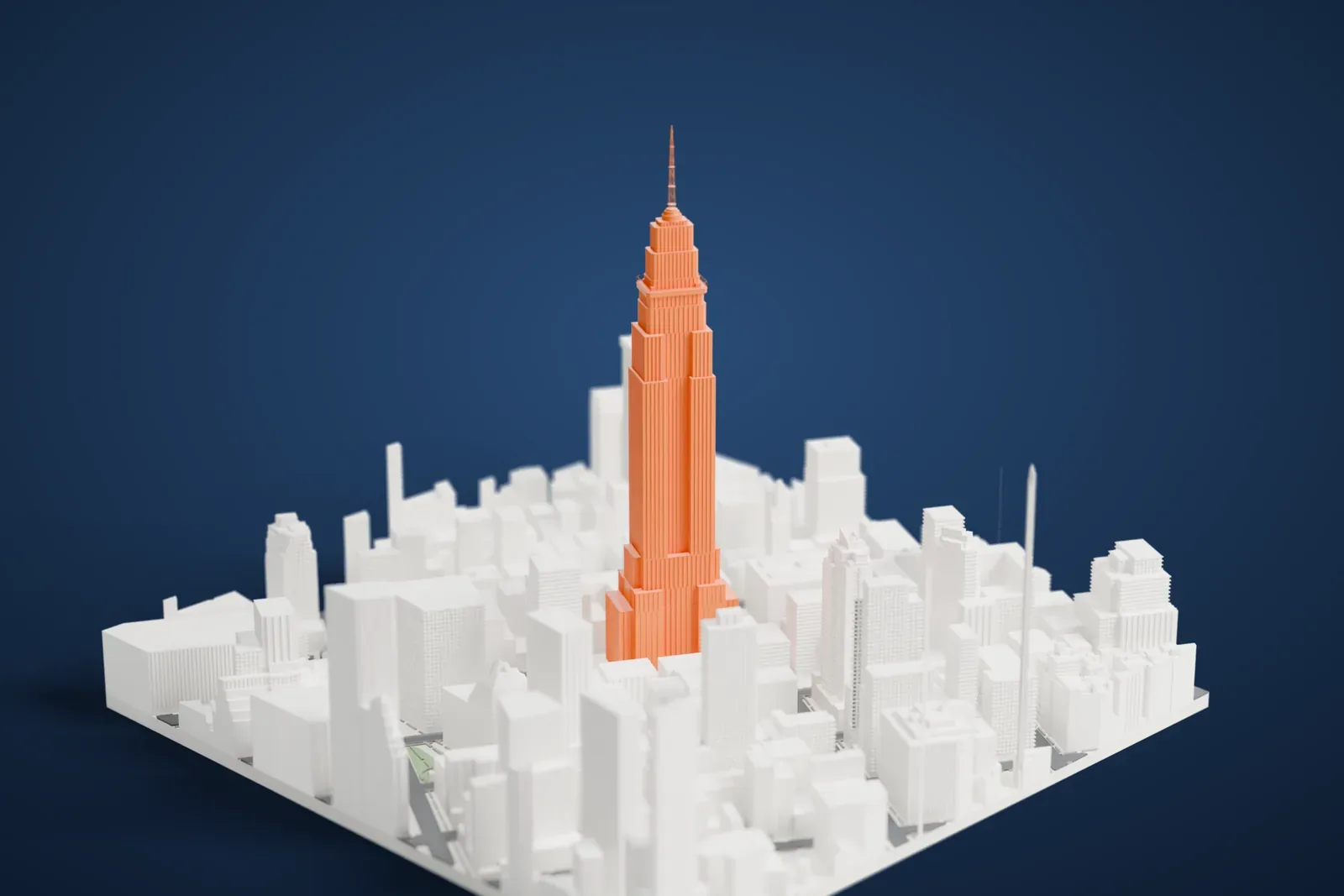
At 102 stories, the Empire State Building is a skyscraper in Manhattan's Midtown South neighborhood, New York City. Its site is on Fifth Avenue's west side, between 33rd and 34th Streets, where the Waldorf-Astoria Hotel was developed in 1893. Shreve, Lamb & Harmon designed the tower in the Art Deco style, and it was built between 1930 and 1931. The name refers to New York state's nickname, the Empire State.
Empire State Inc. acquired the site in 1929 and drew up plans for a skyscraper. The design went through fifteen changes until the building was assured of being the tallest in the world. Construction began on March 17, 1930, and it opened on May 1, 1931, thirteen and a half months later. The Great Depression and, later, World War II delayed any profit for its owners until the early 1950s.
The tower held the title of world's tallest building until 1970, when the World Trade Center's North Tower topped out. It was the first building anywhere with more than 100 stories, although only the lowest 86 are usable. Its form has three sections, a base, a shaft and a capital, with setbacks mandated by the 1916 Zoning Resolution, and Indiana limestone panels clad its facade. Observatories on the 86th and 102nd floors made it a popular attraction.
How it prints
Make this print opens the generator on a 600 m square around the landmark. Buildings print at close to true scale, so the landmark grows with the print size.
| Print size | Landmark height | Scale |
|---|---|---|
| 160 mm default | 119 mm | 1:3,750 |
| 200 mm | 148 mm | 1:3,000 |
| 256 mm | 190 mm | 1:2,344 |
-
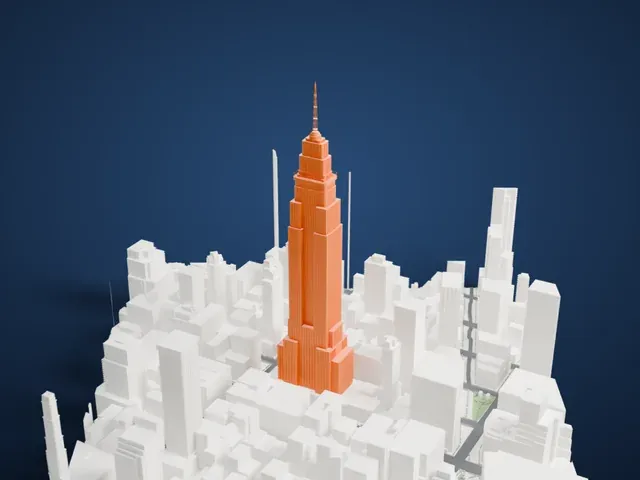 North
North
-
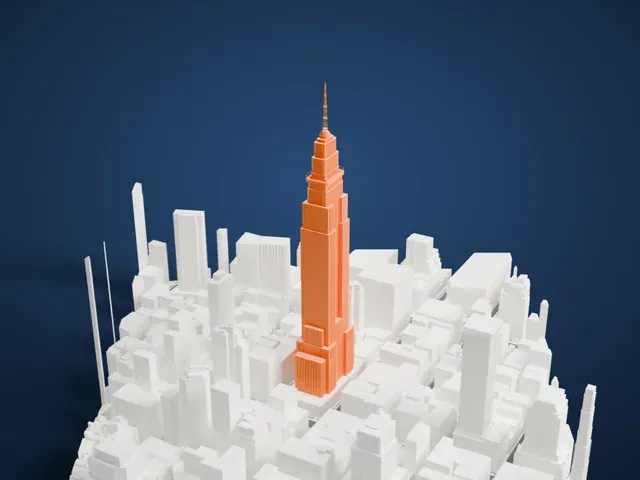 East
East
-
 South
South
-
 West
West
- Slim mast and deck railing
- The antenna mast and the thin railing around the observation level are the most delicate details. Print friendly adapts them to the print scale; Full detail keeps them on larger prints or with a fine nozzle.
- Narrowing stepped tower
- The tower steps in at several levels and ends in a narrow crown, so each layer near the top is small. Layers of 0.12 to 0.16 mm and slower printing with cooling help keep the steps and tip crisp.
- Pick the detail for your nozzle
- In the Buildings settings, set Landmark detail to Print friendly to adapt thin parts and small details to the print scale. Full detail keeps every modeled feature, for larger prints or a finer nozzle.
- Colors
- Buildings, roads, water and ground arrive as separate filament slots in the 3MF. The Empire State Building takes the building color.
- File format
- You get a 3MF for Bambu Studio, OrcaSlicer or PrusaSlicer. Any of them can save it as STL if you need one.
About this model
The Empire State Building is one of more than 2,300 landmark models in Mini Skyline. They are made with AI, and each one is checked from four sides in its real surroundings before release. Everything around it is built from OpenStreetMap and Overture map data. If you would rather print the shape from map data, turn off Landmark models in the Buildings settings.
Common questions
Is there an Empire State Building STL I can download?
Mini Skyline builds the file for you in your browser and exports 3MF, which every major slicer opens. If you need an STL, open the 3MF in your slicer and export it from there.
How big can I print it?
Any print size from 40 mm across. The Empire State Building grows with the print: about 119 mm tall on the default 160 mm print. For a model larger than your printer bed, Project Mode splits the area into tiles.
Is it free?
Yes. Generation runs in your browser, with no account and nothing behind a paywall.