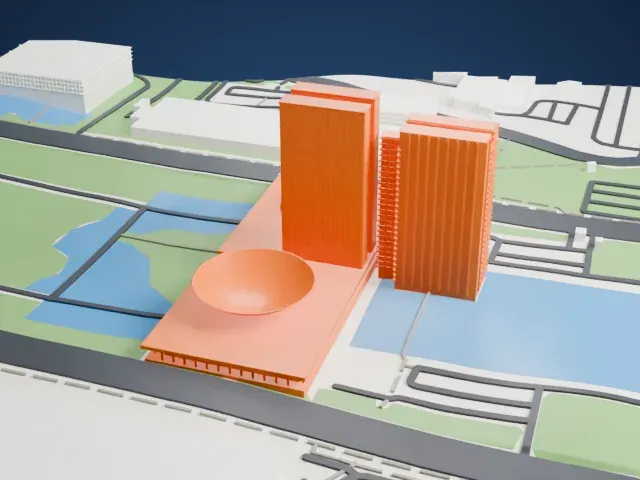
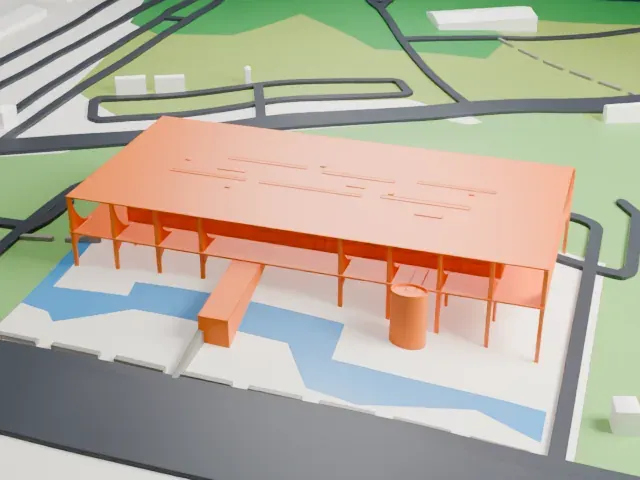
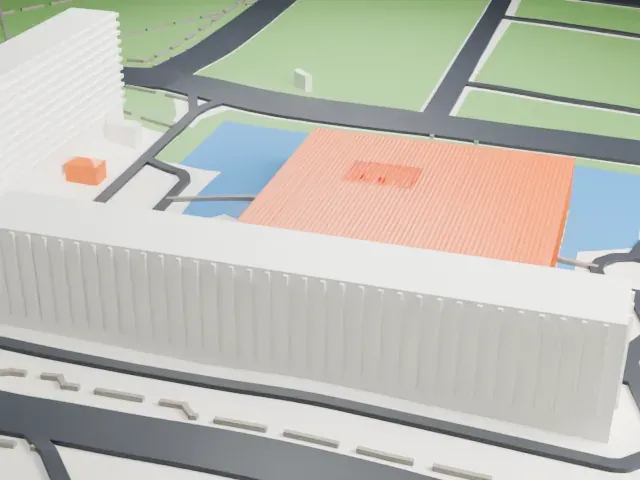
3D print the Cathedral of Brasília
A free, printable model of the Cathedral of Brasília, a crown of curved ribs ringed by a pool, and the lawns, roads and bell tower around it, generated from real map data in your browser.
Free, in your browser. Exports a slicer-ready 3MF.
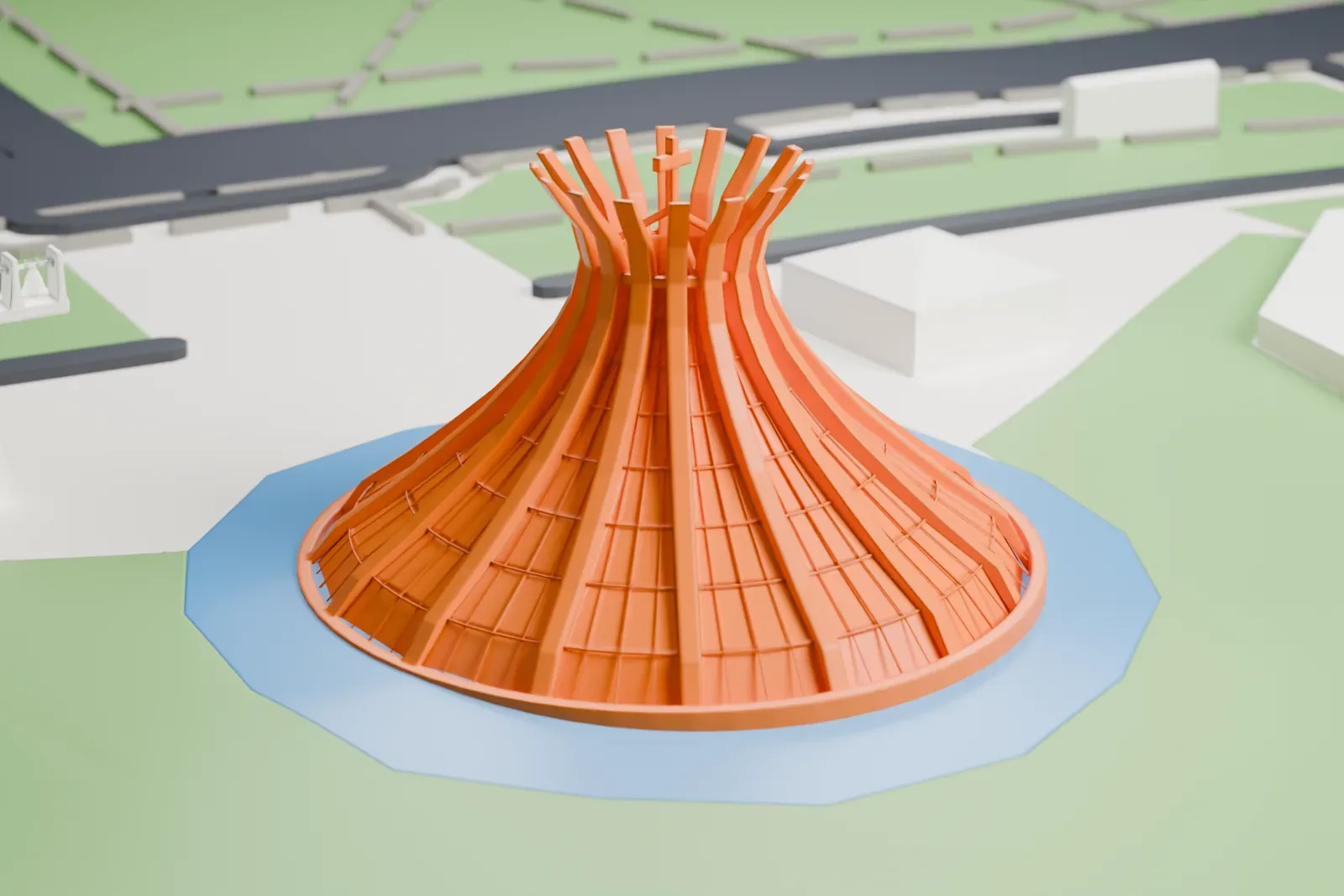
About the Cathedral of Brasília
The Cathedral of Brasília serves the city as its Roman Catholic cathedral and is where the Archdiocese of Brasília has its seat. It is dedicated to the Virgin Mary under the title Our Lady of Aparecida. Oscar Niemeyer designed it, Joaquim Cardozo was the structural engineer, and it was finished and dedicated on May 31, 1970. Its shape is a hyperboloid built from 16 concrete columns, which stand for two hands moving up toward heaven. Most of the building lies below ground, with only the roof, 70 m (230 ft) across, the baptistery roof and the bell tower visible above.
A reflecting pool 12 m (39 ft) wide and 40 cm (16 in) deep surrounds the roof and helps cool the building, and visitors pass under it on the way in. Its capacity is up to 4,000 people. Outside stands a bell tower 20 m (66 ft) tall, holding four large bells that were a gift from Spanish residents of Brazil, and the access square has four bronze sculptures of the four Evangelists, each 2.5 m (8 ft 2 in) tall.
Its cornerstone went in on September 15, 1958, and construction of the structure was complete by April 21, 1960, though only the roof structure rose above ground. Consecration came on October 12, 1968, when it still had no roof, and Cardinal D. Eugenio Salles officially opened it on May 31, 1970. The baptistery was dedicated on October 5, 1977. A declaration of July 15, 1990 named the cathedral a national historic and artistic monument.
How it prints
Make this print opens the generator on a 600 m square around the landmark. Buildings print at close to true scale, so the landmark grows with the print size.
| Print size | Landmark height | Scale |
|---|---|---|
| 160 mm default | 9 mm | 1:3,750 |
| 200 mm | 12 mm | 1:3,000 |
| 256 mm | 15 mm | 1:2,344 |
-
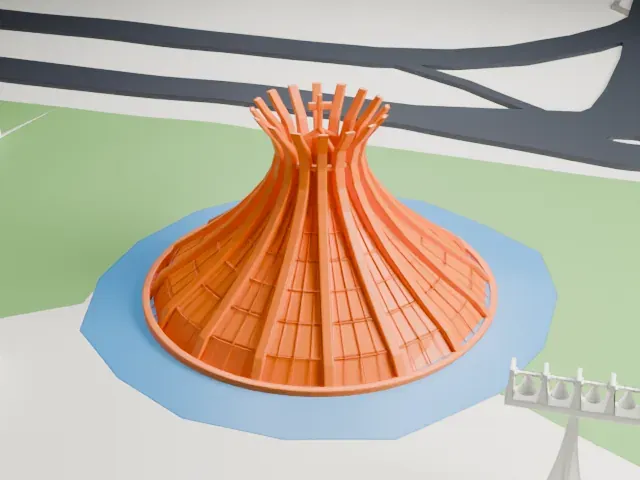 North
North
-
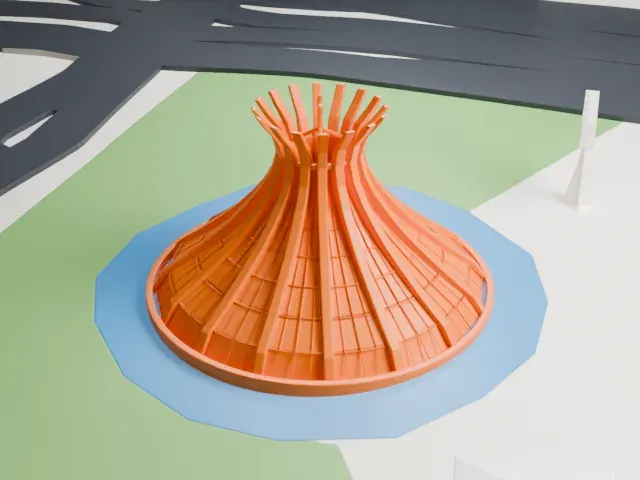 East
East
-
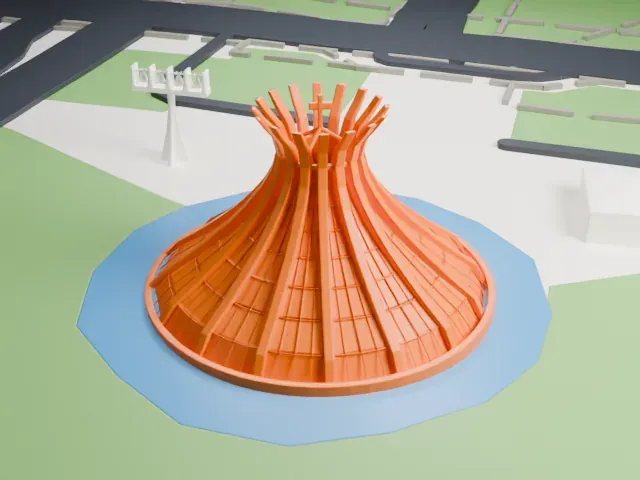 South
South
-
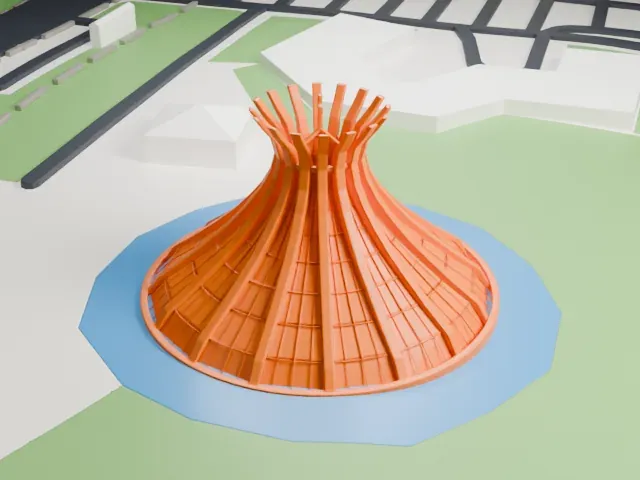 West
West
- Thin tips around the crown
- The curved ribs narrow to slender tips around the top. Print friendly adapts them to the print scale; Full detail keeps every rib on a larger print.
- Fine grooves on the roof
- Shallow grooves run between the ribs across the roof. A larger print size keeps them visible, and layers of 0.12–0.16 mm keep the curved surface smooth.
- One piece with the ground
- The Cathedral of Brasília is joined to the ground in the exported file, and the four-side check found no floating parts, so nothing needs gluing.
- Pick the detail for your nozzle
- In the Buildings settings, set Landmark detail to Print friendly to adapt thin parts and small details to the print scale. Full detail keeps every modeled feature, for larger prints or a finer nozzle.
- Colors
- Buildings, roads, water and ground arrive as separate filament slots in the 3MF. The Cathedral of Brasília takes the building color.
- File format
- You get a 3MF for Bambu Studio, OrcaSlicer or PrusaSlicer. Any of them can save it as STL if you need one.
About this model
The Cathedral of Brasília is one of more than 2,300 landmark models in Mini Skyline. They are made with AI, and each one is checked from four sides in its real surroundings before release. Everything around it is built from OpenStreetMap and Overture map data. If you would rather print the shape from map data, turn off Landmark models in the Buildings settings.
Common questions
Is there a Cathedral of Brasília STL I can download?
Mini Skyline builds the file for you in your browser and exports 3MF, which every major slicer opens. If you need an STL, open the 3MF in your slicer and export it from there.
How big can I print it?
Any print size from 40 mm across. The Cathedral of Brasília grows with the print: about 9 mm tall on the default 160 mm print. For a model larger than your printer bed, Project Mode splits the area into tiles.
Is it free?
Yes. Generation runs in your browser, with no account and nothing behind a paywall.