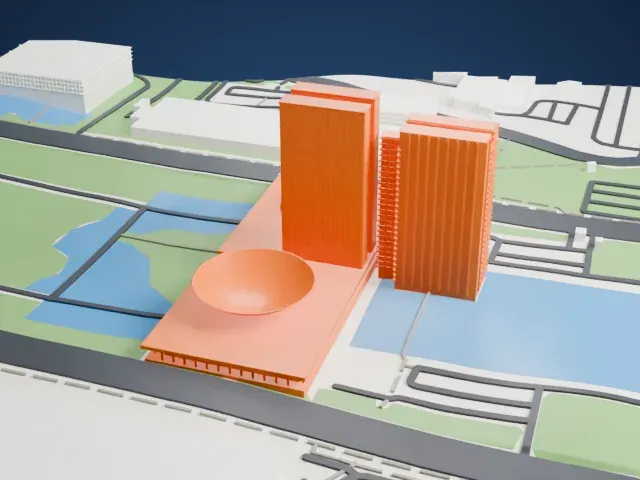
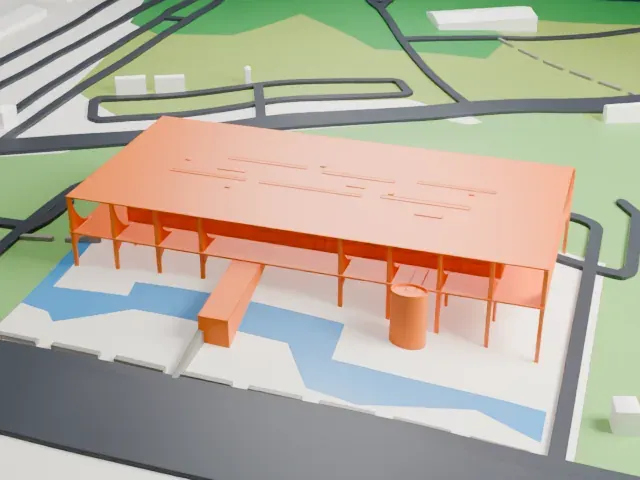
3D print the Itamaraty Palace
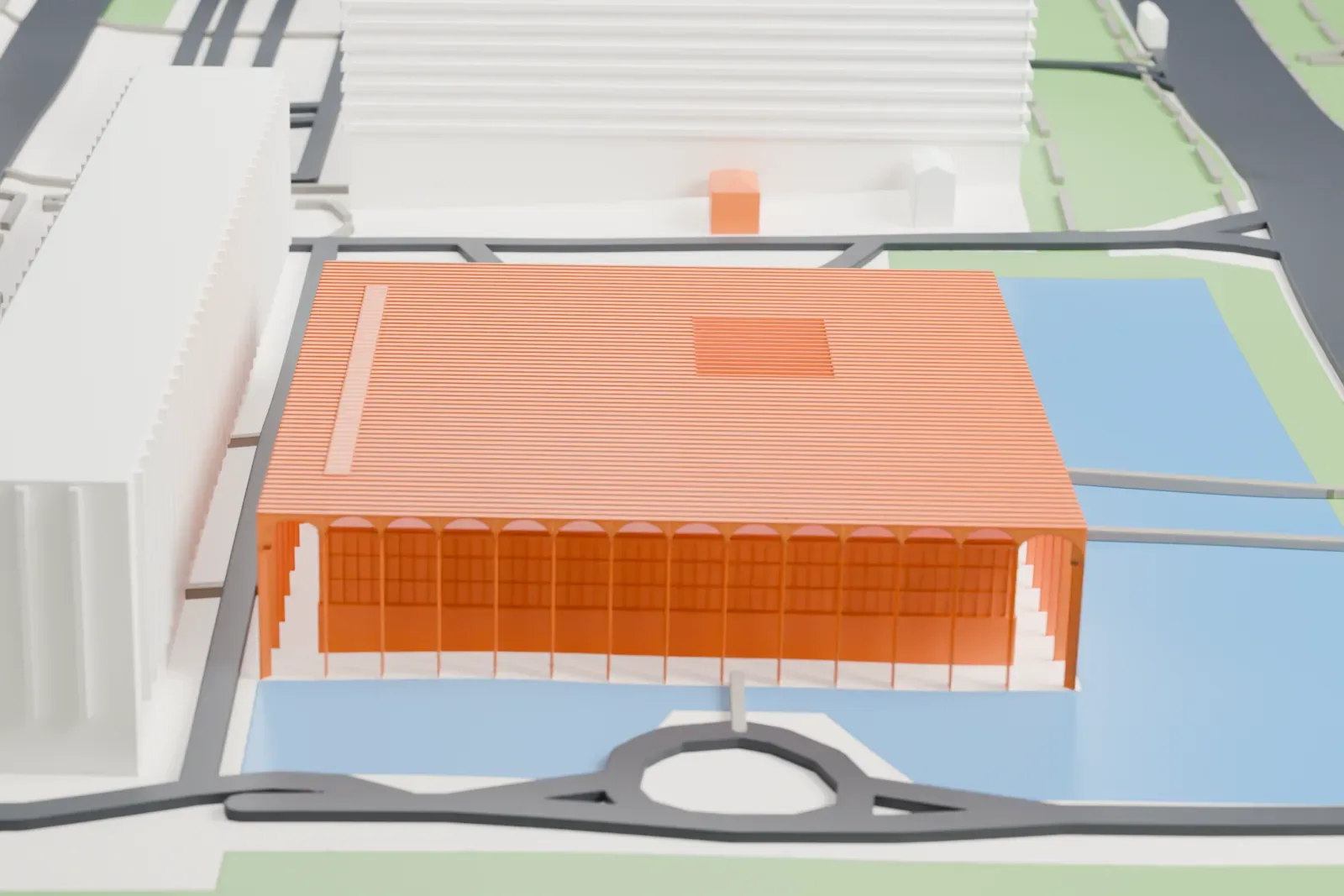
A free, printable model of the Itamaraty Palace, a low square building ringed by slender columns and standing among pools of water and long gray buildings, generated from real map data in your browser.
Free, in your browser. Exports a slicer-ready 3MF.
About the Itamaraty Palace
The Itamaraty Palace, also called the Palace of the Arches, houses Brazil's Ministry of Foreign Affairs in the national capital, Brasília. Along the Ministries Esplanade, it sits east of the National Congress building, close to the Three Powers Plaza. Oscar Niemeyer designed it, and it was inaugurated in 1970. Roberto Burle Marx was the landscape designer, and he made every one of the palace's gardens.
Brazilians often say Itamaraty to refer to that ministry. The name comes from the palace in Rio de Janeiro that housed the ministry before the capital and government moved to Brasília. The first name given to this building was Palácio dos Arcos, named for the arches along its facade, but the traditional name proved stronger and stuck.
President Juscelino Kubitschek laid the cornerstone on September 12, 1960. Technical difficulties with the project's innovations delayed completion until 1970. A spiral interior staircase that seems to defy gravity is among its best-known features. It serves as the setting where the head of state welcomes foreign authorities and fellow heads of state, and its interior holds works by many artists, including Athos Bulcão, Candido Portinari and Tomie Ohtake. Brazil listed it as National Historic Heritage in 2007.
How it prints
Make this print opens the generator on a 600 m square around the landmark. Buildings print at close to true scale, so the landmark grows with the print size.
| Print size | Landmark height | Scale |
|---|---|---|
| 160 mm default | 5 mm | 1:3,750 |
| 200 mm | 7 mm | 1:3,000 |
| 256 mm | 8 mm | 1:2,344 |
-
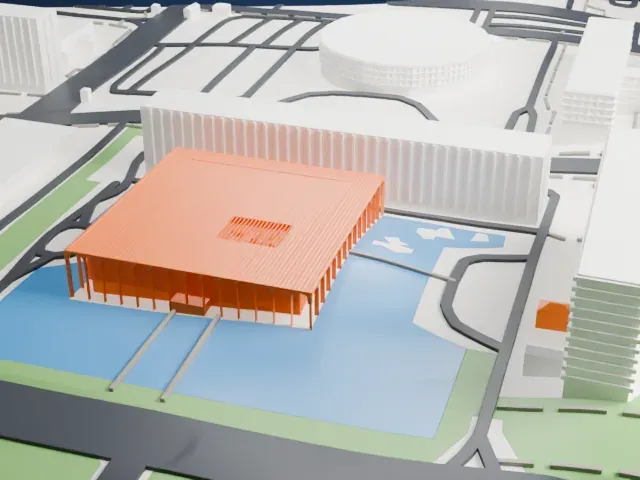 North
North
-
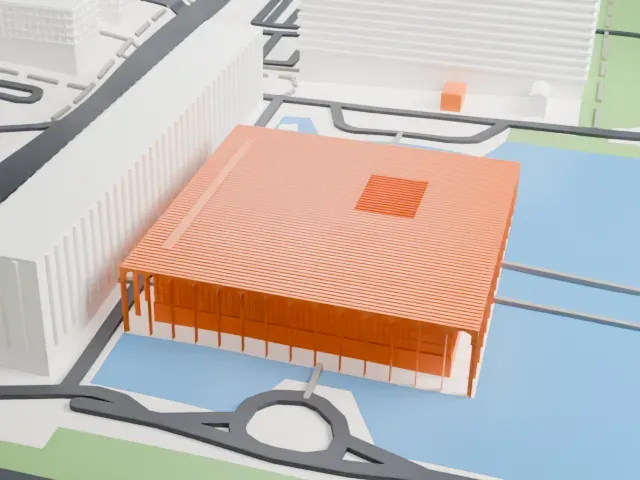 East
East
-
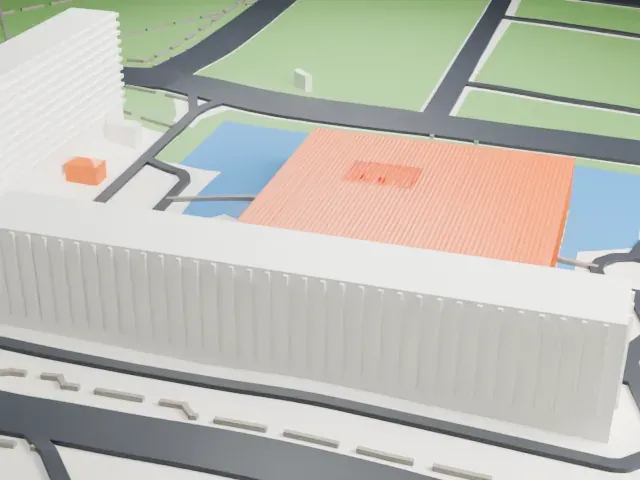 South
South
-
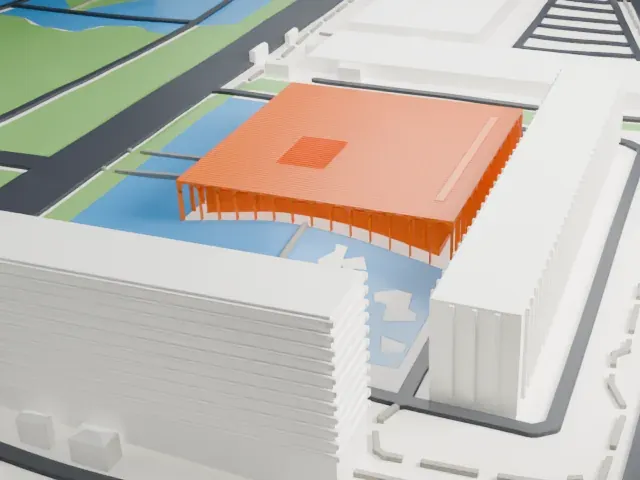 West
West
- Rows of slim columns
- A ring of slender columns and arches surrounds a low, wide roof. Print friendly adapts the thinnest columns to the print scale; Full detail keeps every one, which suits a larger print or a fine nozzle.
- Fine lines on the roof
- The flat roof is covered in closely spaced lines. Layers of 0.12 to 0.16 mm keep them crisp, and a bigger print keeps more of them.
- One piece with the ground
- The Itamaraty Palace is joined to the ground in the exported file, and the four-side check found no floating parts, so nothing needs gluing.
- Pick the detail for your nozzle
- In the Buildings settings, set Landmark detail to Print friendly to adapt thin parts and small details to the print scale. Full detail keeps every modeled feature, for larger prints or a finer nozzle.
- Colors
- Buildings, roads, water and ground arrive as separate filament slots in the 3MF. The Itamaraty Palace takes the building color.
- File format
- You get a 3MF for Bambu Studio, OrcaSlicer or PrusaSlicer. Any of them can save it as STL if you need one.
About this model
The Itamaraty Palace is one of more than 2,300 landmark models in Mini Skyline. They are made with AI, and each one is checked from four sides in its real surroundings before release. Everything around it is built from OpenStreetMap and Overture map data. If you would rather print the shape from map data, turn off Landmark models in the Buildings settings.
Common questions
Is there an Itamaraty Palace STL I can download?
Mini Skyline builds the file for you in your browser and exports 3MF, which every major slicer opens. If you need an STL, open the 3MF in your slicer and export it from there.
How big can I print it?
Any print size from 40 mm across. The Itamaraty Palace grows with the print: about 5 mm tall on the default 160 mm print. For a model larger than your printer bed, Project Mode splits the area into tiles.
Is it free?
Yes. Generation runs in your browser, with no account and nothing behind a paywall.