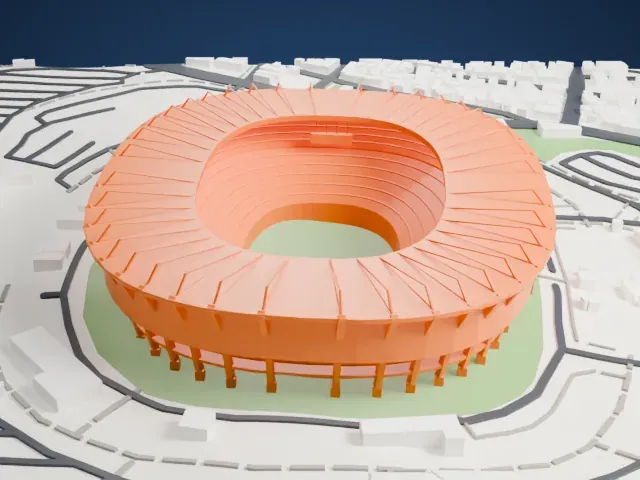
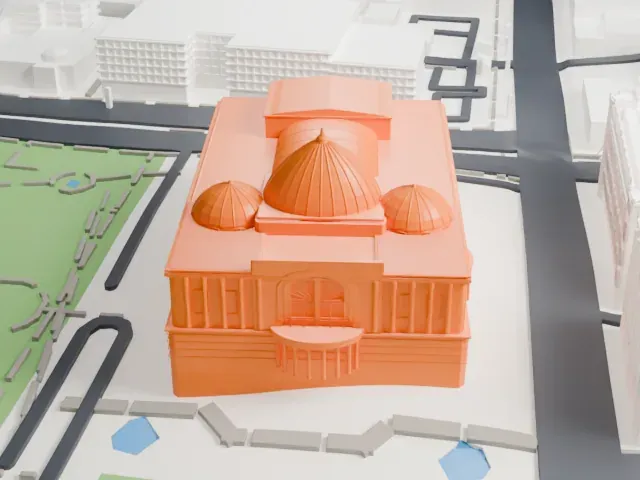
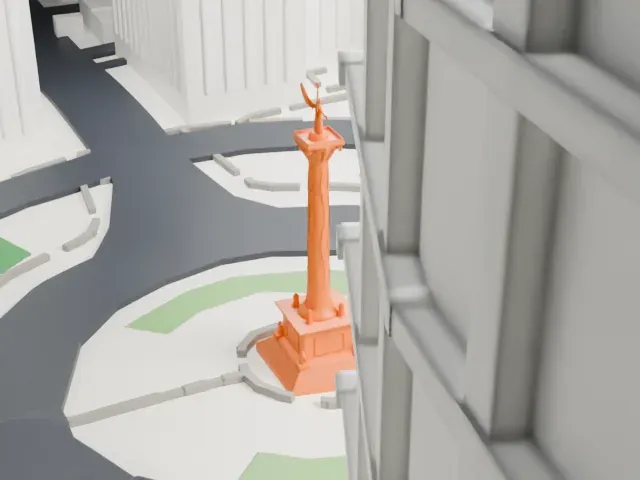
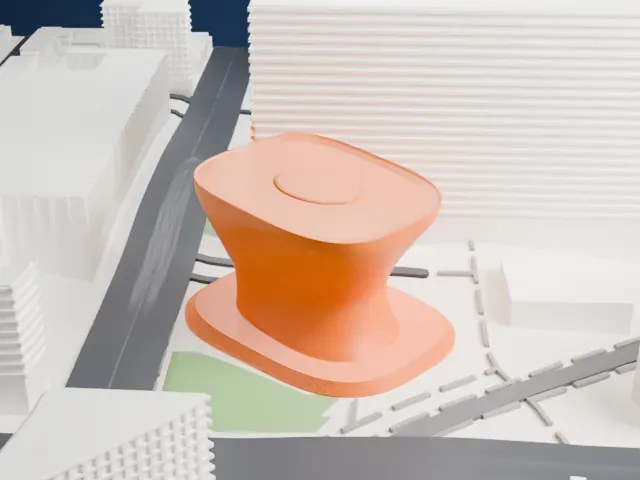
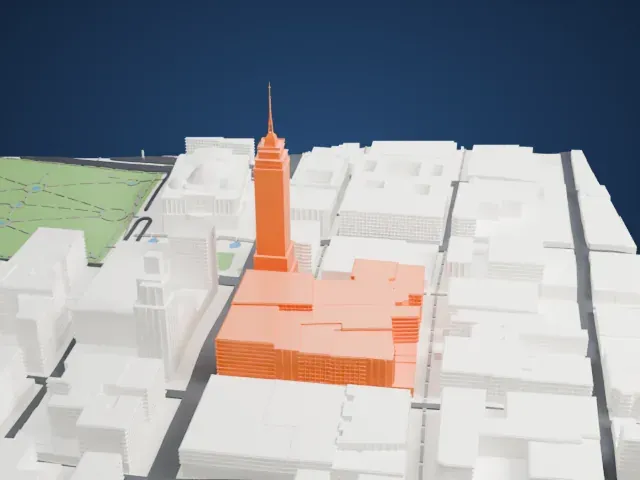
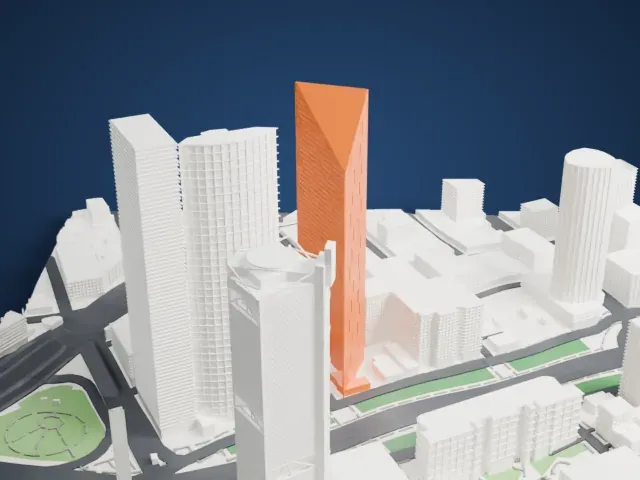
3D print Chapultepec Castle
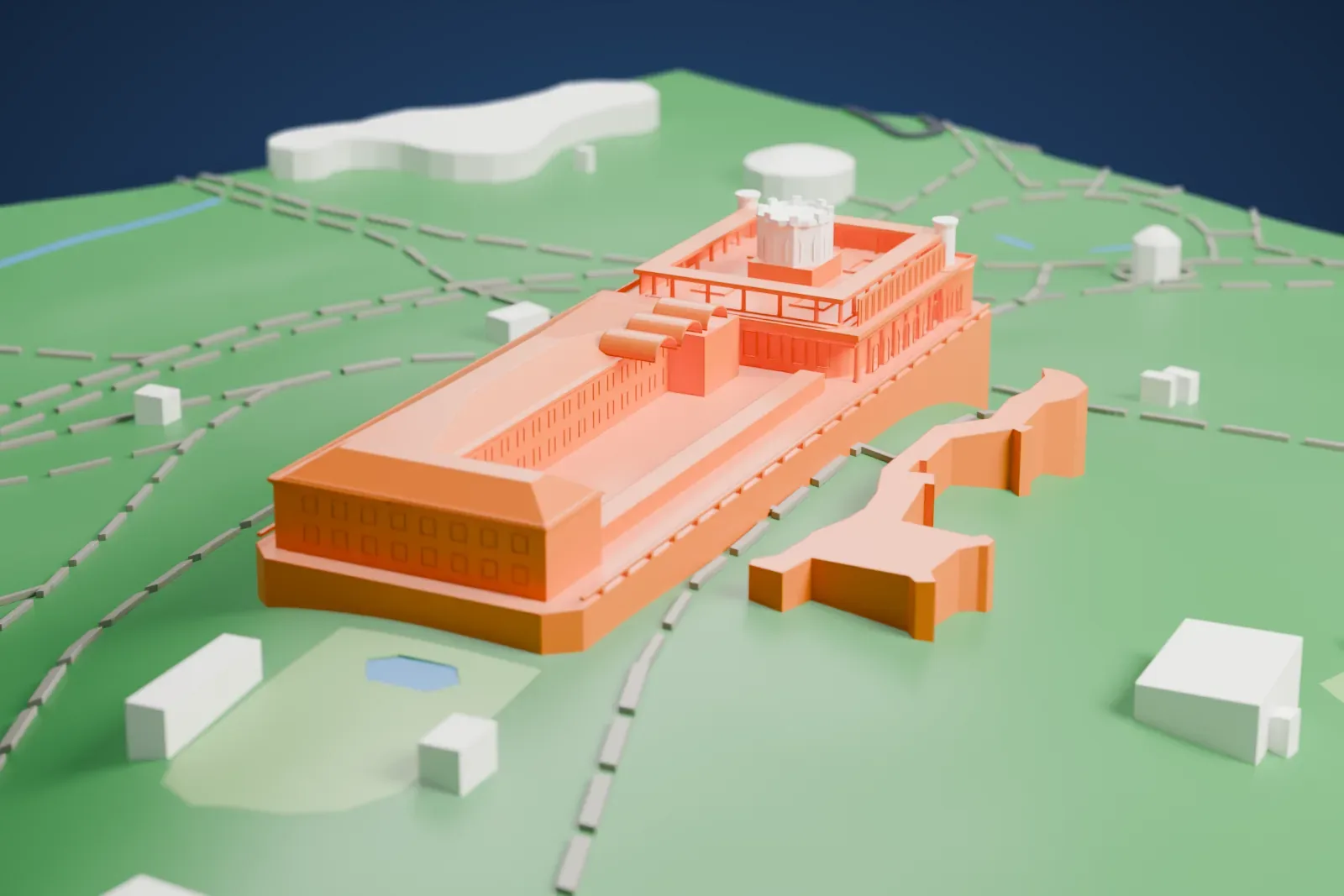
A free, printable model of the castle on its hilltop, with the park paths, small ponds and few buildings around it, generated from real map data in your browser.
Free, in your browser. Exports a slicer-ready 3MF.
About Chapultepec Castle
Chapultepec Castle sits 2,325 meters (7,628 ft) above sea level, on Chapultepec Hill at the entrance to Chapultepec Park in Mexico City. Its name comes from the Nahuatl word chapoltepēc, meaning on the hill of the grasshopper. To the Aztecs the hill was sacred, and the buildings on it have been a military academy, an imperial residence, a presidential residence and an observatory. It is one of only two royal palaces in North America where monarchs lived; the other, Iturbide Palace, is also in Mexico City.
The castle was built under the Viceroyalty of New Spain. Viceroy Bernardo de Gálvez wanted a stately home of his own on the hill's highest point and ordered it built in 1785, with work starting that August. It was put to varied uses, including a gunpowder warehouse and a military academy. After remodeling and additions, it housed Emperor Maximilian I of Mexico and Empress Carlota, his consort, in the Second Mexican Empire, 1864 to 1867. Maximilian also ordered a straight boulevard, modeled on the great boulevards of Europe, to link the castle with the city center. It was later renamed Paseo de la Reforma.
On September 13, 1847, United States forces took the castle during the Battle of Chapultepec in the Mexican–American War; the Niños Héroes who died defending it are honored with a large mural above the main entrance. President Manuel González declared the castle the president's official residence in 1882, and with few exceptions later presidents lived there until 1934. President Lázaro Cárdenas turned it into the National Museum of History in February 1939, and the museum opened on September 27, 1944.
How it prints
Make this print opens the generator on a 600 m square around the landmark. Buildings print at close to true scale, so the landmark grows with the print size.
| Print size | Landmark height | Scale |
|---|---|---|
| 160 mm default | 12 mm | 1:3,750 |
| 200 mm | 15 mm | 1:3,000 |
| 256 mm | 20 mm | 1:2,344 |
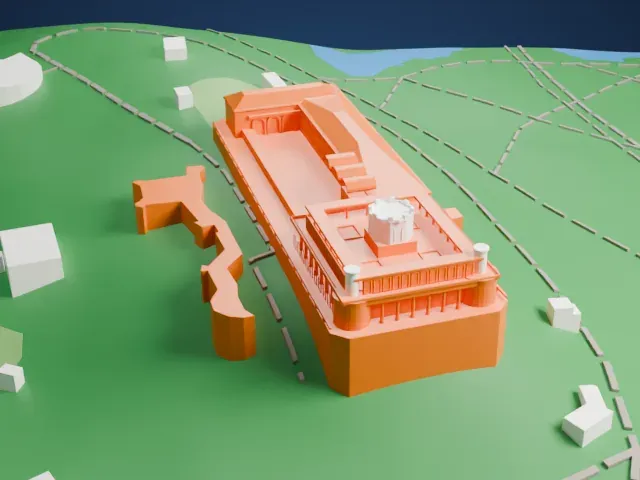
-
 North
North
-
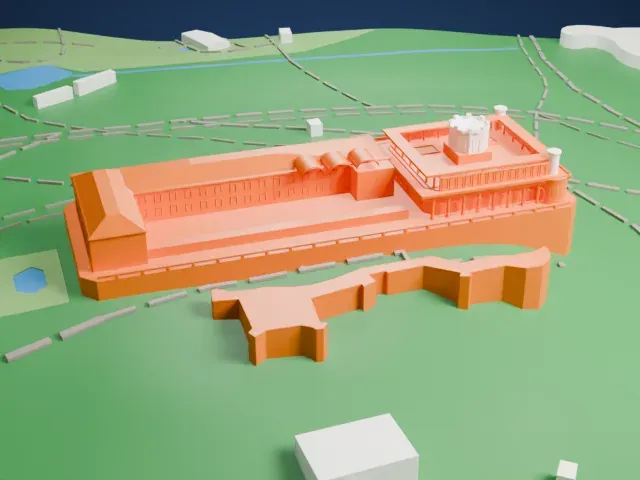
 East
East
-
 South
South
-
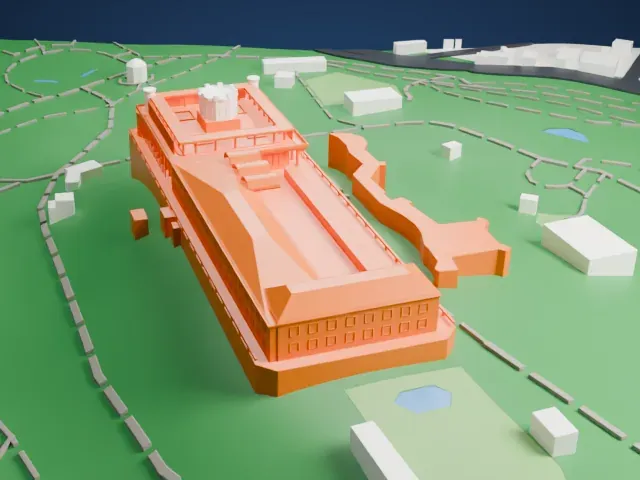 West
West
- Arches and a roof terrace
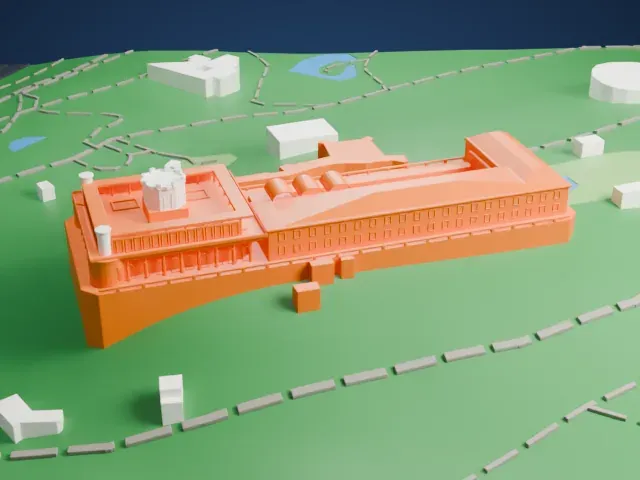
- The upper terrace has rows of small arches and columns, with a small round tower in the middle. Print friendly adapts them to the print scale; Full detail keeps them on a larger print.
- A tall curved base
- The building stands on a tall plinth with a long curved side. Layers of 0.12 to 0.16 mm keep that curved edge smooth.
- Pick the detail for your nozzle
- In the Buildings settings, set Landmark detail to Print friendly to adapt thin parts and small details to the print scale. Full detail keeps every modeled feature, for larger prints or a finer nozzle.
- Colors
- Buildings, roads, water and ground arrive as separate filament slots in the 3MF. Chapultepec Castle takes the building color.
- File format
- You get a 3MF for Bambu Studio, OrcaSlicer or PrusaSlicer. Any of them can save it as STL if you need one.
About this model
Chapultepec Castle is one of more than 2,300 landmark models in Mini Skyline. They are made with AI, and each one is checked from four sides in its real surroundings before release. Everything around it is built from OpenStreetMap and Overture map data. If you would rather print the shape from map data, turn off Landmark models in the Buildings settings.
Common questions
Is there a Chapultepec Castle STL I can download?
Mini Skyline builds the file for you in your browser and exports 3MF, which every major slicer opens. If you need an STL, open the 3MF in your slicer and export it from there.
How big can I print it?
Any print size from 40 mm across. Chapultepec Castle grows with the print: about 12 mm tall on the default 160 mm print. For a model larger than your printer bed, Project Mode splits the area into tiles.
Is it free?
Yes. Generation runs in your browser, with no account and nothing behind a paywall.