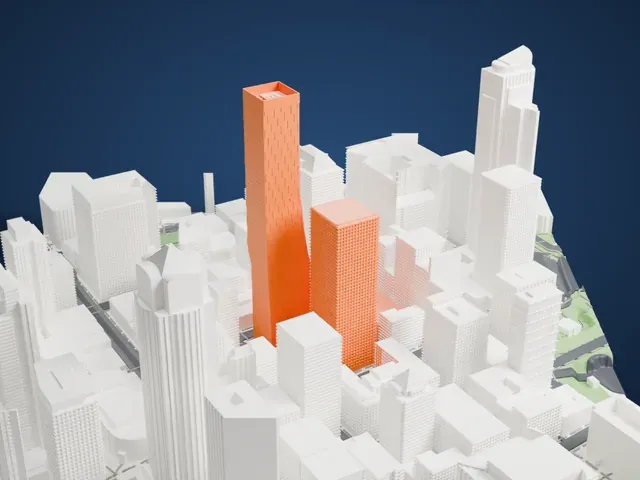
3D print the Columbia Center
A free, printable model of Columbia Center and the tall buildings and streets around it in downtown Seattle, generated from real map data in your browser.
Free, in your browser. Exports a slicer-ready 3MF.
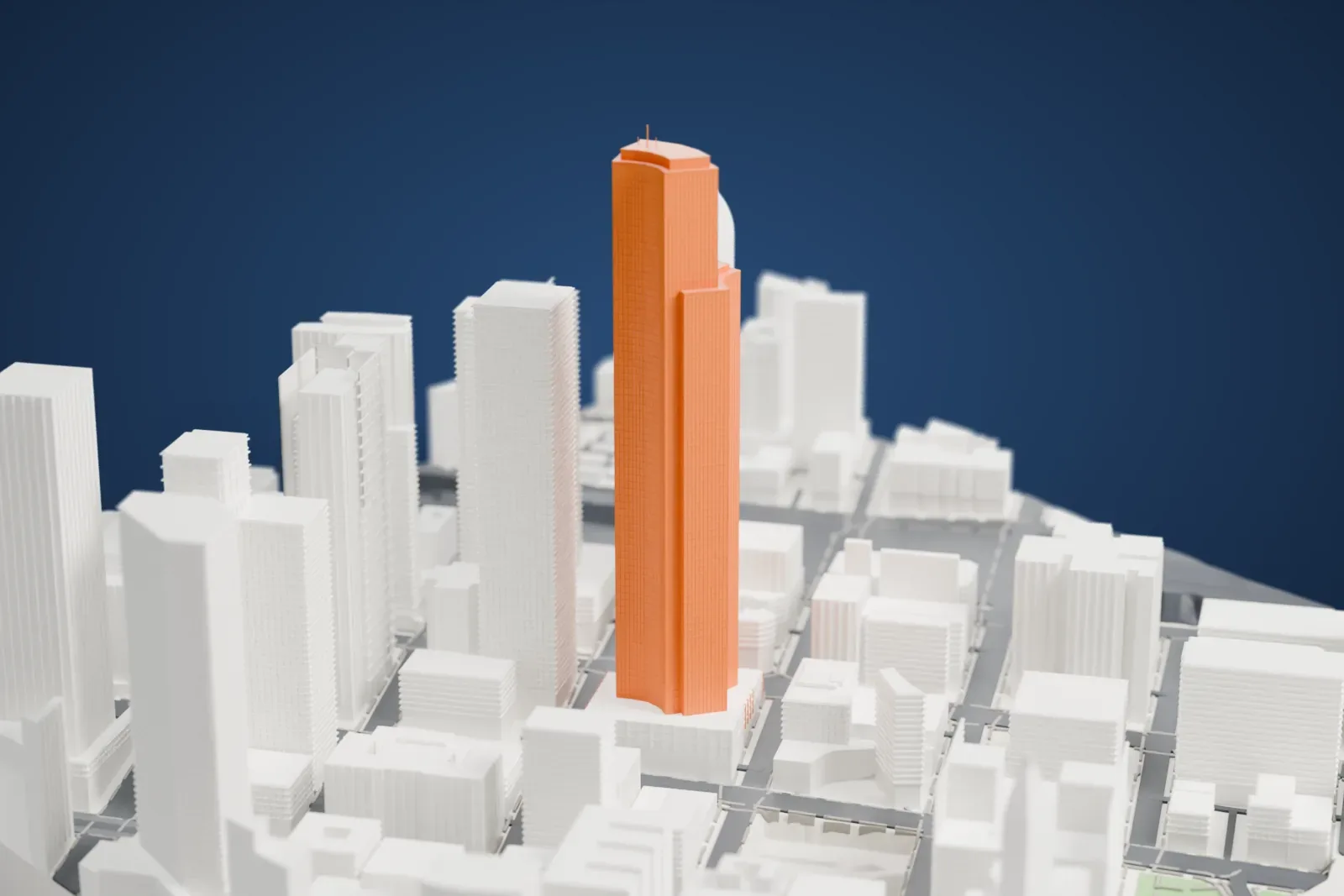
About the Columbia Center
Columbia Center, also called Columbia Tower, stands in downtown Seattle, Washington, as a 76-story skyscraper. It reaches 284 m (933 ft), making it the tallest building in Washington state, and when it was completed in 1985 it was the West Coast's tallest structure. Most of the block between Fourth and Fifth Avenues and between Cherry and Columbia Streets is taken up by the tower. It opened as the Columbia Seafirst Center, named for Seafirst Bank, its largest tenant and its financier, and later became the Bank of America Tower, which gave it the nickname "BOAT". In November 2005 the name changed back to Columbia Center.
Martin Selig developed the tower, and Chester L. Lindsey Architects designed it; construction began in 1982, and the building was completed in 1985. Its structure has three concave faces with two setbacks, so it appears to be three towers set side by side. Rosa Purino Carnelian granite clads the base. The tower was first planned to reach roughly 306.5 m (1,006 ft). Federal Aviation Administration rules would not allow that height so close to Sea-Tac Airport.
City land use rules of the time were meant to hold skyscrapers to about 50 stories, but Selig obtained permits for 76 stories through a provision that gave bonus height for retail space with street access. Because the site slopes, three separate stories could open onto the street, and the developers received a bonus for each one. Building began with an excavation 37 m (120 ft) deep, and concrete footings extend 41 m (134 ft) below street level. A 73rd-floor observation deck is named the Sky View Observatory.
How it prints
Make this print opens the generator on a 600 m square around the landmark. Buildings print at close to true scale, so the landmark grows with the print size.
| Print size | Landmark height | Scale |
|---|---|---|
| 160 mm default | 83 mm | 1:3,750 |
| 200 mm | 104 mm | 1:3,000 |
| 256 mm | 133 mm | 1:2,344 |
-
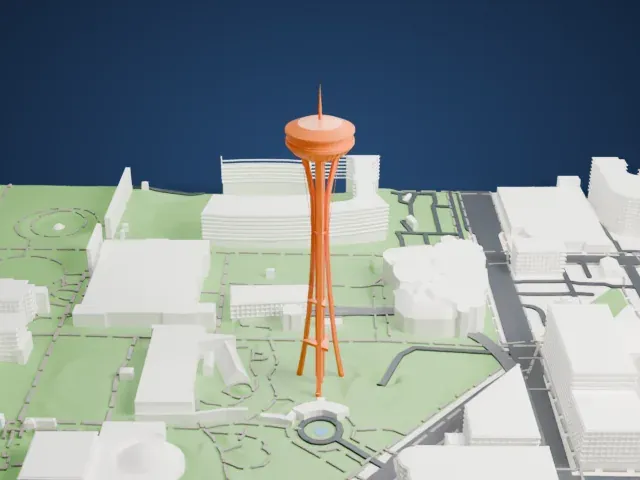
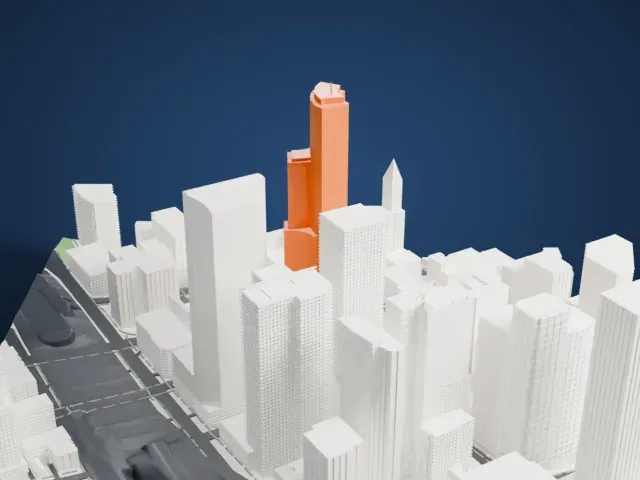 North
North
-
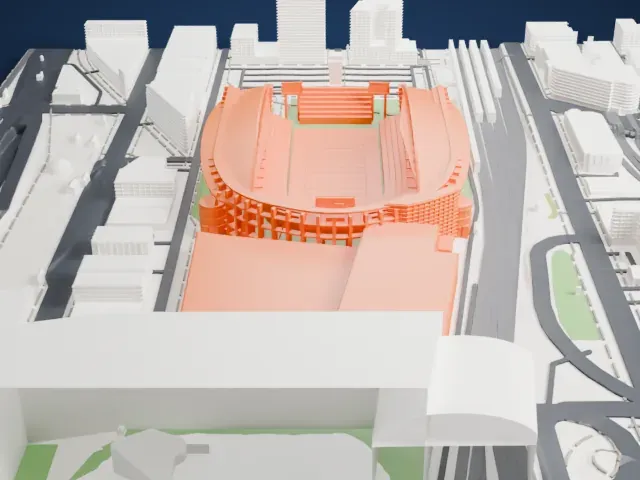
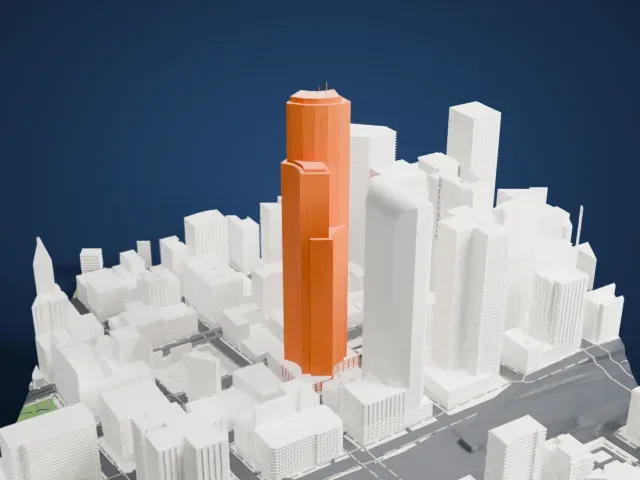 East
East
-
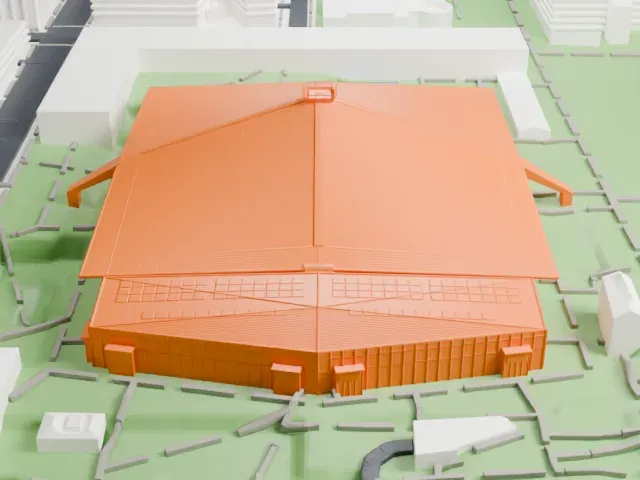
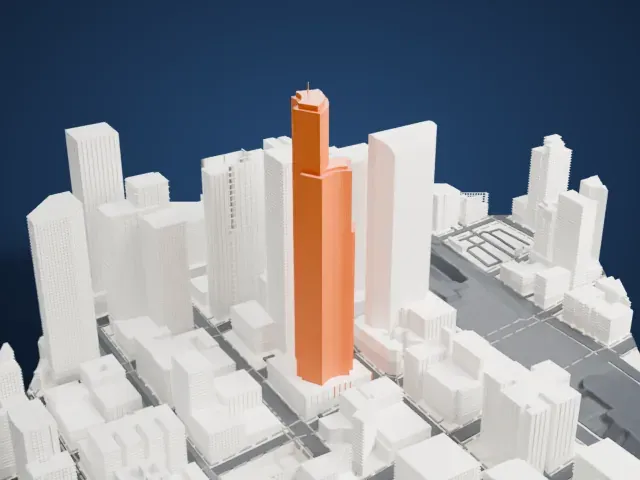 South
South
-
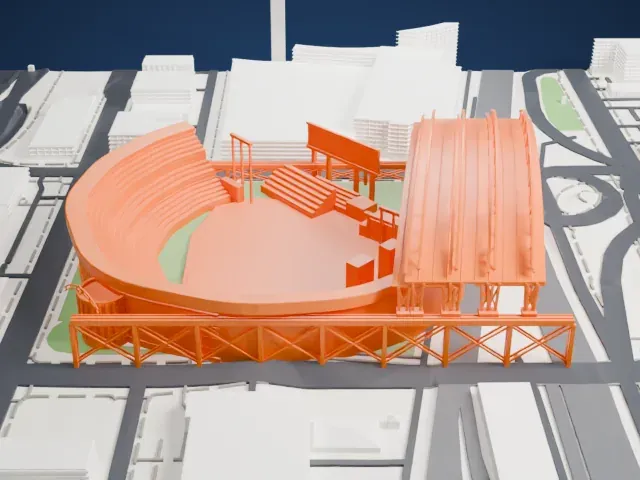
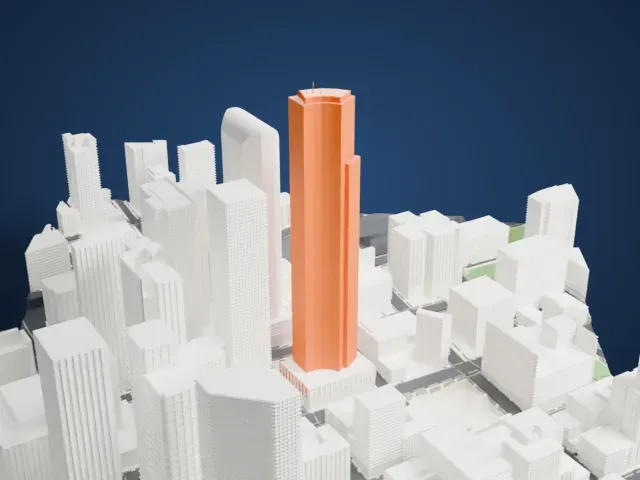 West
West
- Thin masts on the roof
- A few slender masts stand on the crown. Print friendly adapts thin parts to the print scale, while Full detail keeps them on a larger print. Printing slowly with good cooling helps tall thin parts.
- Three stepped faces with fine ribs
- The tower steps back in three curved faces covered in fine vertical lines. Layers of 0.12 to 0.16 mm keep this vertical detail crisp, and a bigger print size keeps more of it.
- One piece with the ground
- The Columbia Center is joined to the ground in the exported file, and the four-side check found no floating parts, so nothing needs gluing.
- Pick the detail for your nozzle
- In the Buildings settings, set Landmark detail to Print friendly to adapt thin parts and small details to the print scale. Full detail keeps every modeled feature, for larger prints or a finer nozzle.
- Colors
- Buildings, roads, water and ground arrive as separate filament slots in the 3MF. The Columbia Center takes the building color.
- File format
- You get a 3MF for Bambu Studio, OrcaSlicer or PrusaSlicer. Any of them can save it as STL if you need one.
About this model
The Columbia Center is one of more than 2,300 landmark models in Mini Skyline. They are made with AI, and each one is checked from four sides in its real surroundings before release. Everything around it is built from OpenStreetMap and Overture map data. If you would rather print the shape from map data, turn off Landmark models in the Buildings settings.
Common questions
Is there a Columbia Center STL I can download?
Mini Skyline builds the file for you in your browser and exports 3MF, which every major slicer opens. If you need an STL, open the 3MF in your slicer and export it from there.
How big can I print it?
Any print size from 40 mm across. The Columbia Center grows with the print: about 83 mm tall on the default 160 mm print. For a model larger than your printer bed, Project Mode splits the area into tiles.
Is it free?
Yes. Generation runs in your browser, with no account and nothing behind a paywall.