3D print the Flying Heritage & Combat Armor Museum Hangars
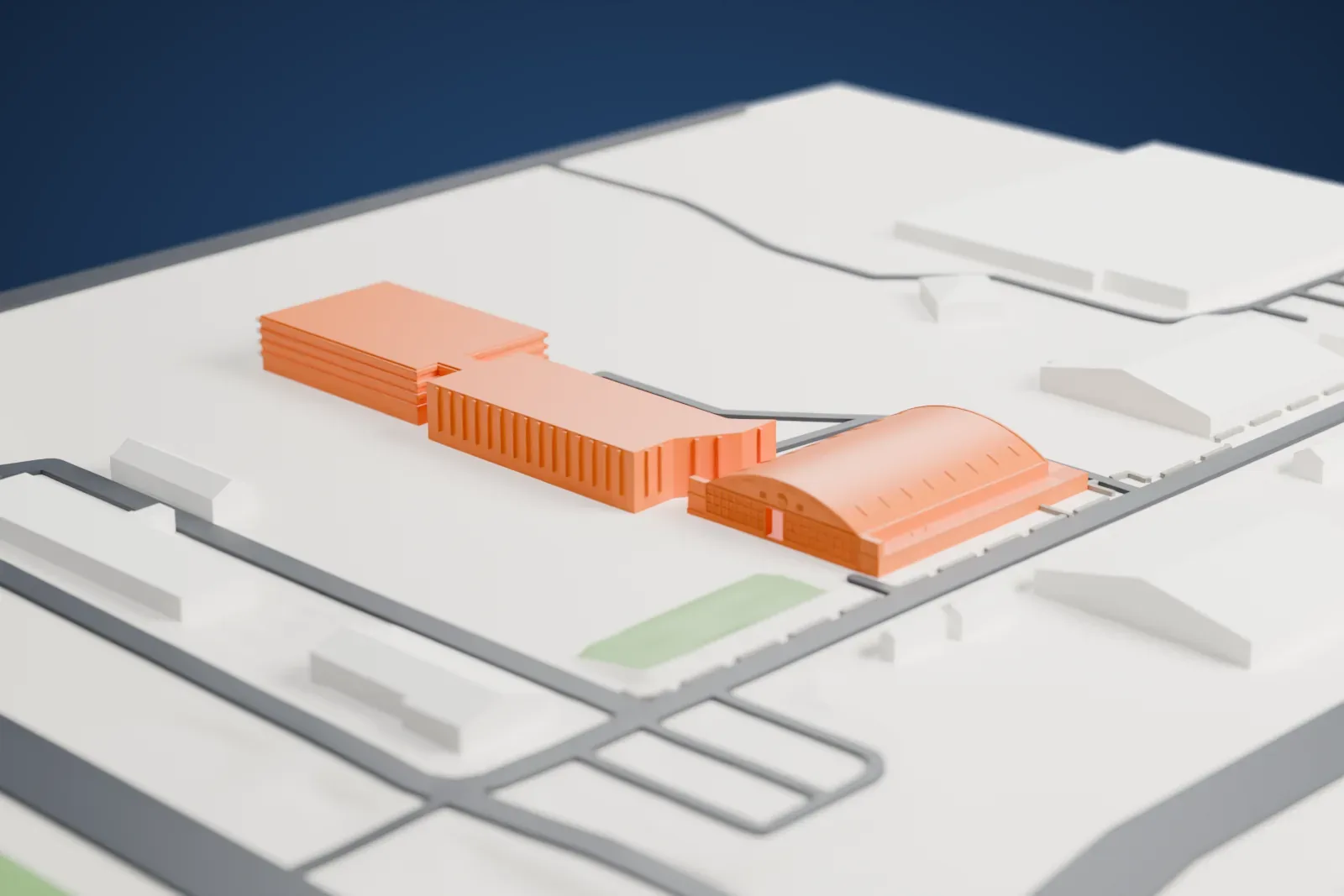
A free, printable model of the Flying Heritage & Combat Armor Museum hangars, a large arched-roof hangar with a lettered end wall, among roads and low buildings, generated from real map data in your browser.
Free, in your browser. Exports a slicer-ready 3MF.
About the Flying Heritage & Combat Armor Museum Hangars
As a nonprofit, the Flying Heritage & Combat Armor Museum works to preserve and display tanks, other military equipment and rare military aircraft. It is based at Paine Field in Everett, Washington. Three working hangars hold military artifacts on rotation, coming from the Soviet Union, Japan, Germany, the United Kingdom and the United States.
Paul Allen, a Microsoft co-founder, started acquiring vintage aircraft in 1998 to preserve them. Visitors could first see the collection in 2004 at the airfield in Arlington, Washington, and in 2008 it relocated to a historic industrial hangar, newly renovated, at Paine Field. In 2013 it added an expansion hangar of 22,000 square feet, and Hangar C opened in 2018, adding over two dozen artifacts. Until March 24, 2017, it was called the Flying Heritage Collection; the new name reflected a widening from aircraft alone to military vehicles and armament too.
The collection includes aircraft such as the North American P-51D Mustang, the Lockheed P-38J Lightning and the North American B-25J Mitchell from the United States, and the Supermarine Spitfire Mk.Vc from the United Kingdom. It also owns many armored fighting vehicles.
How it prints
Make this print opens the generator on a 600 m square around the landmark. Buildings print at close to true scale, so the landmark grows with the print size.
| Print size | Landmark height | Scale |
|---|---|---|
| 160 mm default | 5 mm | 1:3,750 |
| 200 mm | 6 mm | 1:3,000 |
| 256 mm | 7 mm | 1:2,344 |
-
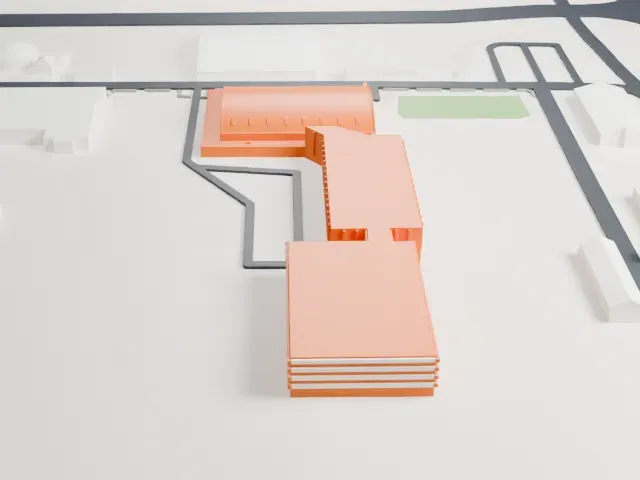 North
North
-
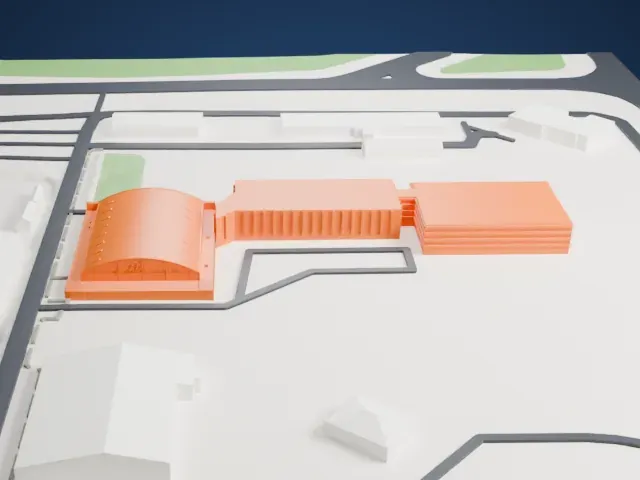 East
East
-
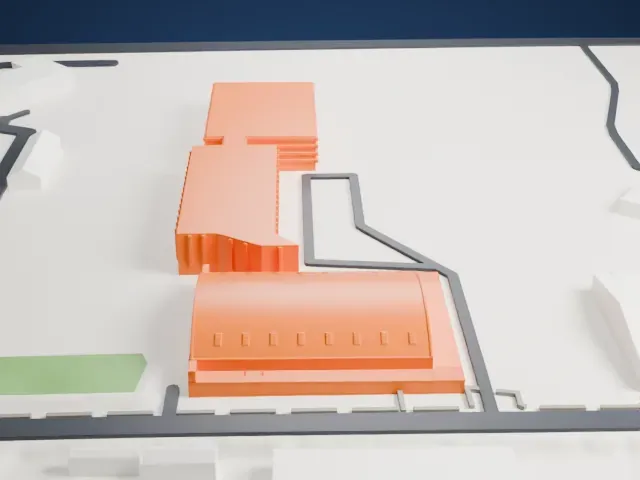 South
South
-
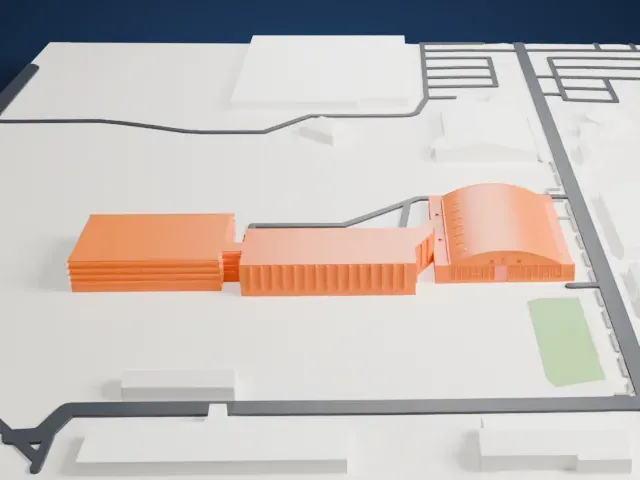 West
West
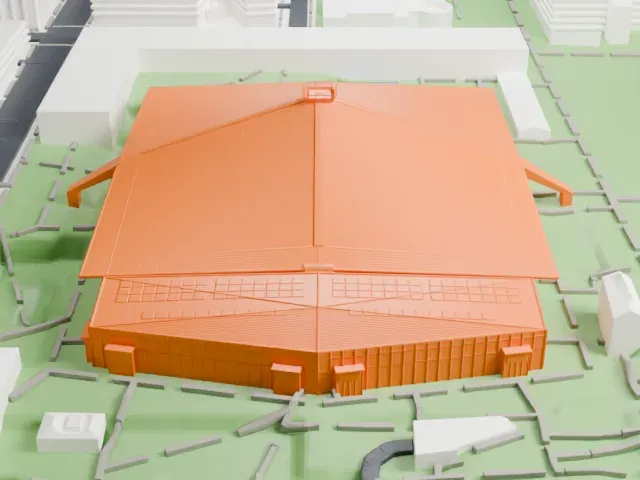
- Barrel-vaulted roof
- A long curved roof spans the hangar, with a row of slits along its sides. Layers of 0.12 to 0.16 mm keep the curve smooth, and a larger print keeps more of the slits.
- Lettering on the end wall
- Lettering is engraved across the arched end wall. Print friendly adapts it to the print scale; Full detail keeps it, which suits a larger print.
- One piece with the ground
- The Flying Heritage & Combat Armor Museum Hangars is joined to the ground in the exported file, and the four-side check found no floating parts, so nothing needs gluing.
- Pick the detail for your nozzle
- In the Buildings settings, set Landmark detail to Print friendly to adapt thin parts and small details to the print scale. Full detail keeps every modeled feature, for larger prints or a finer nozzle.
- Colors
- Buildings, roads, water and ground arrive as separate filament slots in the 3MF. The Flying Heritage & Combat Armor Museum Hangars takes the building color.
- File format
- You get a 3MF for Bambu Studio, OrcaSlicer or PrusaSlicer. Any of them can save it as STL if you need one.
About this model
The Flying Heritage & Combat Armor Museum Hangars is one of more than 2,300 landmark models in Mini Skyline. They are made with AI, and each one is checked from four sides in its real surroundings before release. Everything around it is built from OpenStreetMap and Overture map data. If you would rather print the shape from map data, turn off Landmark models in the Buildings settings.
Common questions
Is there a Flying Heritage & Combat Armor Museum Hangars STL I can download?
Mini Skyline builds the file for you in your browser and exports 3MF, which every major slicer opens. If you need an STL, open the 3MF in your slicer and export it from there.
How big can I print it?
Any print size from 40 mm across. The Flying Heritage & Combat Armor Museum Hangars grows with the print: about 5 mm tall on the default 160 mm print. For a model larger than your printer bed, Project Mode splits the area into tiles.
Is it free?
Yes. Generation runs in your browser, with no account and nothing behind a paywall.