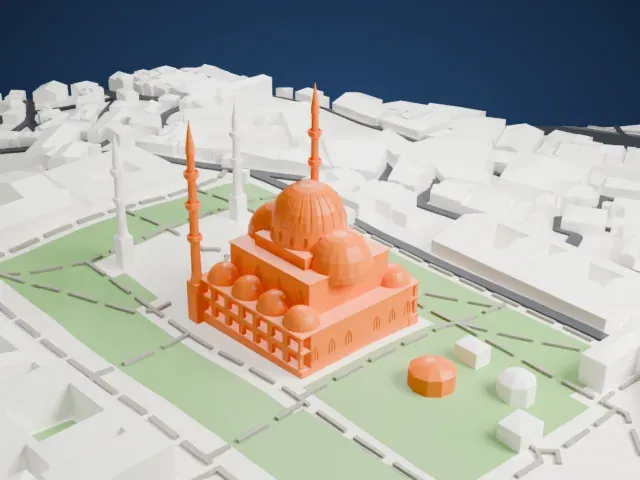
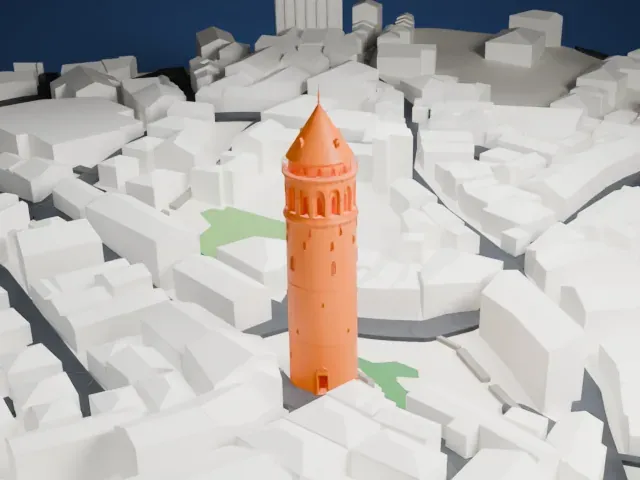
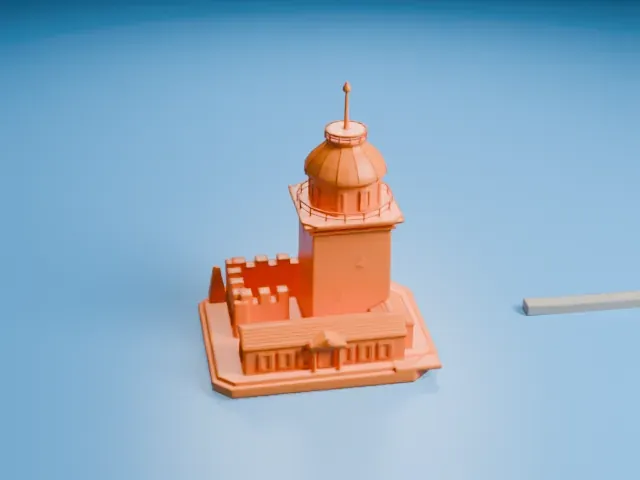
3D print Hagia Sophia
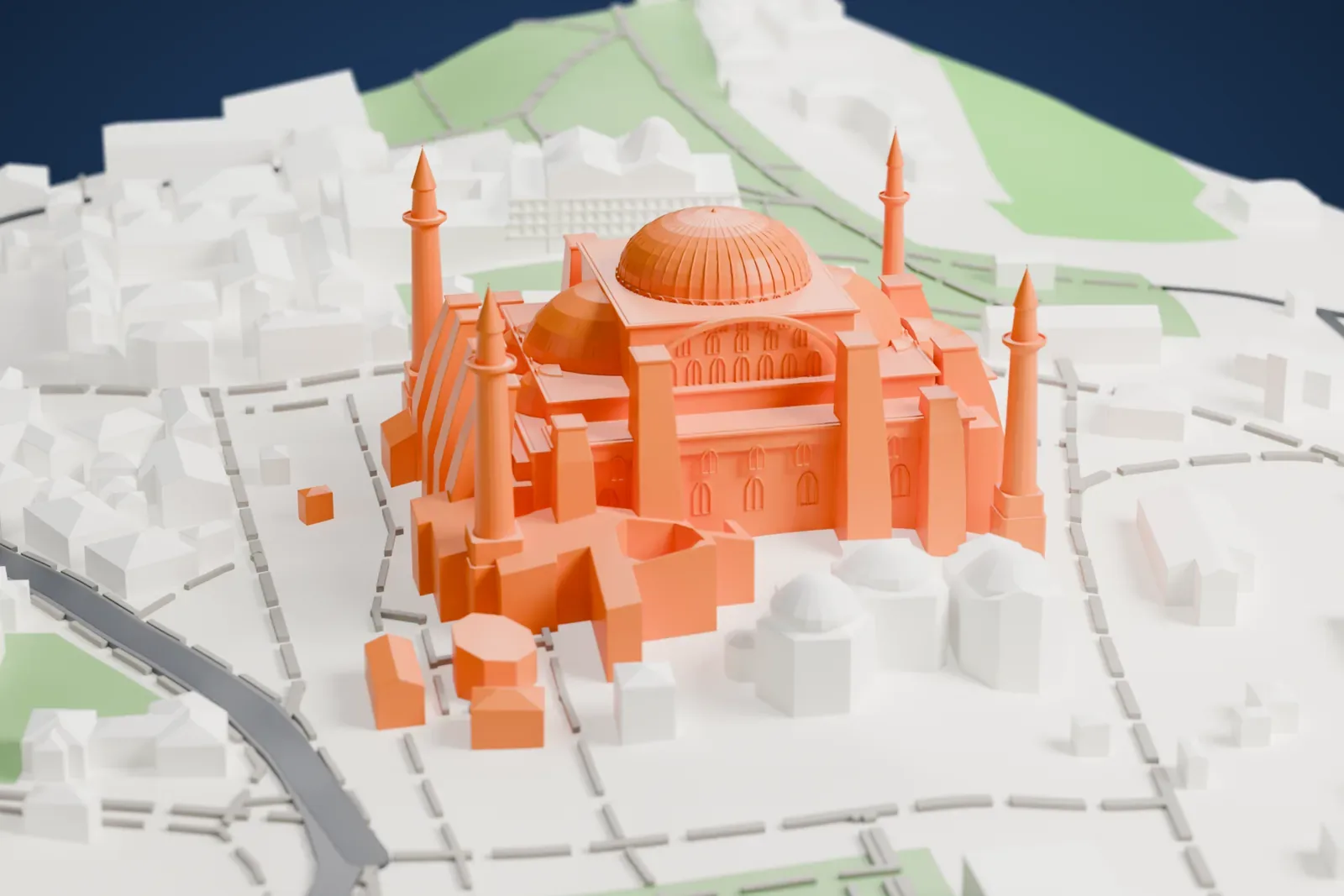
A free, printable model of Hagia Sophia with its domes and minarets, and the streets, small parks and low buildings of Istanbul around it, generated from real map data in your browser.
Free, in your browser. Exports a slicer-ready 3MF.
About Hagia Sophia
Istanbul's Hagia Sophia carries the official name Hagia Sophia Grand Mosque. Over its history the site has been a church (360–1453), a mosque after the fall of Constantinople, and a museum (1935–2020), and in 2020 it was redesignated as a mosque. The current building was completed in AD 537. It became the largest interior space in the world and was one of the first buildings to use a fully pendentive dome.
The Byzantine emperor Justinian I had the present structure built between 532 and 537. Anthemius of Tralles and Isidore of Miletus, described as Greek geometers, designed it. It was the third church of that name on the site; its predecessor was destroyed during the Nika riots. For over five centuries it was the largest church in the world, until Cluny's abbey church was finished in the 12th century.
The building became the pattern for Eastern Orthodox church architecture, and about a thousand years later Ottoman mosques such as the Şehzade Mosque and the Süleymaniye Mosque emulated its style. After Constantinople fell to the Ottoman Empire in 1453, Mehmed the Conqueror converted it to a mosque, and minarets were added soon afterward. It reopened as a museum in 1935, and in 2020 the Council of State overturned the 1934 museum decision.
How it prints
Make this print opens the generator on a 600 m square around the landmark. Buildings print at close to true scale, so the landmark grows with the print size.
| Print size | Landmark height | Scale |
|---|---|---|
| 160 mm default | 18 mm | 1:3,750 |
| 200 mm | 23 mm | 1:3,000 |
| 256 mm | 29 mm | 1:2,344 |
-
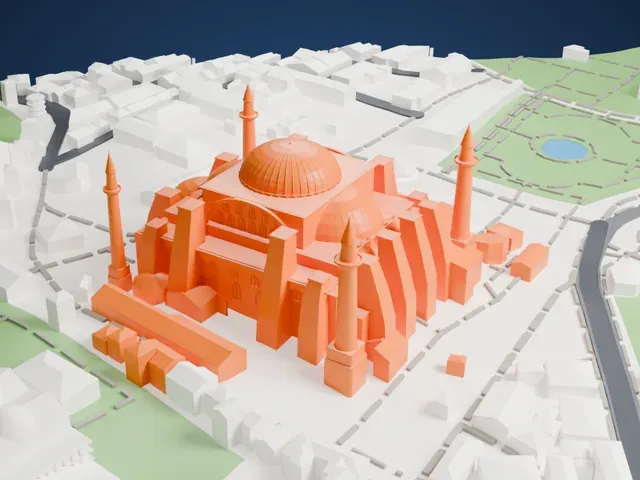 North
North
-
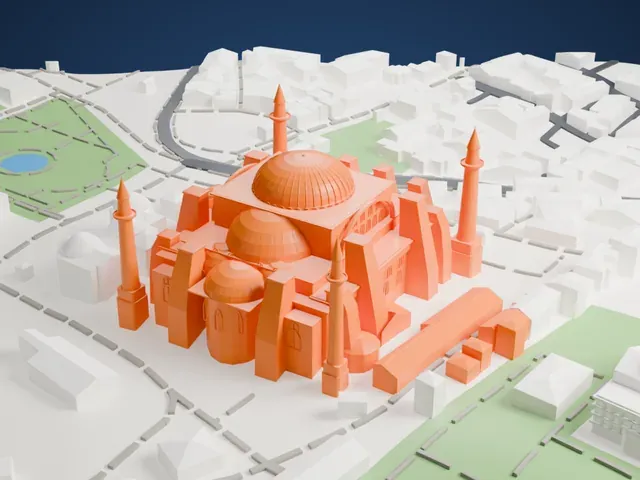 East
East
-
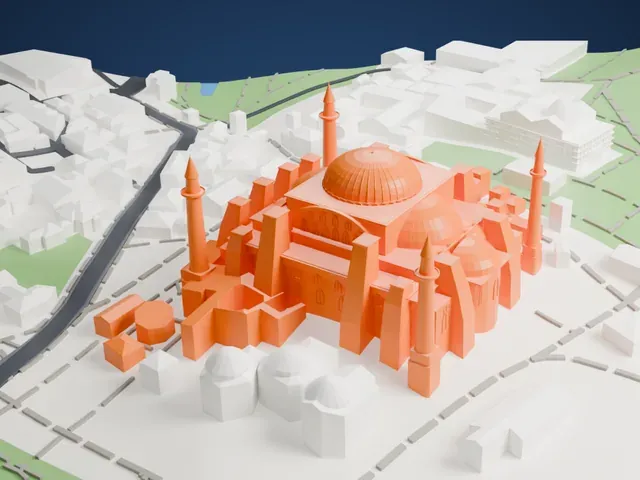 South
South
-
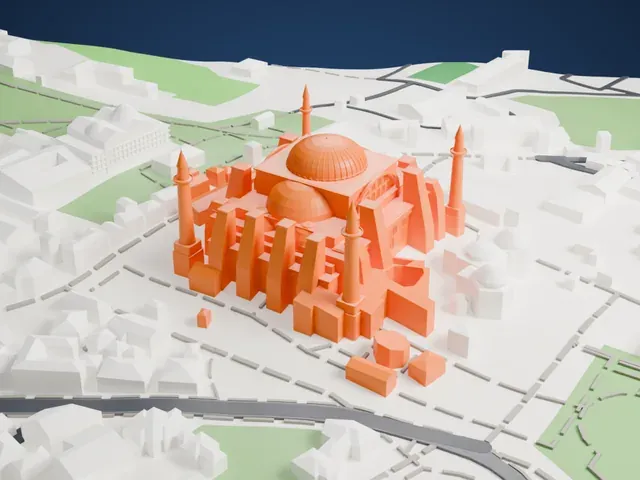 West
West
- Slender minarets near the domes
- Thin minarets rise beside the large domes. Print friendly adapts them to the print scale; on a small print, slow down and use 0.12–0.16 mm layers so the tips stay crisp.
- Ribbed dome and buttresses
- The central dome sits among smaller domes, arched windows and buttresses. A larger print size keeps more of that detail, and Full detail keeps every modeled feature.
- One piece with the ground
- Hagia Sophia is joined to the ground in the exported file, and the four-side check found no floating parts, so nothing needs gluing.
- Pick the detail for your nozzle
- In the Buildings settings, set Landmark detail to Print friendly to adapt thin parts and small details to the print scale. Full detail keeps every modeled feature, for larger prints or a finer nozzle.
- Colors
- Buildings, roads, water and ground arrive as separate filament slots in the 3MF. Hagia Sophia takes the building color.
- File format
- You get a 3MF for Bambu Studio, OrcaSlicer or PrusaSlicer. Any of them can save it as STL if you need one.
About this model
Hagia Sophia is one of more than 2,300 landmark models in Mini Skyline. They are made with AI, and each one is checked from four sides in its real surroundings before release. Everything around it is built from OpenStreetMap and Overture map data. If you would rather print the shape from map data, turn off Landmark models in the Buildings settings.
Common questions
Is there a Hagia Sophia STL I can download?
Mini Skyline builds the file for you in your browser and exports 3MF, which every major slicer opens. If you need an STL, open the 3MF in your slicer and export it from there.
How big can I print it?
Any print size from 40 mm across. Hagia Sophia grows with the print: about 18 mm tall on the default 160 mm print. For a model larger than your printer bed, Project Mode splits the area into tiles.
Is it free?
Yes. Generation runs in your browser, with no account and nothing behind a paywall.