3D print Horyu-ji
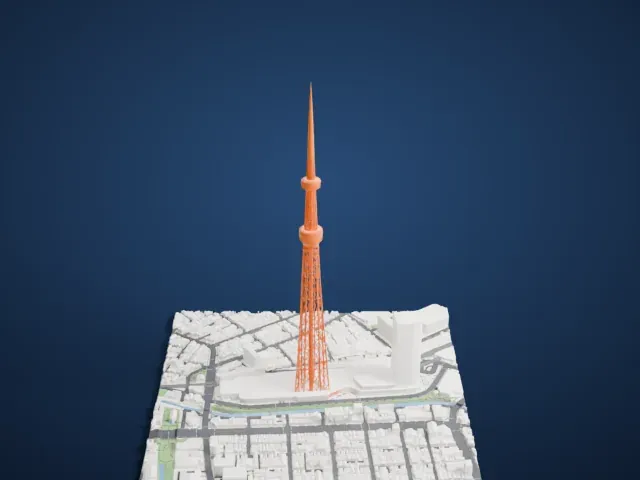
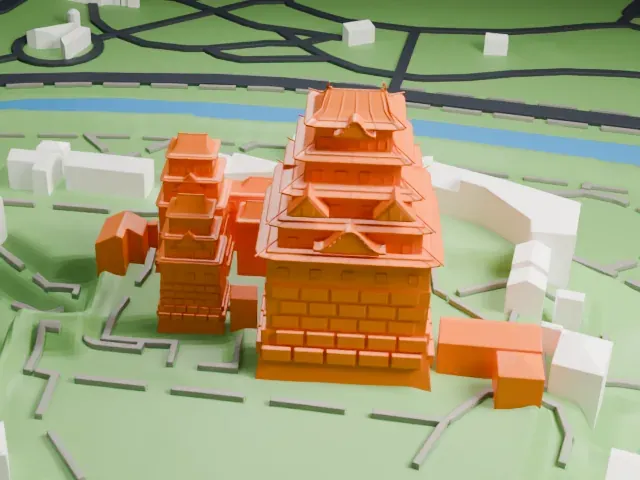
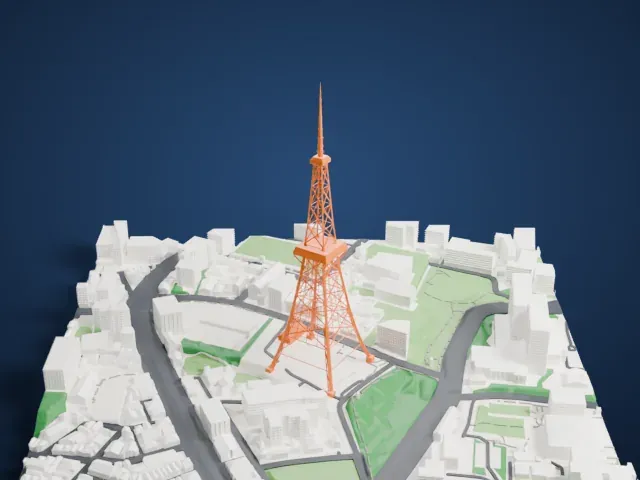
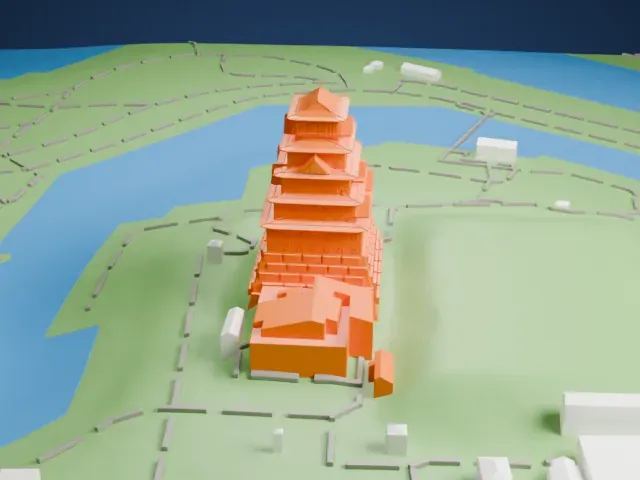
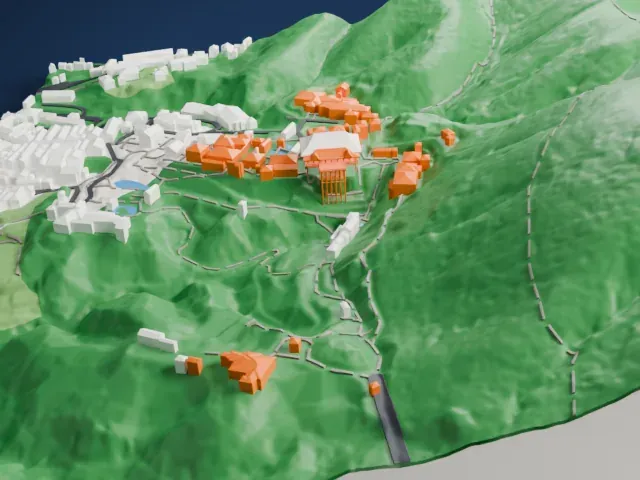
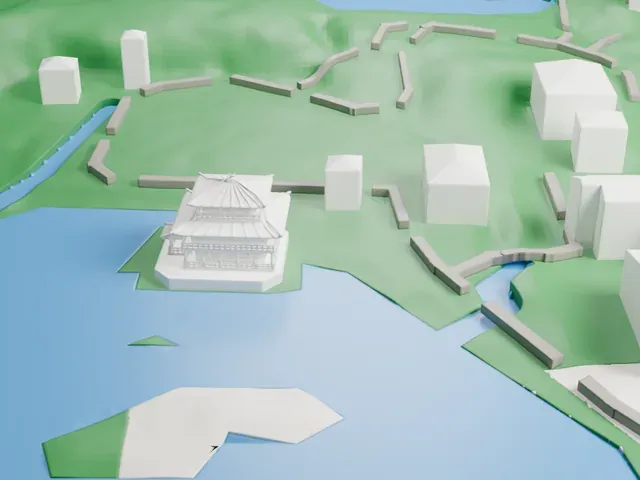
A free, printable model of the pagoda and main hall of Horyu-ji with the paths, green ground and low buildings around them in Ikaruga, generated from real map data in your browser.
Free, in your browser. Exports a slicer-ready 3MF.
About Horyu-ji
Hōryū-ji is a Buddhist temple in Ikaruga, Nara Prefecture, Japan, which once ranked among the powerful Seven Great Temples. It was built shortly after Buddhism arrived in Japan, and it is among the country's oldest Buddhist sites. The complex serves as both a seminary and a monastery. Its full name, Hōryū Gakumonji, means Learning Temple of the Flourishing Law. Prince Shōtoku founded the temple in 607.
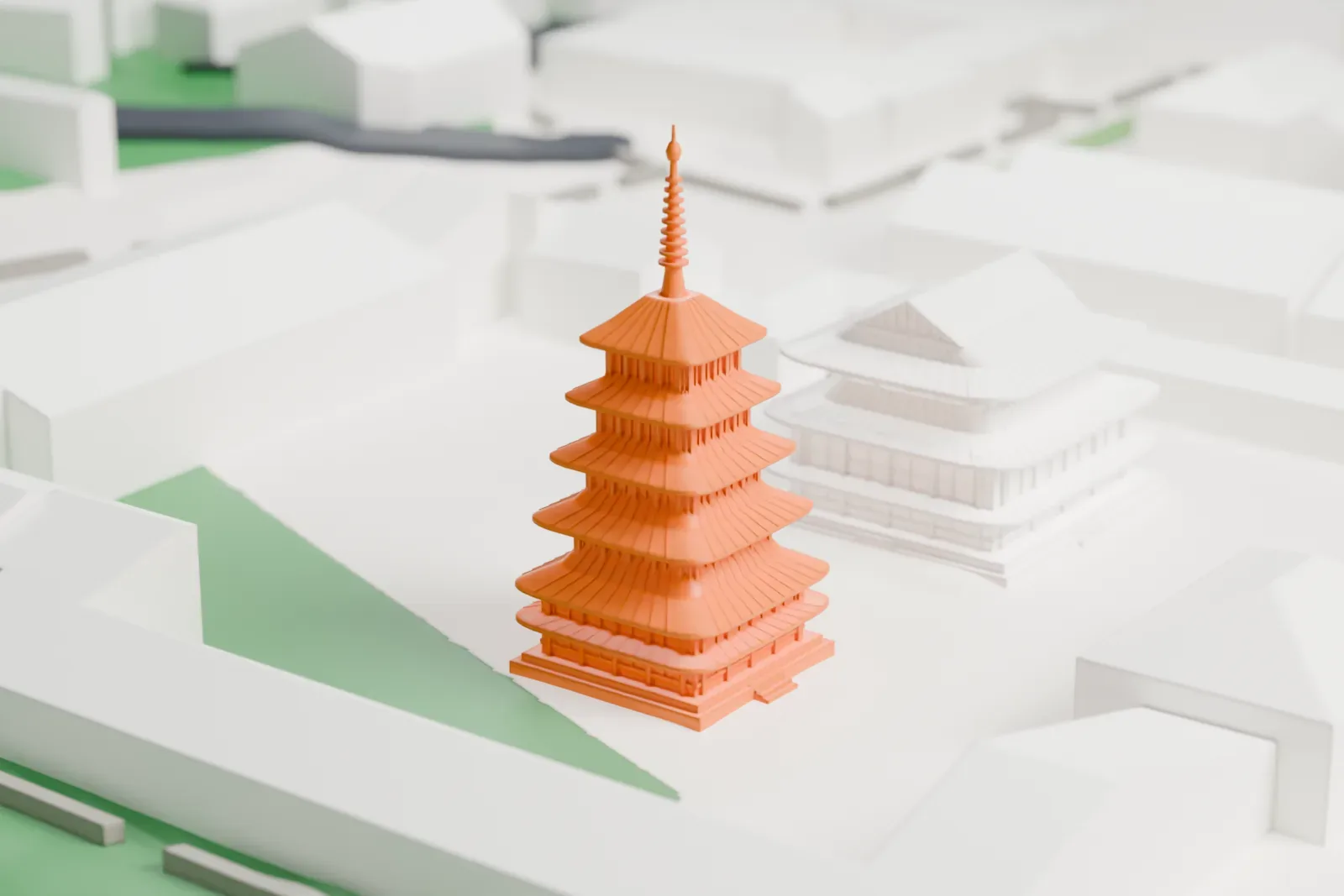
The Nihon Shoki records that lightning burned down all the buildings in 670, and reconstruction began soon after. The Kondō, or main hall, dates back at least 1,300 years to its rebuilding and is among the oldest wooden buildings in the world. It measures 18.5 m by 15.2 m and has two stories, with the double roof found only on the first story and added later in the Nara period. The five-story pagoda is 32.45 m (122 ft) tall and counts among the oldest surviving wooden buildings in the world. Tree-ring analysis puts the felling of the wood for its central pillar at 594.
The western Sai-in area holds the Kondō and the five-story pagoda, while the eastern Tō-in area is home to the octagonal Yumedono Hall, or Hall of Dreams. The pagoda's fifth story has extremely small proportions, a trait that buildings constructed in later years lack. In 1993, Hōryū-ji, together with Hokki-ji, was registered as the first UNESCO World Heritage Site in Japan.
How it prints
Make this print opens the generator on a 600 m square around the landmark. Buildings print at close to true scale, so the landmark grows with the print size.
| Print size | Landmark height | Scale |
|---|---|---|
| 160 mm default | 9 mm | 1:3,750 |
| 200 mm | 11 mm | 1:3,000 |
| 256 mm | 14 mm | 1:2,344 |
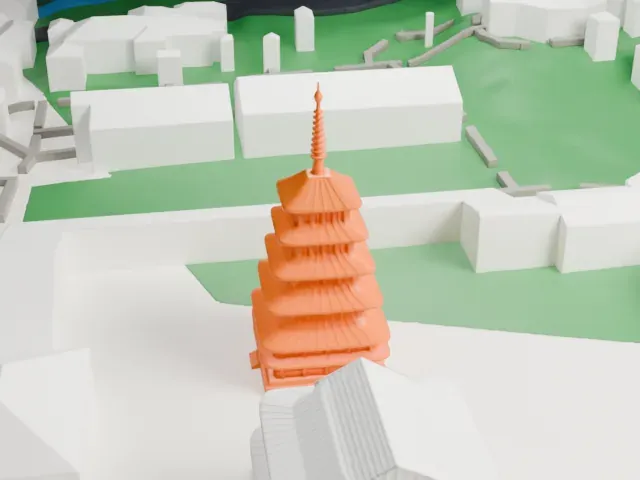
-
 North
North
-
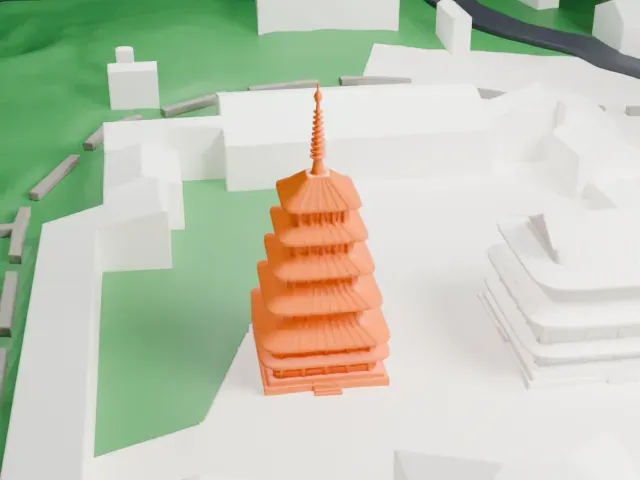
 East
East
-
 South
South
-
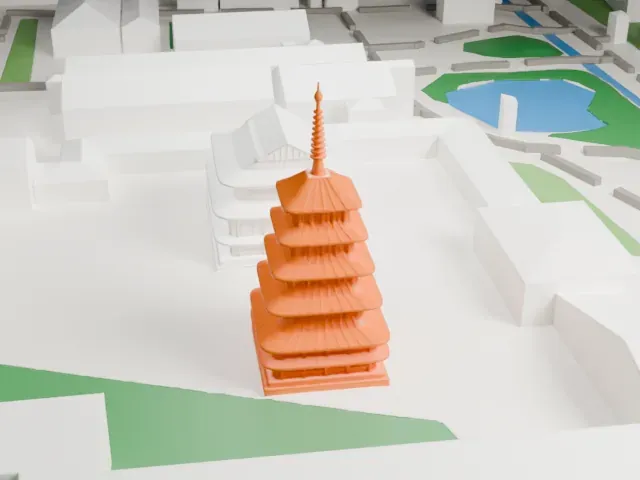 West
West
- Stacked roofs and a thin finial
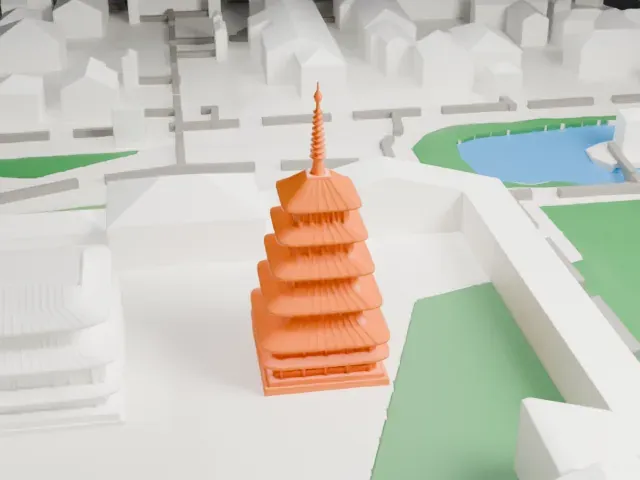
- The pagoda is a stack of five small roofs ending in a slender spire. Printing slowly with good cooling helps this tall thin tip, and layers of 0.12 to 0.16 mm keep the roof edges crisp.
- Layered eaves on the hall
- The hall has overlapping roof tiers with fine lines across them. Print friendly adapts these to the print scale, while Full detail keeps them, which suits a larger print.
- One piece with the ground
- Horyu-ji is joined to the ground in the exported file, and the four-side check found no floating parts, so nothing needs gluing.
- Pick the detail for your nozzle
- In the Buildings settings, set Landmark detail to Print friendly to adapt thin parts and small details to the print scale. Full detail keeps every modeled feature, for larger prints or a finer nozzle.
- Colors
- Buildings, roads, water and ground arrive as separate filament slots in the 3MF. Horyu-ji takes the building color.
- File format
- You get a 3MF for Bambu Studio, OrcaSlicer or PrusaSlicer. Any of them can save it as STL if you need one.
About this model
Horyu-ji is one of more than 2,300 landmark models in Mini Skyline. They are made with AI, and each one is checked from four sides in its real surroundings before release. Everything around it is built from OpenStreetMap and Overture map data. If you would rather print the shape from map data, turn off Landmark models in the Buildings settings.
Common questions
Is there a Horyu-ji STL I can download?
Mini Skyline builds the file for you in your browser and exports 3MF, which every major slicer opens. If you need an STL, open the 3MF in your slicer and export it from there.
How big can I print it?
Any print size from 40 mm across. Horyu-ji grows with the print: about 9 mm tall on the default 160 mm print. For a model larger than your printer bed, Project Mode splits the area into tiles.
Is it free?
Yes. Generation runs in your browser, with no account and nothing behind a paywall.