3D print Tokyo Skytree
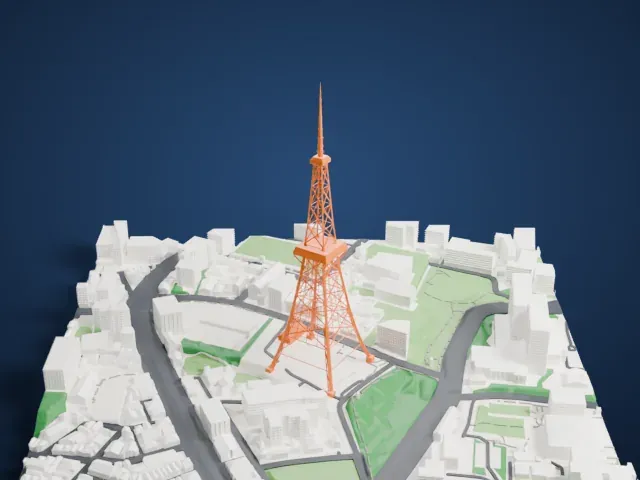
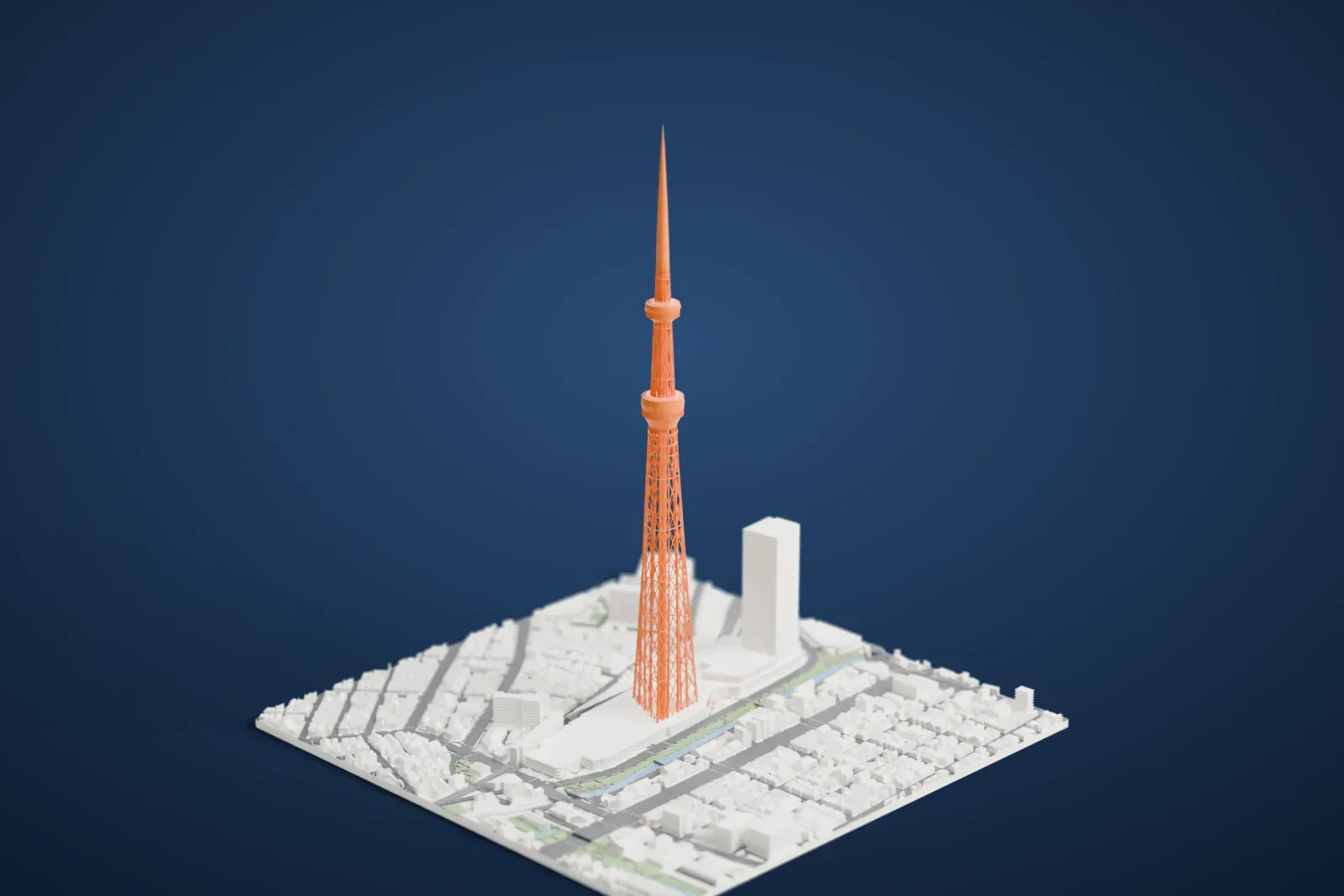
A free, printable model of Tokyo Skytree and the dense city blocks, canal and roads around it in Sumida, generated from real map data in your browser.
Free, in your browser. Exports a slicer-ready 3MF.
About Tokyo Skytree
Tokyo Skytree is a broadcasting and observation tower in Sumida, Tokyo, Japan. It reached its full height, 634 m (2,080 ft), on March 18, 2011, and since it opened in 2012 it has been Japan's tallest tower. Guinness World Records certified it as the tallest free-standing tower. The height was chosen to be easy to remember: the figures 6, 3 and 4 can be read in Japanese as Mu, Sa and Shi, which together spell Musashi, a former name of the area.
Radio and television for the Kantō region are broadcast mainly from here; the older Tokyo Tower, hemmed in by high-rise buildings, can no longer cover the whole region with digital terrestrial television. Its completion came on Leap Day, February 29, 2012, and the public opening took place on May 22, 2012. It anchors a big commercial development paid for by Tobu Railway, the complex's owner, and six terrestrial broadcasters led by NHK. The complex lies northeast of Tokyo Station, at a distance of seven kilometers (4.3 miles).
Its base is a tripod-like structure, and from about 350 m (1,150 ft) upward the tower is cylindrical, giving views over the river and the city. Observatories sit at 350 m, with room for up to 2,000 people, and at 450 m (1,480 ft), with room for 900. A central shaft of reinforced concrete, oil dampers and a tuned mass damper give it earthquake resistance. The lattice is painted Skytree White, an original color derived from aijiro, a traditional bluish-white Japanese color.
How it prints
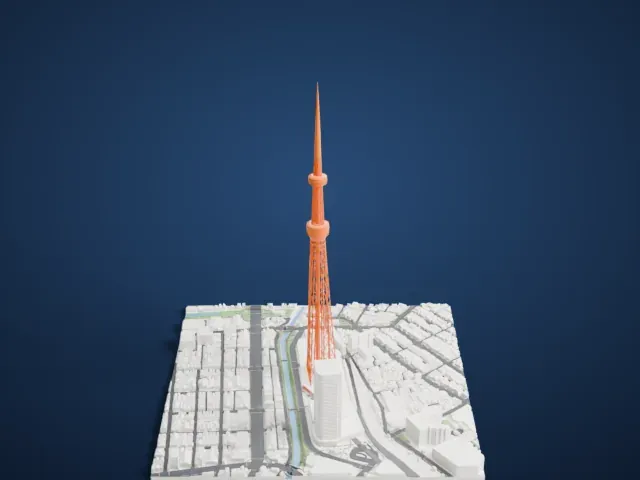
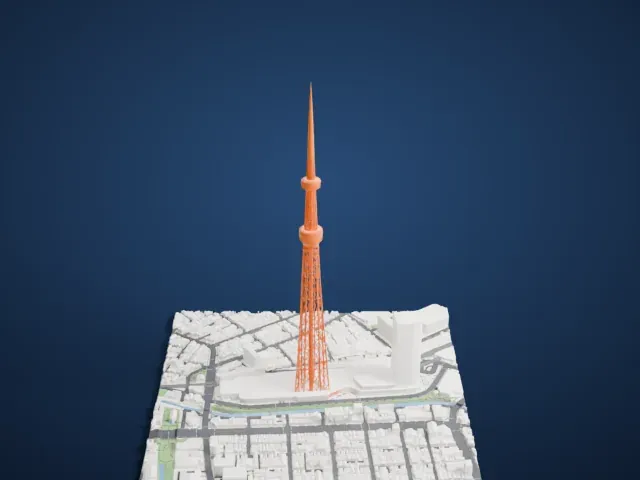
Make this print opens the generator on a 600 m square around the landmark. Buildings print at close to true scale, so the landmark grows with the print size.
| Print size | Landmark height | Scale |
|---|---|---|
| 160 mm default | 169 mm | 1:3,750 |
| 200 mm | 212 mm | 1:3,000 |
| 256 mm | 271 mm | 1:2,344 |
-
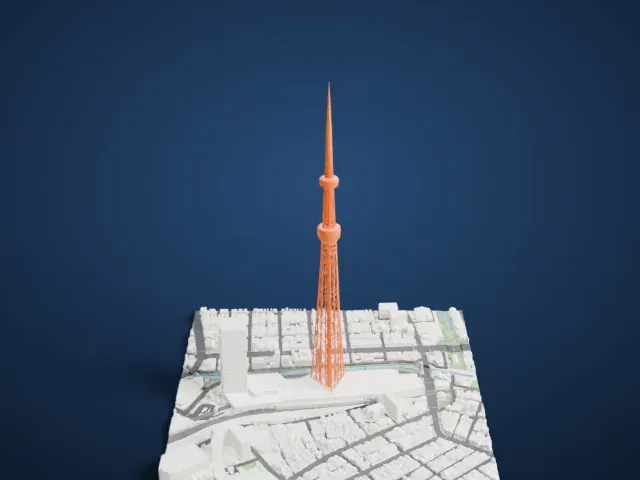 North
North
-
 East
East
-
 South
South
-
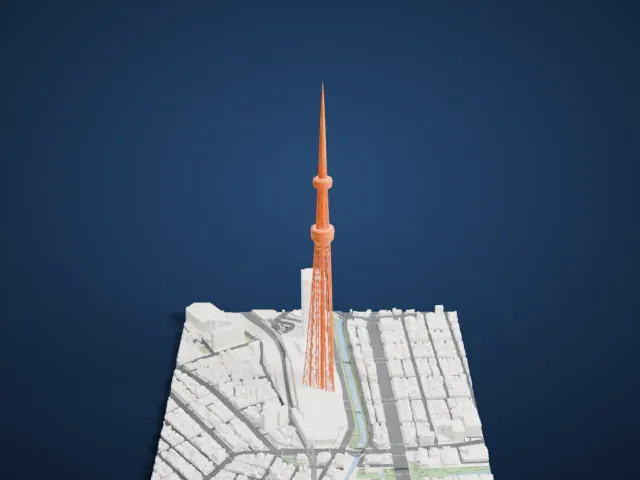 West
West
- An open lattice of thin struts
- The tower is an open lattice of slim members, with two round decks near the top. Print friendly adapts the thinnest struts to the print scale; Full detail keeps all of them, which suits a larger print or a fine nozzle.
- A needle-thin spire
- A very slender spire rises above the upper deck. Print slowly with good cooling, and use layers of 0.12 to 0.16 mm so the point stays crisp.
- One piece with the ground
- Tokyo Skytree is joined to the ground in the exported file, and the four-side check found no floating parts, so nothing needs gluing.
- Pick the detail for your nozzle
- In the Buildings settings, set Landmark detail to Print friendly to adapt thin parts and small details to the print scale. Full detail keeps every modeled feature, for larger prints or a finer nozzle.
- Colors
- Buildings, roads, water and ground arrive as separate filament slots in the 3MF. Tokyo Skytree takes the building color.
- File format
- You get a 3MF for Bambu Studio, OrcaSlicer or PrusaSlicer. Any of them can save it as STL if you need one.
About this model
Tokyo Skytree is one of more than 2,300 landmark models in Mini Skyline. They are made with AI, and each one is checked from four sides in its real surroundings before release. Everything around it is built from OpenStreetMap and Overture map data. If you would rather print the shape from map data, turn off Landmark models in the Buildings settings.
Common questions
Is there a Tokyo Skytree STL I can download?
Mini Skyline builds the file for you in your browser and exports 3MF, which every major slicer opens. If you need an STL, open the 3MF in your slicer and export it from there.
How big can I print it?
Any print size from 40 mm across. Tokyo Skytree grows with the print: about 169 mm tall on the default 160 mm print. For a model larger than your printer bed, Project Mode splits the area into tiles.
Is it free?
Yes. Generation runs in your browser, with no account and nothing behind a paywall.