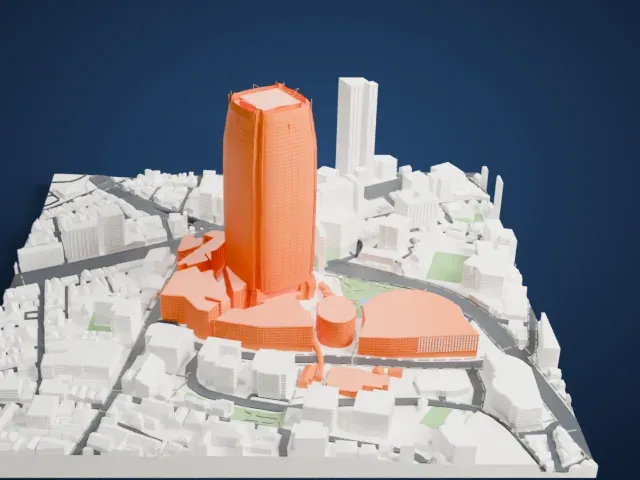
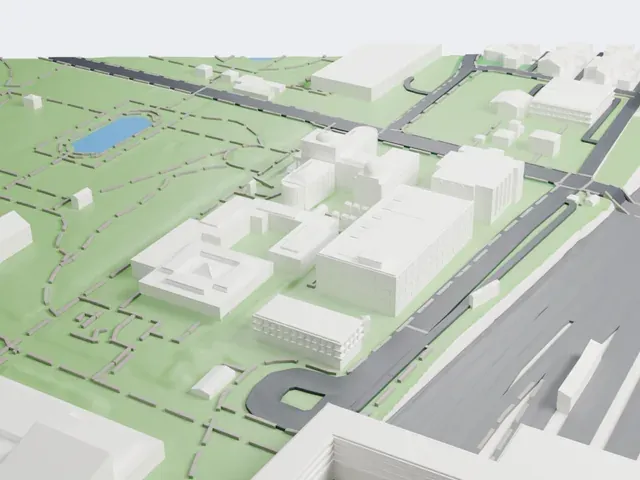
3D print Tokyo Tower
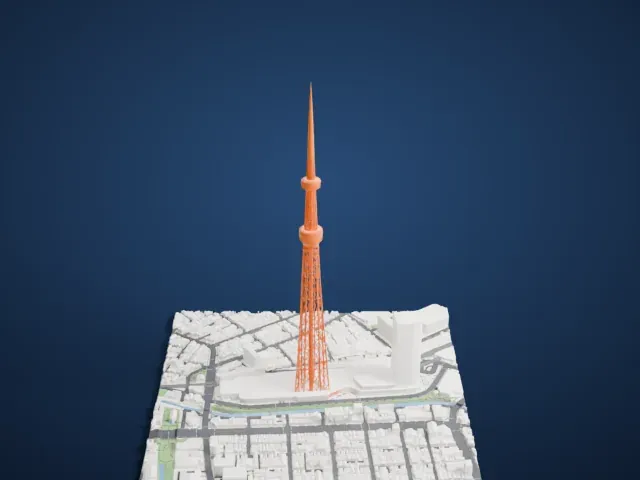
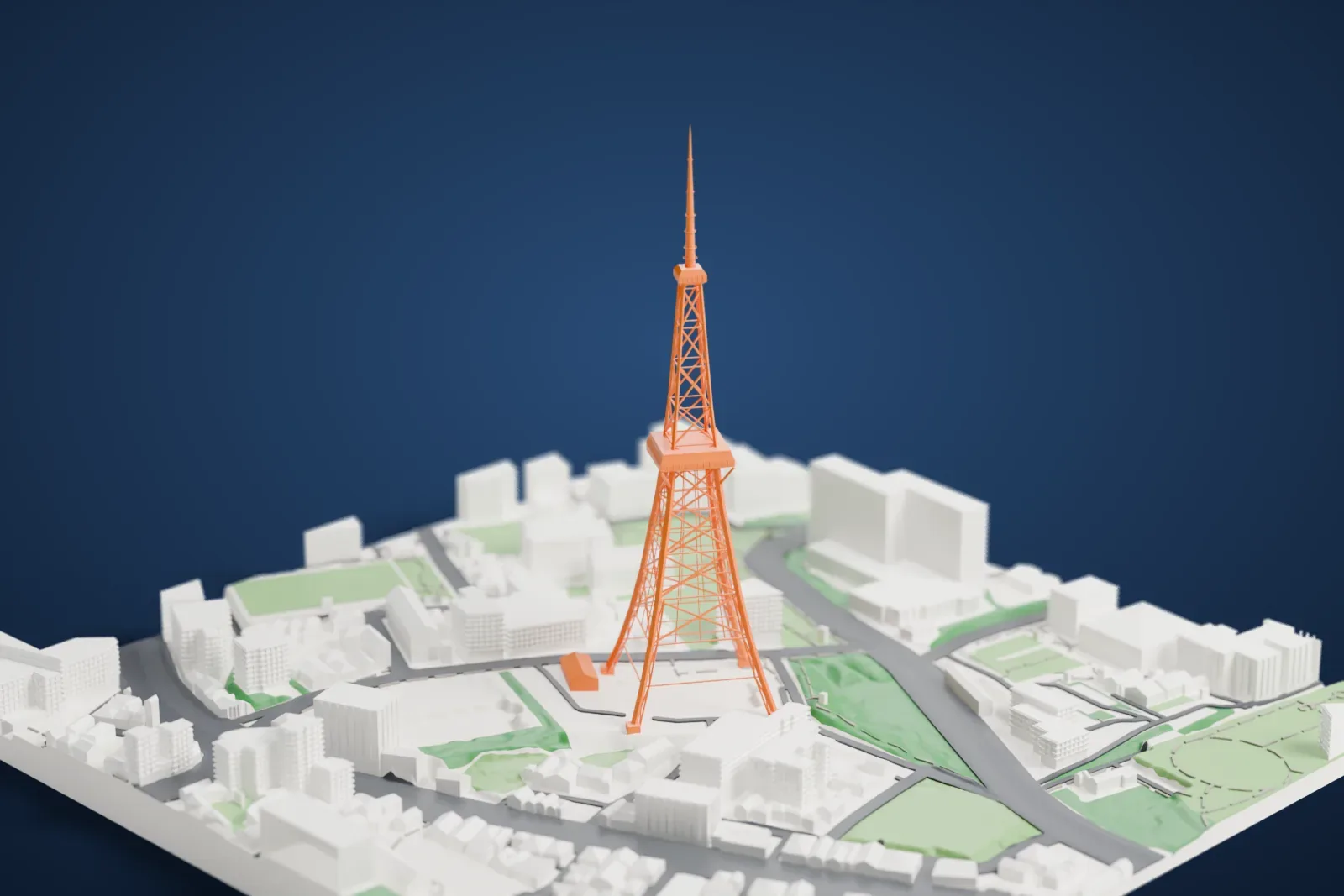
A free, printable model of Tokyo Tower and the buildings, streets and green areas around it, generated from real map data in your browser.
Free, in your browser. Exports a slicer-ready 3MF.
About Tokyo Tower
Tokyo Tower, officially Japan Radio Tower, is used for communications and as an observation tower. It stands in the Shiba-koen district of Minato, Tokyo, and was completed in 1958. Its height of 332.9 meters (1,092 ft) made it Japan's tallest tower until Tokyo Skytree was built in 2012. Its lattice frame, inspired by the Eiffel Tower, is painted white and international orange as air safety rules require. The base building, FootTown, has five stories, and two observation decks sit at 150 m (490 ft) and 249.6 m (819 ft).
A big broadcasting tower was wanted for the Kantō region after NHK began television broadcasts in 1953. Hisakichi Maeda, founder of the tower's owner and operator, first planned to beat the Empire State Building, but funds and materials ran short. The height was set instead by how far the TV stations had to transmit across the region, about 150 kilometers (93 miles). The designer, Tachū Naitō, modeled it on the Eiffel Tower, and construction by the Takenaka Corporation began in June 1957.
The tower is built of steel, and a third of the steel was scrap taken from US tanks that had been damaged during the Korean War. When its 90-meter (300 ft) antenna was bolted on October 14, 1958, it overtook the Eiffel Tower as the world's tallest freestanding tower, by 9 m (30 ft). It weighs about 4,000 tons, which is 3,300 tons lighter than the Eiffel Tower, because it is much thinner and simpler in construction. It opened to the public on December 23, 1958.
How it prints
Make this print opens the generator on a 600 m square around the landmark. Buildings print at close to true scale, so the landmark grows with the print size.
| Print size | Landmark height | Scale |
|---|---|---|
| 160 mm default | 90 mm | 1:3,750 |
| 200 mm | 113 mm | 1:3,000 |
| 256 mm | 144 mm | 1:2,344 |
-
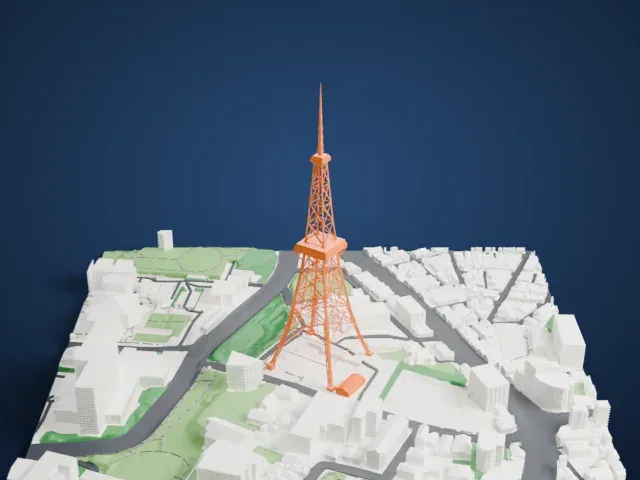 North
North
-
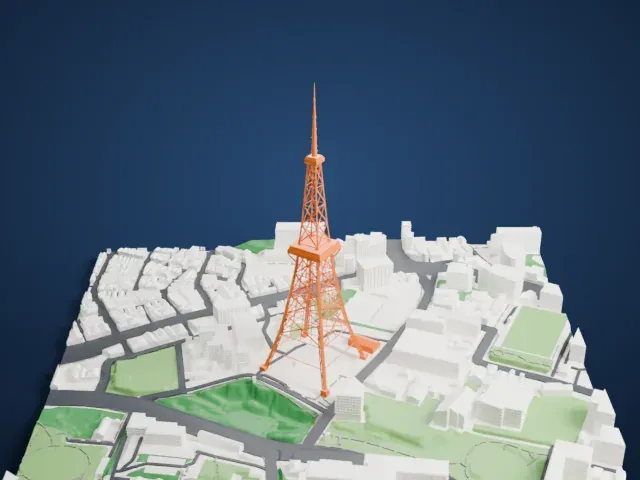 East
East
-
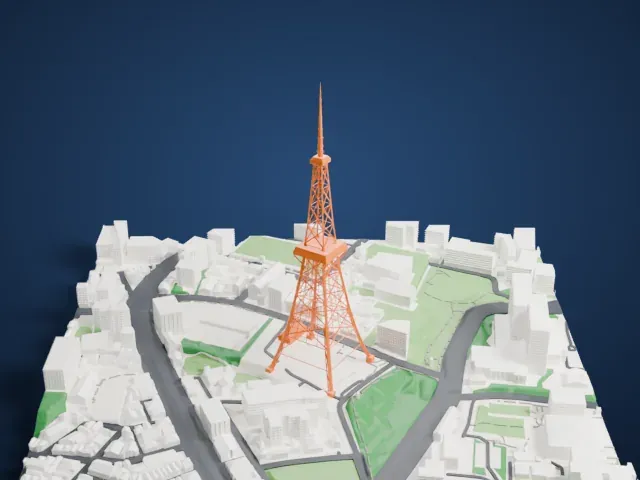 South
South
-
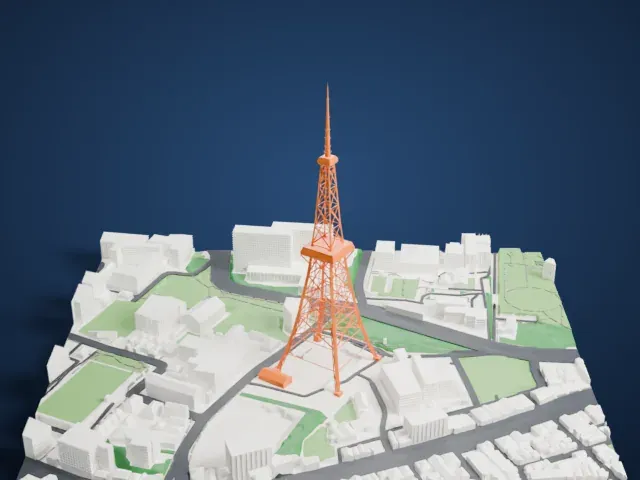 West
West
- Open lattice frame
- The tower is an open lattice of crossing steel members. Print friendly adapts the thin bars to your print scale; Full detail keeps every one, which suits a larger print or a fine nozzle.
- Slim antenna on top
- Above the upper deck the tower narrows to a very slim antenna mast. Layers of 0.12 to 0.16 mm keep it crisp, and printing slowly with good cooling helps this tall, thin tip.
- Pick the detail for your nozzle
- In the Buildings settings, set Landmark detail to Print friendly to adapt thin parts and small details to the print scale. Full detail keeps every modeled feature, for larger prints or a finer nozzle.
- Colors
- Buildings, roads, water and ground arrive as separate filament slots in the 3MF. Tokyo Tower takes the building color.
- File format
- You get a 3MF for Bambu Studio, OrcaSlicer or PrusaSlicer. Any of them can save it as STL if you need one.
About this model
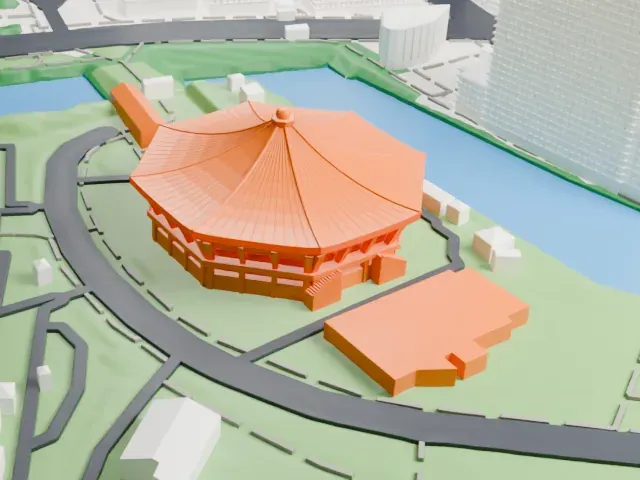
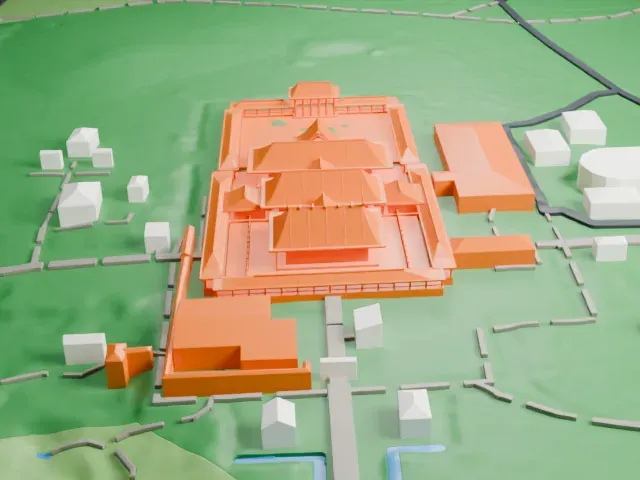
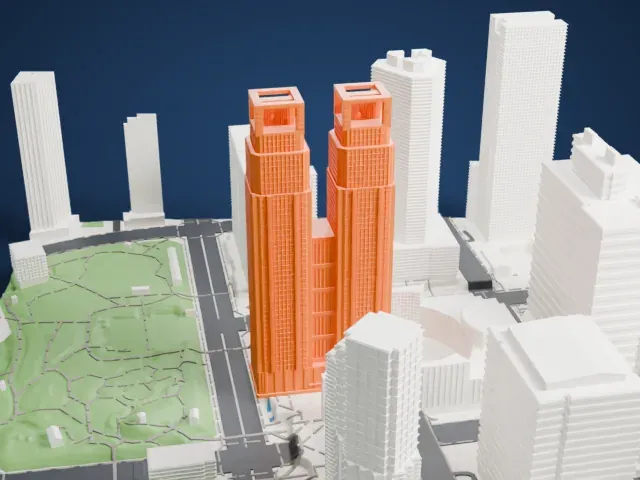
Tokyo Tower is one of more than 2,300 landmark models in Mini Skyline. They are made with AI, and each one is checked from four sides in its real surroundings before release. Everything around it is built from OpenStreetMap and Overture map data. If you would rather print the shape from map data, turn off Landmark models in the Buildings settings.
Common questions
Is there a Tokyo Tower STL I can download?
Mini Skyline builds the file for you in your browser and exports 3MF, which every major slicer opens. If you need an STL, open the 3MF in your slicer and export it from there.
How big can I print it?
Any print size from 40 mm across. Tokyo Tower grows with the print: about 90 mm tall on the default 160 mm print. For a model larger than your printer bed, Project Mode splits the area into tiles.
Is it free?
Yes. Generation runs in your browser, with no account and nothing behind a paywall.