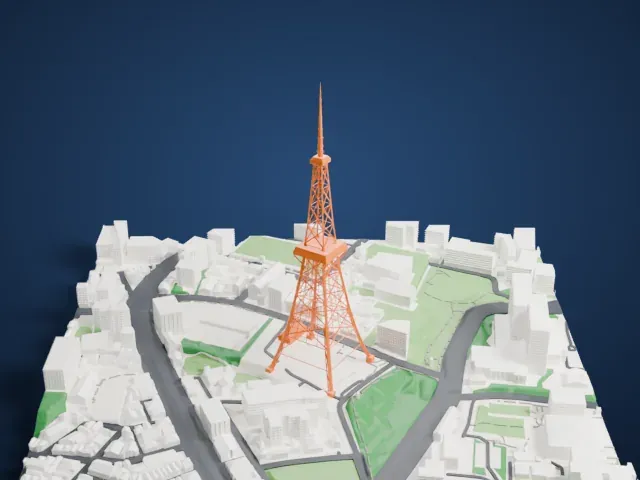
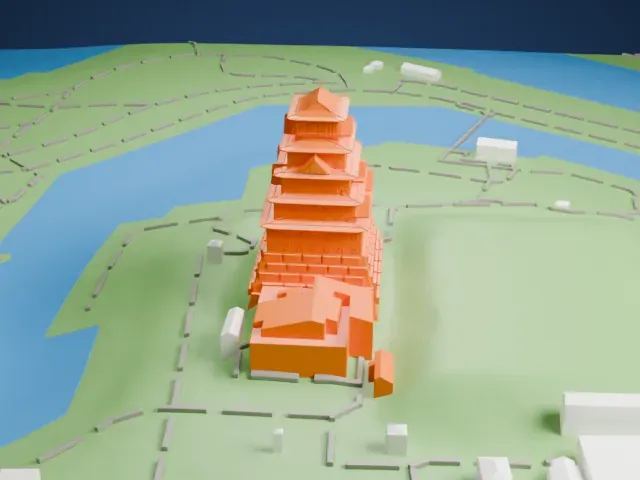
3D print Kinkaku-ji
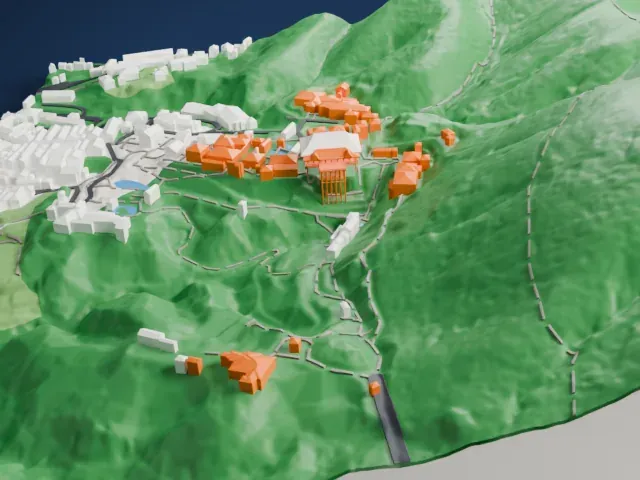
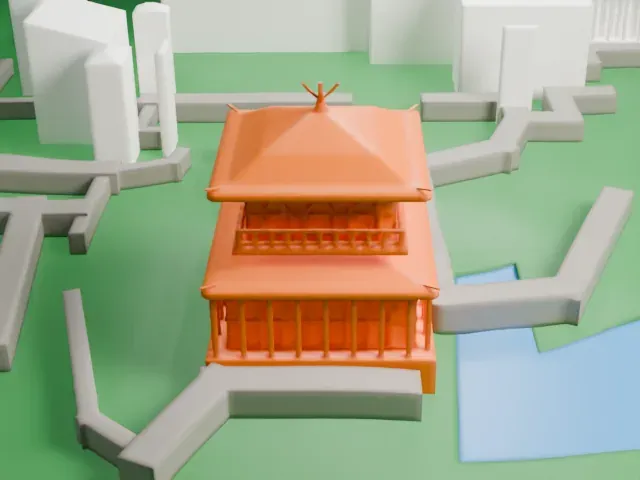
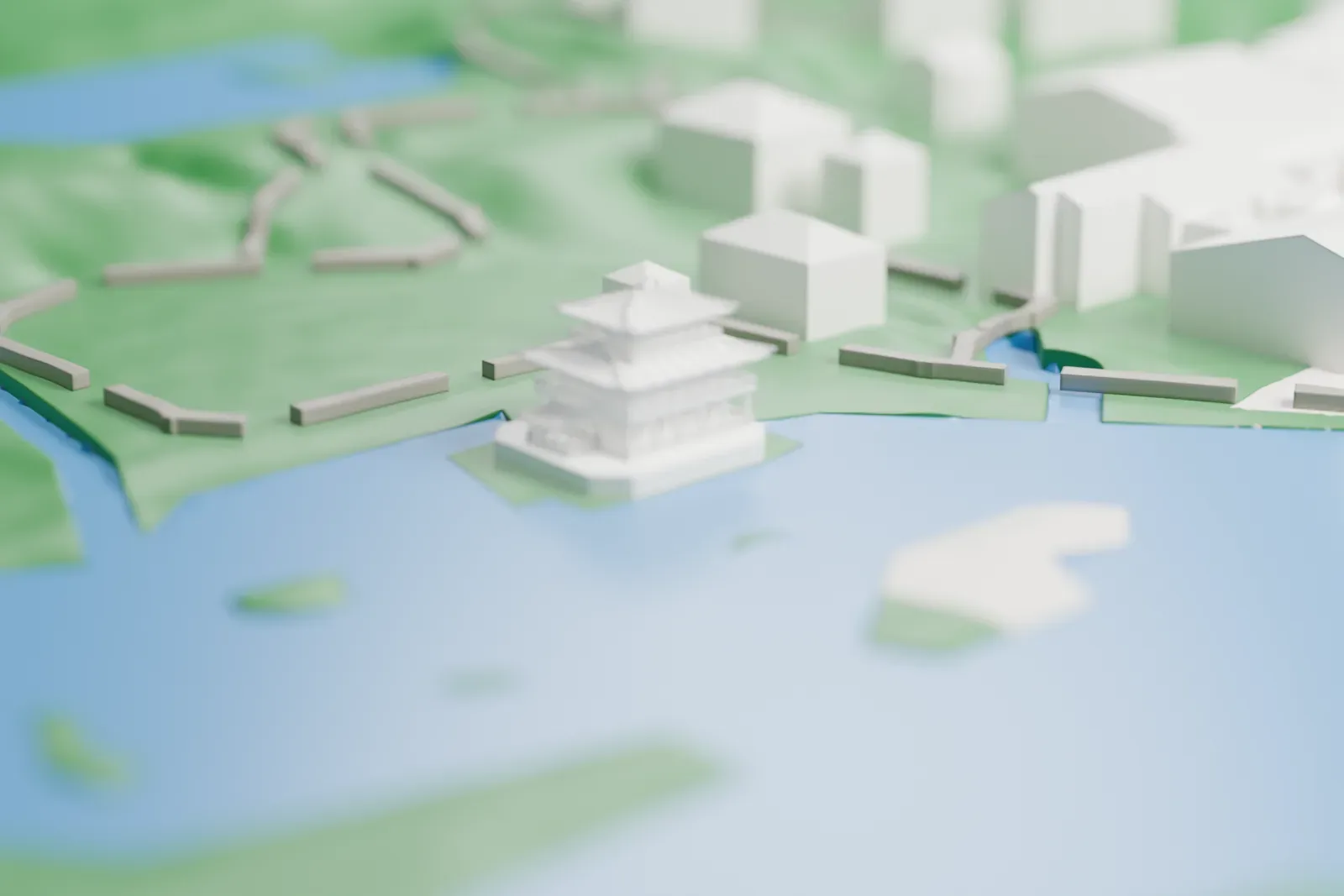
A free, printable model of Kinkaku-ji, the three-story pavilion with its layered roofs, set beside a pond with green grounds around it, generated from real map data in your browser.
Free, in your browser. Exports a slicer-ready 3MF.
About Kinkaku-ji
Kinkaku-ji, meaning "Temple of the Golden Pavilion", is a Zen Buddhist temple located in Kyoto, Japan, and it also draws tourists. Its official name is Rokuon-ji, or "Deer Garden Temple". The nickname comes from its reliquary, the Golden Pavilion, called the shariden, whose upper two floors carry a 0.5 μm coating of gold leaf. The site began as a villa, Kitayama-dai, owned by the statesman Saionji Kintsune. The shōgun Ashikaga Yoshimitsu bought it in 1397 and turned it into the Kinkaku-ji complex, and after he died his son converted the building into a Zen temple, as Yoshimitsu had wished.
The first Golden Pavilion is thought to date from 1399. The present pavilion was rebuilt in 1955 after an arson attack destroyed the earlier one. It stands 12.5 meters (40 feet) tall across three stories and is reportedly a close copy of the first one. Each floor has its own architectural style: shinden on the first, samurai on the second and zen on the third. The roof is a thatched pyramid with shingles, topped by a bronze hōō (phoenix) ornament.
The pavilion sits in a Japanese strolling garden and reaches out above a pond named Kyōko-chi, or Mirror Pond, which mirrors the building. The pond holds 10 smaller islands. Kinkaku-ji is designated a National Special Landscape, a National Special Historic Site and a World Heritage Site, and it is among 17 Historic Monuments of Ancient Kyoto.
How it prints
Make this print opens the generator on a 600 m square around the landmark. Buildings print at close to true scale, so the landmark grows with the print size.
| Print size | Landmark height | Scale |
|---|---|---|
| 160 mm default | 3 mm | 1:3,750 |
| 200 mm | 4 mm | 1:3,000 |
| 256 mm | 5 mm | 1:2,344 |
-
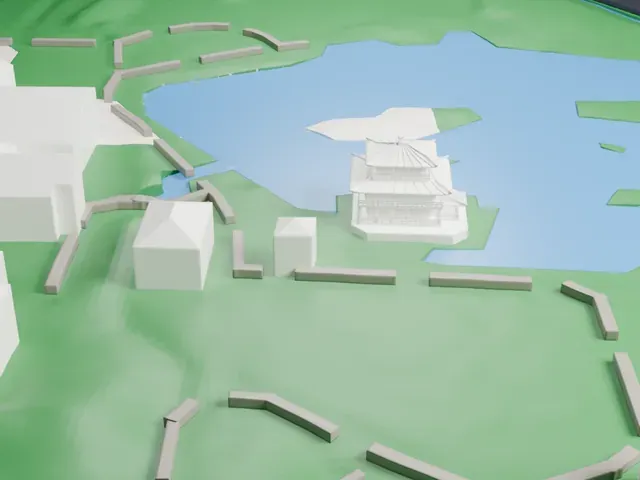 North
North
-
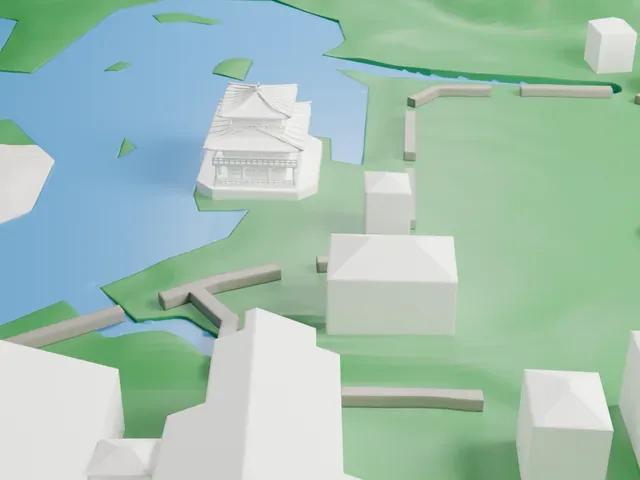 East
East
-
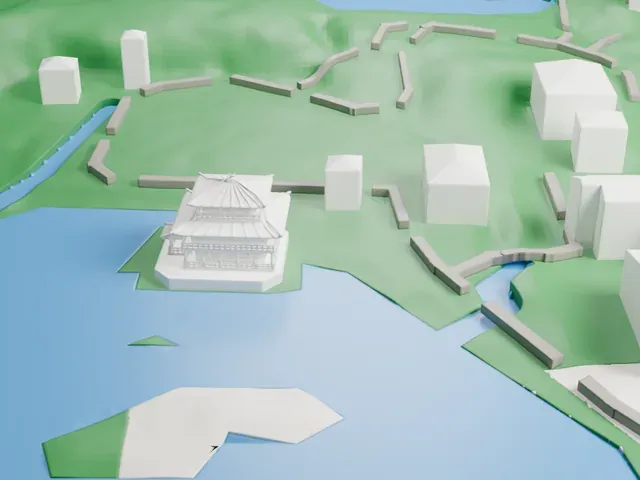 South
South
-
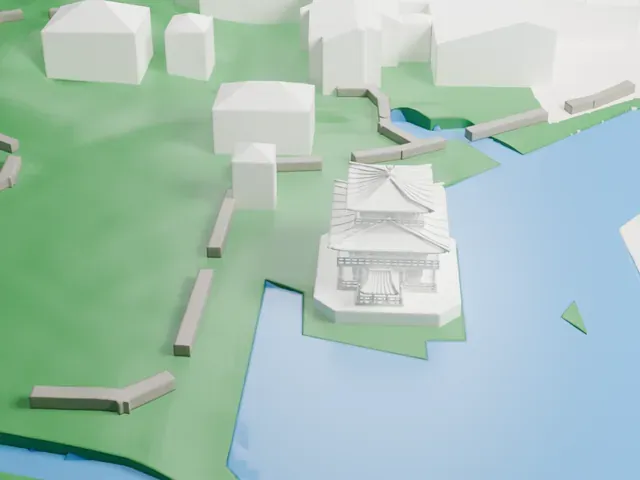 West
West
- Layered roofs and eaves
- Several roof layers with fine eave lines stack above the pavilion. Print friendly adapts them to the print scale; Full detail keeps every line, which suits a larger print or a fine nozzle.
- Slim railings and peak ornament
- Slim railings circle each floor, and a small ornament sits on the peak. A bigger print size keeps more of them, and layers of 0.12 to 0.16 mm help the finest parts.
- One piece with the ground
- Kinkaku-ji is joined to the ground in the exported file, and the four-side check found no floating parts, so nothing needs gluing.
- Pick the detail for your nozzle
- In the Buildings settings, set Landmark detail to Print friendly to adapt thin parts and small details to the print scale. Full detail keeps every modeled feature, for larger prints or a finer nozzle.
- Colors
- Buildings, roads, water and ground arrive as separate filament slots in the 3MF. Kinkaku-ji takes the building color.
- File format
- You get a 3MF for Bambu Studio, OrcaSlicer or PrusaSlicer. Any of them can save it as STL if you need one.
About this model
Kinkaku-ji is one of more than 2,300 landmark models in Mini Skyline. They are made with AI, and each one is checked from four sides in its real surroundings before release. Everything around it is built from OpenStreetMap and Overture map data. If you would rather print the shape from map data, turn off Landmark models in the Buildings settings.
Common questions
Is there a Kinkaku-ji STL I can download?
Mini Skyline builds the file for you in your browser and exports 3MF, which every major slicer opens. If you need an STL, open the 3MF in your slicer and export it from there.
How big can I print it?
Any print size from 40 mm across. Kinkaku-ji grows with the print: about 3 mm tall on the default 160 mm print. For a model larger than your printer bed, Project Mode splits the area into tiles.
Is it free?
Yes. Generation runs in your browser, with no account and nothing behind a paywall.