3D print the Jama Masjid, Delhi
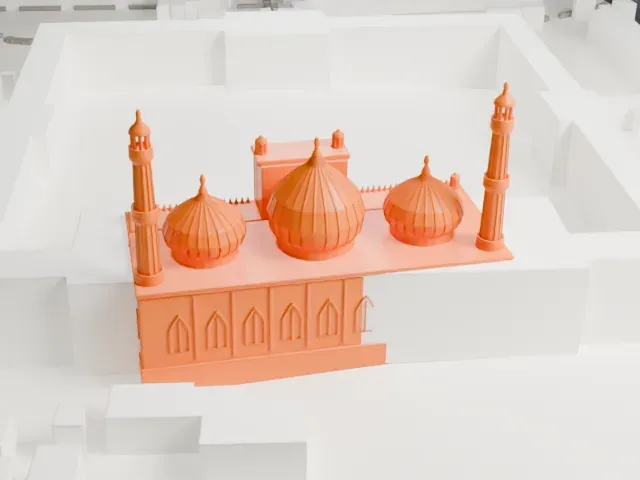
A free, printable model of the mosque's three onion domes, two minarets and arched gateway, with the open courtyard and dense buildings around it, generated from real map data in your browser.
Free, in your browser. Exports a slicer-ready 3MF.
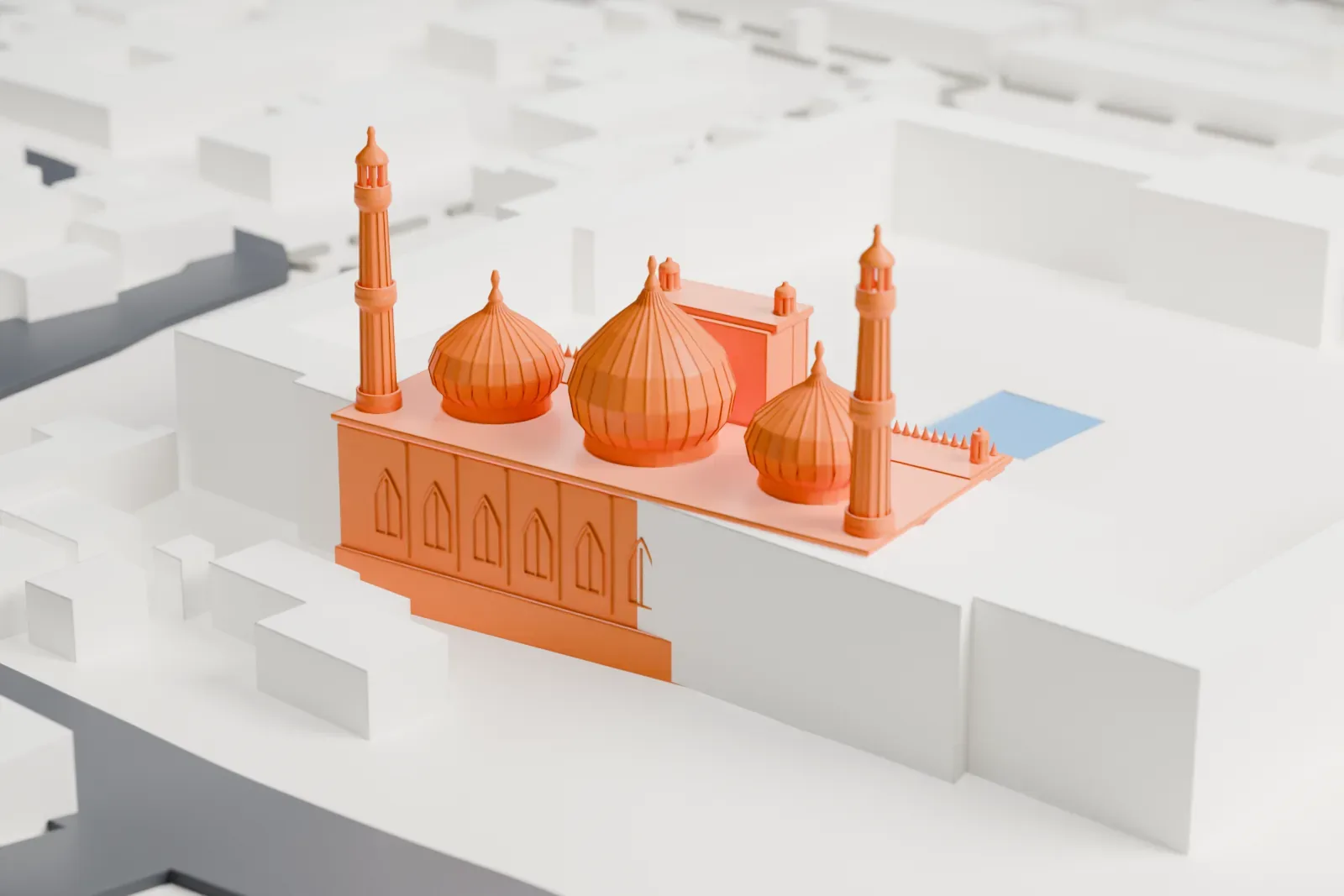
About the Jama Masjid, Delhi
The Jama Masjid, also named Masjid-i-Jehān-Numā, stands in Old Delhi and is among the largest mosques in India. The Mughal emperor Shah Jahan built it, and Syed Abdul Ghafoor Shah Bukhari, its first Imam, performed the inauguration on July 23, 1656. It lies in the Mughal capital Shahjahanabad, the area known as Old Delhi, with the Red Fort and Sunehri Masjid opposite. The Mughal emperors used it as their imperial mosque until the empire fell in 1857.
Shah Jahan gave the mosque its older name, a name taken to mean "mosque that reflects the whole world". The more common name comes from the Arabic for "congregational mosque". Roughly 5,000 workers built it at the highest point of Shahjahanabad, and they were a mixed group: Arabs, Persians, Turks and Europeans worked beside Indians. Sadullah Khan, the wazir, supervised the work together with Fazil Khan, who was comptroller of Shah Jahan's household, and the work cost ten lakh (one million) rupees at the time.
Delhi's primary mosque is the Jama Masjid, and its role is mostly congregational. Muslims in the city have traditionally come together here for Friday prayer and for major festivals like Eid. It is a major draw for tourists, and commercial centers surround it, including the historic Chandni Chowk. The mosque building is classed as a Monument of National Importance.
How it prints
Make this print opens the generator on a 600 m square around the landmark. Buildings print at close to true scale, so the landmark grows with the print size.
| Print size | Landmark height | Scale |
|---|---|---|
| 160 mm default | 11 mm | 1:3,750 |
| 200 mm | 14 mm | 1:3,000 |
| 256 mm | 17 mm | 1:2,344 |
-
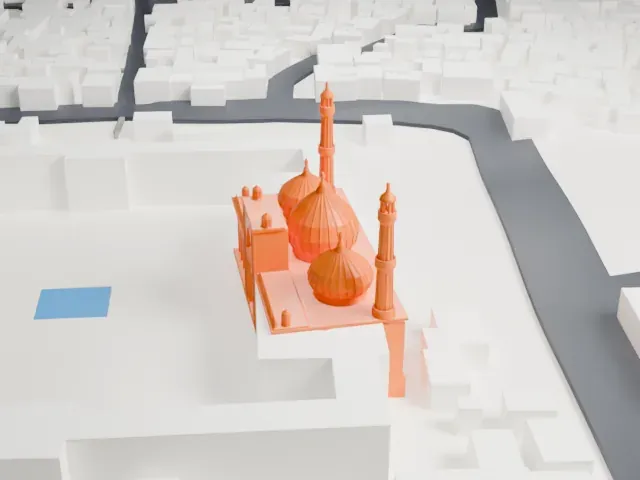 North
North
-
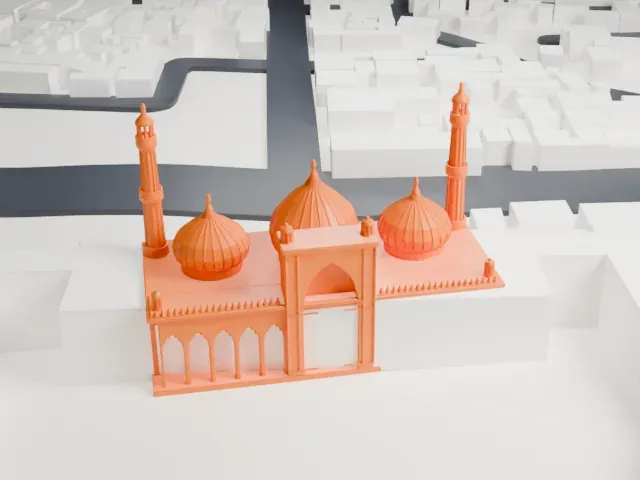 East
East
-
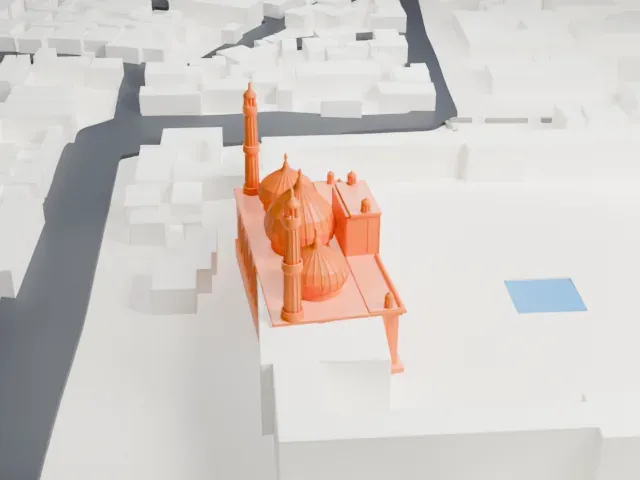 South
South
-
 West
West
- Two slender minarets
- The two minarets are tall and thin, with small galleries near the top. Print friendly adapts them to your print scale; Full detail keeps them, so print larger and slow down for the tips.
- Onion domes and pointed arches
- The three ribbed onion domes and the rows of pointed arches along the front are small details. Layers of 0.12 to 0.16 mm keep them crisp, and a larger print keeps more of them.
- One piece with the ground
- The Jama Masjid, Delhi is joined to the ground in the exported file, and the four-side check found no floating parts, so nothing needs gluing.
- Pick the detail for your nozzle
- In the Buildings settings, set Landmark detail to Print friendly to adapt thin parts and small details to the print scale. Full detail keeps every modeled feature, for larger prints or a finer nozzle.
- Colors
- Buildings, roads, water and ground arrive as separate filament slots in the 3MF. The Jama Masjid, Delhi takes the building color.
- File format
- You get a 3MF for Bambu Studio, OrcaSlicer or PrusaSlicer. Any of them can save it as STL if you need one.
About this model
The Jama Masjid, Delhi is one of more than 2,300 landmark models in Mini Skyline. They are made with AI, and each one is checked from four sides in its real surroundings before release. Everything around it is built from OpenStreetMap and Overture map data. If you would rather print the shape from map data, turn off Landmark models in the Buildings settings.
Common questions
Is there a Jama Masjid, Delhi STL I can download?
Mini Skyline builds the file for you in your browser and exports 3MF, which every major slicer opens. If you need an STL, open the 3MF in your slicer and export it from there.
How big can I print it?
Any print size from 40 mm across. The Jama Masjid, Delhi grows with the print: about 11 mm tall on the default 160 mm print. For a model larger than your printer bed, Project Mode splits the area into tiles.
Is it free?
Yes. Generation runs in your browser, with no account and nothing behind a paywall.