3D print Kalmar Castle
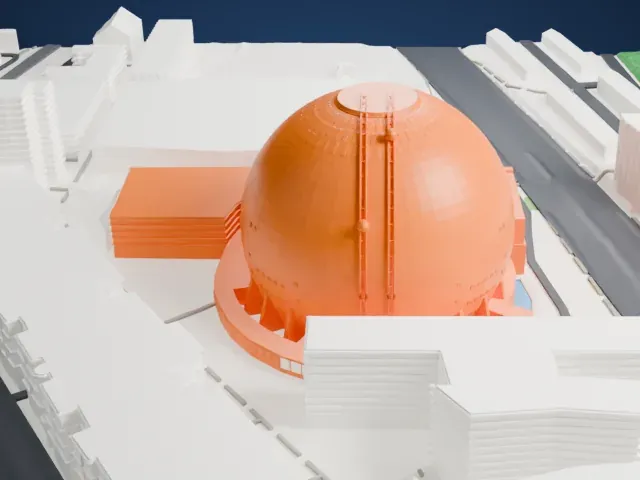
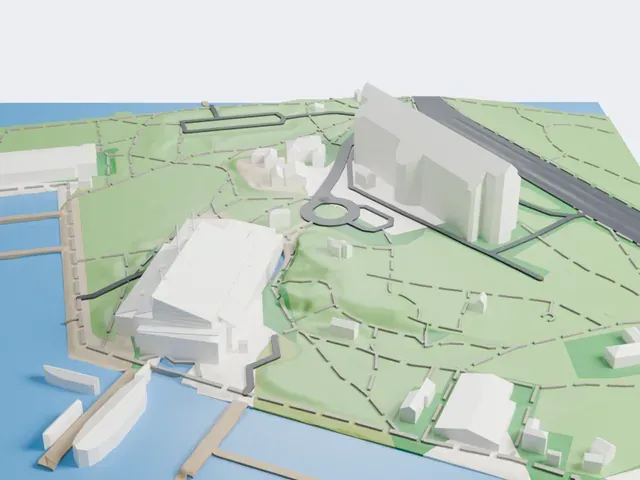
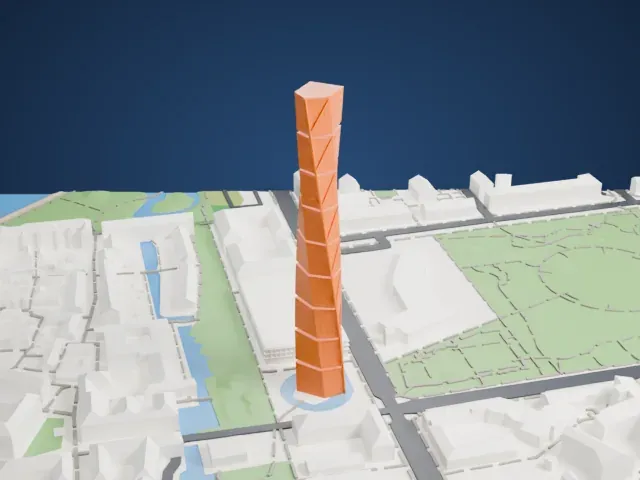
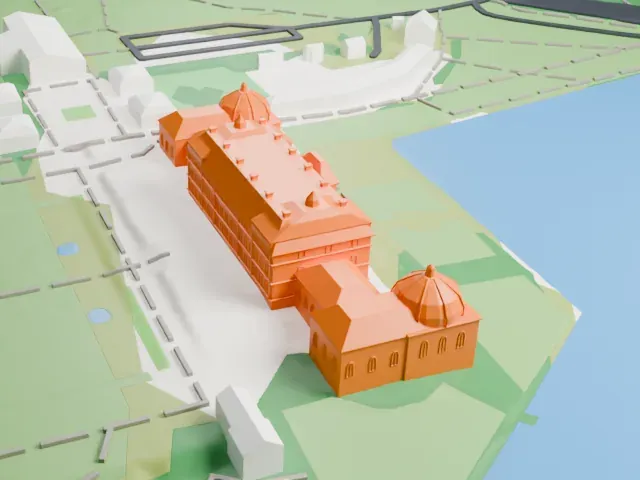
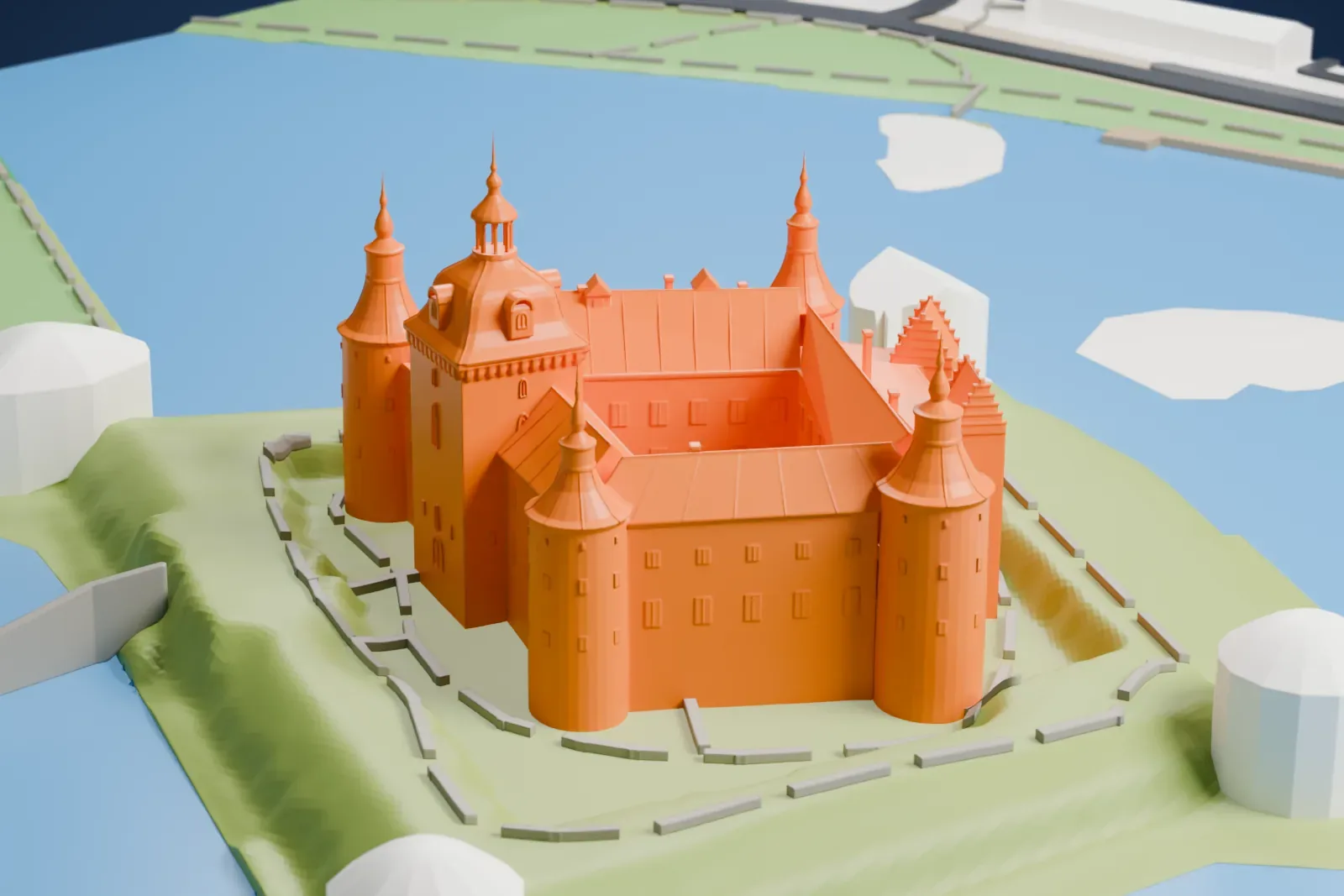
A free, printable model of Kalmar Castle, with its round corner towers and spires and the grassy shore and water around it, generated from real map data in your browser.
Free, in your browser. Exports a slicer-ready 3MF.
About Kalmar Castle
Kalmar Castle (Kalmar slott in Swedish) is found in the city of Kalmar, in Sweden's Småland province. Its history begins in the 12th century, when a defensive tower rose on the site around 1180. The castle's strategic position, close to the former Danish border, led to its historical name "the Key to the Kingdom" (Rikets nyckel in Swedish). In 1397 it was where the Kalmar Union came into being, placing Denmark, Norway and Sweden (Finland then belonged to Sweden) under one monarch, Queen Margaret I of Denmark.
Around the end of the 13th century, King Magnus Ladulås ordered a new fortress around the original tower, complete with a curtain wall, rounded corner towers and a pair of square gatehouses. In the 16th century the Vasa kings rebuilt the medieval fortress as a Renaissance palace. Under King Johan III, the architect Domenicus Pahr began the renovation in 1574. Except for three, the towers were given a uniform height and lead roofs, the windows were made square, and the king had the facade painted white and the roof red.
The Siege of Kalmar, the chief battle of the Kalmar War (1611–13), badly damaged the castle, and a fire in 1642 did further harm. From the late seventeenth century it was left to decay. Restoration started in 1856, and by 1891 the castle had taken on the silhouette it keeps. From 1919, Martin Olsson oversaw work on the earthworks, moat, bridge and drawbridge, and in 1941 water once more ringed the castle. Statens fastighetsverk describes it as the Nordic region's best-preserved Renaissance castle.
How it prints
Make this print opens the generator on a 600 m square around the landmark. Buildings print at close to true scale, so the landmark grows with the print size.
| Print size | Landmark height | Scale |
|---|---|---|
| 160 mm default | 18 mm | 1:3,750 |
| 200 mm | 22 mm | 1:3,000 |
| 256 mm | 28 mm | 1:2,344 |
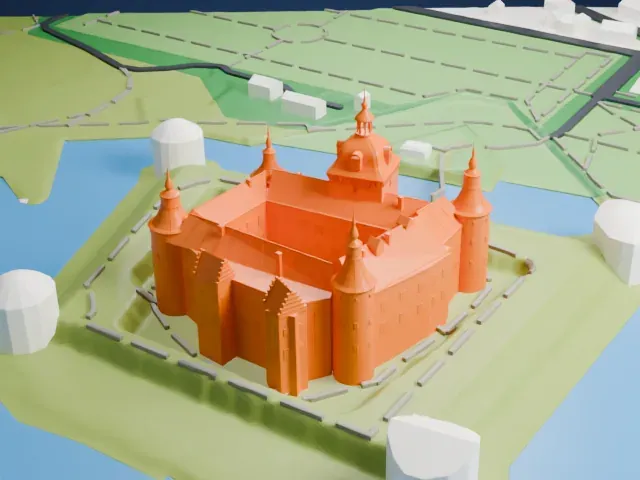
-
 North
North
-
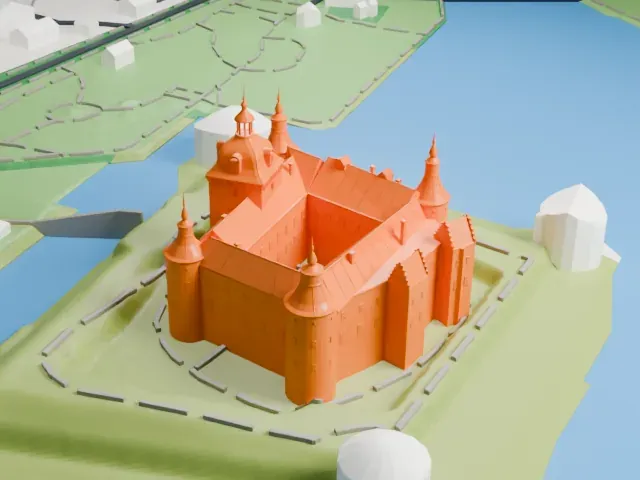
 East
East
-
 South
South
-
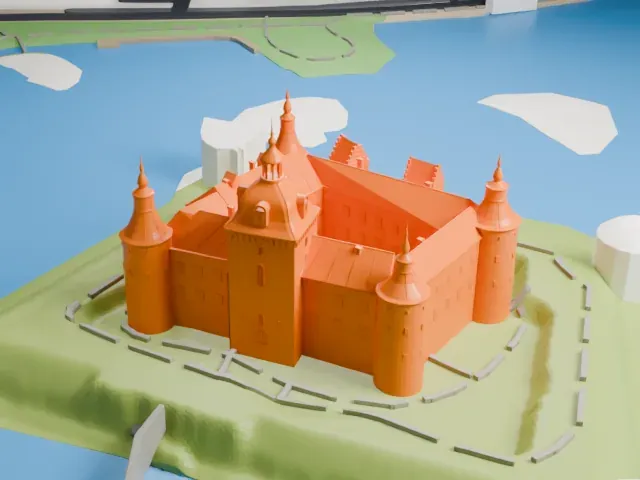 West
West
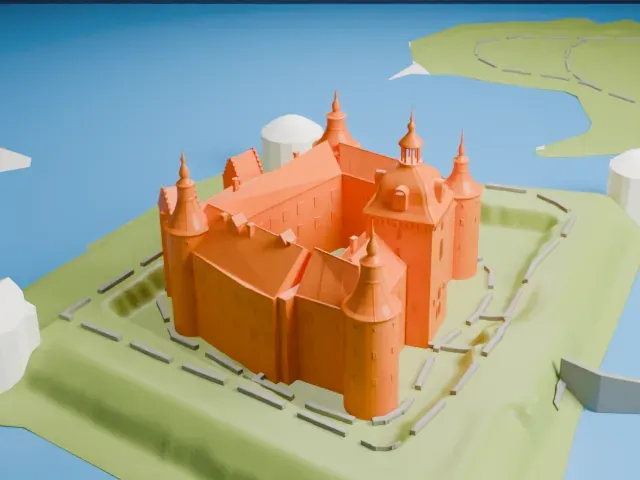
- Needle-tipped round towers
- The round corner towers end in slim spires. Print slowly with good cooling, and use Print friendly to adapt the tips to the print scale or Full detail on a larger print.
- Tiny stepped gables
- The stepped gables and small roof windows are tiny details. Layers of 0.12–0.16 mm keep the steps crisp, and a bigger print size gives them more room.
- One piece with the ground
- Kalmar Castle is joined to the ground in the exported file, and the four-side check found no floating parts, so nothing needs gluing.
- Pick the detail for your nozzle
- In the Buildings settings, set Landmark detail to Print friendly to adapt thin parts and small details to the print scale. Full detail keeps every modeled feature, for larger prints or a finer nozzle.
- Colors
- Buildings, roads, water and ground arrive as separate filament slots in the 3MF. Kalmar Castle takes the building color.
- File format
- You get a 3MF for Bambu Studio, OrcaSlicer or PrusaSlicer. Any of them can save it as STL if you need one.
About this model
Kalmar Castle is one of more than 2,300 landmark models in Mini Skyline. They are made with AI, and each one is checked from four sides in its real surroundings before release. Everything around it is built from OpenStreetMap and Overture map data. If you would rather print the shape from map data, turn off Landmark models in the Buildings settings.
Common questions
Is there a Kalmar Castle STL I can download?
Mini Skyline builds the file for you in your browser and exports 3MF, which every major slicer opens. If you need an STL, open the 3MF in your slicer and export it from there.
How big can I print it?
Any print size from 40 mm across. Kalmar Castle grows with the print: about 18 mm tall on the default 160 mm print. For a model larger than your printer bed, Project Mode splits the area into tiles.
Is it free?
Yes. Generation runs in your browser, with no account and nothing behind a paywall.