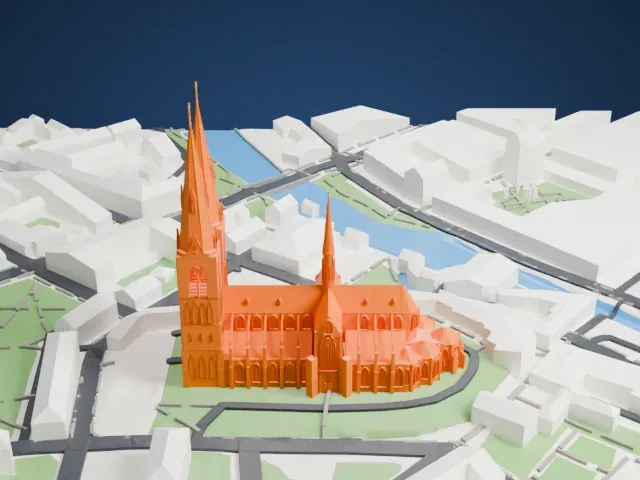
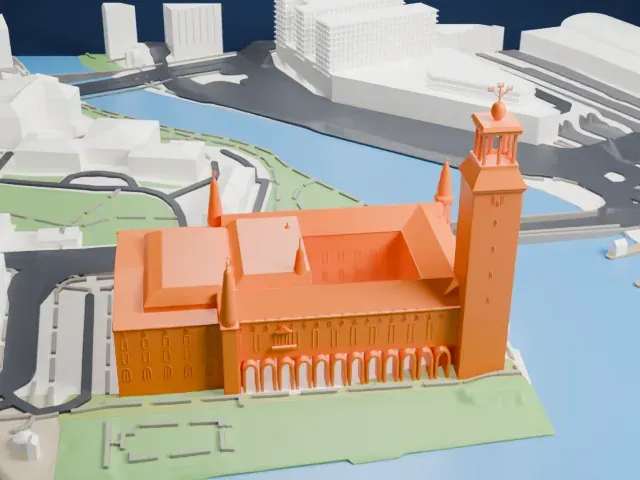
3D print Ullevi
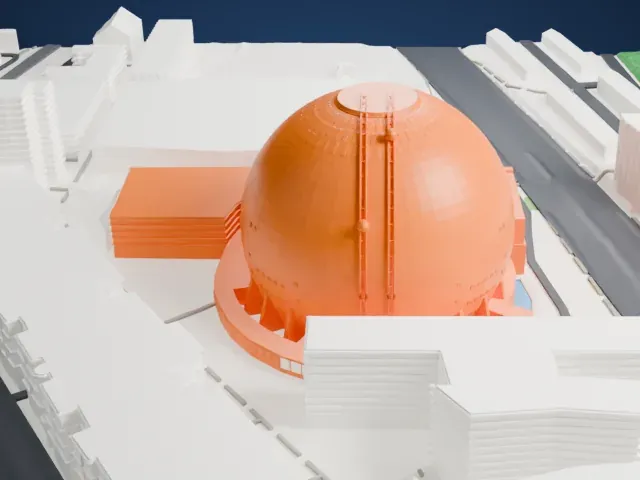
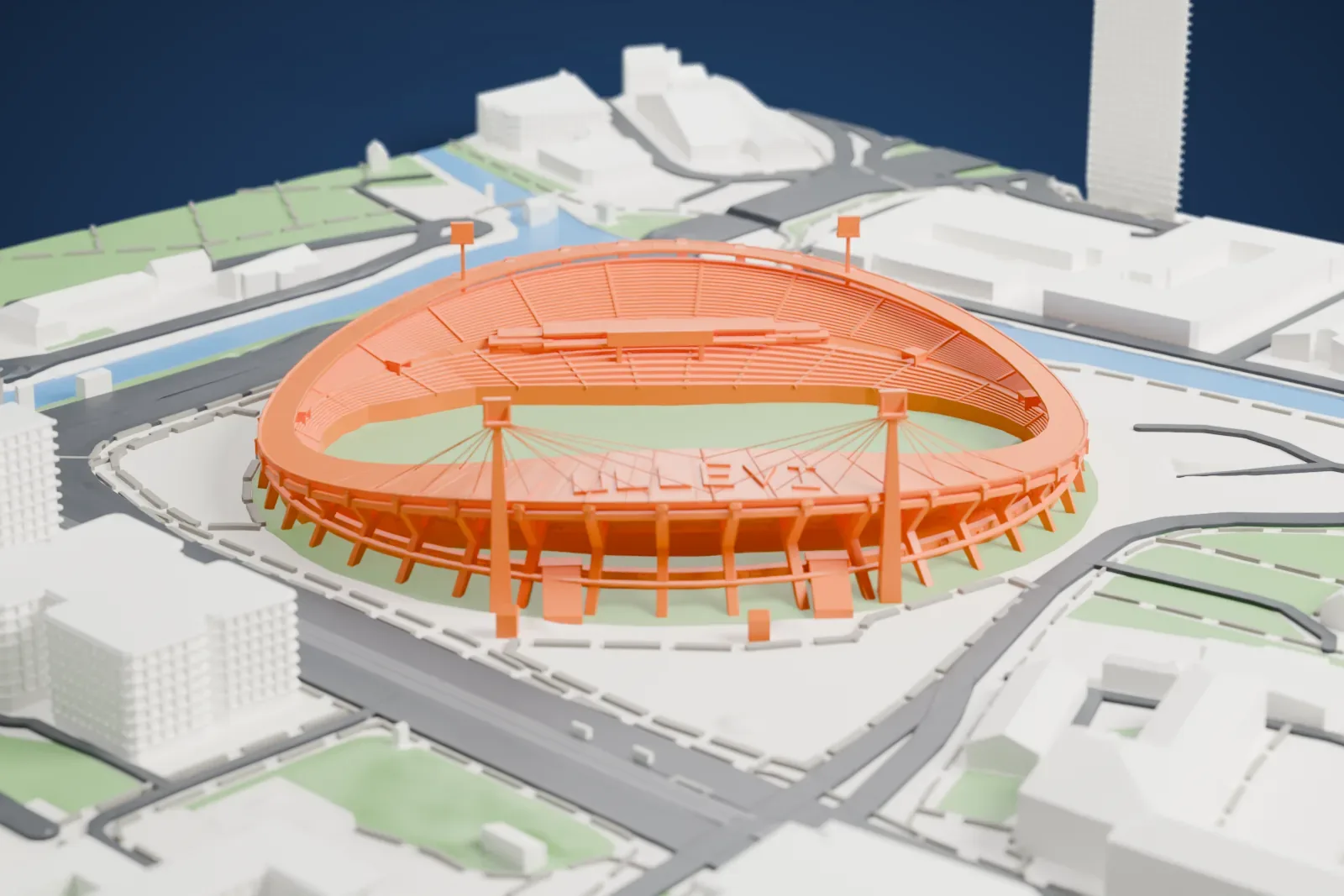
A free, printable model of Ullevi, with its open oval bowl, angled columns and cable-stayed roof, and the roads, waterways and buildings around it, generated from real map data in your browser.
Free, in your browser. Exports a slicer-ready 3MF.
About Ullevi
Gothenburg, Sweden, is home to Ullevi, also called Nya Ullevi, which means New Ullevi. The multi-purpose stadium went up for the 1958 FIFA World Cup, where it hosted four Group D games including a play-off, then the third-place match, a semi-final and a quarter-final. It is one of the Nordic countries' biggest stadiums, with 43,000 seats and room for 75,000 in all at concerts. Its football attendance record stands at 52,194, set on June 3, 1959, when Örgryte IS played IFK Göteborg.
Beyond the World Cup, the stadium has hosted six editions of the World Allround Speed Skating Championships, the World Championships in Athletics in 1995, and the 2006 European Athletics Championships. Football finals have included the UEFA Euro 1992 final, the 2004 UEFA Cup final, and the 1983 and 1990 Cup Winners' Cup finals. Its events range from football, speedway, ice hockey and boxing to racing, athletics and concerts. On August 14, 1988, it staged the first game between NFL teams played on the European continent, a Minnesota Vikings win over the Chicago Bears, 28–21.
At a Bruce Springsteen concert on June 8, 1985, Ullevi came close to collapsing, because tens of thousands of people moved in rhythm and the stadium sits on clay soil. The concrete pillars that support it were afterwards extended down to the bedrock. For speedway, a dirt surface is laid over the athletics track, and the course is officially 404 m (442 yd) long.
How it prints
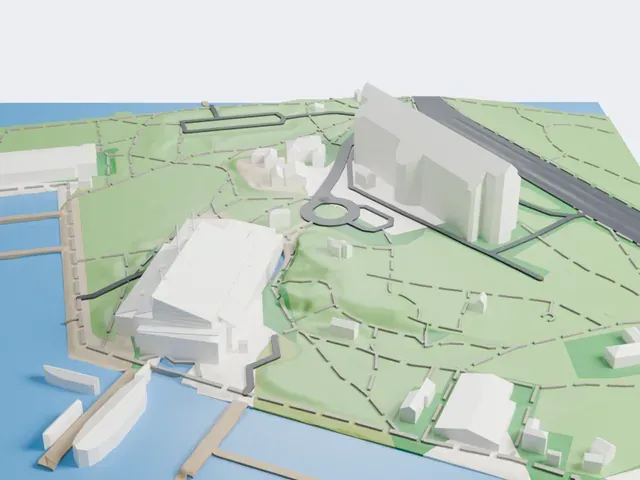
Make this print opens the generator on a 600 m square around the landmark. Buildings print at close to true scale, so the landmark grows with the print size.
| Print size | Landmark height | Scale |
|---|---|---|
| 160 mm default | 15 mm | 1:3,750 |
| 200 mm | 19 mm | 1:3,000 |
| 256 mm | 24 mm | 1:2,344 |
-
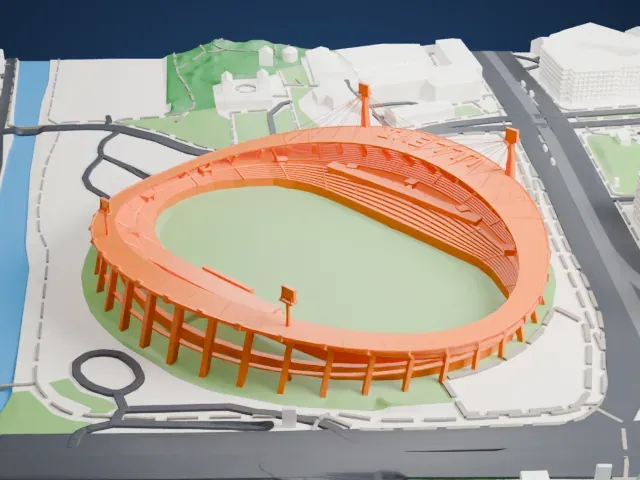 North
North
-
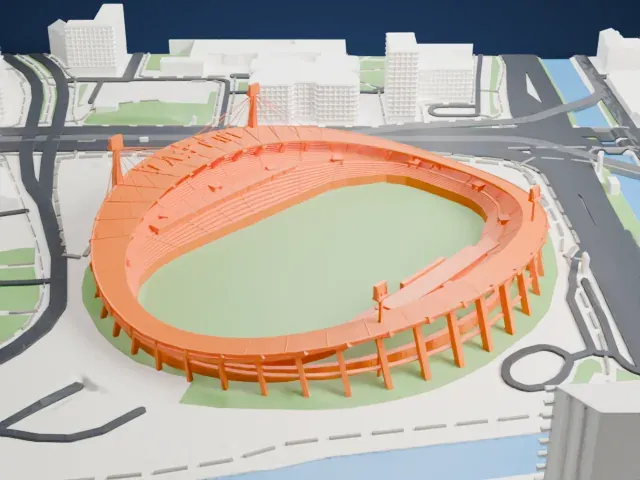 East
East
-
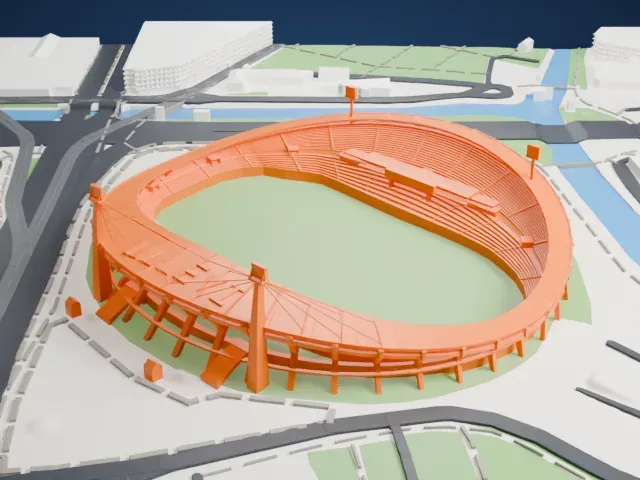 South
South
-
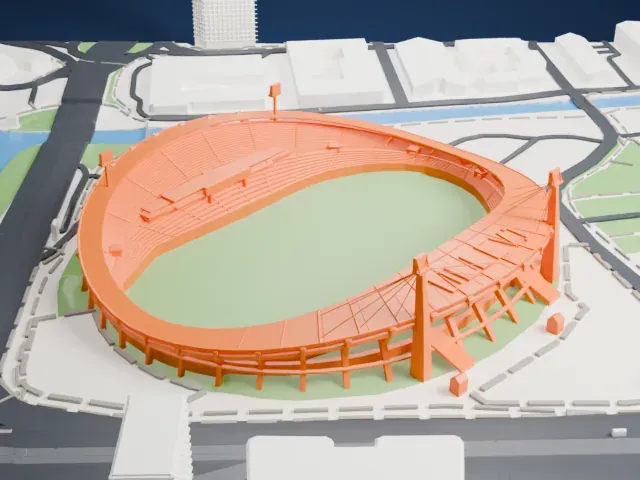 West
West
- Masts and thin cable stays
- Two tall masts hold thin cables that reach out to the roof on one side. Print slowly with good cooling, and use Print friendly to adapt the cables to the print scale.
- Rows of angled columns
- The bowl stands on many slim, angled columns. A larger print size and 0.12–0.16 mm layers keep them sturdy and crisp.
- One piece with the ground
- Ullevi is joined to the ground in the exported file, and the four-side check found no floating parts, so nothing needs gluing.
- Pick the detail for your nozzle
- In the Buildings settings, set Landmark detail to Print friendly to adapt thin parts and small details to the print scale. Full detail keeps every modeled feature, for larger prints or a finer nozzle.
- Colors
- Buildings, roads, water and ground arrive as separate filament slots in the 3MF. Ullevi takes the building color.
- File format
- You get a 3MF for Bambu Studio, OrcaSlicer or PrusaSlicer. Any of them can save it as STL if you need one.
About this model
Ullevi is one of more than 2,300 landmark models in Mini Skyline. They are made with AI, and each one is checked from four sides in its real surroundings before release. Everything around it is built from OpenStreetMap and Overture map data. If you would rather print the shape from map data, turn off Landmark models in the Buildings settings.
Common questions
Is there an Ullevi STL I can download?
Mini Skyline builds the file for you in your browser and exports 3MF, which every major slicer opens. If you need an STL, open the 3MF in your slicer and export it from there.
How big can I print it?
Any print size from 40 mm across. Ullevi grows with the print: about 15 mm tall on the default 160 mm print. For a model larger than your printer bed, Project Mode splits the area into tiles.
Is it free?
Yes. Generation runs in your browser, with no account and nothing behind a paywall.