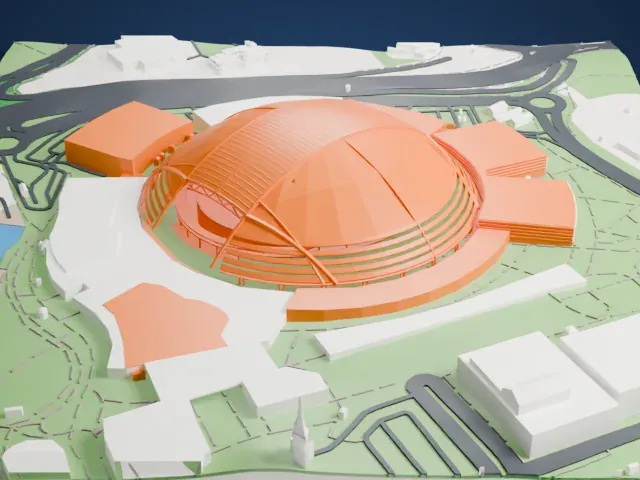
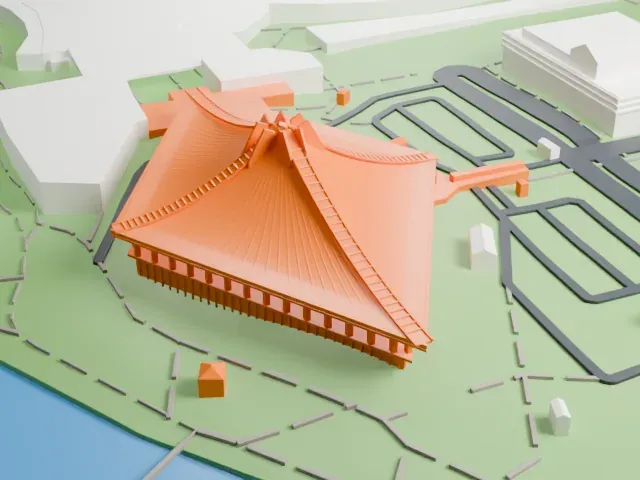
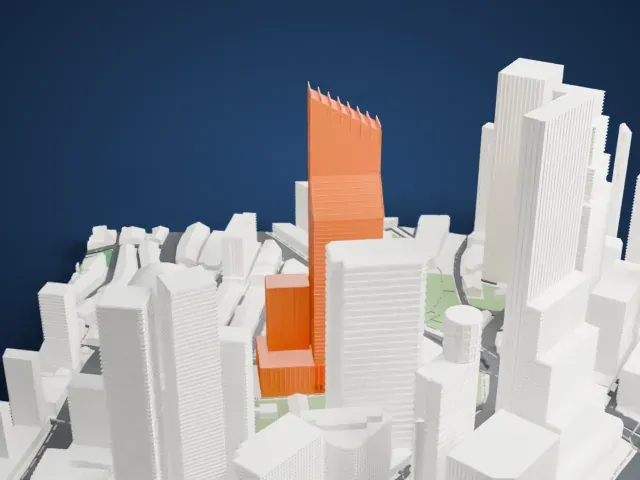
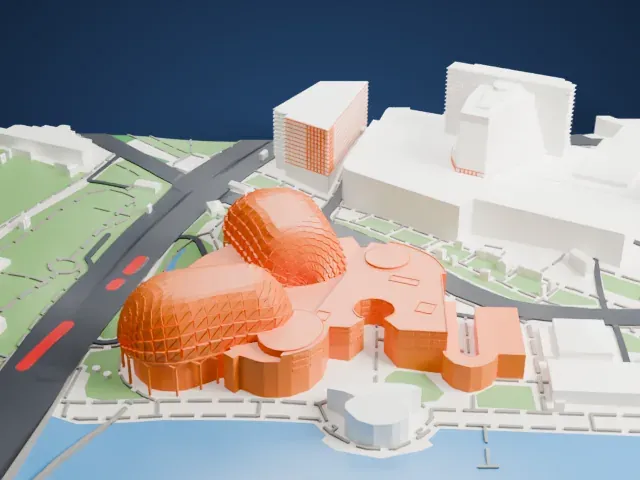
3D print Marina Bay Sands
A free, printable model of Marina Bay Sands and the waterfront, gardens and mall around it in Singapore, generated from real map data in your browser.
Free, in your browser. Exports a slicer-ready 3MF.
About Marina Bay Sands
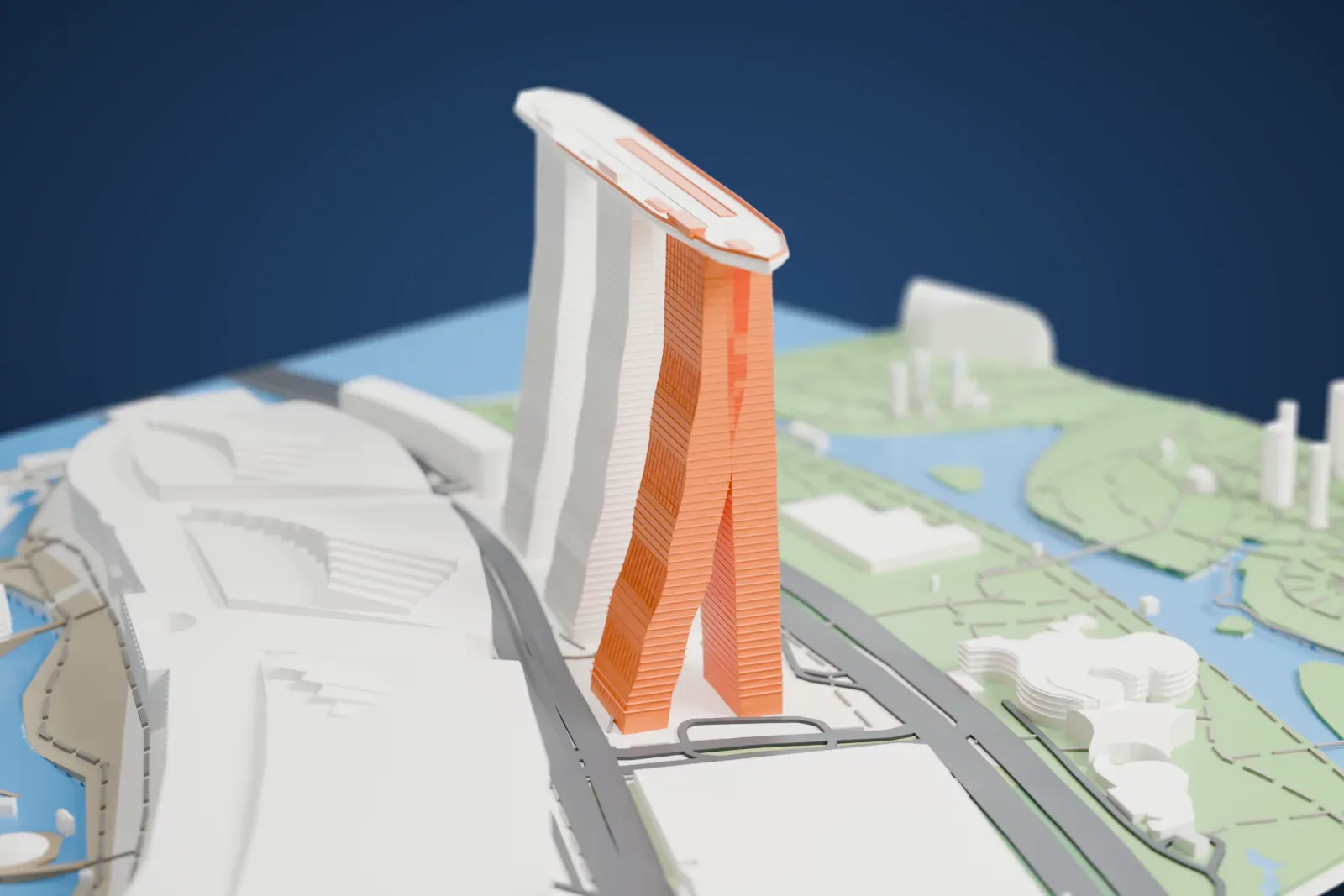
Marina Bay Sands, nicknamed MBS, is an integrated resort on the waterfront of Marina Bay in Singapore. Moshe Safdie designed the 20-hectare resort; he has said that decks of cards first inspired it. Its prominent feature is three hotel towers with 1,850 rooms and suites, joined by a continuous lobby at the base. The towers are broader at the bottom and narrow as they rise. Every tower is made of two uneven legs, and the curved eastern one leans on the other.
Sands SkyPark crowns the three towers. This 1.2-hectare tropical oasis is longer than the Eiffel Tower, at 340 m (1,120 ft), and it was built at a height of 200 m. The platform spans all three towers, and a section of it juts out from the north tower as a cantilever, overhanging it by 66.5 m (218 ft). It holds a 150 m (490 ft) infinity pool. The hull of the SkyPark was prefabricated off-site in 14 steel sections and assembled on top of the towers.
When it opened in 2010, the resort was judged the most expensive standalone casino property in the world, at about 8 billion Singapore dollars (6.88 billion US dollars). Beyond the hotel and casino, it includes a luxury shopping mall, the ArtScience Museum and the Sands Expo & Convention Centre. The official opening of the resort and SkyPark took place over two days, June 23 and 24, 2010, and the ArtScience Museum opened its doors to visitors on February 19, 2011.
How it prints
Make this print opens the generator on a 800 m square around the landmark. Buildings print at close to true scale, so the landmark grows with the print size.
| Print size | Landmark height | Scale |
|---|---|---|
| 160 mm default | 43 mm | 1:5,000 |
| 200 mm | 54 mm | 1:4,000 |
| 256 mm | 69 mm | 1:3,125 |
-
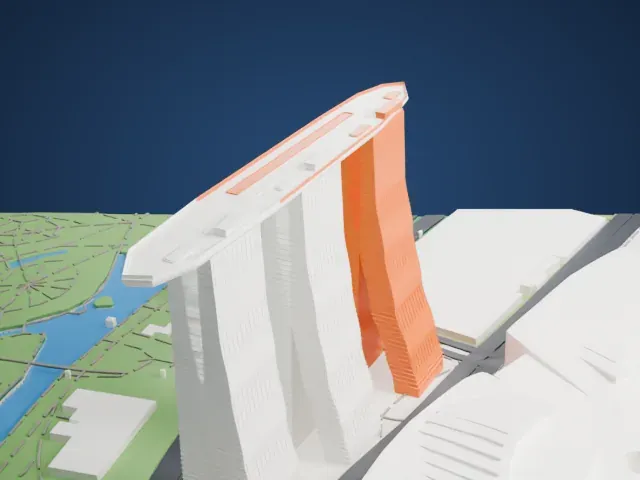 North
North
-
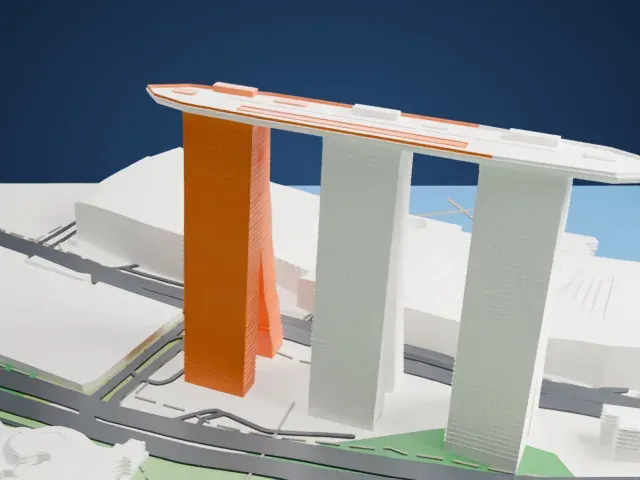 East
East
-
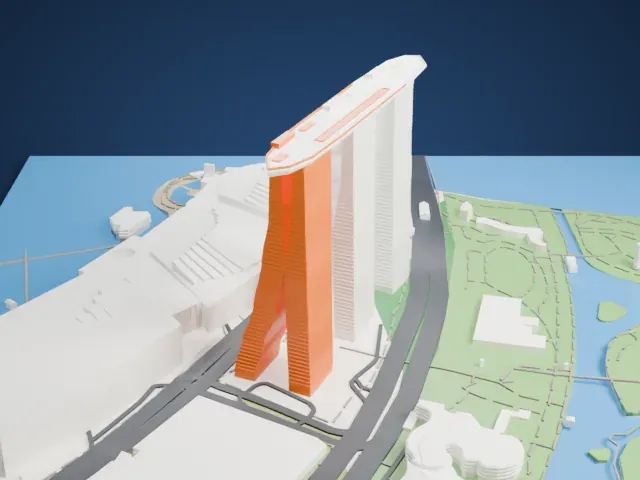 South
South
-
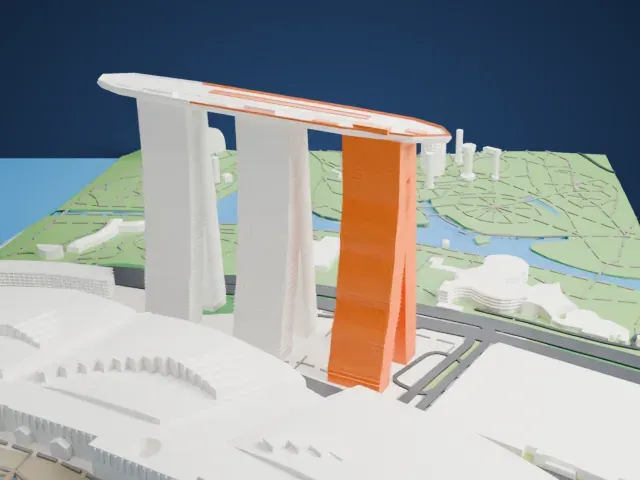 West
West
- A long cantilevered platform
- The platform across the tops of the three towers overhangs at its ends, so it is the part to watch. Print slowly with good cooling and 0.12 to 0.16 mm layers, and try Print friendly if the edge is too fine.
- Leaning towers with fine ridges
- The three towers lean and narrow as they rise, with fine horizontal ridges on their sides. A larger print size keeps those ridges readable, and Full detail keeps them for a fine nozzle.
- One piece with the ground
- Marina Bay Sands is joined to the ground in the exported file, and the four-side check found no floating parts, so nothing needs gluing.
- Pick the detail for your nozzle
- In the Buildings settings, set Landmark detail to Print friendly to adapt thin parts and small details to the print scale. Full detail keeps every modeled feature, for larger prints or a finer nozzle.
- Colors
- Buildings, roads, water and ground arrive as separate filament slots in the 3MF. Marina Bay Sands takes the building color.
- File format
- You get a 3MF for Bambu Studio, OrcaSlicer or PrusaSlicer. Any of them can save it as STL if you need one.
About this model
Marina Bay Sands is one of more than 2,300 landmark models in Mini Skyline. They are made with AI, and each one is checked from four sides in its real surroundings before release. Everything around it is built from OpenStreetMap and Overture map data. If you would rather print the shape from map data, turn off Landmark models in the Buildings settings.
Common questions
Is there a Marina Bay Sands STL I can download?
Mini Skyline builds the file for you in your browser and exports 3MF, which every major slicer opens. If you need an STL, open the 3MF in your slicer and export it from there.
How big can I print it?
Any print size from 40 mm across. Marina Bay Sands grows with the print: about 43 mm tall on the default 160 mm print. For a model larger than your printer bed, Project Mode splits the area into tiles.
Is it free?
Yes. Generation runs in your browser, with no account and nothing behind a paywall.