3D print Singapore Indoor Stadium
A free, printable model of the Singapore Indoor Stadium and the green land, roads and water around it, generated from real map data in your browser.
Free, in your browser. Exports a slicer-ready 3MF.
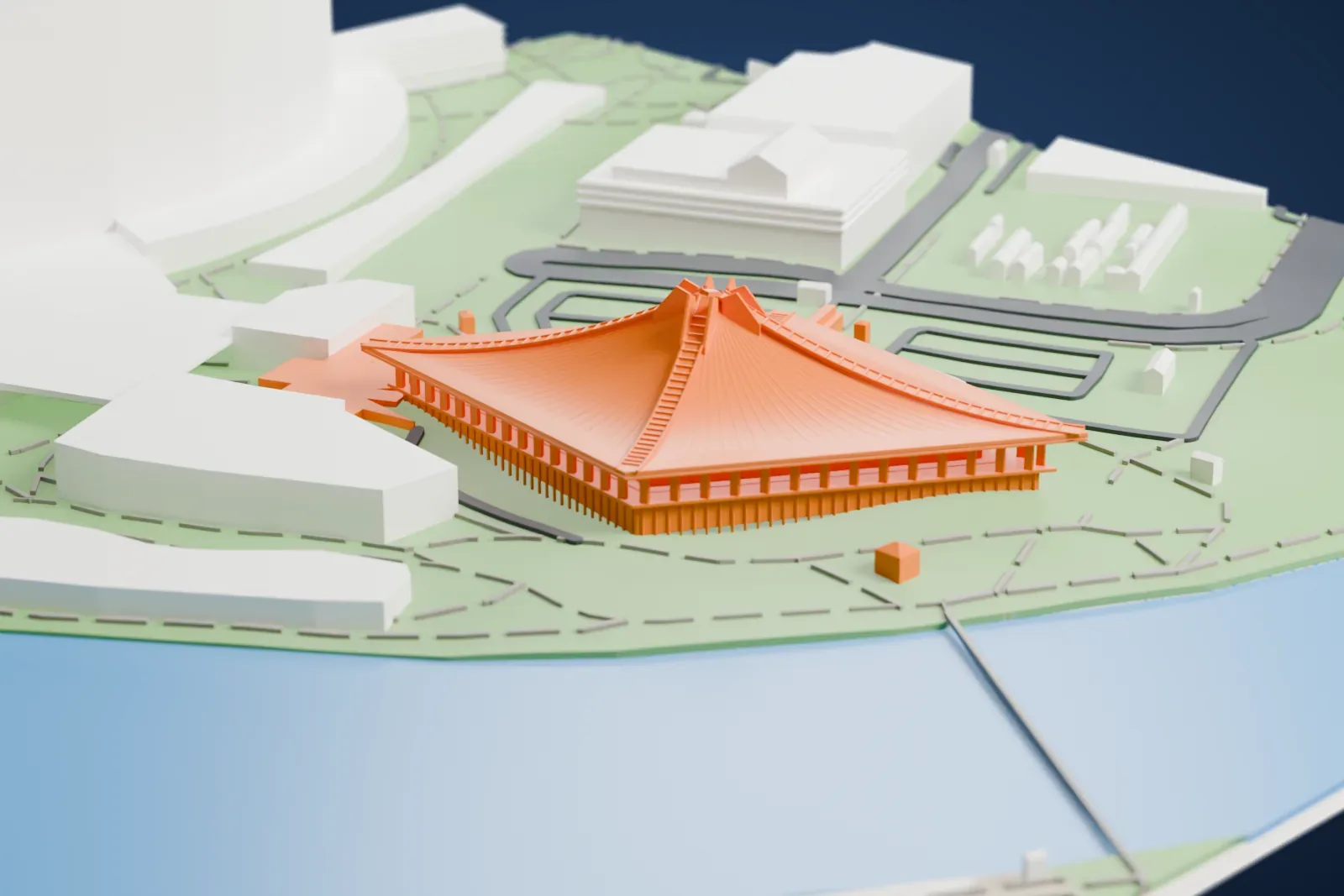
About Singapore Indoor Stadium
Kallang, Singapore, is home to the Singapore Indoor Stadium, an indoor arena that is also referred to simply as the Indoor Stadium. A short walk away is the Singapore National Stadium, and the two are collectively part of The Kallang. The arena's maximum total capacity is 15,000, depending on its configuration, and 12,000 when it is set up as all-seating.
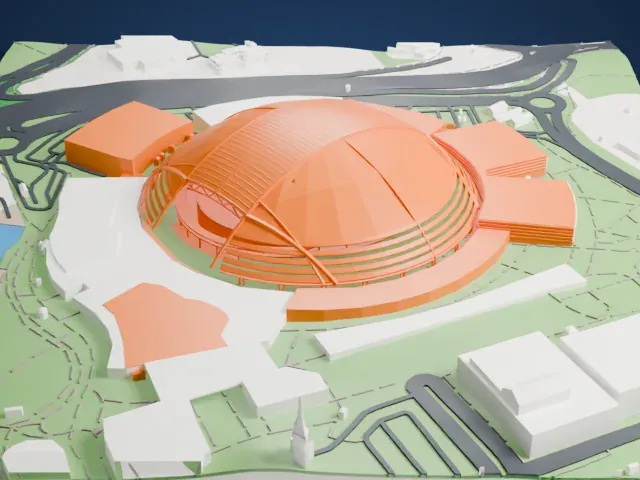
The Japanese architect Kenzo Tange designed the arena together with Raglan Squire & Partners. A roof shaped like a cone covers a pillarless arena. Work started on January 1, 1985, costing S$90 million, and finished on March 1, 1987. The flexible stage layout makes capacity vary: 8,000–9,000 for concerts and 8,126–10,786 for sporting events.
Events there include basketball, badminton, tennis, netball, music concerts, esports, kickboxing, mixed martial arts, pro-wrestling and monster truck races, and the Singaporean ONE Championship often stages its events in the arena. In 2022 it hosted The International 2022, the yearly Dota 2 world championship tournament for esports, whose prize pool was the largest of any single esport tournament.
How it prints
Make this print opens the generator on a 600 m square around the landmark. Buildings print at close to true scale, so the landmark grows with the print size.
| Print size | Landmark height | Scale |
|---|---|---|
| 160 mm default | 14 mm | 1:3,750 |
| 200 mm | 17 mm | 1:3,000 |
| 256 mm | 22 mm | 1:2,344 |
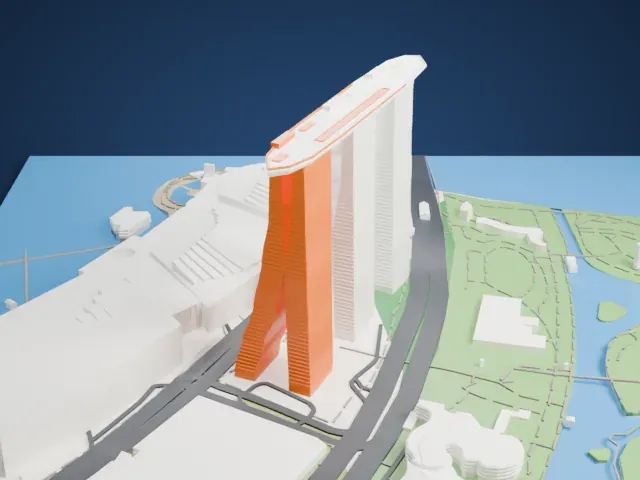
-
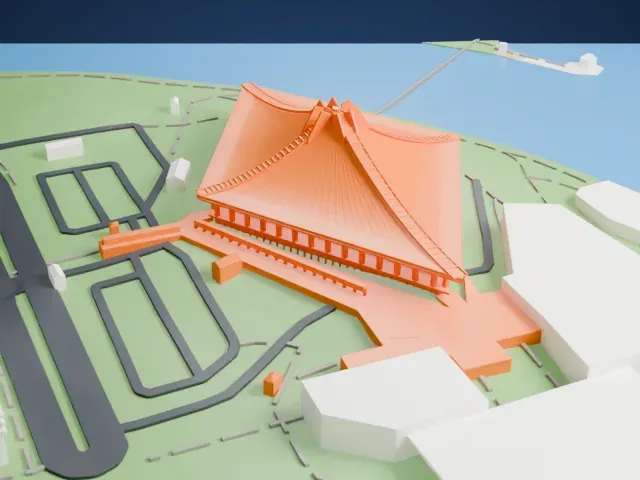 North
North
-
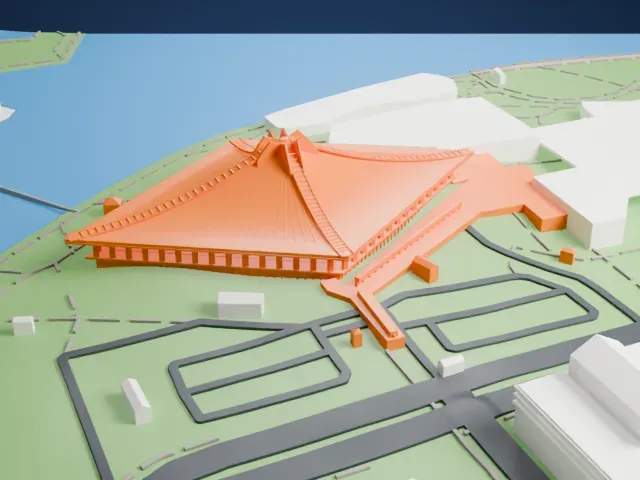 East
East
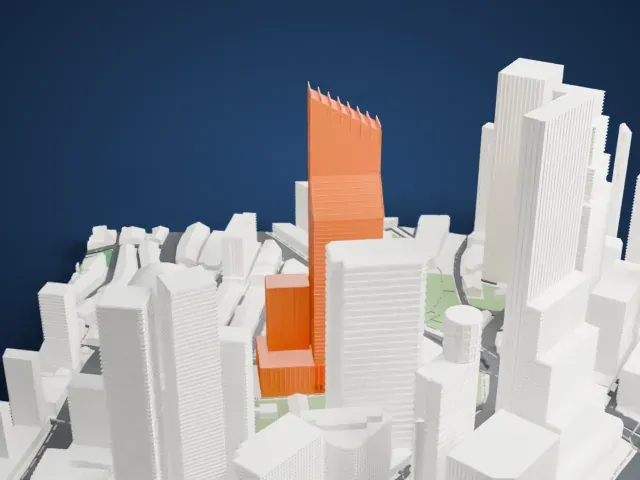
-
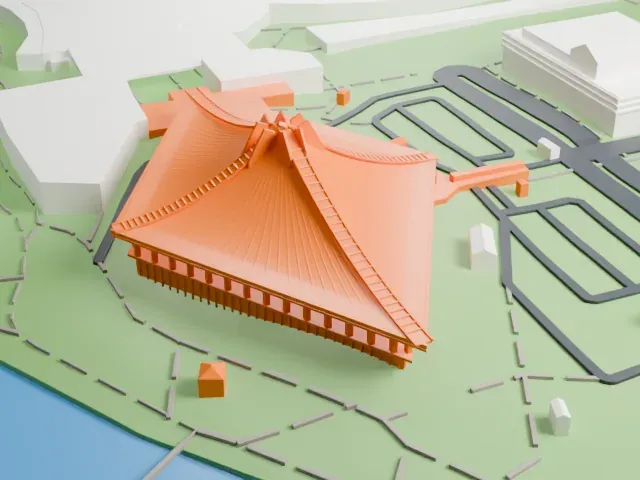 South
South
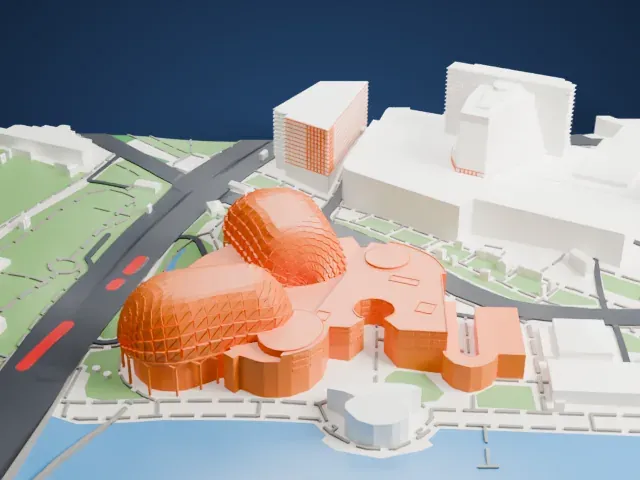
-
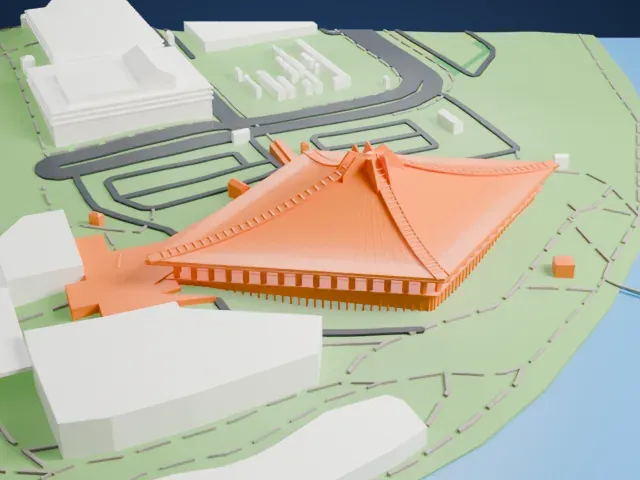 West
West
- A sweeping ribbed roof
- The cone-shaped roof sweeps down in very fine radial ribs. Print friendly adapts them to the print scale; Full detail keeps them on a larger print, ideally with 0.12–0.16 mm layers.
- A fringe of slim columns
- Many slim columns ring the base under the eaves. A larger print size keeps them sturdier, and printing slowly helps these thin parts.
- One piece with the ground
- Singapore Indoor Stadium is joined to the ground in the exported file, and the four-side check found no floating parts, so nothing needs gluing.
- Pick the detail for your nozzle
- In the Buildings settings, set Landmark detail to Print friendly to adapt thin parts and small details to the print scale. Full detail keeps every modeled feature, for larger prints or a finer nozzle.
- Colors
- Buildings, roads, water and ground arrive as separate filament slots in the 3MF. Singapore Indoor Stadium takes the building color.
- File format
- You get a 3MF for Bambu Studio, OrcaSlicer or PrusaSlicer. Any of them can save it as STL if you need one.
About this model
Singapore Indoor Stadium is one of more than 2,300 landmark models in Mini Skyline. They are made with AI, and each one is checked from four sides in its real surroundings before release. Everything around it is built from OpenStreetMap and Overture map data. If you would rather print the shape from map data, turn off Landmark models in the Buildings settings.
Common questions
Is there a Singapore Indoor Stadium STL I can download?
Mini Skyline builds the file for you in your browser and exports 3MF, which every major slicer opens. If you need an STL, open the 3MF in your slicer and export it from there.
How big can I print it?
Any print size from 40 mm across. Singapore Indoor Stadium grows with the print: about 14 mm tall on the default 160 mm print. For a model larger than your printer bed, Project Mode splits the area into tiles.
Is it free?
Yes. Generation runs in your browser, with no account and nothing behind a paywall.