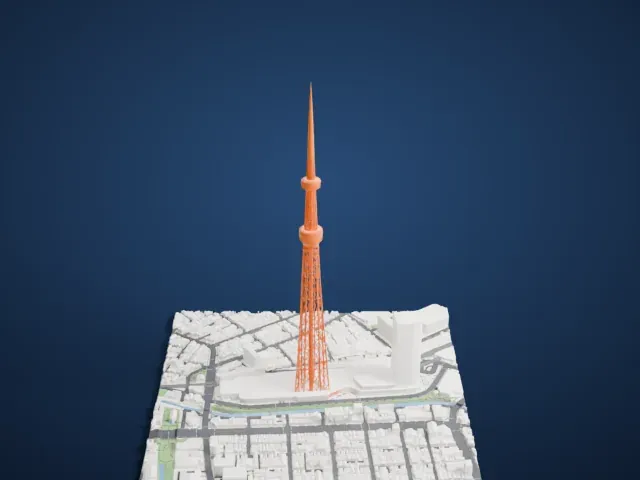
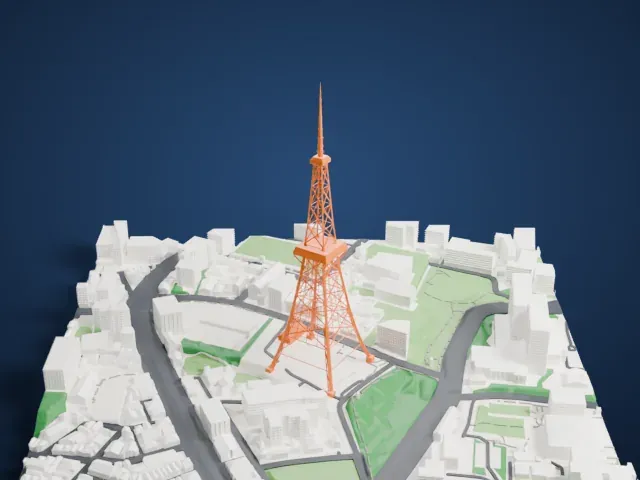
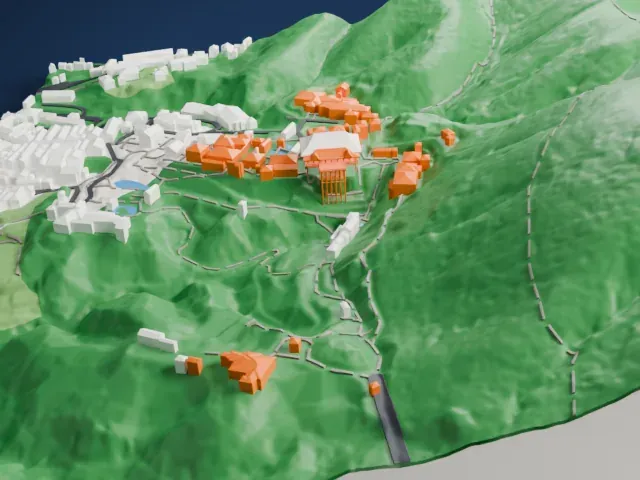
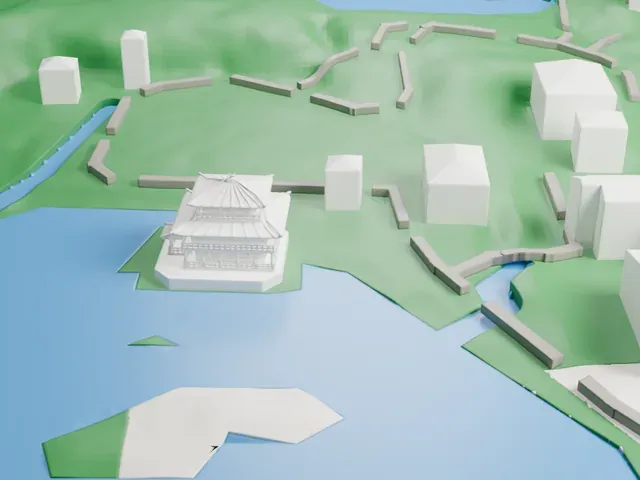
3D print Matsumoto Castle
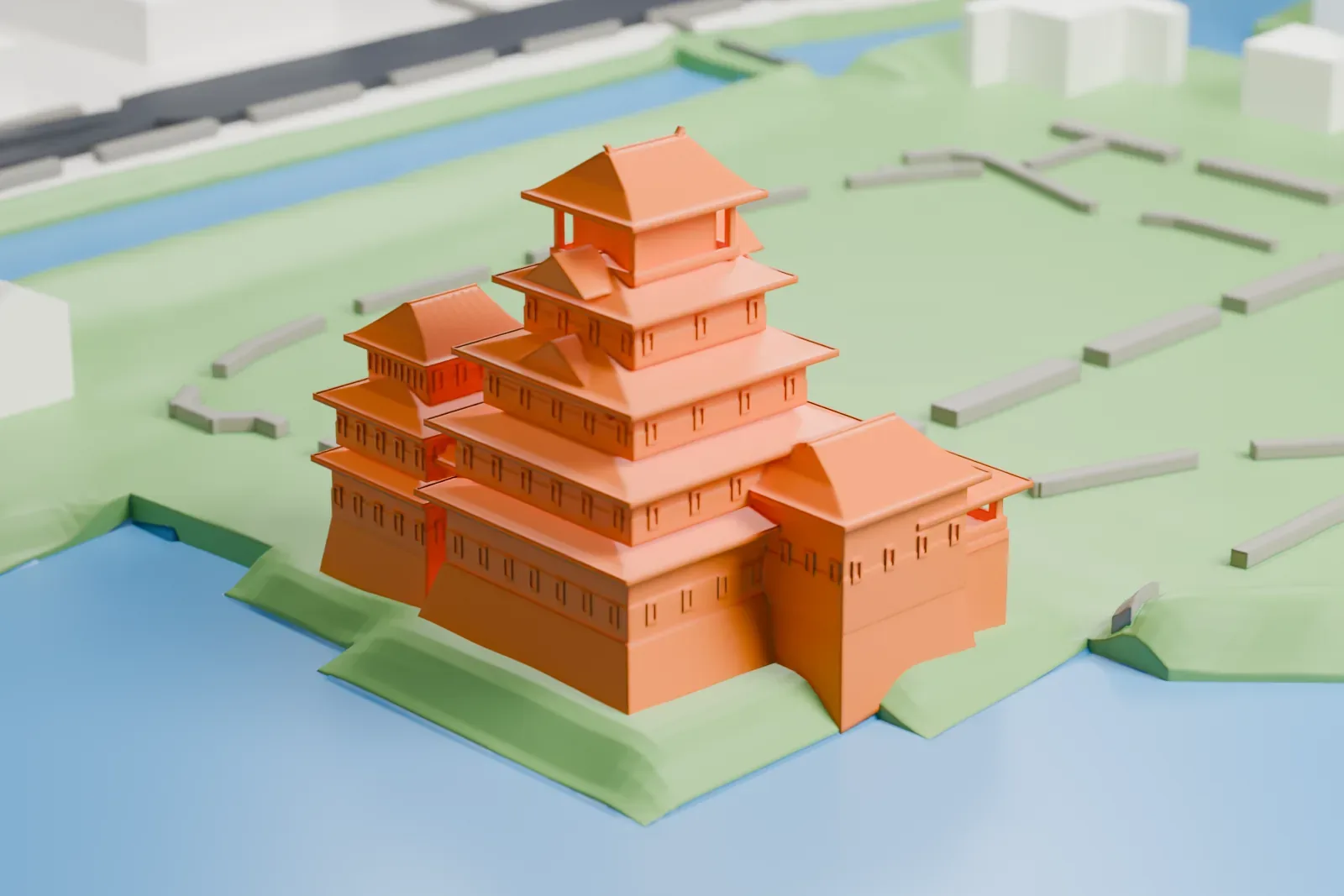
A free, printable model of Matsumoto Castle, its stacked roofs, and the water and green grounds around it, generated from real map data in your browser.
Free, in your browser. Exports a slicer-ready 3MF.
About Matsumoto Castle
Matsumoto Castle, first known as Fukashi Castle, stands in the city of Matsumoto, Nagano Prefecture. Along with Himeji and Kumamoto, it ranks among Japan's premier historic castles. Matsumoto Domain was governed from here during the Edo Period, under the Tokugawa shogunate. It is a flatland castle, or hirajiro, because it sits on a plain rather than on a hilltop or among rivers. A full set of defenses would have featured walls, moats and gatehouses linked together in an extensive system.
The keep (tenshu) dates from the late sixteenth century and keeps its wooden interiors and exterior stonework as originally built. It is a designated National Treasure of Japan, and only twelve tenshu survive in the country, this being one. Four other nearby buildings carry the same designation. The father and son Ishikawa Kazumasa and Yasunaga built the tower along with other sections. In 1590 they began work on the tenshu and on the small northwestern yagura, and much of the castle was probably finished by 1593–94.
In 1872 the new Meiji government decreed that all former feudal fortifications be destroyed, and most of the castle was razed. When the tenshu was about to be demolished, Ichikawa Ryōzō and other residents of Matsumoto campaigned to save it, and the city government acquired the tower. A renovation known as "the great Meiji renovation" took place from 1903 to 1913. National Historic Site status followed in 1930, and a major restoration ran from 1950 to 1955.
How it prints
Make this print opens the generator on a 600 m square around the landmark. Buildings print at close to true scale, so the landmark grows with the print size.
| Print size | Landmark height | Scale |
|---|---|---|
| 160 mm default | 8 mm | 1:3,750 |
| 200 mm | 10 mm | 1:3,000 |
| 256 mm | 13 mm | 1:2,344 |
-
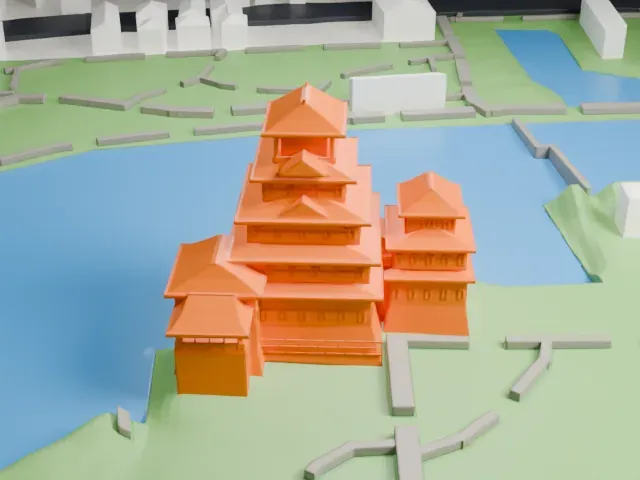
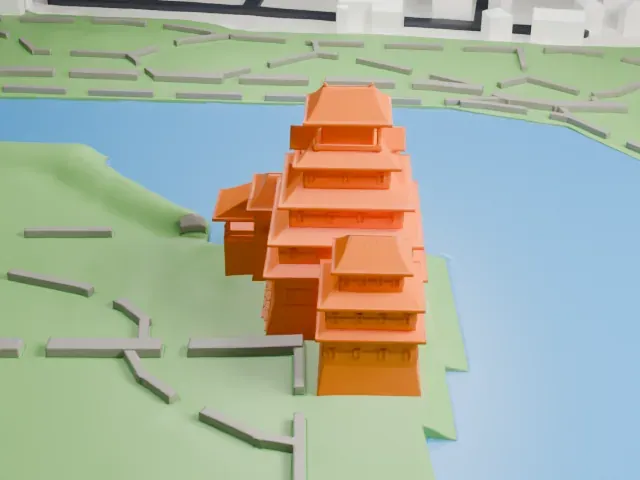 North
North
-
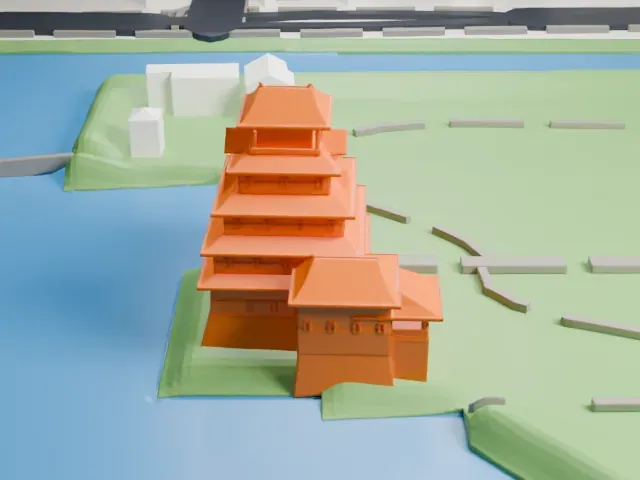
 East
East
-
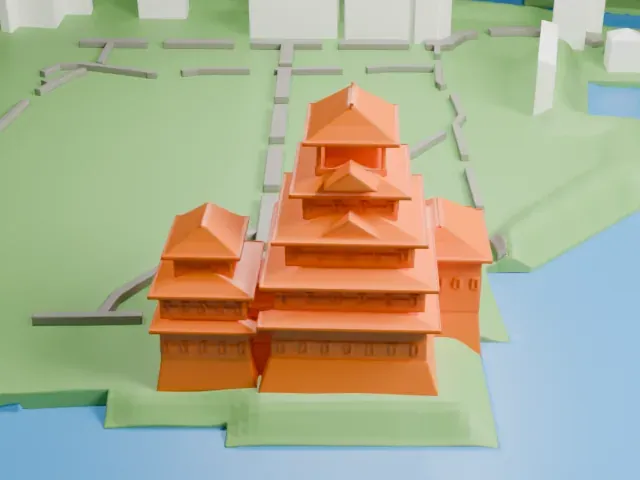
 South
South
-
 West
West
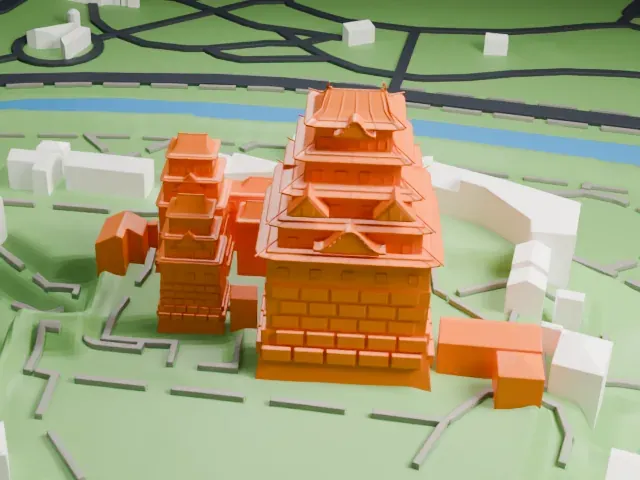
- Layered roof overhangs
- Every level of the keep has a wide, thin roof edge. Print friendly adapts the overhangs to the print scale; Full detail keeps them on a larger print, with layers of 0.12–0.16 mm.
- Small windows and railings
- Tiny window openings and a thin railing on the top level are easy to lose at small sizes. A larger print size keeps them distinct.
- One piece with the ground
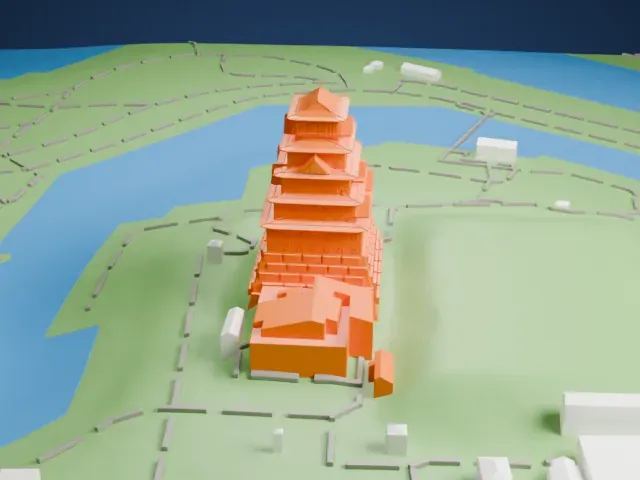
- Matsumoto Castle is joined to the ground in the exported file, and the four-side check found no floating parts, so nothing needs gluing.
- Pick the detail for your nozzle
- In the Buildings settings, set Landmark detail to Print friendly to adapt thin parts and small details to the print scale. Full detail keeps every modeled feature, for larger prints or a finer nozzle.
- Colors
- Buildings, roads, water and ground arrive as separate filament slots in the 3MF. Matsumoto Castle takes the building color.
- File format
- You get a 3MF for Bambu Studio, OrcaSlicer or PrusaSlicer. Any of them can save it as STL if you need one.
About this model
Matsumoto Castle is one of more than 2,300 landmark models in Mini Skyline. They are made with AI, and each one is checked from four sides in its real surroundings before release. Everything around it is built from OpenStreetMap and Overture map data. If you would rather print the shape from map data, turn off Landmark models in the Buildings settings.
Common questions
Is there a Matsumoto Castle STL I can download?
Mini Skyline builds the file for you in your browser and exports 3MF, which every major slicer opens. If you need an STL, open the 3MF in your slicer and export it from there.
How big can I print it?
Any print size from 40 mm across. Matsumoto Castle grows with the print: about 8 mm tall on the default 160 mm print. For a model larger than your printer bed, Project Mode splits the area into tiles.
Is it free?
Yes. Generation runs in your browser, with no account and nothing behind a paywall.