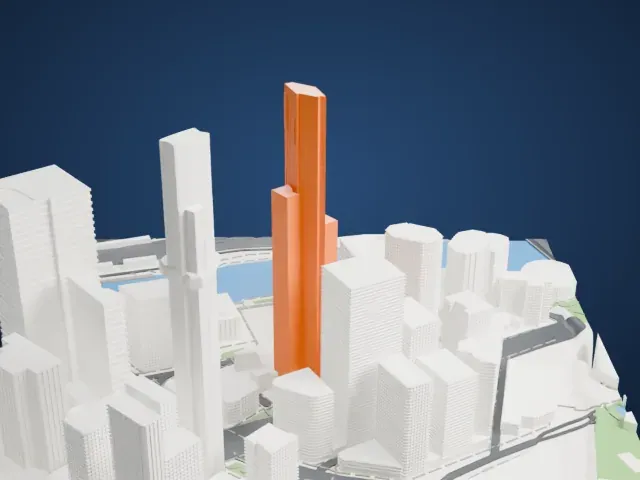
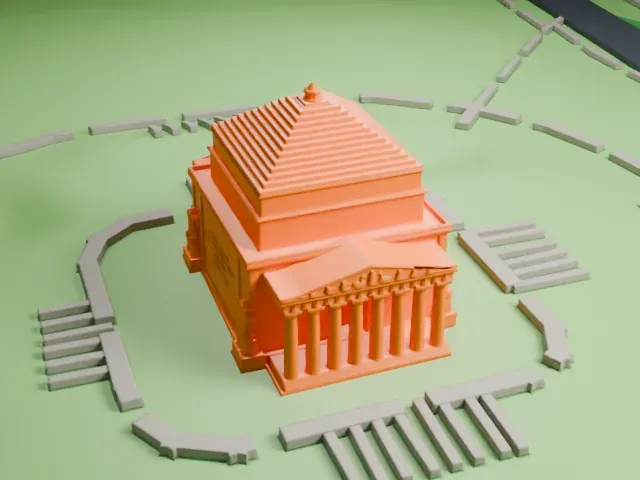
3D print Melbourne Rectangular Stadium
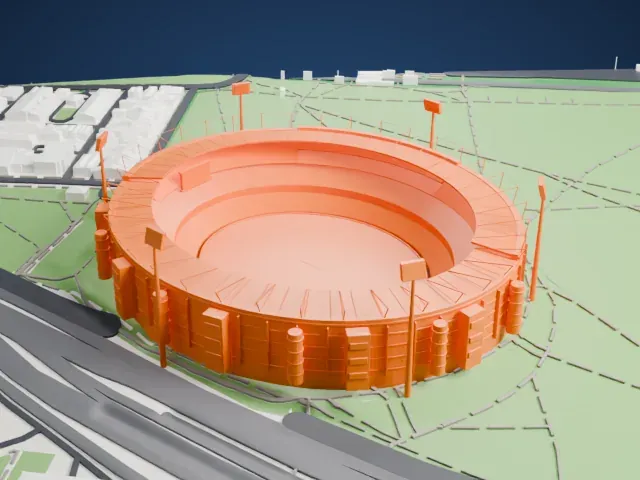
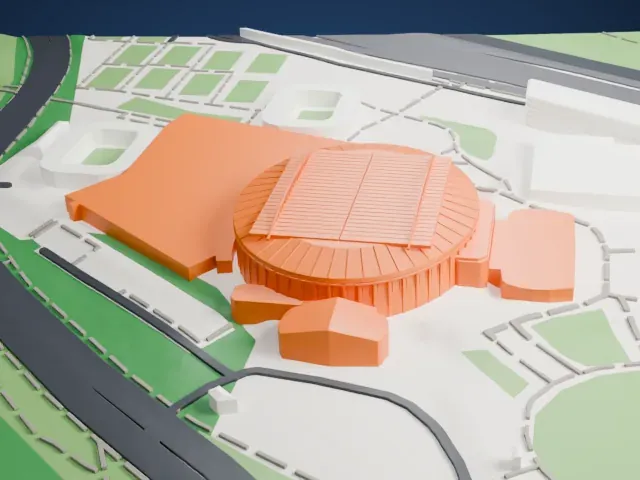
A free, printable model of Melbourne Rectangular Stadium, its roof lattice of triangles and corner masts, with the roads and parkland around it, generated from real map data in your browser.
Free, in your browser. Exports a slicer-ready 3MF.
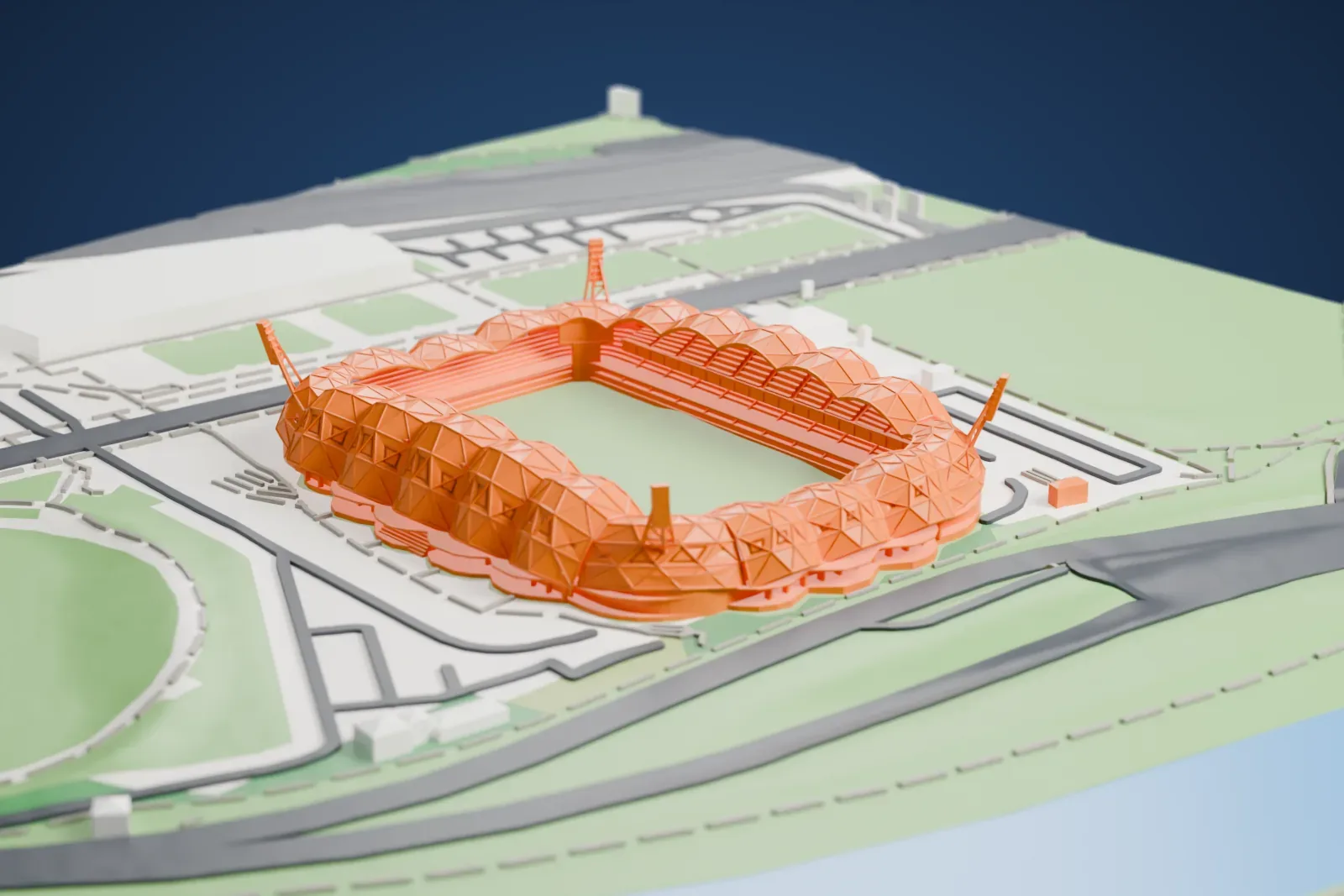
About Melbourne Rectangular Stadium
Melbourne Rectangular Stadium, which carries the commercial name AAMI Park, sits within the Melbourne Sports and Entertainment Precinct. Soccer and rugby league are its main sports: Melbourne City FC and Melbourne Victory FC play their A-League games there, and the Melbourne Storm plays in the National Rugby League. Opened in 2010, it took over from Olympic Park as the city's main rectangular stadium and was the first large stadium purpose built for rectangular sports, since Olympic Park had been designed for track and field.
On April 6, 2006, the Victorian Government announced a rectangular stadium with 20,000 seats, costing $190 million, for the site of Edwin Flack Field. The planned capacity later rose to 30,000, with foundations that could allow expansion to 50,000, and construction started in late 2007. Early in construction it went by the names Swan Street Stadium and Bubble Dome. Its first match, the 2010 Anzac Test between Australia and New Zealand, took place on May 7, 2010, and Australia won 12–8 before a full house of nearly 30,000.
COX Architecture designed the stadium with a "Bioframe" look: a geodesic dome roof covers much of the seating while still letting light reach the pitch. Thousands of LED lights cover the outside and can be programmed to show patterns and images. The northern and southern sides are called the Olympic Side and the Yarra Side. FIFA Women's World Cup 2023 was among the events it staged, and it hosted the opening match of both the 2015 AFC Asian Cup and the 2017 Rugby League World Cup.
How it prints
Make this print opens the generator on a 600 m square around the landmark. Buildings print at close to true scale, so the landmark grows with the print size.
| Print size | Landmark height | Scale |
|---|---|---|
| 160 mm default | 11 mm | 1:3,750 |
| 200 mm | 14 mm | 1:3,000 |
| 256 mm | 18 mm | 1:2,344 |
-
 North
North
-
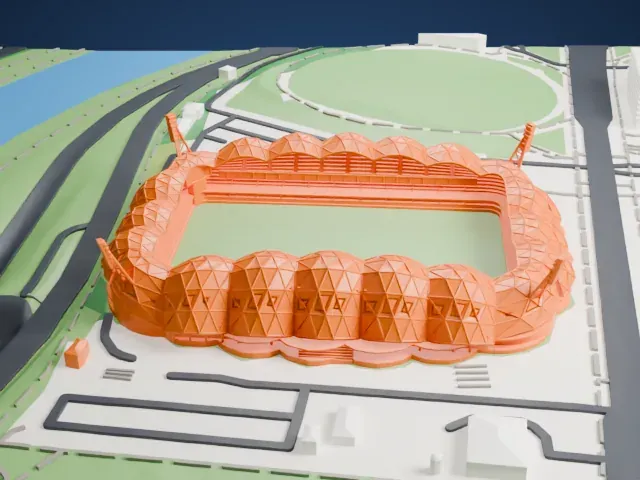 East
East
-
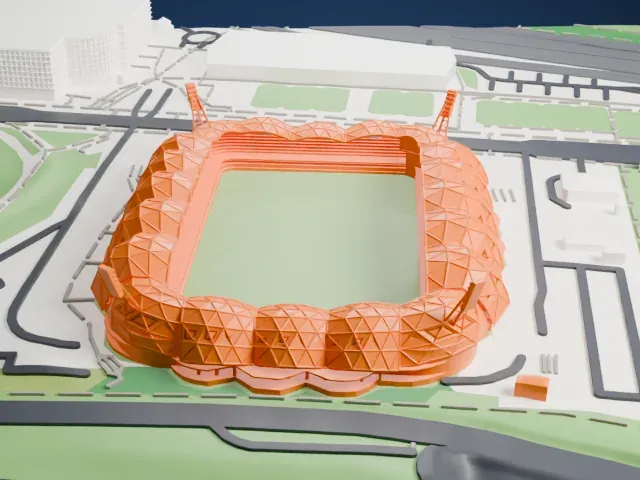 South
South
-
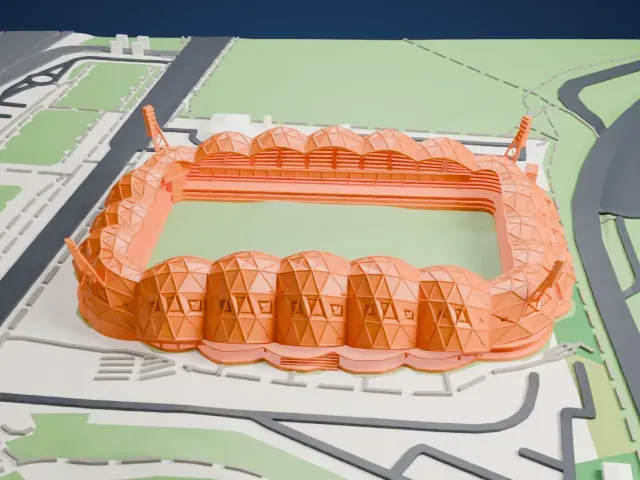 West
West
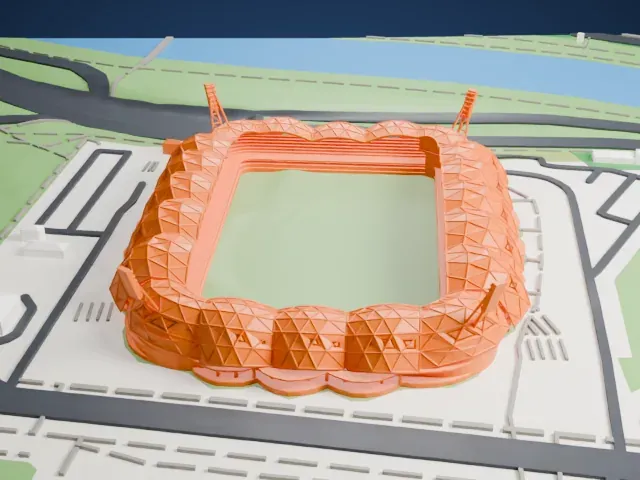
- Triangulated roof lattice
- A web of thin triangular members wraps the stands. Print friendly adapts thin parts like these to your print scale; Full detail keeps every strut, best on a larger print with 0.12 to 0.16 mm layers.
- Slender corner masts
- Slim masts lean out at the corners of the stadium. Slow printing with good cooling helps these narrow parts come out clean.
- One piece with the ground
- Melbourne Rectangular Stadium is joined to the ground in the exported file, and the four-side check found no floating parts, so nothing needs gluing.
- Pick the detail for your nozzle
- In the Buildings settings, set Landmark detail to Print friendly to adapt thin parts and small details to the print scale. Full detail keeps every modeled feature, for larger prints or a finer nozzle.
- Colors
- Buildings, roads, water and ground arrive as separate filament slots in the 3MF. Melbourne Rectangular Stadium takes the building color.
- File format
- You get a 3MF for Bambu Studio, OrcaSlicer or PrusaSlicer. Any of them can save it as STL if you need one.
About this model
Melbourne Rectangular Stadium is one of more than 2,300 landmark models in Mini Skyline. They are made with AI, and each one is checked from four sides in its real surroundings before release. Everything around it is built from OpenStreetMap and Overture map data. If you would rather print the shape from map data, turn off Landmark models in the Buildings settings.
Common questions
Is there a Melbourne Rectangular Stadium STL I can download?
Mini Skyline builds the file for you in your browser and exports 3MF, which every major slicer opens. If you need an STL, open the 3MF in your slicer and export it from there.
How big can I print it?
Any print size from 40 mm across. Melbourne Rectangular Stadium grows with the print: about 11 mm tall on the default 160 mm print. For a model larger than your printer bed, Project Mode splits the area into tiles.
Is it free?
Yes. Generation runs in your browser, with no account and nothing behind a paywall.