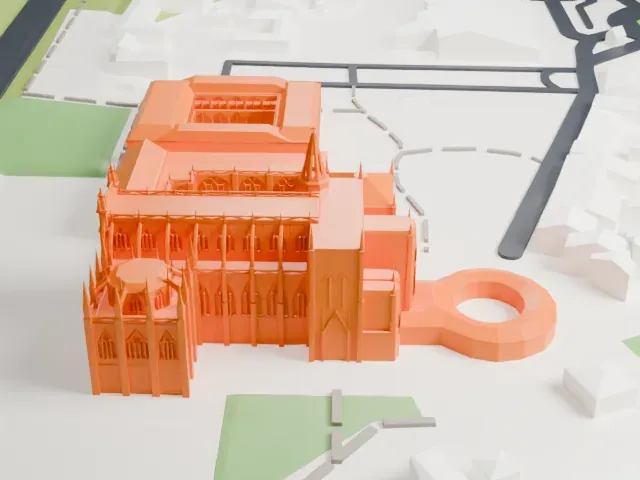
3D print the Palace of Mafra
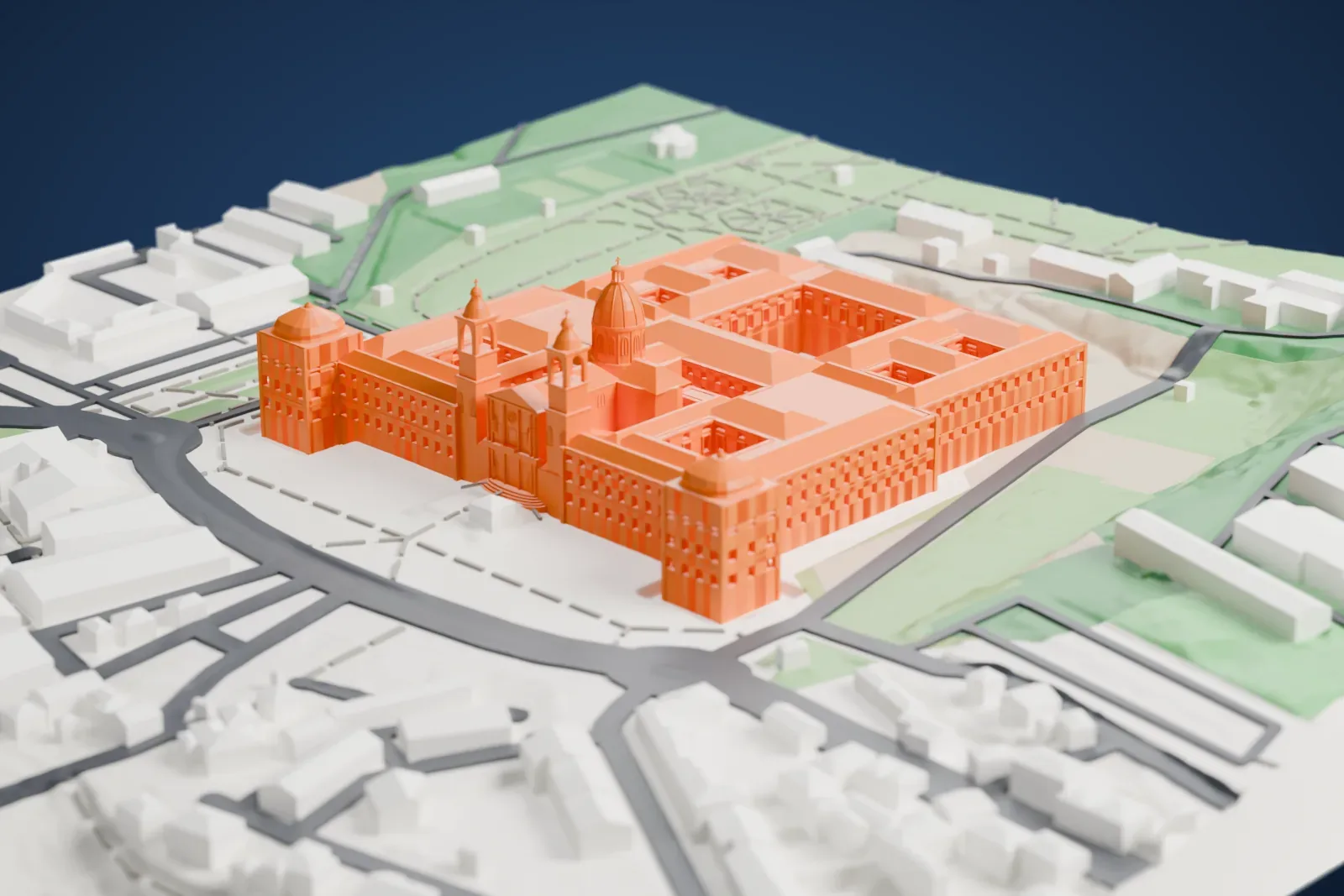
A free, printable model of the Palace of Mafra, a long symmetrical palace with a central domed basilica and corner towers, with gardens and streets around it, generated from real map data in your browser.
Free, in your browser. Exports a slicer-ready 3MF.
About the Palace of Mafra
In Mafra, Portugal, about 28 kilometers from Lisbon, stands a monumental palace-monastery in Baroque and Neoclassical styles, known as the Palace of Mafra, the Palace-Convent of Mafra or the Royal Building of Mafra. King John V of Portugal began its construction in 1717, and it was finished in 1755. Part of it was a Franciscan friary. Being close to royal hunting grounds, it usually served as a secondary home for the royal family.
Builders used mostly Lioz stone. At 40,000 m² the complex ranks among the largest royal palaces. João Frederico Ludovice, a German architect, designed it symmetrically around a central axis. The basilica sits on that axis, and the line extends along the main facade to a pair of major towers, with the convent buildings lying behind the facade.
A major library inside holds roughly 30,000 rare books. Italian statues decorate the basilica, which also has two carillons and six historical pipe organs. It holds National Monument classification and was one of the finalists for the Seven Wonders of Portugal. UNESCO inscribed the Royal Building of Mafra on July 7, 2019; the listing takes in the Cerco Garden and the hunting park along with the palace, basilica and convent.
How it prints
Make this print opens the generator on a 600 m square around the landmark. Buildings print at close to true scale, so the landmark grows with the print size.
| Print size | Landmark height | Scale |
|---|---|---|
| 160 mm default | 21 mm | 1:3,750 |
| 200 mm | 26 mm | 1:3,000 |
| 256 mm | 33 mm | 1:2,344 |
-
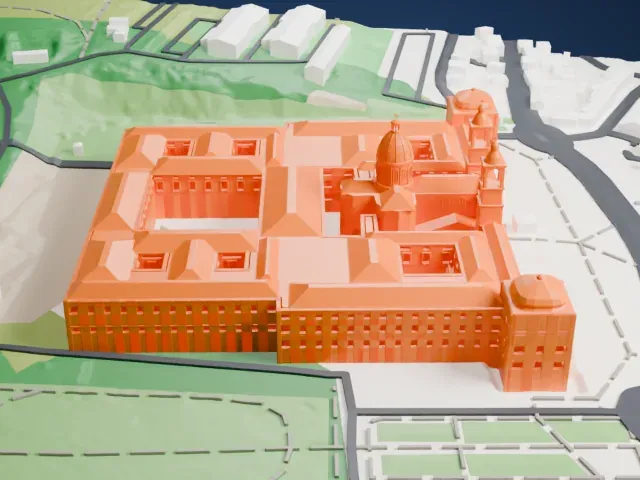 North
North
-
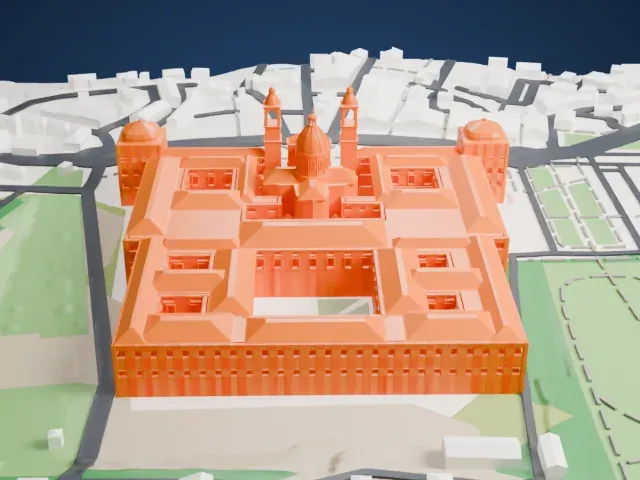 East
East
-
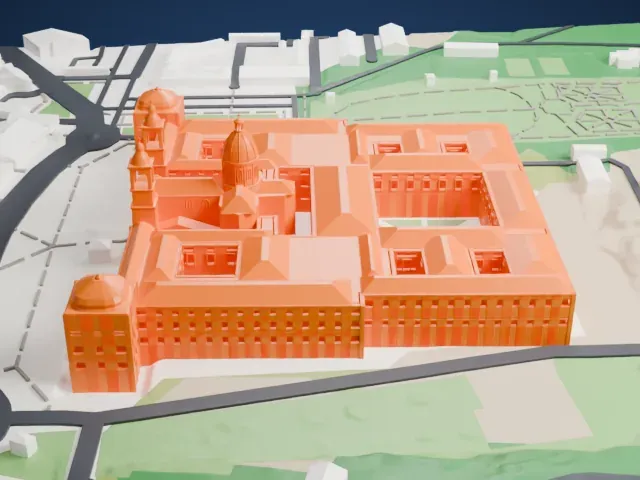 South
South
-
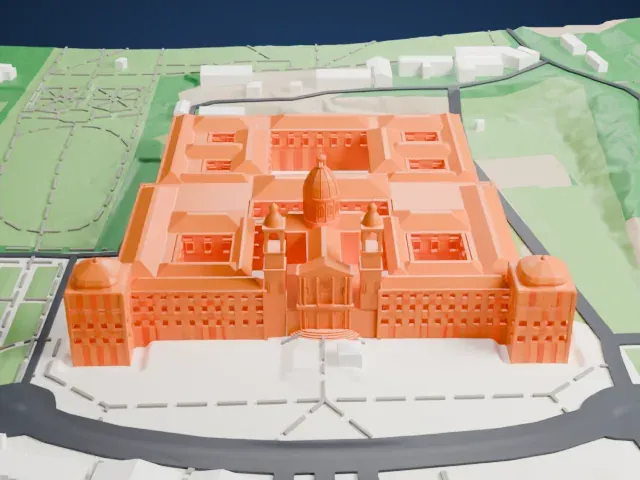 West
West
- Dome and twin towers
- The central dome and the two towers beside it are the tallest parts of the model. Print friendly adapts them to the print scale; Full detail keeps them, which suits a larger print.
- Rows of small windows
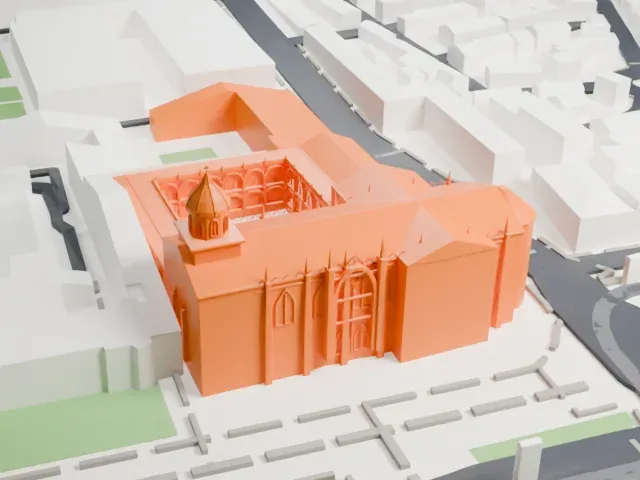
- Long facades carry rows of small window details, and the corner pavilions have domes. A larger print size and layers of 0.12 to 0.16 mm keep these details crisp.
- One piece with the ground
- The Palace of Mafra is joined to the ground in the exported file, and the four-side check found no floating parts, so nothing needs gluing.
- Pick the detail for your nozzle
- In the Buildings settings, set Landmark detail to Print friendly to adapt thin parts and small details to the print scale. Full detail keeps every modeled feature, for larger prints or a finer nozzle.
- Colors
- Buildings, roads, water and ground arrive as separate filament slots in the 3MF. The Palace of Mafra takes the building color.
- File format
- You get a 3MF for Bambu Studio, OrcaSlicer or PrusaSlicer. Any of them can save it as STL if you need one.
About this model
The Palace of Mafra is one of more than 2,300 landmark models in Mini Skyline. They are made with AI, and each one is checked from four sides in its real surroundings before release. Everything around it is built from OpenStreetMap and Overture map data. If you would rather print the shape from map data, turn off Landmark models in the Buildings settings.
Common questions
Is there a Palace of Mafra STL I can download?
Mini Skyline builds the file for you in your browser and exports 3MF, which every major slicer opens. If you need an STL, open the 3MF in your slicer and export it from there.
How big can I print it?
Any print size from 40 mm across. The Palace of Mafra grows with the print: about 21 mm tall on the default 160 mm print. For a model larger than your printer bed, Project Mode splits the area into tiles.
Is it free?
Yes. Generation runs in your browser, with no account and nothing behind a paywall.