3D print Palacio de Carondelet
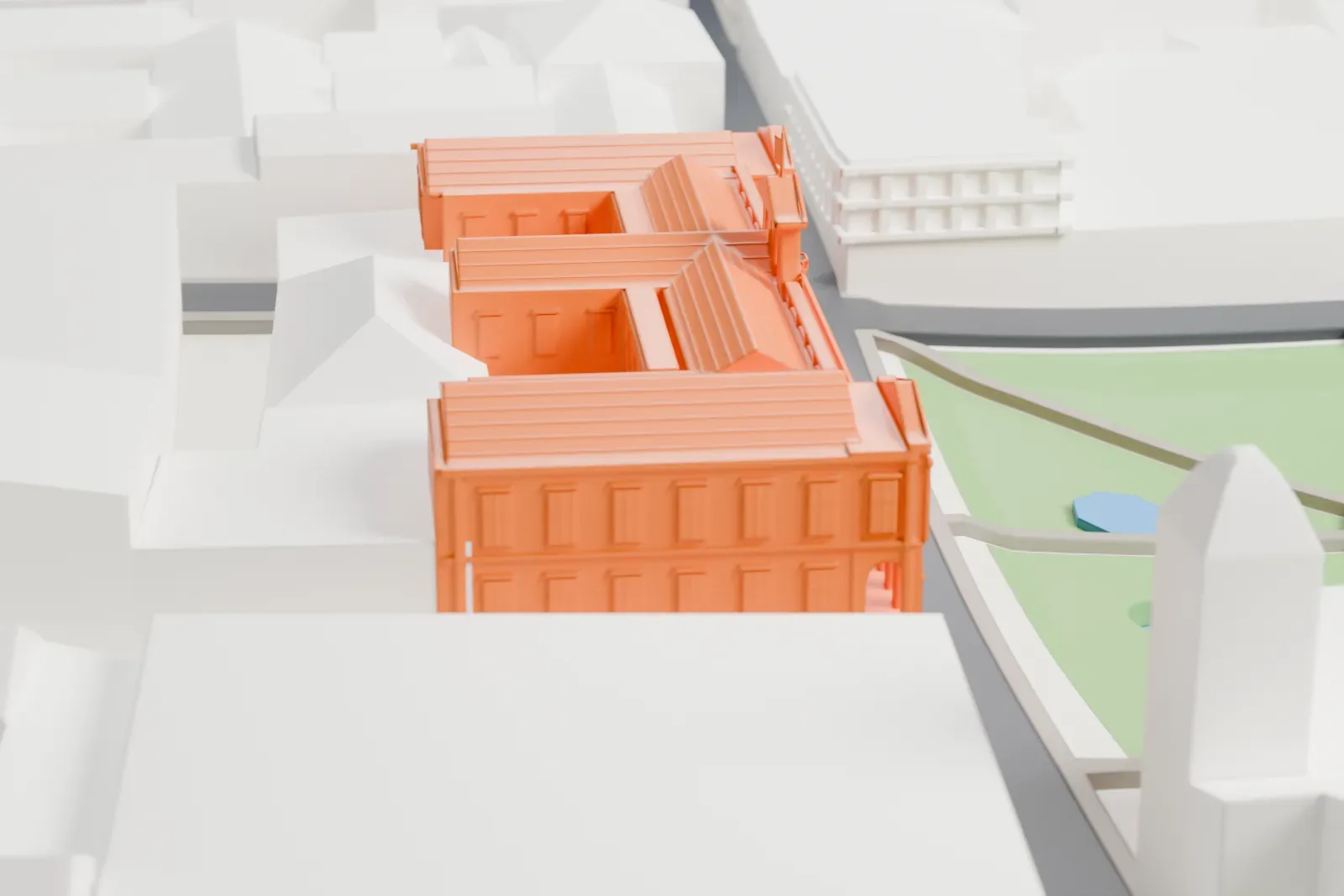
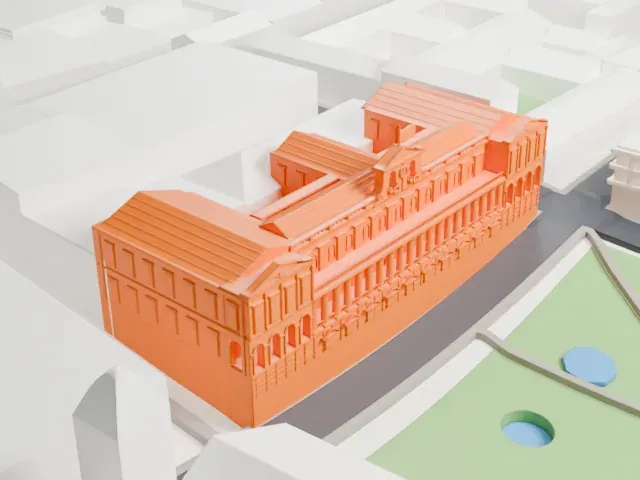
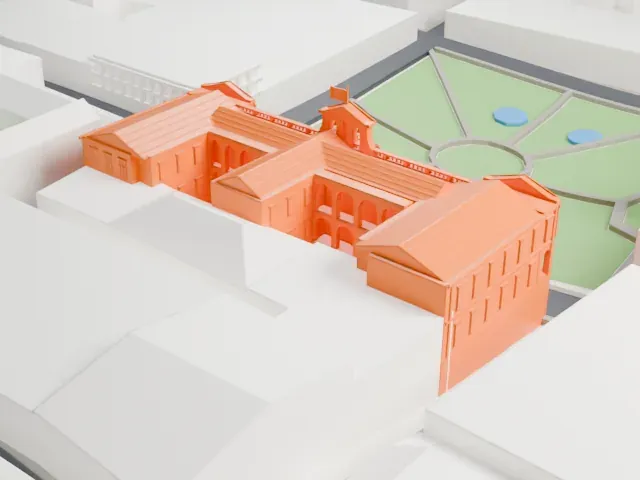
A free, printable model of Palacio de Carondelet, a palace of several pitched-roof wings, with the surrounding streets and buildings, generated from real map data in your browser.
-
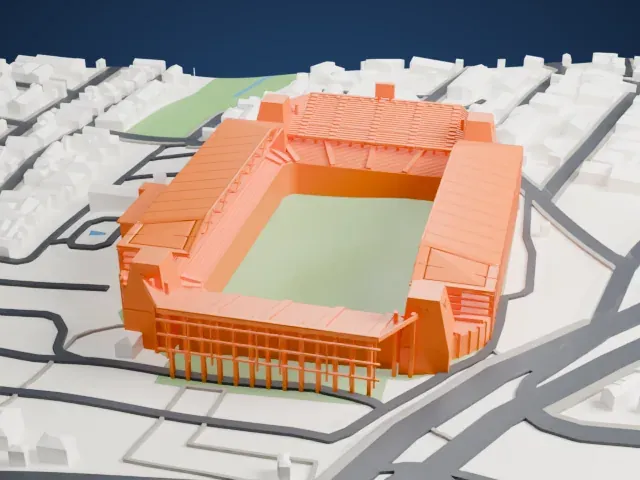
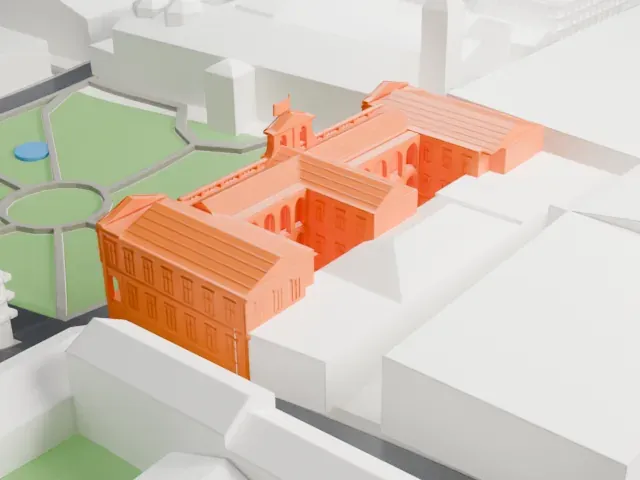 North
North
-
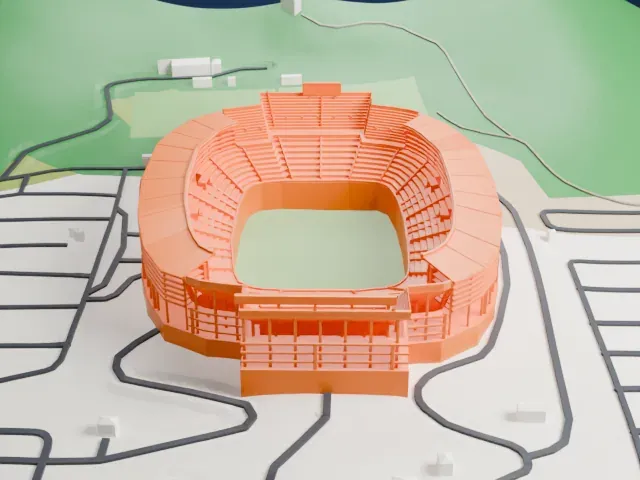
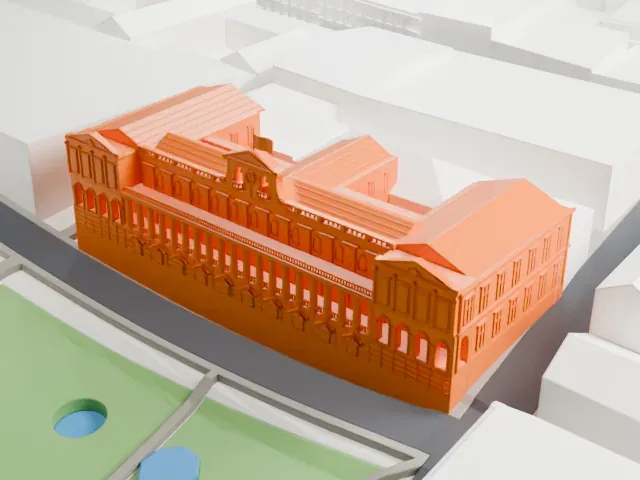 East
East
-
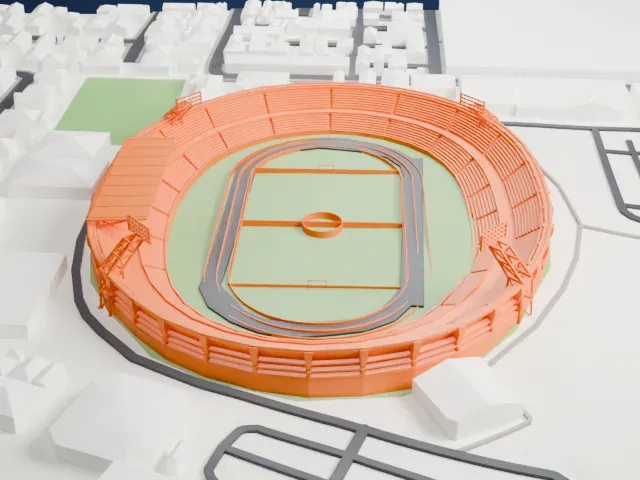
 South
South
-
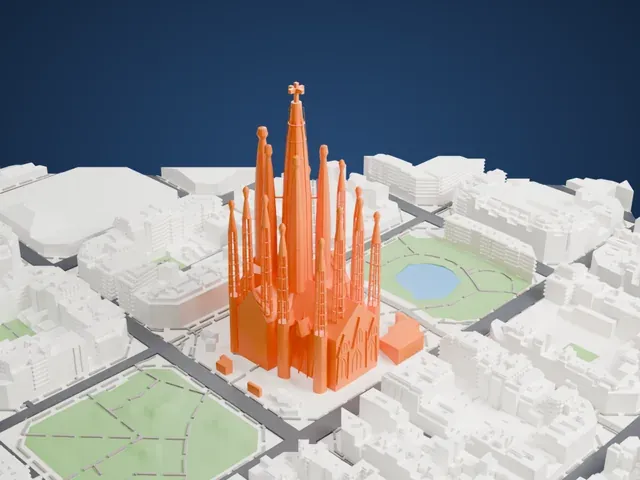
 West
West
The model you print
Palacio de Carondelet in 3D
The landmark on its own, at its size on a 160 mm print. Print friendly thickens thin parts for a 0.4 mm nozzle; Full detail keeps every part.
- On a 160 mm print
- 9 mm
- Scale
- 1:3,750
9 mm tall on a 160 mm print
Make this print opens the generator on a 600 m square around the landmark. Buildings print at close to true scale, so the landmark grows with the print size.
- Many arched windows
Rows of small arched and square windows line the wings. A layer height of 0.12–0.16 mm and a bigger print size keep them crisp.
- Roof ridges and small gables
Pitched roofs with ridges and small gables cover the wings. Print friendly adapts small roof details to the print scale; Full detail keeps them on a larger print.
- One piece with the ground
Palacio de Carondelet is joined to the ground in the exported file, and the four-side check found no floating parts, so nothing needs gluing.
- Pick the detail for your nozzle
In the Buildings settings, set Landmark detail to Print friendly to adapt thin parts and small details to the print scale. Full detail keeps every modeled feature, for larger prints or a finer nozzle.
- Colors
Buildings, roads, water and ground arrive as separate filament slots in the 3MF. Palacio de Carondelet takes the building color.
- File format
You get a 3MF for Bambu Studio, OrcaSlicer or PrusaSlicer. Any of them can save it as STL if you need one.
About Palacio de Carondelet
Carondelet Palace serves as the seat of Ecuador's government and sits in Quito. It is reached from Independence Square, also called Plaza Grande, around which stand the Archbishop's Palace, the Municipal Palace, Hotel Plaza Grande and the Metropolitan Cathedral. Its history reaches back to colonial times, around 1570, when the Crown acquired the former royal houses in Quito.
Following the 1611 death of Diego Suarez de Figueroa, the government occupied his modest palace on the central square. The earthquake of 1627 caused damage, so the government bought the neighboring buildings to restore them, using stone and brick for the reconstruction. Barón Francisco Luis Héctor de Carondelet became chairman of the Audience in 1799, and in 1801 Antonio Garcia was hired to carry out rehabilitation and improvements.
Ecuador's independence concluded at the Battle of Pichincha in 1822, and the palace then served as headquarters for Gran Colombia's South Department. Simón Bolívar admired the building and the taste of the Baron, who had led the work, and he gave the palace its name.
About this model
Palacio de Carondelet is one of more than 4,900 landmark models in Mini Skyline. They are made with AI, and each one is checked from four sides in its real surroundings before release. Everything around it is built from OpenStreetMap and Overture map data. If you would rather print the shape from map data, turn off Landmark models in the Buildings settings.
Keep exploring