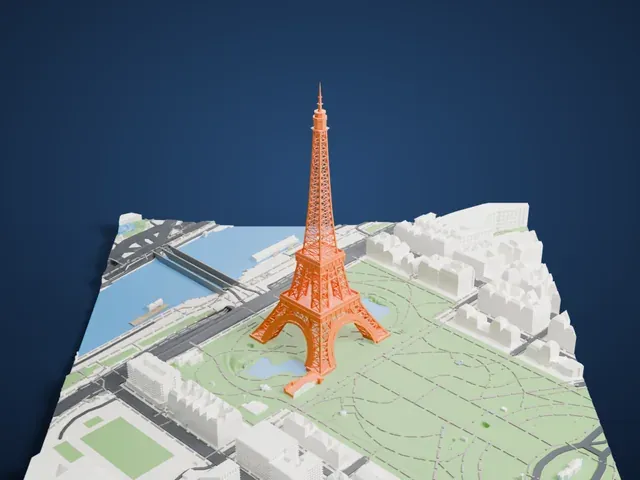
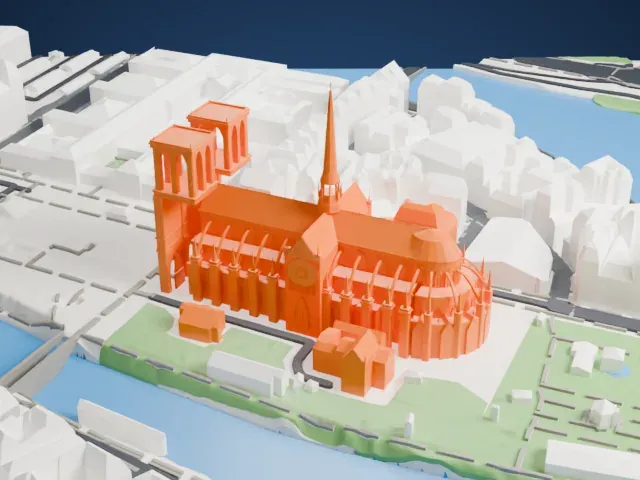
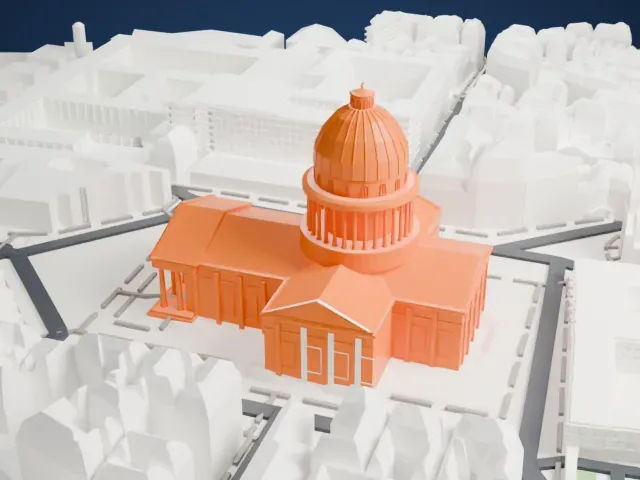
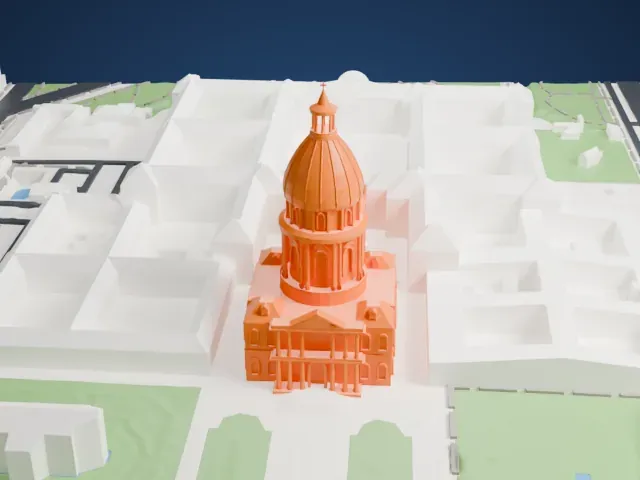
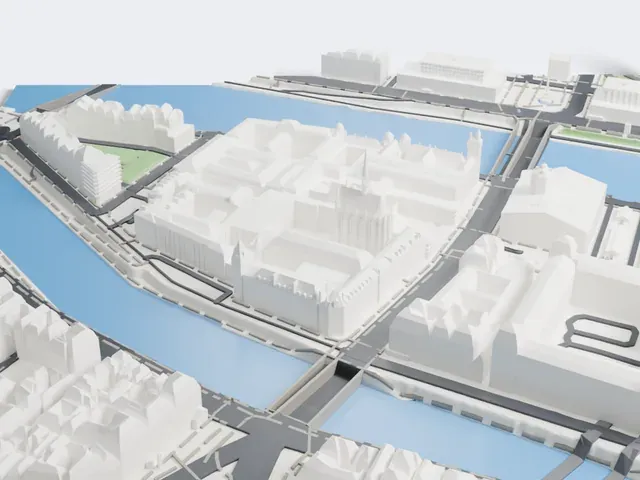
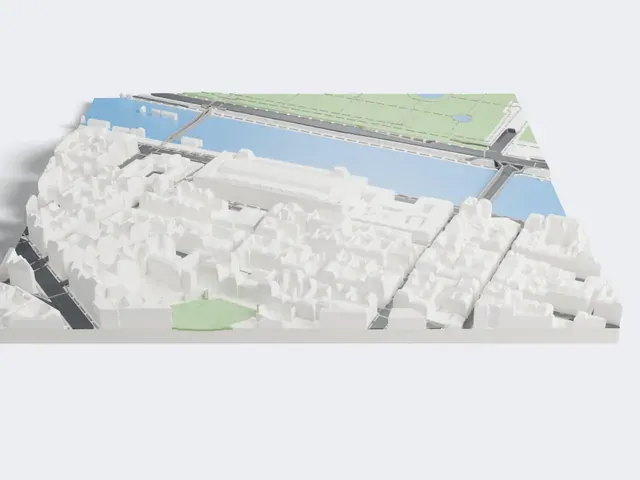
3D print Petit Palais
A free, printable model of the Petit Palais and the green gardens, roads and buildings around it, generated from real map data in your browser.
Free, in your browser. Exports a slicer-ready 3MF.
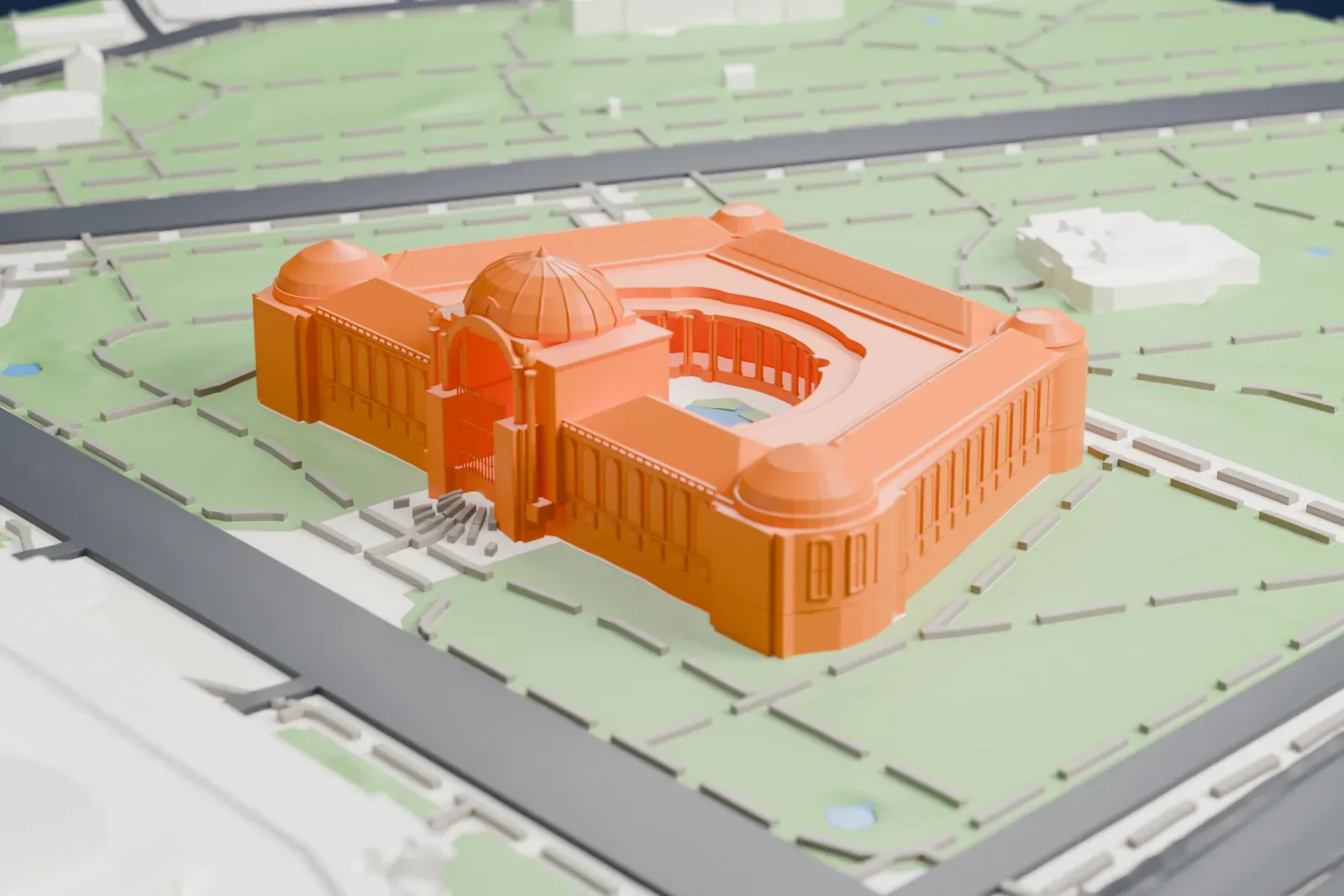
About Petit Palais
In Paris, France, the Petit Palais stands in the 8th arrondissement; its name means Small Palace in English. This art museum was constructed for the Exposition Universelle of 1900, and the Museum of Fine Arts of the City of Paris is housed within. The Grand Palais lies opposite, across Avenue Winston-Churchill, formerly Avenue Nicolas II, and the remaining façades look out onto the Seine and the Avenue des Champs-Élysées. A monument historique listing from the Ministry of Culture has applied to it since 1975.
An 1894 competition covered the 1900 Exhibition area, and Charles Girault won it. His building was begun on October 10, 1897 and finished in April 1900 for a total of 400,000 pounds sterling. In 1902 it officially became the city's Palais des Beaux-Arts. Girault leaned on the French style of the late seventeenth and early eighteenth century, and the Ionic columns, big porch and dome of his Beaux-Arts design recall Les Invalides on the far bank of the river.
A trapezoid plan puts the longer side on the main façade, opposite the Grand Palais, and leaves a semicircular courtyard at the center. Pink Vosges granite and gilt-bronze make up the coupled columns around that courtyard. The sculptor Jean Antoine Injalbert created the tympanum, in which the city of Paris is surrounded by muses. The museum was meant to last, so stone, steel and concrete went into it, so it could stay on as a fine arts museum once the exhibition was over.
How it prints
Make this print opens the generator on a 600 m square around the landmark. Buildings print at close to true scale, so the landmark grows with the print size.
| Print size | Landmark height | Scale |
|---|---|---|
| 160 mm default | 11 mm | 1:3,750 |
| 200 mm | 13 mm | 1:3,000 |
| 256 mm | 17 mm | 1:2,344 |
-
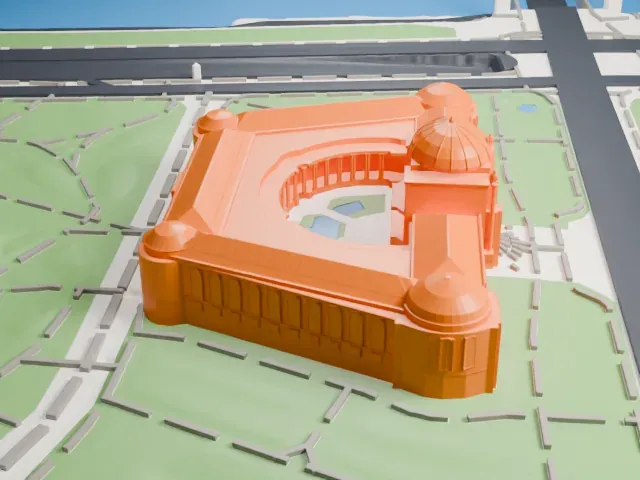 North
North
-
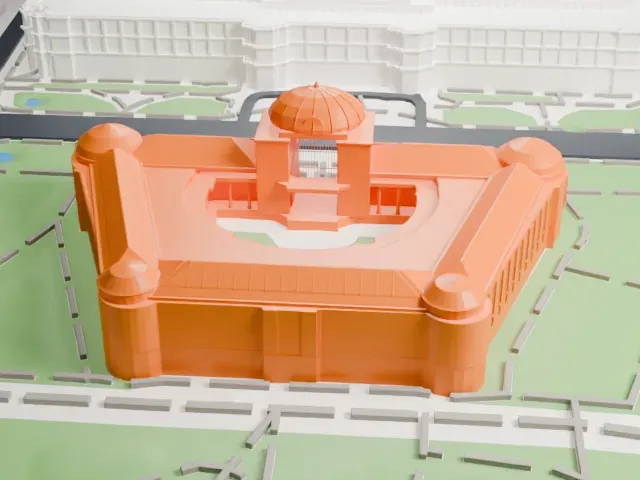 East
East
-
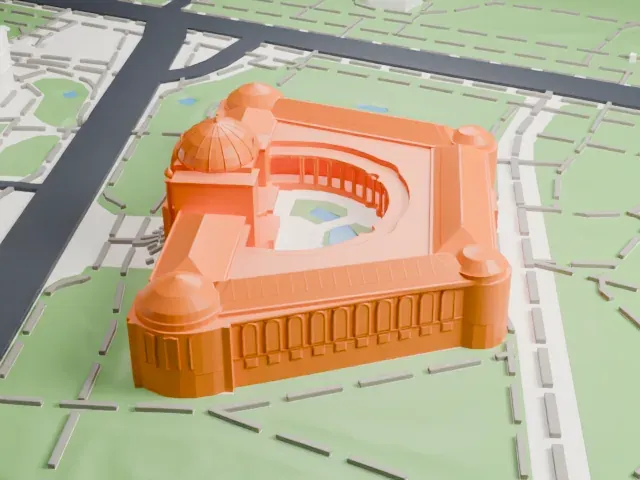 South
South
-
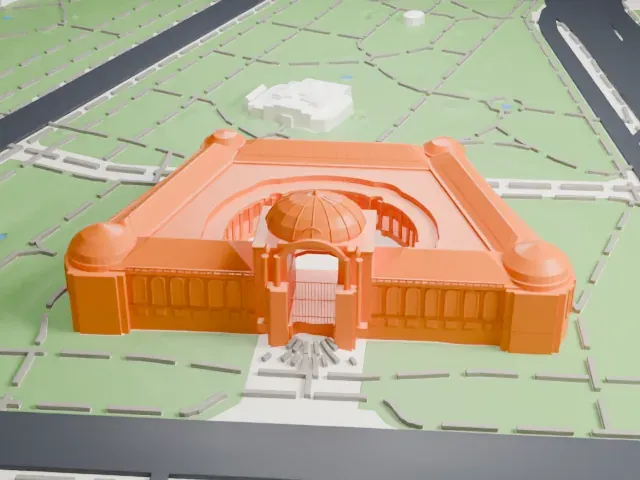 West
West
- Corner domes and a central dome
- Rounded domes top the corner pavilions and the entrance. Print friendly adapts their fine ribs to the print scale; Full detail keeps them on a larger print.
- A colonnade around the courtyard
- Slim paired columns circle the semicircular courtyard. A larger print size and 0.12–0.16 mm layers keep them crisp.
- One piece with the ground
- Petit Palais is joined to the ground in the exported file, and the four-side check found no floating parts, so nothing needs gluing.
- Pick the detail for your nozzle
- In the Buildings settings, set Landmark detail to Print friendly to adapt thin parts and small details to the print scale. Full detail keeps every modeled feature, for larger prints or a finer nozzle.
- Colors
- Buildings, roads, water and ground arrive as separate filament slots in the 3MF. Petit Palais takes the building color.
- File format
- You get a 3MF for Bambu Studio, OrcaSlicer or PrusaSlicer. Any of them can save it as STL if you need one.
About this model
Petit Palais is one of more than 2,300 landmark models in Mini Skyline. They are made with AI, and each one is checked from four sides in its real surroundings before release. Everything around it is built from OpenStreetMap and Overture map data. If you would rather print the shape from map data, turn off Landmark models in the Buildings settings.
Common questions
Is there a Petit Palais STL I can download?
Mini Skyline builds the file for you in your browser and exports 3MF, which every major slicer opens. If you need an STL, open the 3MF in your slicer and export it from there.
How big can I print it?
Any print size from 40 mm across. Petit Palais grows with the print: about 11 mm tall on the default 160 mm print. For a model larger than your printer bed, Project Mode splits the area into tiles.
Is it free?
Yes. Generation runs in your browser, with no account and nothing behind a paywall.