3D print Sanxingdui Museum
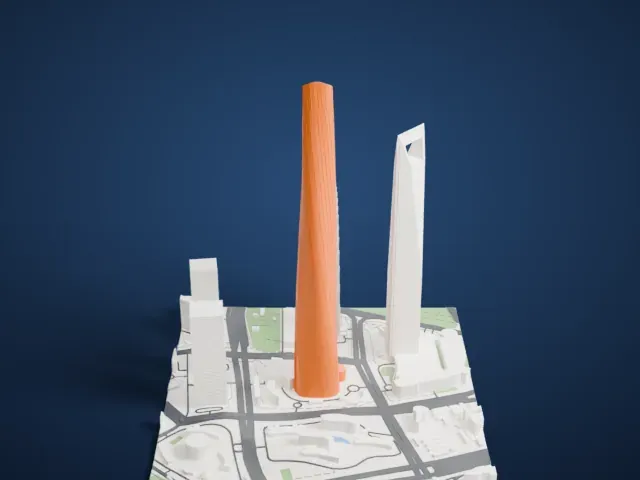
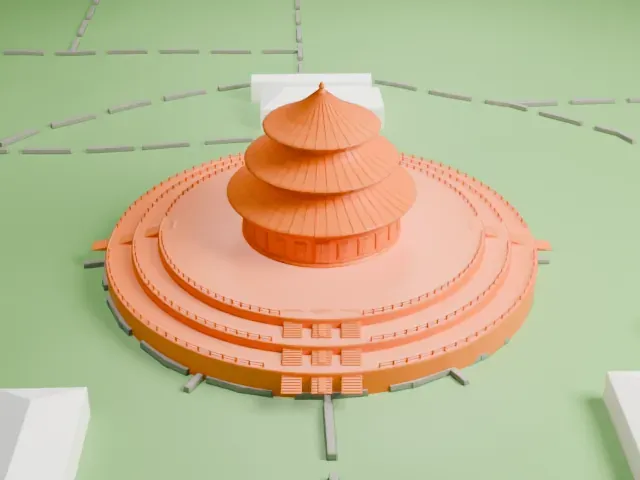
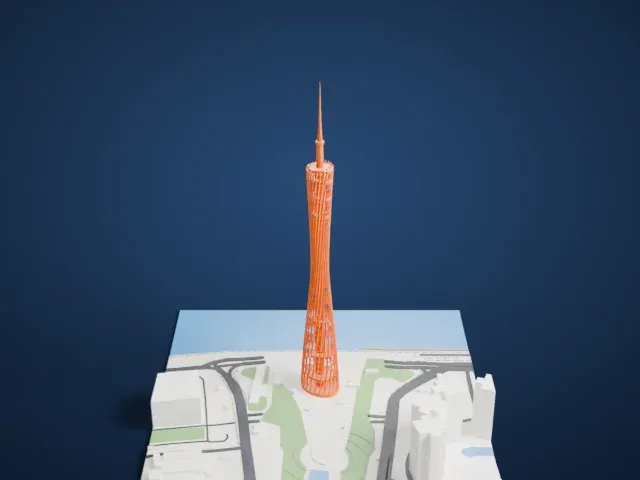
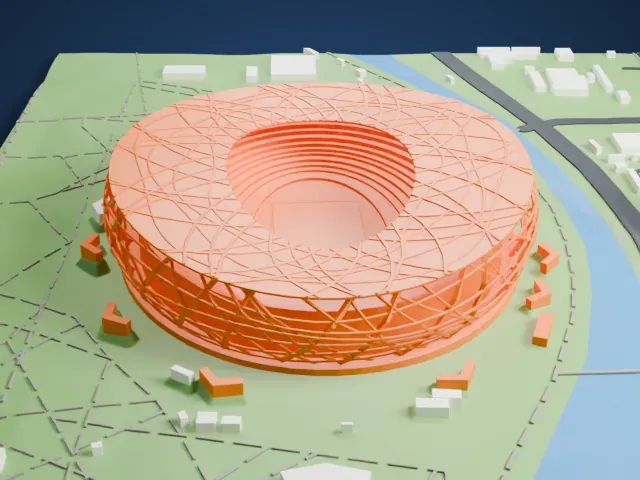
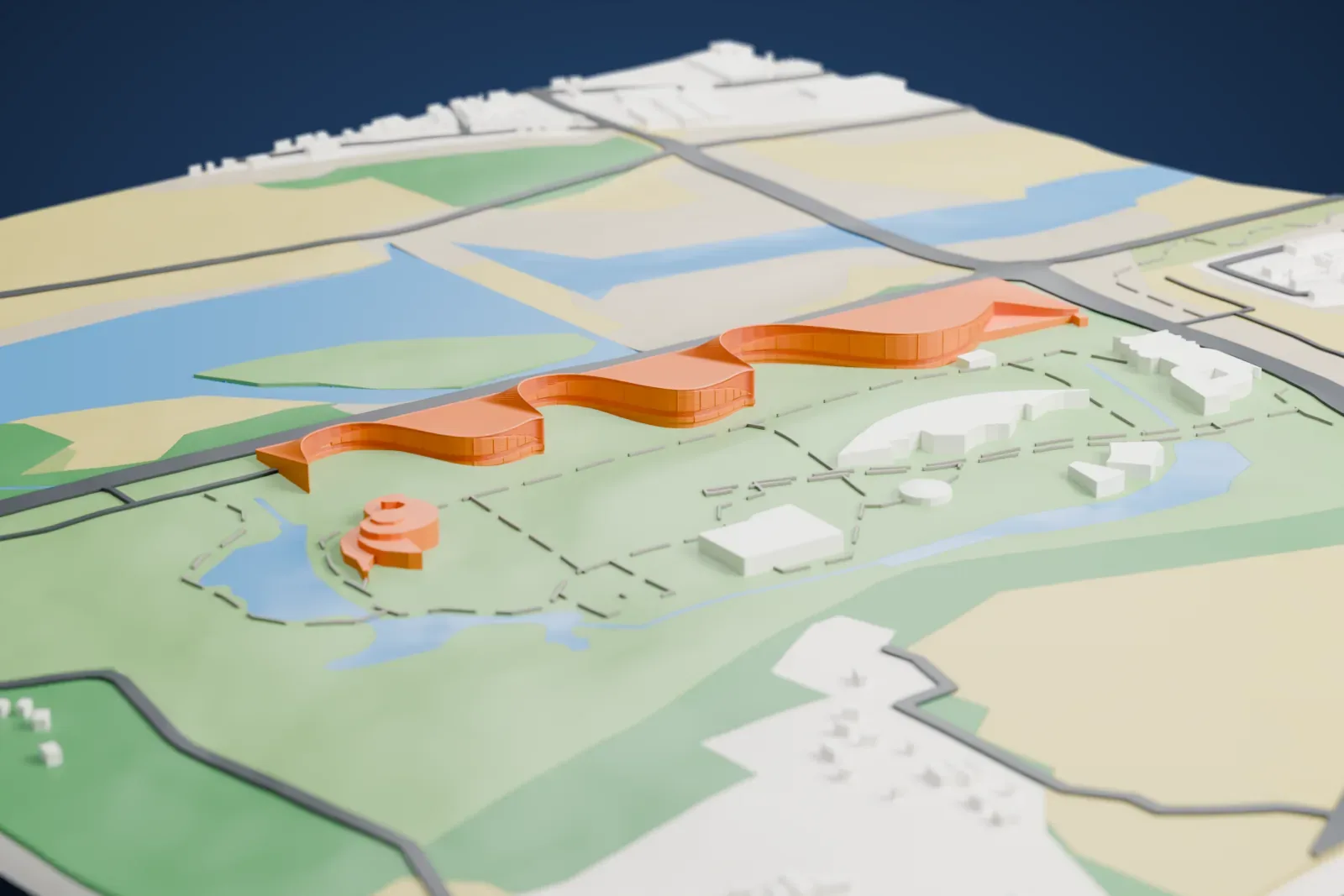
A free, printable model of Sanxingdui Museum, a long, low building with a wavy outline, and the parkland, roads and water around it, generated from real map data in your browser.
Free, in your browser. Exports a slicer-ready 3MF.
About Sanxingdui Museum
Sanxingdui Museum, a public heritage museum, is in Guanghan, in China's Sichuan Province. It sits in the north-east corner of the Sanxingdui ruins, on the bank of the Duck River in the western part of Guanghan City. The museum is 38 kilometers north of Chengdu and 26 kilometers south of Deyang, and the museum is large, modern and thematic.
Its foundation dates to August 1992, and visitors were first admitted at the formal opening in October 1997. The grounds cover about 33 hectares, more than 80% of them afforested. Two exhibition halls share a display area of almost 12,000 square meters. In the First Hall you find gold, copper, jade, stone and pottery pieces, while the Second Hall is devoted to bronze.
The South China Morning Post reports that a new building opened at the museum in 2023, with a preliminary opening in July 2023, which put nearly 600 relics on display for the first time. Altogether the new building shows more than 1,500 relics, counted as pieces or sets, among them pottery, bronze, jade and gold wares.
How it prints
Make this print opens the generator on a 1200 m square around the landmark. Buildings print at close to true scale, so the landmark grows with the print size.
| Print size | Landmark height | Scale |
|---|---|---|
| 160 mm default | 4 mm | 1:7,500 |
| 200 mm | 5 mm | 1:6,000 |
| 256 mm | 6 mm | 1:4,688 |
-
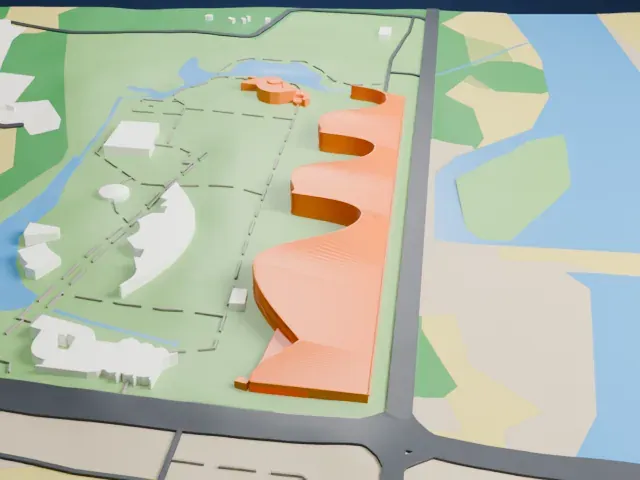
 North
North
-
 East
East
-
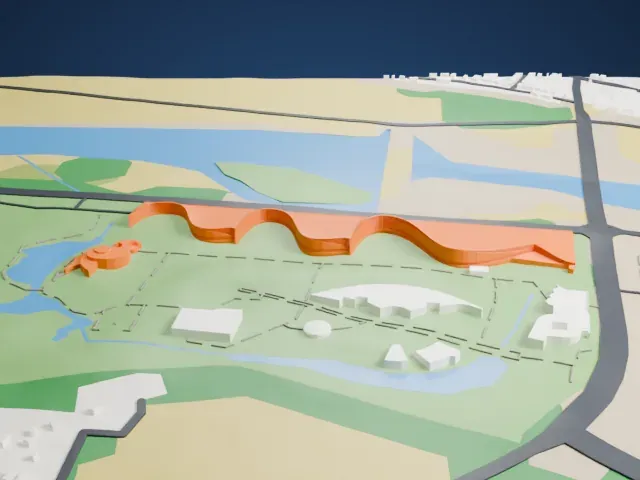 South
South
-
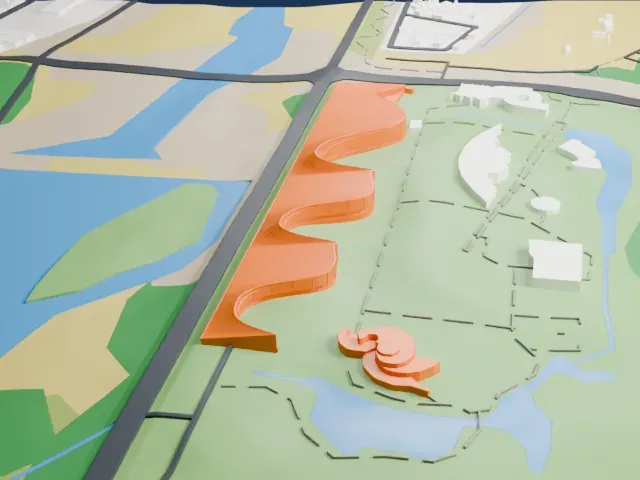 West
West
- A long, low wave
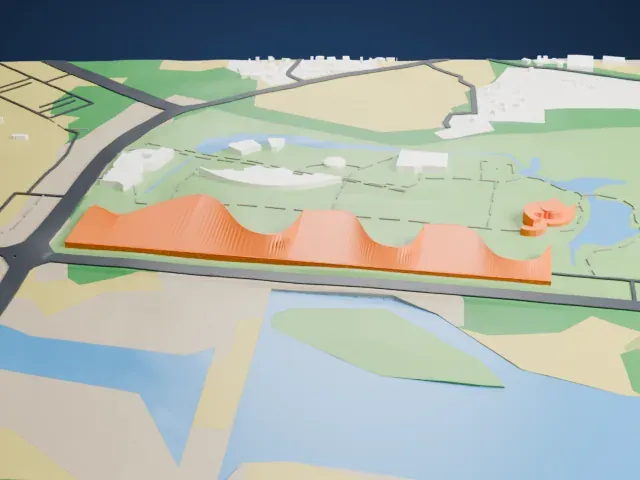
- The building is a long, low strip with a wavy outline. A larger print size keeps its curves and roof lines distinct, and Full detail keeps every modeled line when the print is big enough.
- Very shallow height
- The building is short compared with its length, so layer height matters. A layer height of 0.12–0.16 mm keeps the gentle edges of the roof crisp.
- One piece with the ground
- Sanxingdui Museum is joined to the ground in the exported file, and the four-side check found no floating parts, so nothing needs gluing.
- Pick the detail for your nozzle
- In the Buildings settings, set Landmark detail to Print friendly to adapt thin parts and small details to the print scale. Full detail keeps every modeled feature, for larger prints or a finer nozzle.
- Colors
- Buildings, roads, water and ground arrive as separate filament slots in the 3MF. Sanxingdui Museum takes the building color.
- File format
- You get a 3MF for Bambu Studio, OrcaSlicer or PrusaSlicer. Any of them can save it as STL if you need one.
About this model
Sanxingdui Museum is one of more than 2,300 landmark models in Mini Skyline. They are made with AI, and each one is checked from four sides in its real surroundings before release. Everything around it is built from OpenStreetMap and Overture map data. If you would rather print the shape from map data, turn off Landmark models in the Buildings settings.
Common questions
Is there a Sanxingdui Museum STL I can download?
Mini Skyline builds the file for you in your browser and exports 3MF, which every major slicer opens. If you need an STL, open the 3MF in your slicer and export it from there.
How big can I print it?
Any print size from 40 mm across. Sanxingdui Museum grows with the print: about 4 mm tall on the default 160 mm print. For a model larger than your printer bed, Project Mode splits the area into tiles.
Is it free?
Yes. Generation runs in your browser, with no account and nothing behind a paywall.