3D print the Shanghai Tower
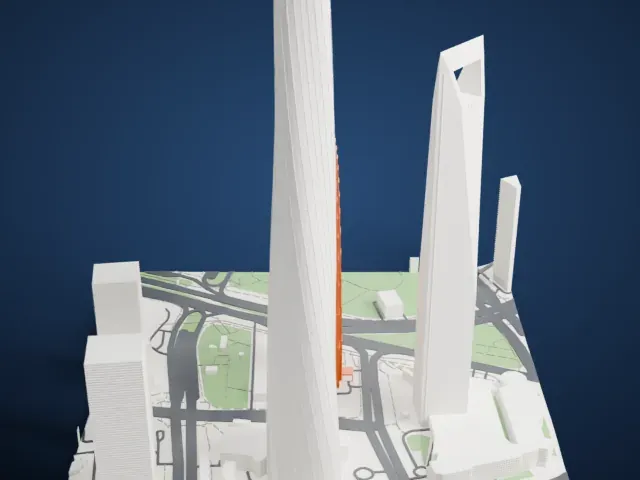
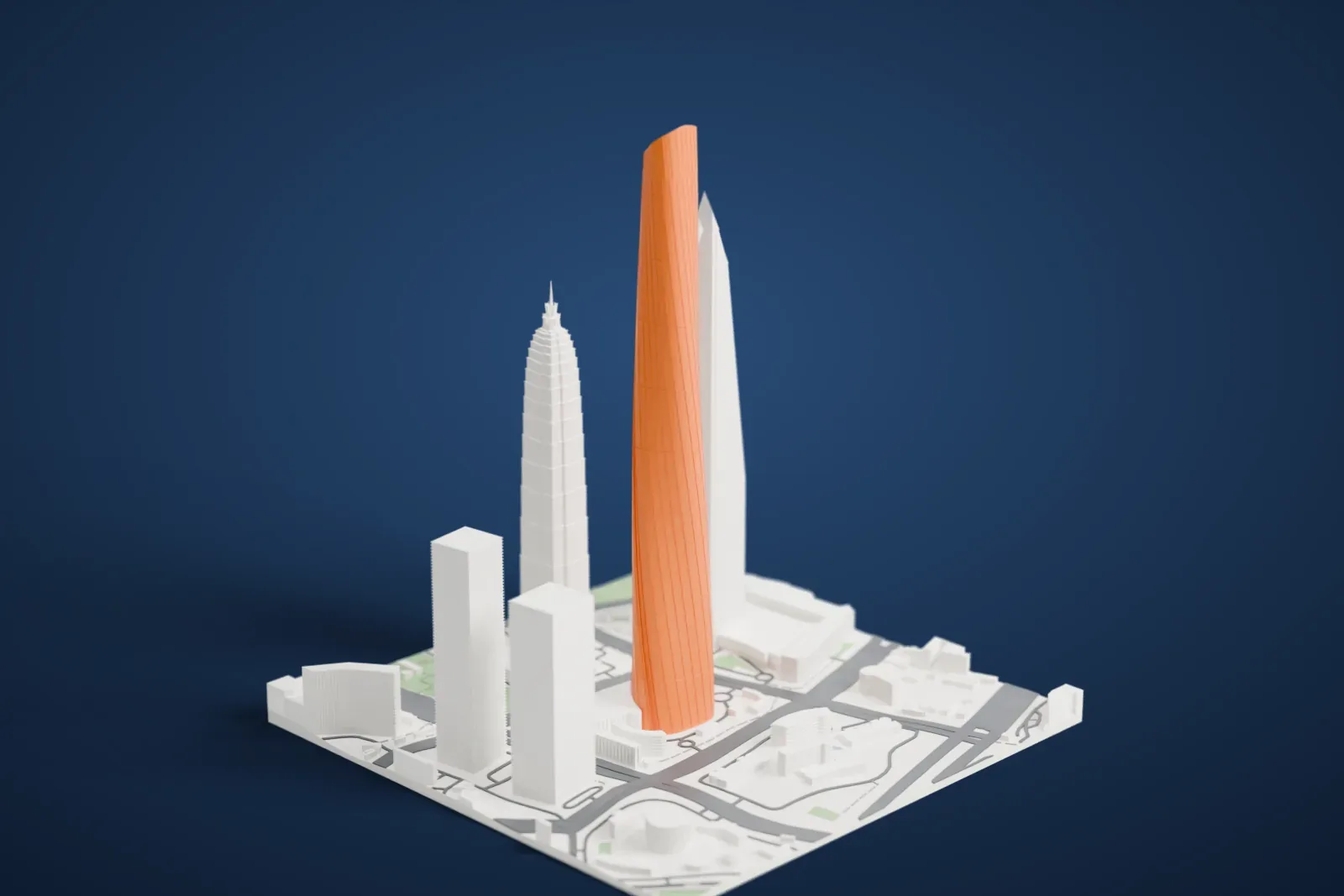
A free, printable model of the Shanghai Tower and the neighboring skyscrapers, roads and plazas of Pudong around it, generated from real map data in your browser.
Free, in your browser. Exports a slicer-ready 3MF.
About the Shanghai Tower
The Shanghai Tower is a megatall skyscraper in Lujiazui, Pudong, Shanghai, with 128 stories and a height of 632 m (2,073 ft). It is the tallest building in China. The American firm Gensler designed it, with Jun Xia, an architect from Shanghai, leading the design team. Of the world's first trio of adjacent supertall buildings, all in Pudong, it is the tallest; the others are the Shanghai World Financial Center and the Jin Mao Tower.
The tower is made of nine cylindrical buildings stacked on top of each other, 128 floors in all, enclosed by an inner layer of the glass facade. Its stacked, tiered design aims for high energy efficiency and creates nine zones, shared among offices, shops and leisure. Until 2017 its elevators were the fastest in the world, reaching 20.5 meters per second (74 km/h).
The groundbreaking was on November 29, 2008, on a site that had been a driving range. By April 11, 2013, it stood at 108 stories and over 500 meters, taller than both of its neighbors, and it topped out in August 2013. Its crown was finished in August 2014. The 118th- and 119th-floor sightseeing decks have welcomed visitors without restriction since April 26, 2017, and a further deck on the 121st floor stands at 562 m (1,844 ft).
How it prints
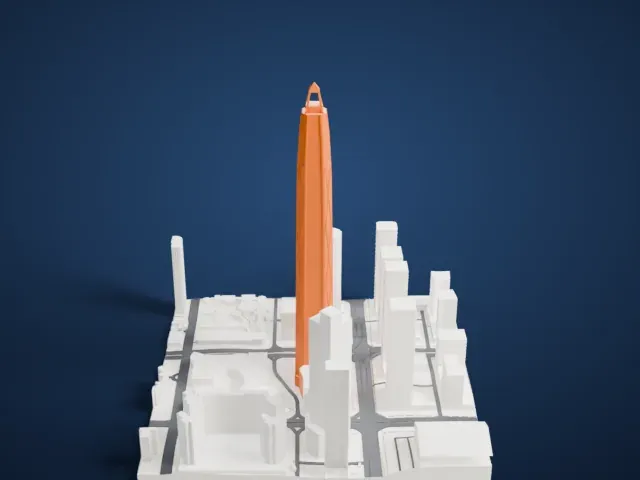
Make this print opens the generator on a 600 m square around the landmark. Buildings print at close to true scale, so the landmark grows with the print size.
| Print size | Landmark height | Scale |
|---|---|---|
| 160 mm default | 169 mm | 1:3,750 |
| 200 mm | 212 mm | 1:3,000 |
| 256 mm | 271 mm | 1:2,344 |
-
 North
North
-
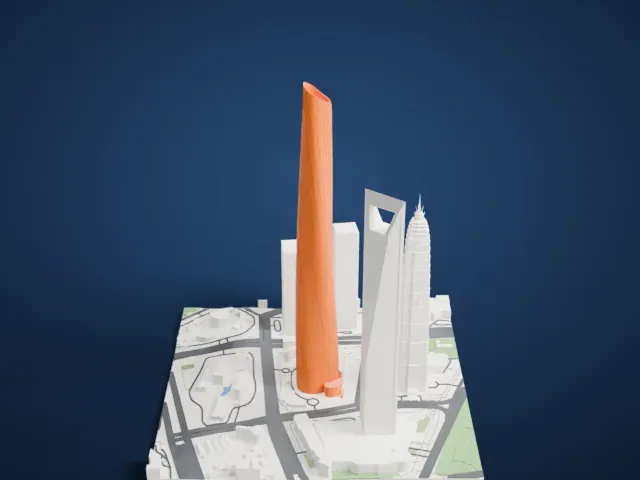 East
East
-
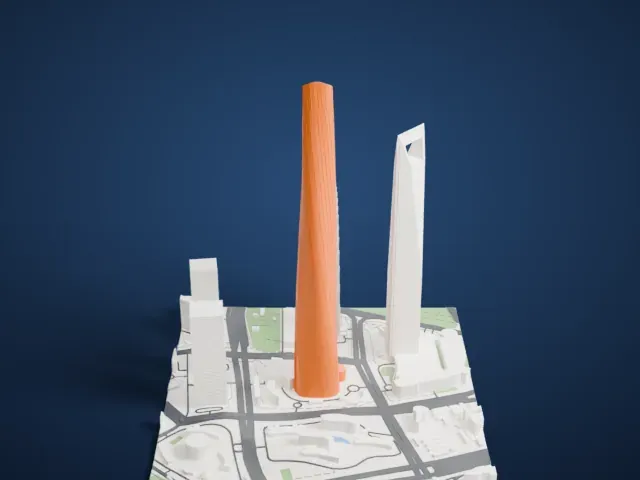 South
South
-
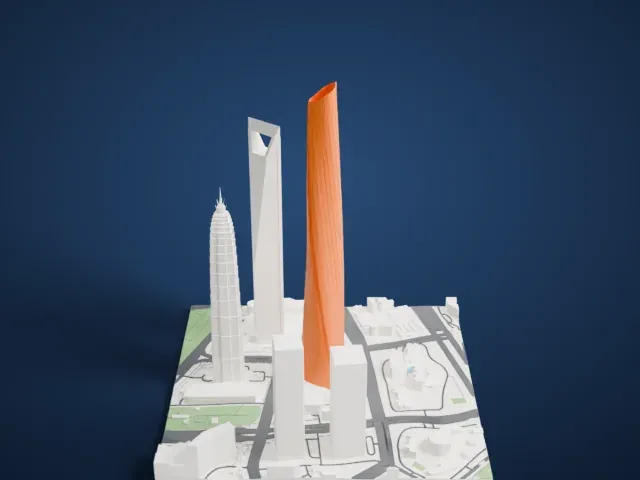 West
West
- One smooth twisting surface
- The tower tapers and twists as a single smooth surface, so layer steps are what you will see on the curve. Layers of 0.12 to 0.16 mm keep it smooth, and a larger print size helps.
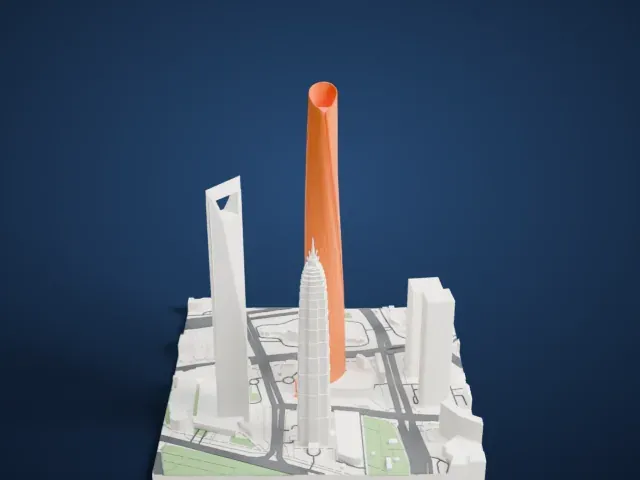
- Slanted rim at the crown
- The top ends in a slanted rim. Slower printing on the last layers keeps that angled edge clean, and Print friendly adapts the thin rim to the print scale.
- One piece with the ground
- The Shanghai Tower is joined to the ground in the exported file, and the four-side check found no floating parts, so nothing needs gluing.
- Pick the detail for your nozzle
- In the Buildings settings, set Landmark detail to Print friendly to adapt thin parts and small details to the print scale. Full detail keeps every modeled feature, for larger prints or a finer nozzle.
- Colors
- Buildings, roads, water and ground arrive as separate filament slots in the 3MF. The Shanghai Tower takes the building color.
- File format
- You get a 3MF for Bambu Studio, OrcaSlicer or PrusaSlicer. Any of them can save it as STL if you need one.
About this model
The Shanghai Tower is one of more than 2,300 landmark models in Mini Skyline. They are made with AI, and each one is checked from four sides in its real surroundings before release. Everything around it is built from OpenStreetMap and Overture map data. If you would rather print the shape from map data, turn off Landmark models in the Buildings settings.
Common questions
Is there a Shanghai Tower STL I can download?
Mini Skyline builds the file for you in your browser and exports 3MF, which every major slicer opens. If you need an STL, open the 3MF in your slicer and export it from there.
How big can I print it?
Any print size from 40 mm across. The Shanghai Tower grows with the print: about 169 mm tall on the default 160 mm print. For a model larger than your printer bed, Project Mode splits the area into tiles.
Is it free?
Yes. Generation runs in your browser, with no account and nothing behind a paywall.