3D print the Williams Tower
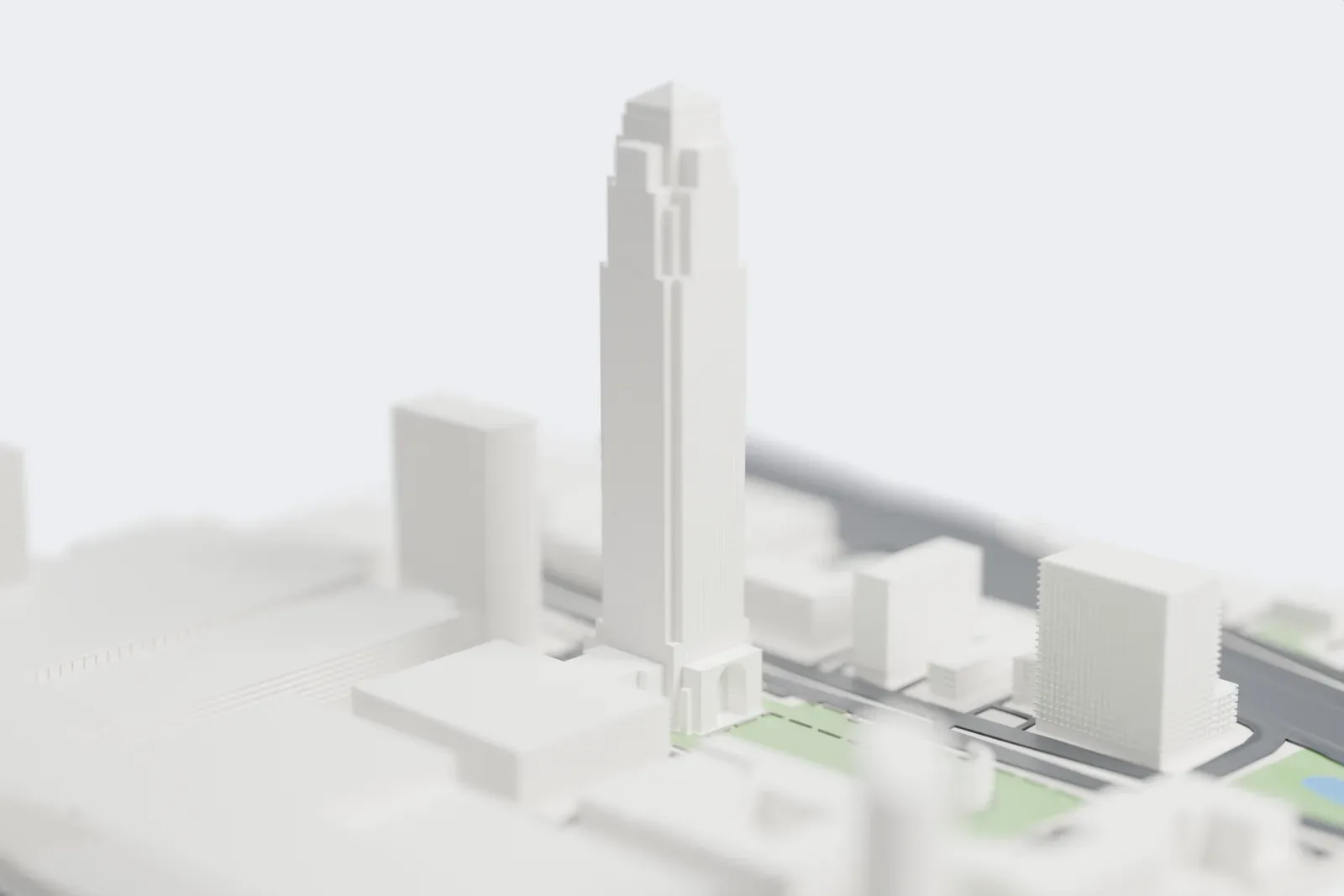
A free, printable model of Williams Tower, a very tall, slender tower with a stepped crown, and the lower buildings and roads around it, generated from real map data in your browser.
Free, in your browser. Exports a slicer-ready 3MF.
About the Williams Tower
The Williams Tower, first called the Transco Tower, is a postmodern office tower of 64 stories. It stands in Houston, Texas, in the Uptown District, and offers 130,000 m2 (1.4 million sq ft) of floor space. Developer Gerald D. Hines hired the New York firm John Burgee Architects, working with Philip Johnson, to design it, and the Houston firm Morris-Aubry Architects (later Morris Architects) was the associate architect. Work began in August 1981, and the tower opened in 1983. At completion, no skyscraper west of the Mississippi River stood taller.
It took its name from Transco Energy Corporation, which commissioned it and was its first major tenant. Williams Companies acquired Transco in 1995, and the building became the Williams Tower in 1999. Houston has no taller building outside its Downtown, and its 1983 completion also made it the world's tallest skyscraper beyond a city's central business district. It was built to work as two separate towers stacked on one another, the first forty floors and the forty-first to sixty-fourth, each with its own elevators and lobbies.
A 7,000 watt beacon sweeps the night sky, visible from as far as 65 km (40 miles) on a clear night. The tower has no public observation deck. Four angles at the top form shapes like cats, with tails that run all the way down to street level. Texas Monthly named it the "Skyscraper of the Century" in its December 1999 issue.
How it prints
Make this print opens the generator on a 600 m square around the landmark. Buildings print at close to true scale, so the landmark grows with the print size.
| Print size | Landmark height | Scale |
|---|---|---|
| 160 mm default | 74 mm | 1:3,750 |
| 200 mm | 92 mm | 1:3,000 |
| 256 mm | 118 mm | 1:2,344 |
-
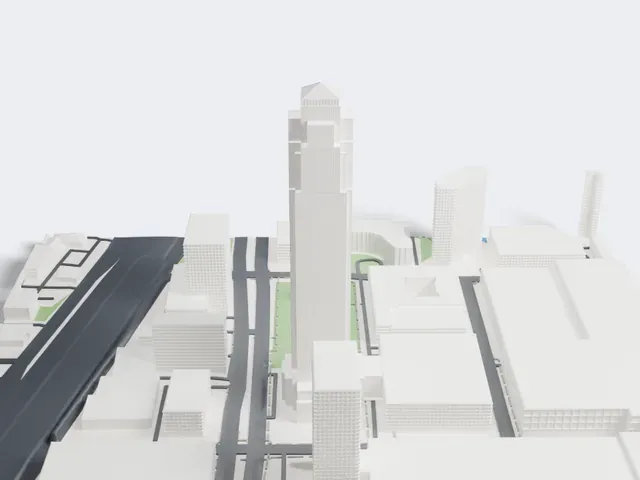 North
North
-
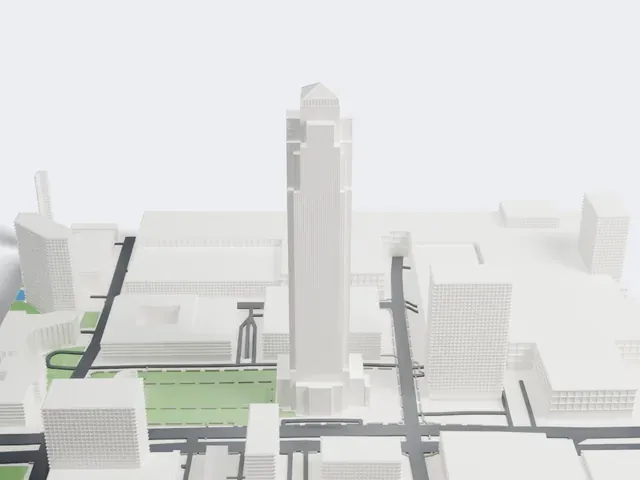 East
East
-
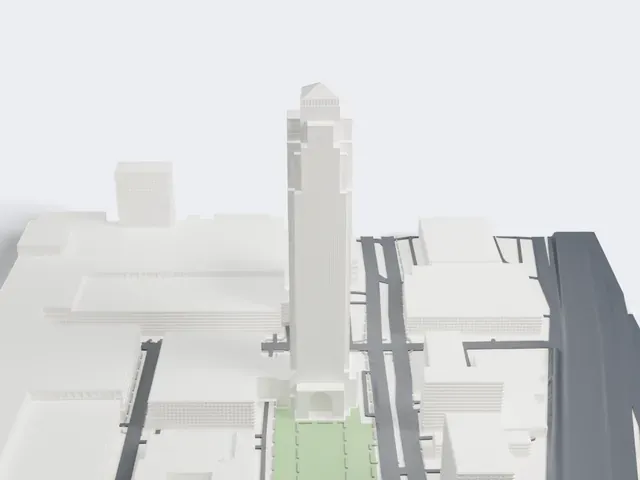 South
South
-
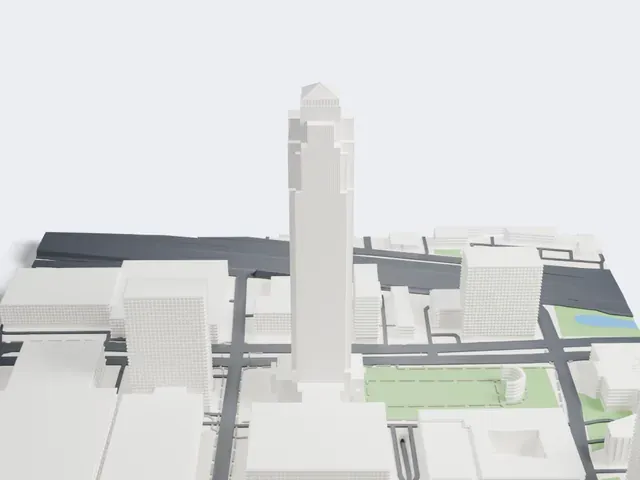 West
West
- A very slender shaft
- The tower is tall and narrow compared with its base. Print slowly with good cooling, and use a larger print size if you want a sturdier shaft.
- Stepped crown and pyramid top
- The top of the tower steps in before ending in a small pyramid. Print friendly adapts these small steps; Full detail keeps them on a larger print, with layers of 0.12–0.16 mm.
- One piece with the ground
- The Williams Tower is joined to the ground in the exported file, and the four-side check found no floating parts, so nothing needs gluing.
- Pick the detail for your nozzle
- In the Buildings settings, set Landmark detail to Print friendly to adapt thin parts and small details to the print scale. Full detail keeps every modeled feature, for larger prints or a finer nozzle.
- Colors
- Buildings, roads, water and ground arrive as separate filament slots in the 3MF. The Williams Tower takes the building color.
- File format
- You get a 3MF for Bambu Studio, OrcaSlicer or PrusaSlicer. Any of them can save it as STL if you need one.
About this model
The Williams Tower is one of more than 2,300 landmark models in Mini Skyline. They are made with AI, and each one is checked from four sides in its real surroundings before release. Everything around it is built from OpenStreetMap and Overture map data. If you would rather print the shape from map data, turn off Landmark models in the Buildings settings.
Common questions
Is there a Williams Tower STL I can download?
Mini Skyline builds the file for you in your browser and exports 3MF, which every major slicer opens. If you need an STL, open the 3MF in your slicer and export it from there.
How big can I print it?
Any print size from 40 mm across. The Williams Tower grows with the print: about 74 mm tall on the default 160 mm print. For a model larger than your printer bed, Project Mode splits the area into tiles.
Is it free?
Yes. Generation runs in your browser, with no account and nothing behind a paywall.