3D print 100 West Washington
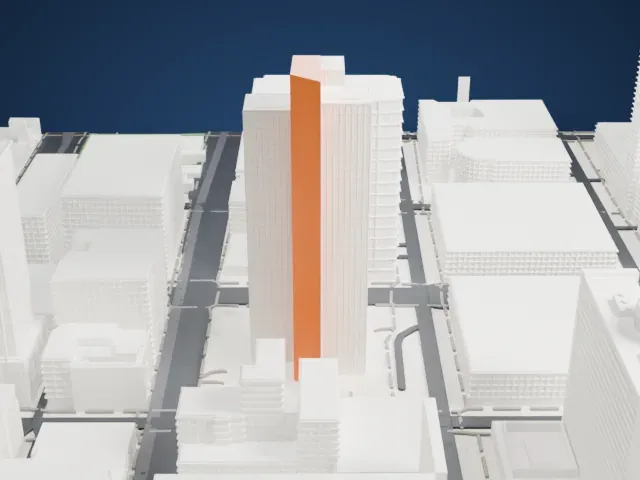
A free, printable model of 100 West Washington, a slab tower rising from a lower base, among the downtown buildings and streets around it, generated from real map data in your browser.
Free, in your browser. Exports a slicer-ready 3MF.
About 100 West Washington
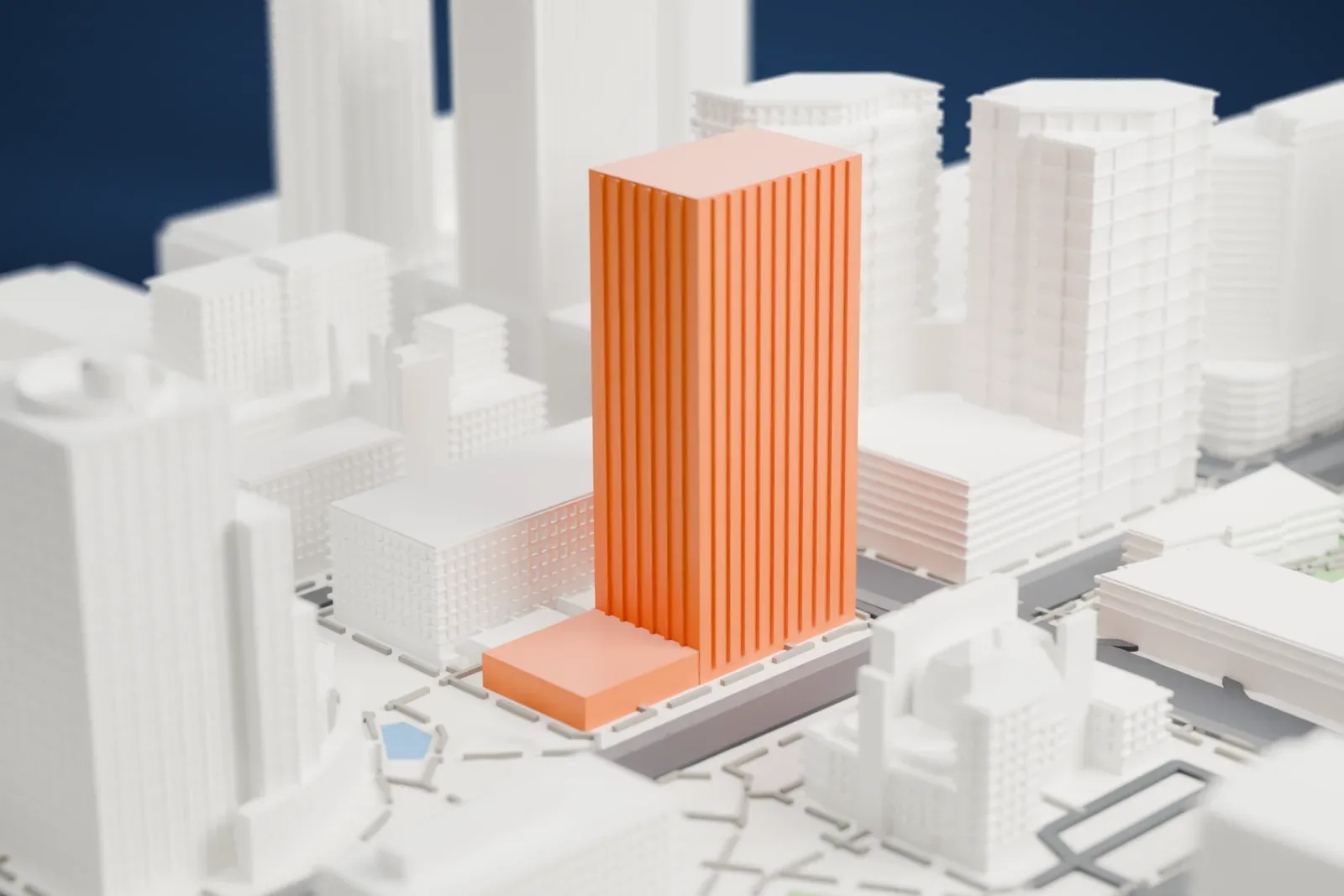
The skyscraper at 100 West Washington stands in Downtown Phoenix, Arizona. The First National Bank Plaza opened on October 25, 1971. Its later names include the First Interstate Bank Building and Wells Fargo Plaza. The tower is 109 m (356 ft) tall, and its design is in the International Style, with some Brutalist elements.
Charles Luckman and Associates, through its Phoenix office, designed the tower, and the Henry C. Beck Company built it. A base three stories high carries the shaft up to its full height. The windows sit in angular casements that suggest Brutalism, while the repeating pattern and sculpted mullions point more strongly to the International style.
On the first floor, the Wells Fargo History Museum stayed open until 2020. Its exhibits included western-themed art, minerals, telegraph equipment and a stagecoach from the 19th century. When Wells Fargo left for a campus in Chandler, in July 2021 the city council of Phoenix voted to purchase the building, and in June 2022 the city began seeking bids to move the Phoenix Police Department into the tower.
How it prints
Make this print opens the generator on a 600 m square around the landmark. Buildings print at close to true scale, so the landmark grows with the print size.
| Print size | Landmark height | Scale |
|---|---|---|
| 160 mm default | 30 mm | 1:3,750 |
| 200 mm | 38 mm | 1:3,000 |
| 256 mm | 49 mm | 1:2,344 |
-
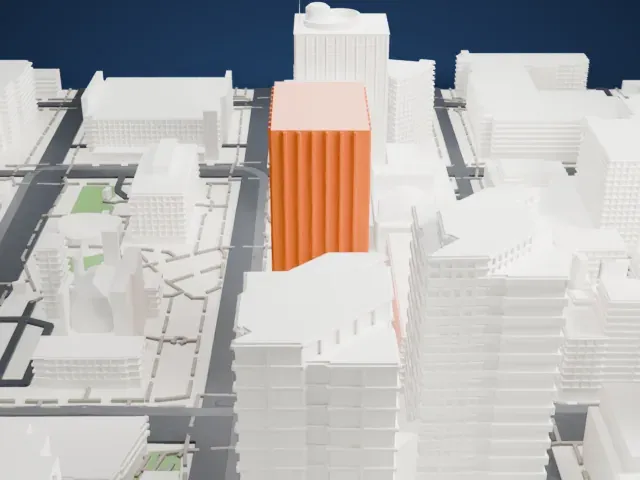
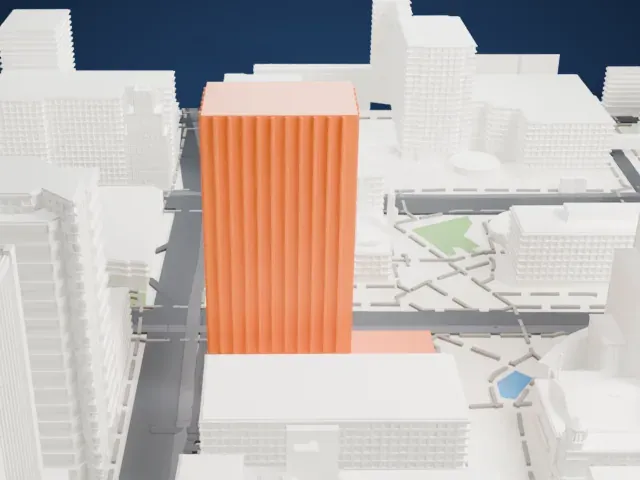 North
North
-
 East
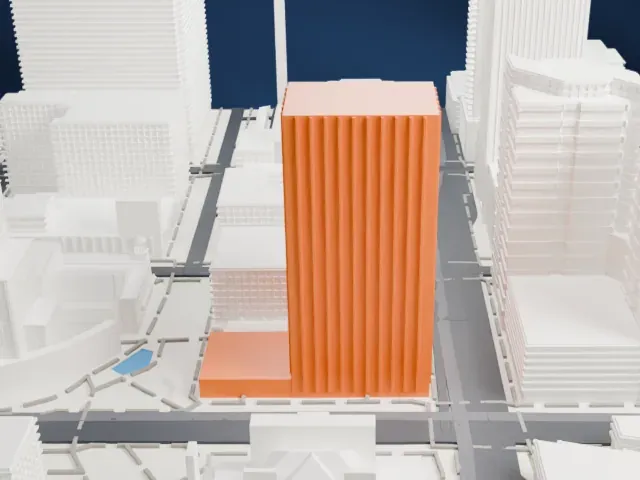
East
-
 South
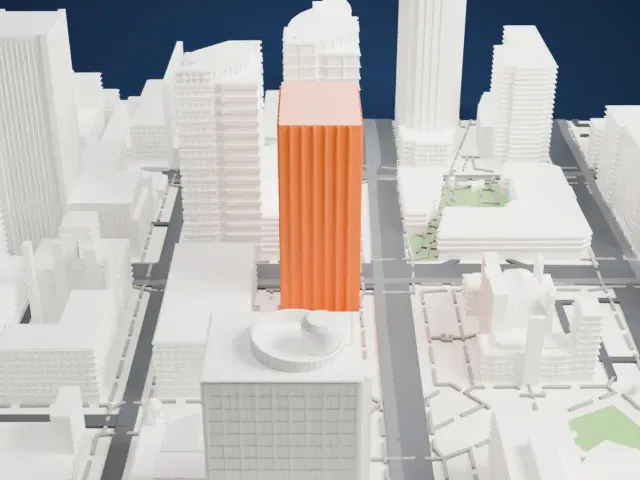
South
-
 West
West
- Rows of window ledges
- The facade is covered in narrow window casements. A layer height of 0.12 to 0.16 mm keeps them crisp, and a larger print size keeps more of them separate.
- Small blocks on the roof
- The flat roof carries small rooftop blocks. Print friendly adapts them to the print scale; Full detail keeps every one, which suits a large print.
- One piece with the ground
- 100 West Washington is joined to the ground in the exported file, and the four-side check found no floating parts, so nothing needs gluing.
- Pick the detail for your nozzle
- In the Buildings settings, set Landmark detail to Print friendly to adapt thin parts and small details to the print scale. Full detail keeps every modeled feature, for larger prints or a finer nozzle.
- Colors
- Buildings, roads, water and ground arrive as separate filament slots in the 3MF. 100 West Washington takes the building color.
- File format
- You get a 3MF for Bambu Studio, OrcaSlicer or PrusaSlicer. Any of them can save it as STL if you need one.
About this model
100 West Washington is one of more than 2,300 landmark models in Mini Skyline. They are made with AI, and each one is checked from four sides in its real surroundings before release. Everything around it is built from OpenStreetMap and Overture map data. If you would rather print the shape from map data, turn off Landmark models in the Buildings settings.
Common questions
Is there a 100 West Washington STL I can download?
Mini Skyline builds the file for you in your browser and exports 3MF, which every major slicer opens. If you need an STL, open the 3MF in your slicer and export it from there.
How big can I print it?
Any print size from 40 mm across. 100 West Washington grows with the print: about 30 mm tall on the default 160 mm print. For a model larger than your printer bed, Project Mode splits the area into tiles.
Is it free?
Yes. Generation runs in your browser, with no account and nothing behind a paywall.