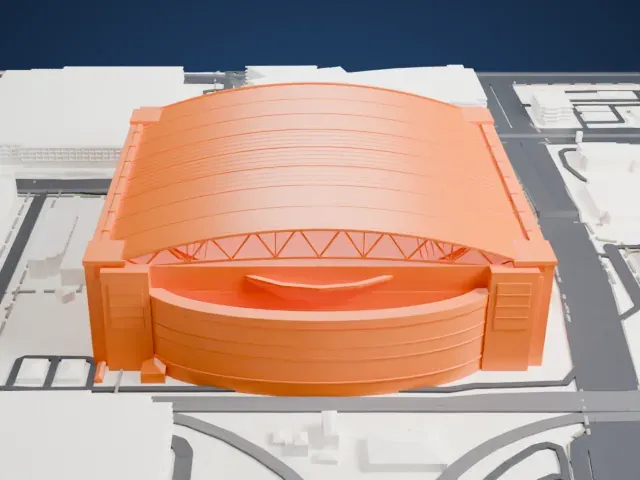
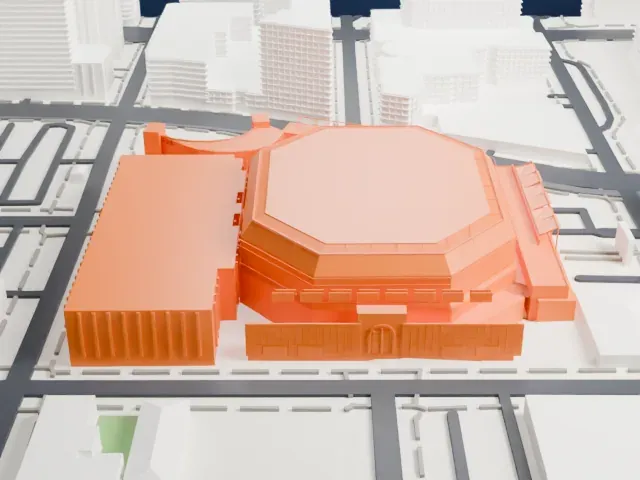
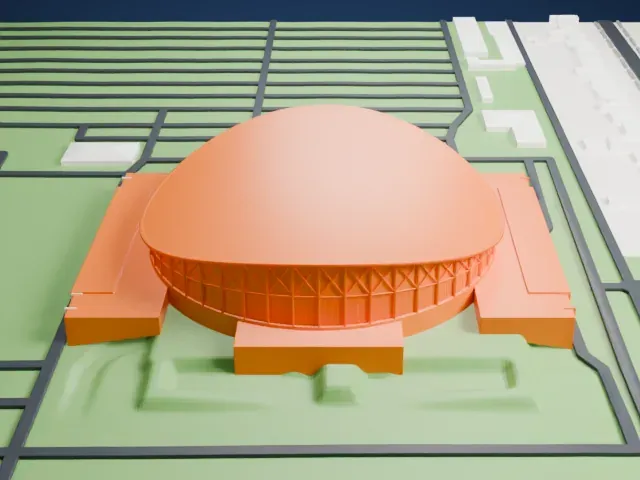
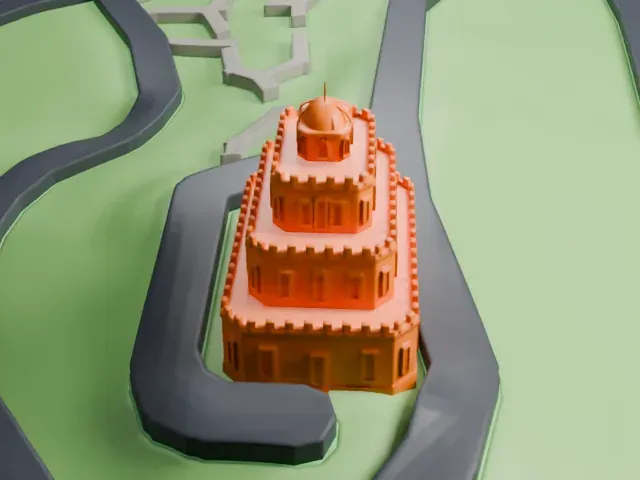
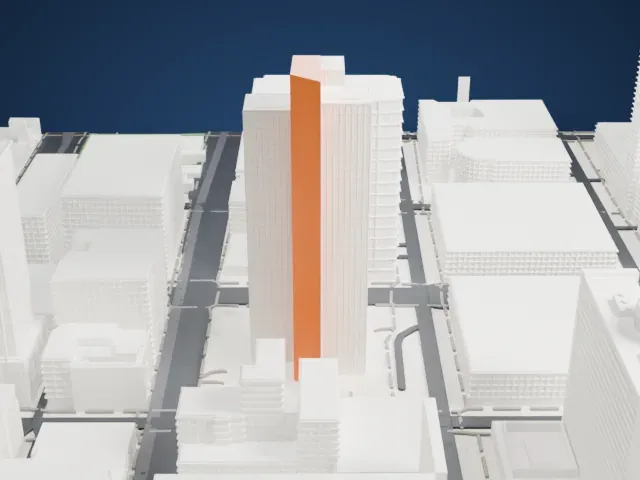
3D print 111 West Monroe
A free, printable model of 111 West Monroe, a tall rectangular office tower, and the downtown Phoenix buildings and wide streets around it, generated from real map data in your browser.
Free, in your browser. Exports a slicer-ready 3MF.
About 111 West Monroe
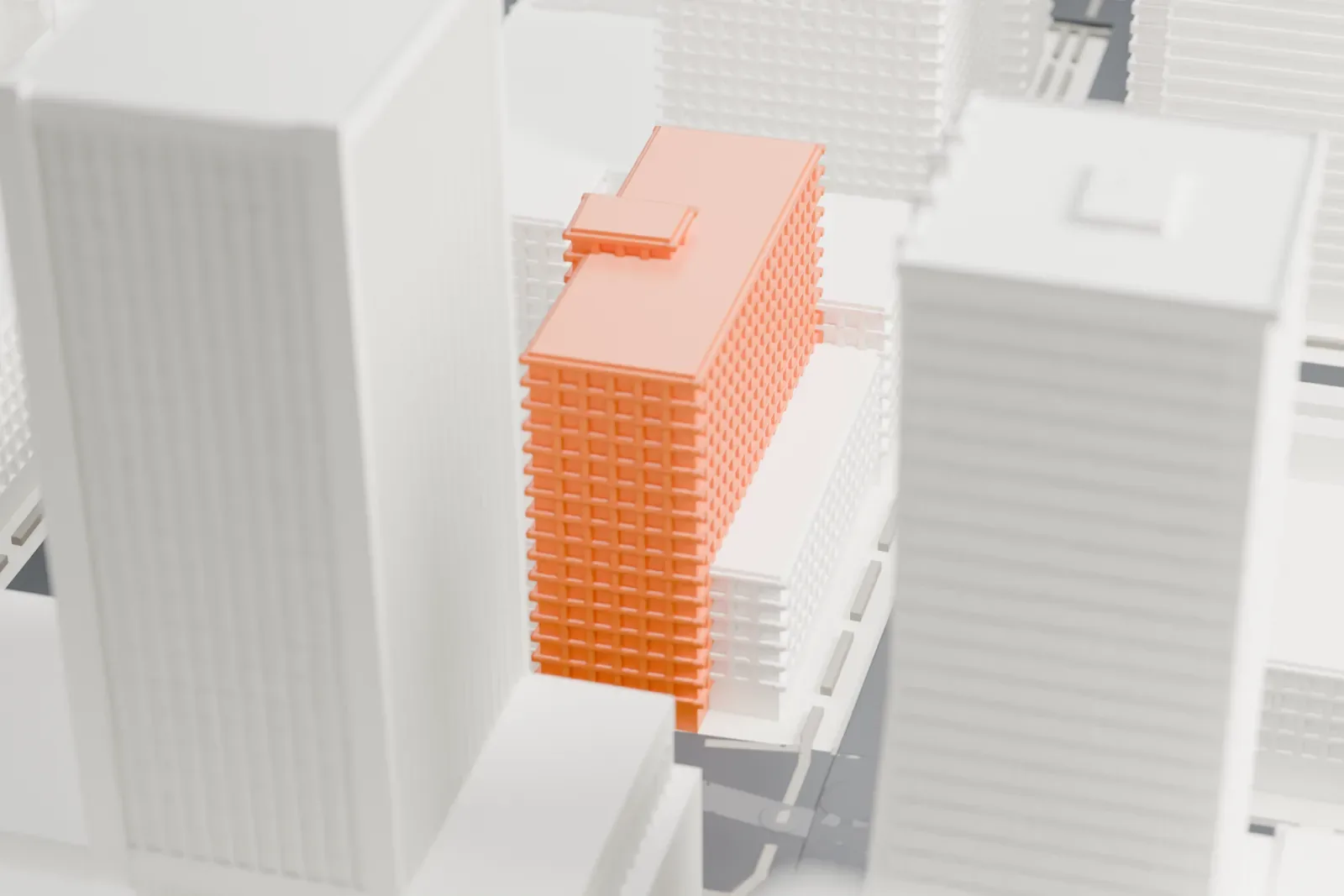
111 West Monroe is an 18-story office building in downtown Phoenix, Arizona. It is also known as The Monroe, and earlier names include the Arizona Title Building and the First American Title Building. The building opened in 1964, and its first occupant was the Arizona Title and Trust Co. Weaver & Drover, a local architecture firm, drew up the International Style design.
The architects wanted the exterior to show the true structure of the building, an idea they took from Mies van der Rohe. Local building codes required all structural steel to be wrapped in fireproof material, which made that impossible. Instead, vertical bronze-anodized aluminum mullions between the windows hint at the structure behind them. The east and west sides are blank walls covered with more than 8,000,000 gold tiles measuring 1 inch, which took over three weeks to install.
The lobby had Brazilian terrazzo floors, black Italian marble on its columns, and sculptures on the walls by local artist Paul Coze. Chanen Construction Company of Phoenix was the general contractor. Local architect Will Bruder designed an LED light display and metal panels that, in the early 2000s, covered the gold tiles, and the building became known as the One11 Tower. It has also been called the Phoenix counterpart to New York City's Seagram Building.
How it prints
Make this print opens the generator on a 600 m square around the landmark. Buildings print at close to true scale, so the landmark grows with the print size.
| Print size | Landmark height | Scale |
|---|---|---|
| 160 mm default | 20 mm | 1:3,750 |
| 200 mm | 26 mm | 1:3,000 |
| 256 mm | 33 mm | 1:2,344 |
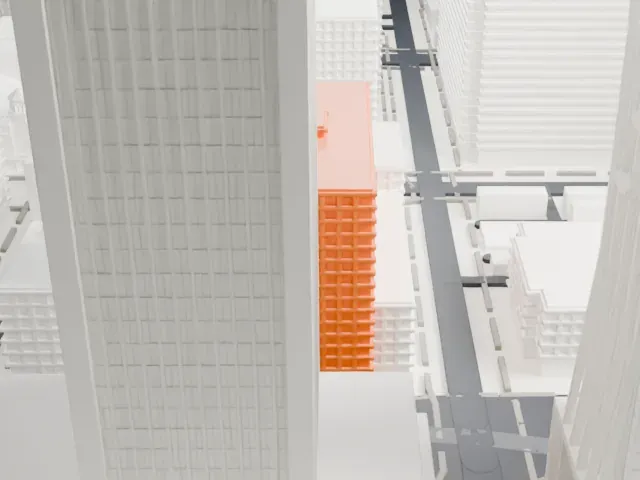
-
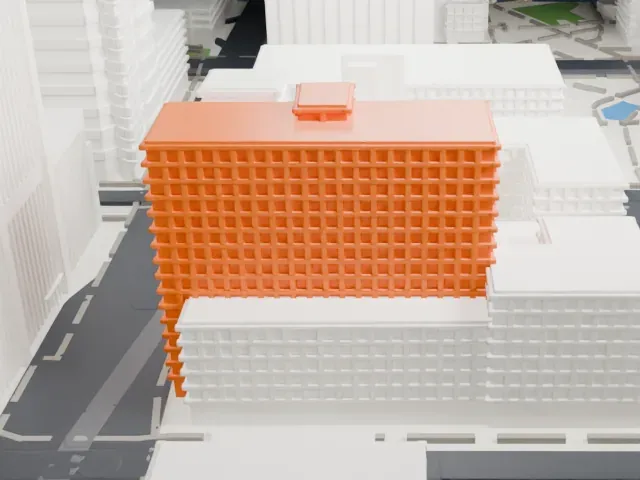 North
North
-
 East
East
-
 South
South
-
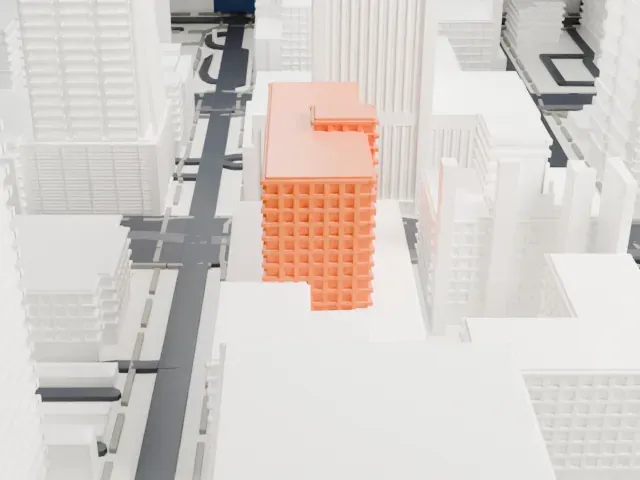 West
West
- Small block on the roof
- A small block sits on top of the roof. Print friendly adapts small details like this to the print scale; Full detail keeps them on larger prints.
- Broad, plain side walls
- The large side walls are plain, with long vertical edges. A layer height of 0.12–0.16 mm keeps those edges crisp.
- One piece with the ground
- 111 West Monroe is joined to the ground in the exported file, and the four-side check found no floating parts, so nothing needs gluing.
- Pick the detail for your nozzle
- In the Buildings settings, set Landmark detail to Print friendly to adapt thin parts and small details to the print scale. Full detail keeps every modeled feature, for larger prints or a finer nozzle.
- Colors
- Buildings, roads, water and ground arrive as separate filament slots in the 3MF. 111 West Monroe takes the building color.
- File format
- You get a 3MF for Bambu Studio, OrcaSlicer or PrusaSlicer. Any of them can save it as STL if you need one.
About this model
111 West Monroe is one of more than 2,300 landmark models in Mini Skyline. They are made with AI, and each one is checked from four sides in its real surroundings before release. Everything around it is built from OpenStreetMap and Overture map data. If you would rather print the shape from map data, turn off Landmark models in the Buildings settings.
Common questions
Is there a 111 West Monroe STL I can download?
Mini Skyline builds the file for you in your browser and exports 3MF, which every major slicer opens. If you need an STL, open the 3MF in your slicer and export it from there.
How big can I print it?
Any print size from 40 mm across. 111 West Monroe grows with the print: about 20 mm tall on the default 160 mm print. For a model larger than your printer bed, Project Mode splits the area into tiles.
Is it free?
Yes. Generation runs in your browser, with no account and nothing behind a paywall.