3D print Abeno Harukas
A free, printable model of Abeno Harukas, with the dense buildings and roads around it, generated from real map data in your browser.
Free, in your browser. Exports a slicer-ready 3MF.
About Abeno Harukas
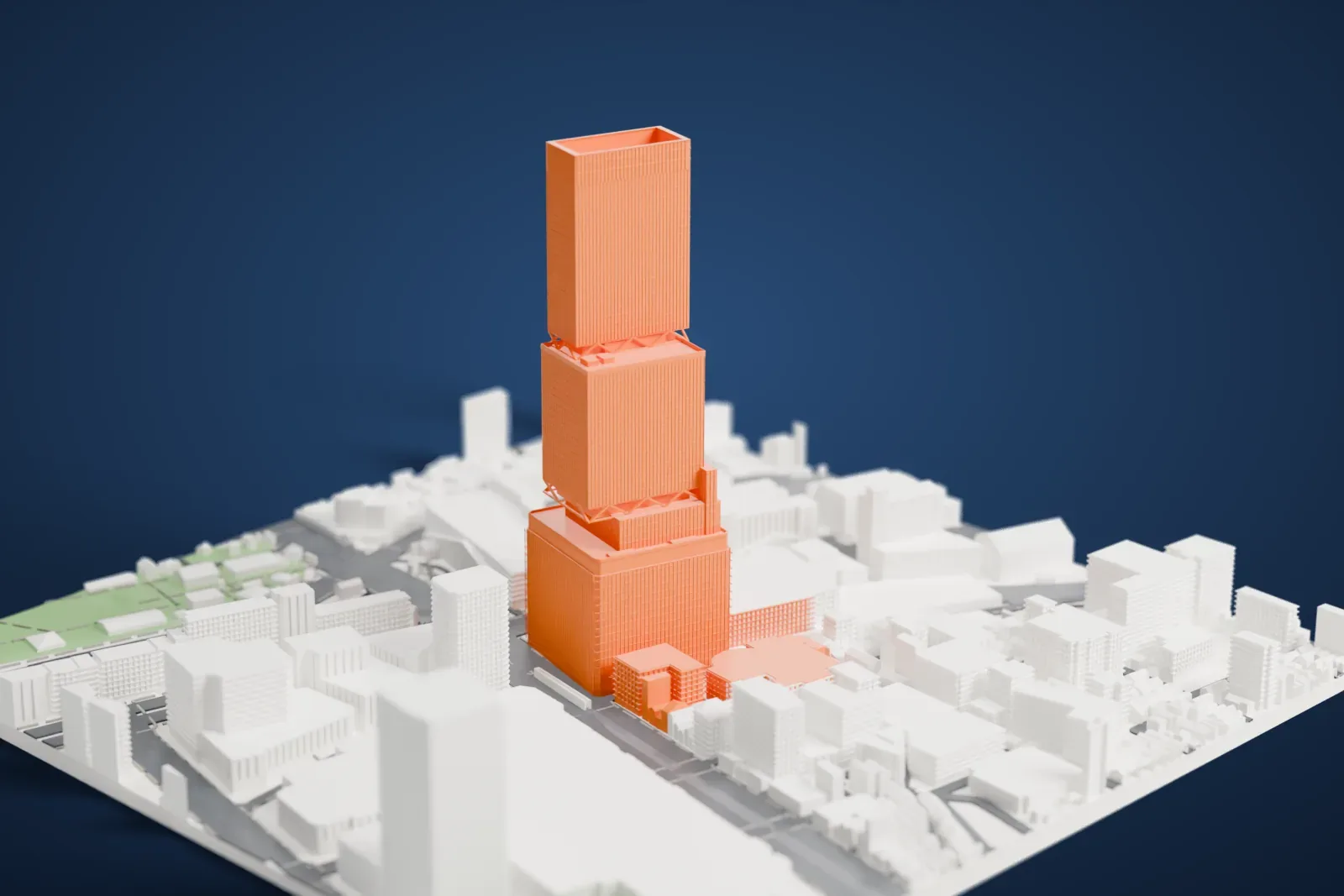
Abeno Harukas is a commercial complex in Osaka, Japan, in the district of Abeno-ku (Abenosuji Itchome) that serves several purposes. It has three parts: the New Annex, the Eastern Annex and the supertall skyscraper that shares its name. The skyscraper is 300 m (984 ft) tall. It was Japan's tallest building from 2014 to 2023, when Azabudai Hills Mori JP Tower took the title. The building was finished on March 7, 2014.
It was planned as the alternative station building for Ōsaka Abenobashi Station, the terminal of the Kintetsu Minami Osaka Line. Its tenants include a Kintetsu department store, a Marriott International hotel, university campuses and a Sharp Corporation sales office. With floor space of around 100,000 m² (1,100,000 sq ft), it ranks among the largest department stores in Japan.
The name comes from an old Japanese word, harukasu, which means to brighten or to clear up. In the tower, the Harukas 300 observatory occupies the 58th to 60th floors, hotel guest rooms fill the 38th to 55th floors, offices take the 21st to 36th, and the 16th floor holds the Abeno Harukas Museum and a rooftop garden.
How it prints
Make this print opens the generator on a 600 m square around the landmark. Buildings print at close to true scale, so the landmark grows with the print size.
| Print size | Landmark height | Scale |
|---|---|---|
| 160 mm default | 80 mm | 1:3,750 |
| 200 mm | 100 mm | 1:3,000 |
| 256 mm | 128 mm | 1:2,344 |
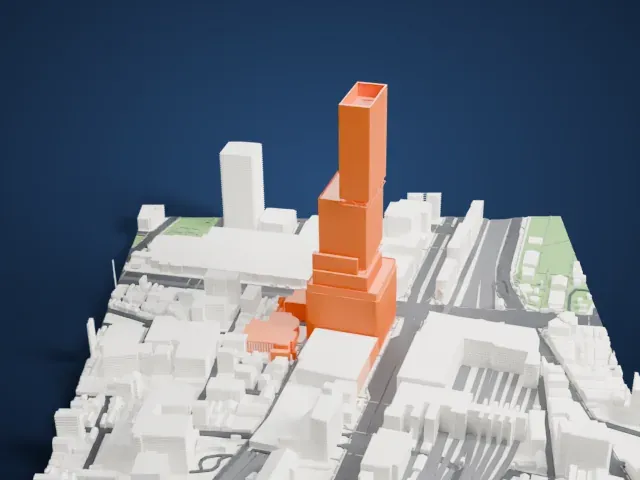
-
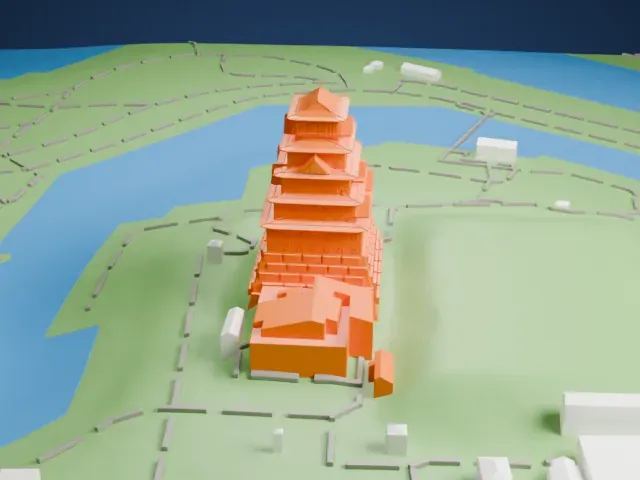
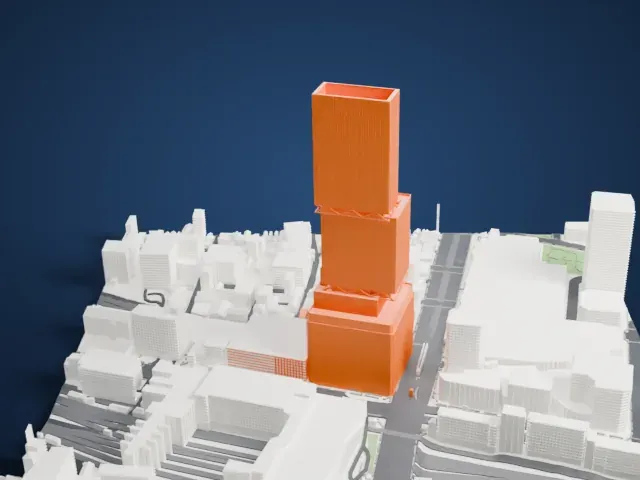 North
North
-
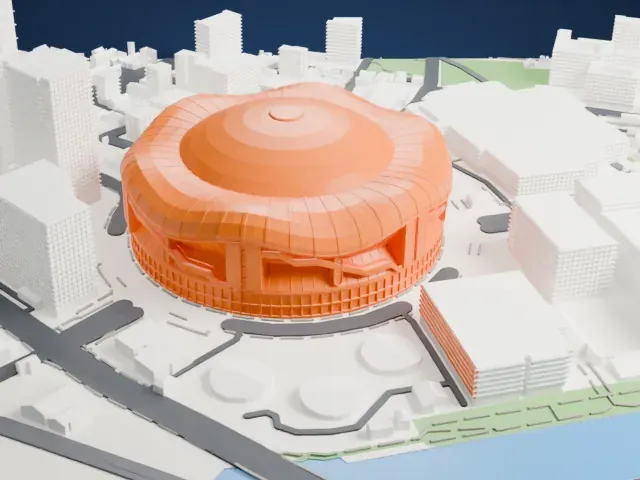
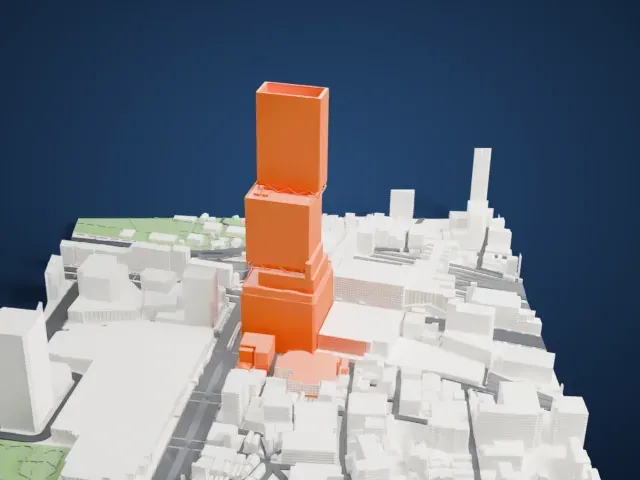
 East
East
-
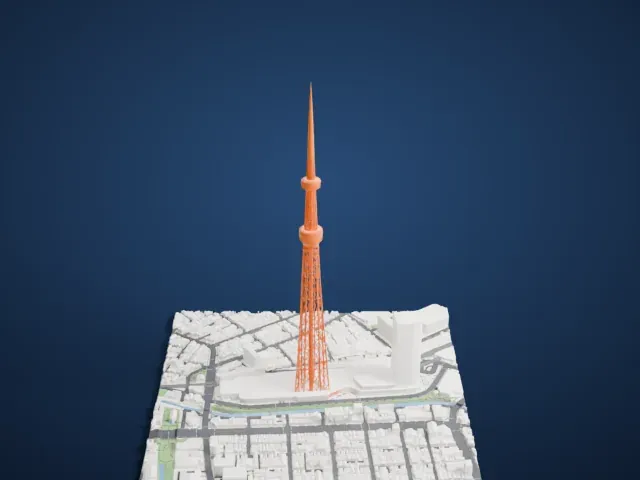
 South
South
-
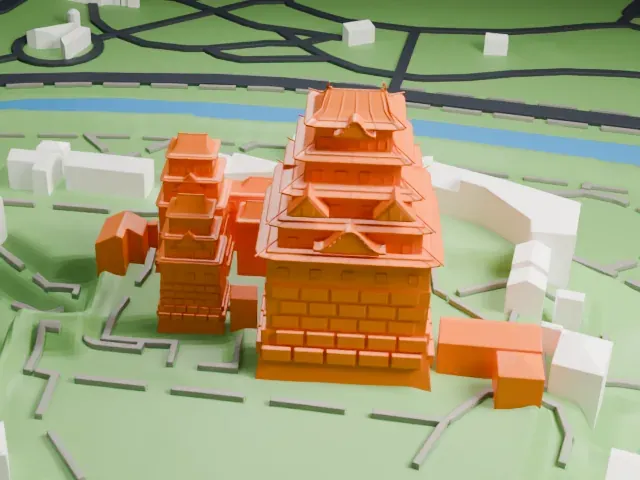
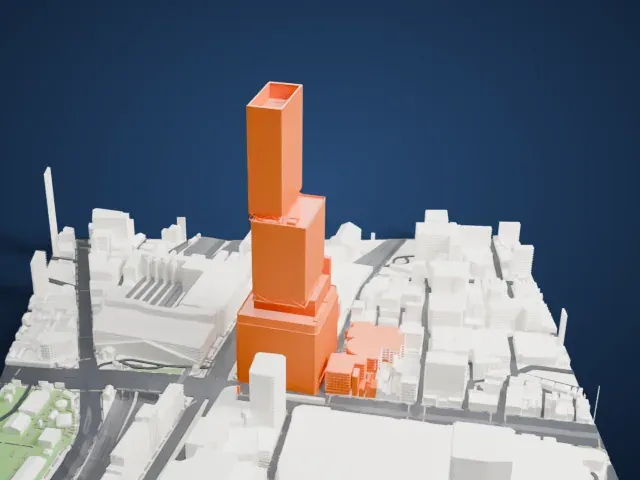 West
West
- Setbacks with small braces
- The tower steps in at two levels, with small diagonal braces at each step. Print friendly adapts them to the print scale; Full detail keeps them on a larger print.
- A tall, ribbed shaft
- Fine vertical lines run up the facade. Print slowly with good cooling, and use 0.12–0.16 mm layers to keep them crisp.
- One piece with the ground
- Abeno Harukas is joined to the ground in the exported file, and the four-side check found no floating parts, so nothing needs gluing.
- Pick the detail for your nozzle
- In the Buildings settings, set Landmark detail to Print friendly to adapt thin parts and small details to the print scale. Full detail keeps every modeled feature, for larger prints or a finer nozzle.
- Colors
- Buildings, roads, water and ground arrive as separate filament slots in the 3MF. Abeno Harukas takes the building color.
- File format
- You get a 3MF for Bambu Studio, OrcaSlicer or PrusaSlicer. Any of them can save it as STL if you need one.
About this model
Abeno Harukas is one of more than 2,300 landmark models in Mini Skyline. They are made with AI, and each one is checked from four sides in its real surroundings before release. Everything around it is built from OpenStreetMap and Overture map data. If you would rather print the shape from map data, turn off Landmark models in the Buildings settings.
Common questions
Is there an Abeno Harukas STL I can download?
Mini Skyline builds the file for you in your browser and exports 3MF, which every major slicer opens. If you need an STL, open the 3MF in your slicer and export it from there.
How big can I print it?
Any print size from 40 mm across. Abeno Harukas grows with the print: about 80 mm tall on the default 160 mm print. For a model larger than your printer bed, Project Mode splits the area into tiles.
Is it free?
Yes. Generation runs in your browser, with no account and nothing behind a paywall.