3D print Al Faisaliah Tower
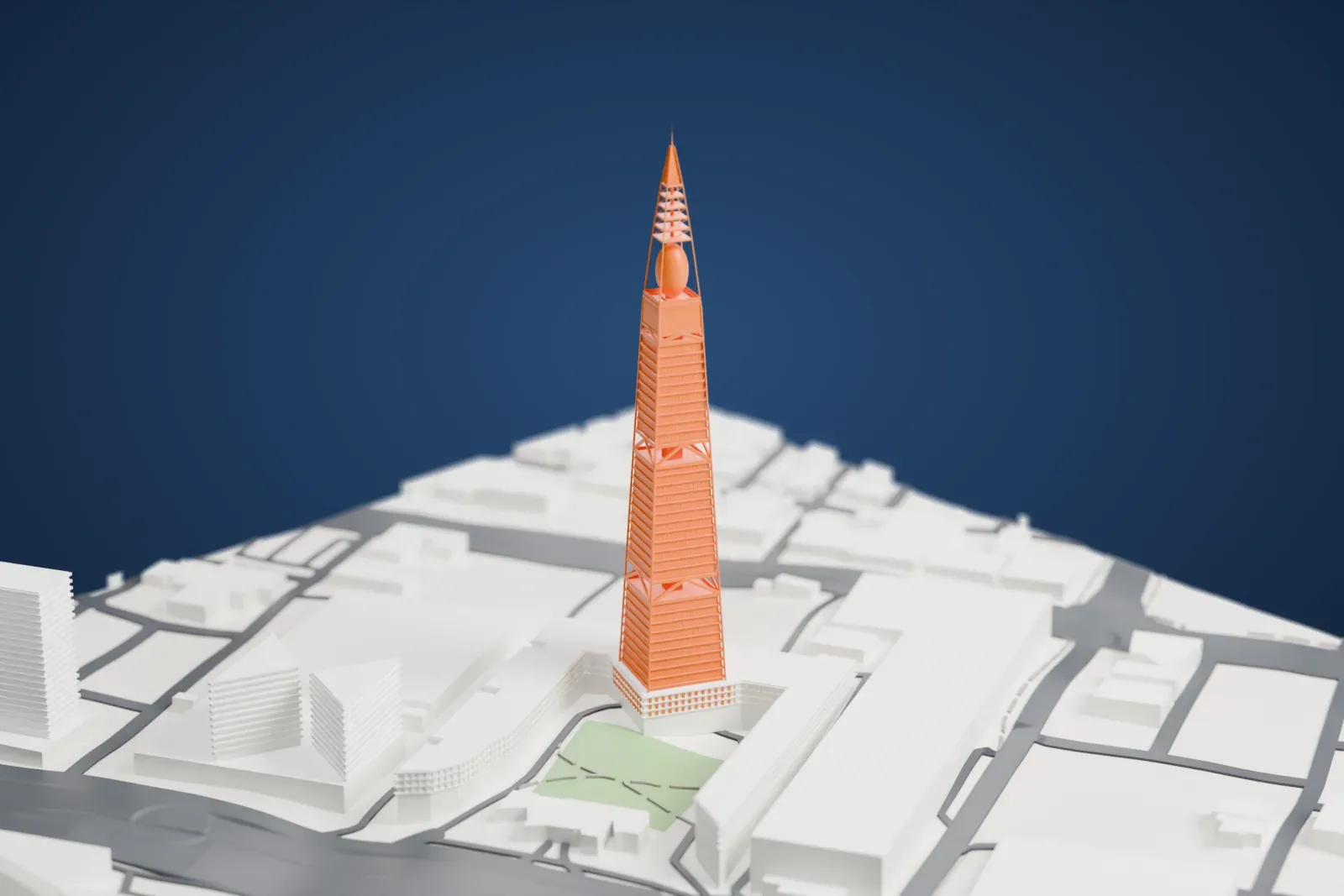
A free, printable model of Al Faisaliah Tower, a tapering tower with a sphere near its top and a slender spire, and the low buildings around it, generated from real map data in your browser.
Free, in your browser. Exports a slicer-ready 3MF.
About Al Faisaliah Tower
Al-Faisaliah Tower is a commercial skyscraper and mixed-use complex, 267 meters high, in Riyadh, Saudi Arabia, within the Al-Olaya district. Within the Al-Faisaliah Center development, the tower, designed by Foster + Partners, is the centerpiece. Al-Jouf Province's Umar ibn al-Khattab Mosque inspired the building's form. The tower takes its name from King Faisal bin Abdulaziz, and it is also called the Star Dome.
The complex was assigned to Foster + Partners in 1994, Abdullah Al-Faisal commissioned it, and construction began in 1997. Besides the central office tower, it holds a five-star hotel, a retail mall three stories high, and a hall for banquets and conferences. The tower has 30 floors of office space, and above them, 200 meters above ground level, an observation deck gives a panoramic view of Riyadh. A restaurant called "The Globe" sits in the sphere above that deck. The Center, 240,000 square meters in size, was completed in May 2000, and the skyscraper opened to the public that same month.
On completion in 2000, it was the first skyscraper to go up in Saudi Arabia, and it held the title of the country's tallest building from 2000 to 2002. The lobby contains a stained-glass installation by the architectural artist Brian Clarke, created together with Norman Foster. Brian Clarke received a commission in 1999 for a glass wall of 22,000 sq. ft., set in the atrium that connects the complex's hotel with the residential and retail developments of the tower.
How it prints
Make this print opens the generator on a 600 m square around the landmark. Buildings print at close to true scale, so the landmark grows with the print size.
| Print size | Landmark height | Scale |
|---|---|---|
| 160 mm default | 73 mm | 1:3,750 |
| 200 mm | 91 mm | 1:3,000 |
| 256 mm | 116 mm | 1:2,344 |
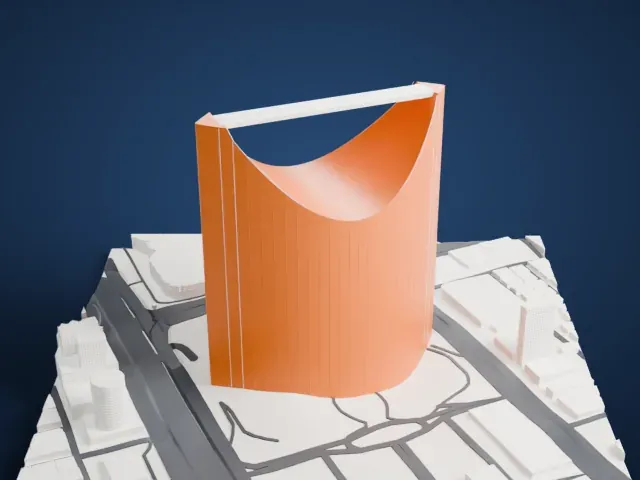
-
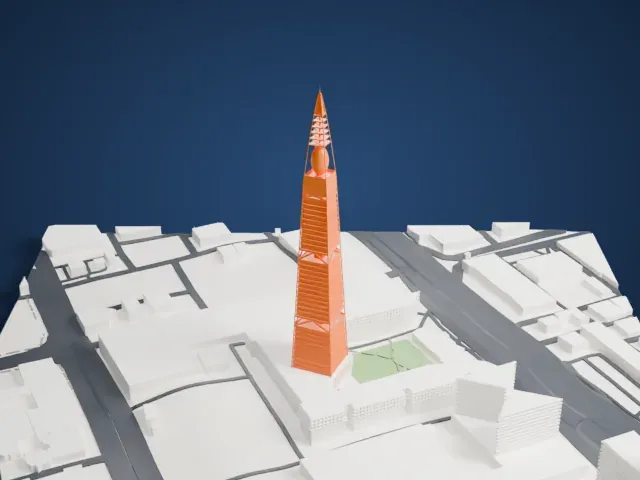 North
North
-
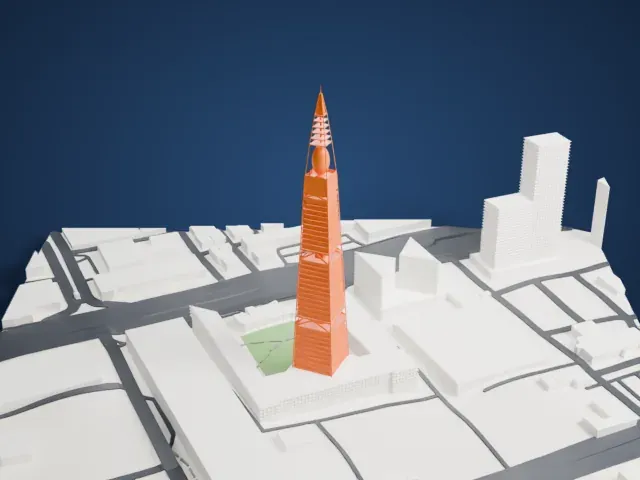 East
East
-
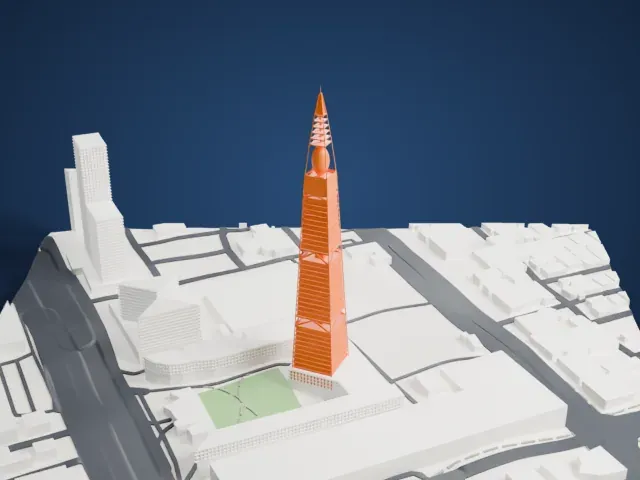 South
South
-
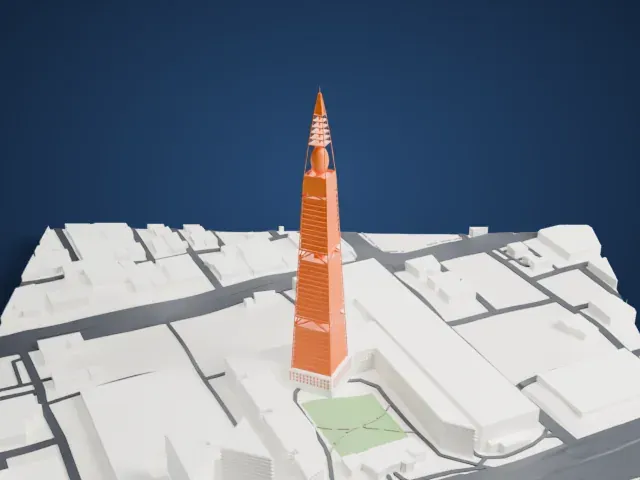 West
West
- Sphere and open-frame spire
- A sphere sits near the top, with a slender open-frame spire above it. Print friendly adapts these thin parts to the print scale; Full detail and a larger print keep more. Print slowly with good cooling.
- Bracing lines up the shaft
- Diagonal bracing and horizontal bands mark the tapering shaft. Layers of 0.12–0.16 mm keep them crisp, and a larger print size keeps the bands distinct.
- One piece with the ground
- Al Faisaliah Tower is joined to the ground in the exported file, and the four-side check found no floating parts, so nothing needs gluing.
- Pick the detail for your nozzle
- In the Buildings settings, set Landmark detail to Print friendly to adapt thin parts and small details to the print scale. Full detail keeps every modeled feature, for larger prints or a finer nozzle.
- Colors
- Buildings, roads, water and ground arrive as separate filament slots in the 3MF. Al Faisaliah Tower takes the building color.
- File format
- You get a 3MF for Bambu Studio, OrcaSlicer or PrusaSlicer. Any of them can save it as STL if you need one.
About this model
Al Faisaliah Tower is one of more than 2,300 landmark models in Mini Skyline. They are made with AI, and each one is checked from four sides in its real surroundings before release. Everything around it is built from OpenStreetMap and Overture map data. If you would rather print the shape from map data, turn off Landmark models in the Buildings settings.
Common questions
Is there an Al Faisaliah Tower STL I can download?
Mini Skyline builds the file for you in your browser and exports 3MF, which every major slicer opens. If you need an STL, open the 3MF in your slicer and export it from there.
How big can I print it?
Any print size from 40 mm across. Al Faisaliah Tower grows with the print: about 73 mm tall on the default 160 mm print. For a model larger than your printer bed, Project Mode splits the area into tiles.
Is it free?
Yes. Generation runs in your browser, with no account and nothing behind a paywall.